
How do I turn off/on conference call mode using Jabra Direct?
To turn the conference call mode off/on, follow these steps.
- In Jabra Direct, select your device.
- Click Device.
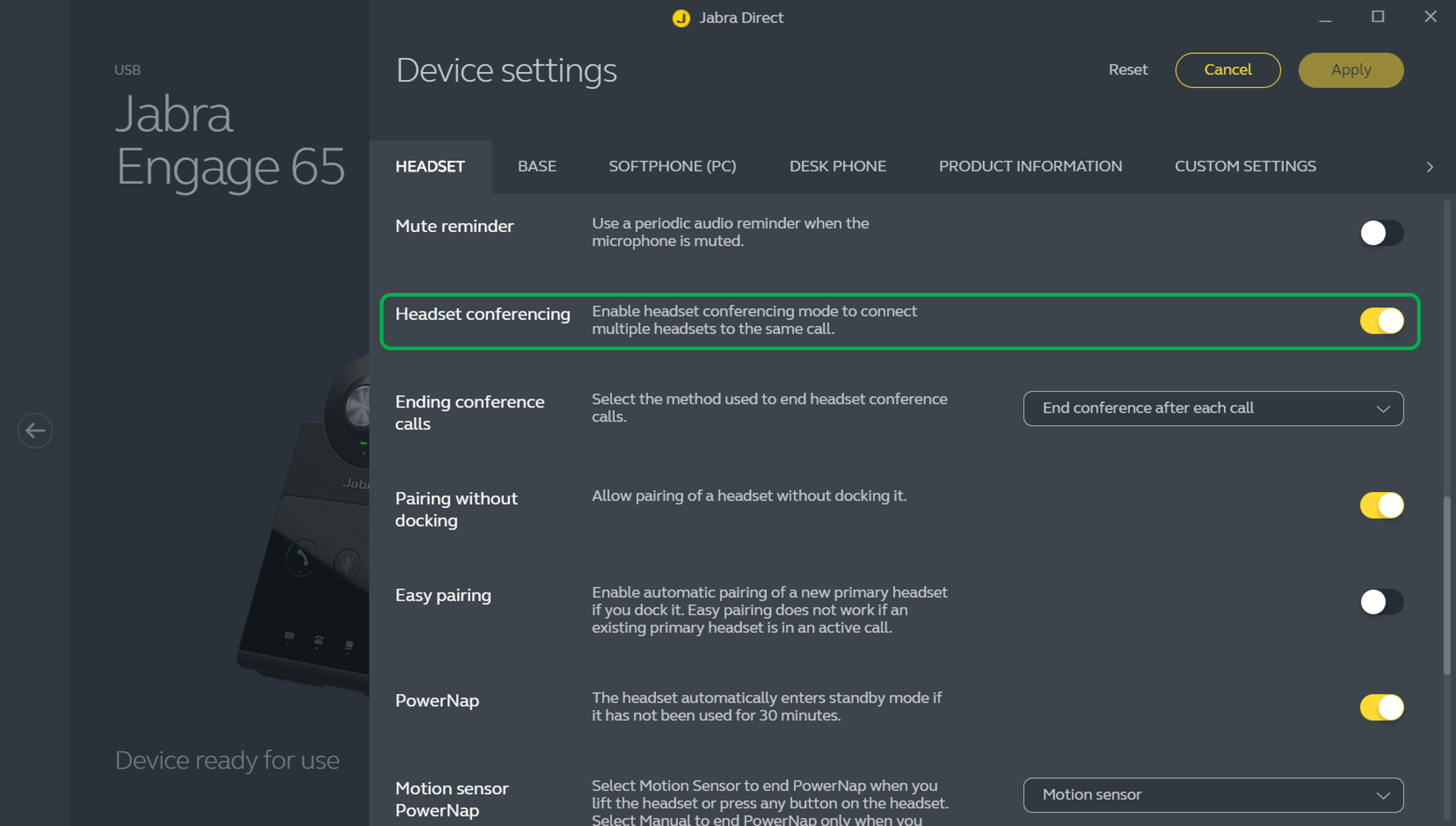
- In Device settings > Headset > Headset conferencing, click the slider to turn the setting off/on.
- Click Apply.
Note
Images and text are for guidance purposes only. Actual images and text may vary depending on the connected device and updates to the software.
