
FAQ
How do I add a voice mail number to my Jabra Biz 2300/2400 II USB using Jabra Direct?
How do I add a voice mail number to my Jabra Biz 2300/2400 II USB using Jabra Direct?
To add a voice mail number on your device, follow these steps.
- In Jabra Direct, select your device.
- Click Device.
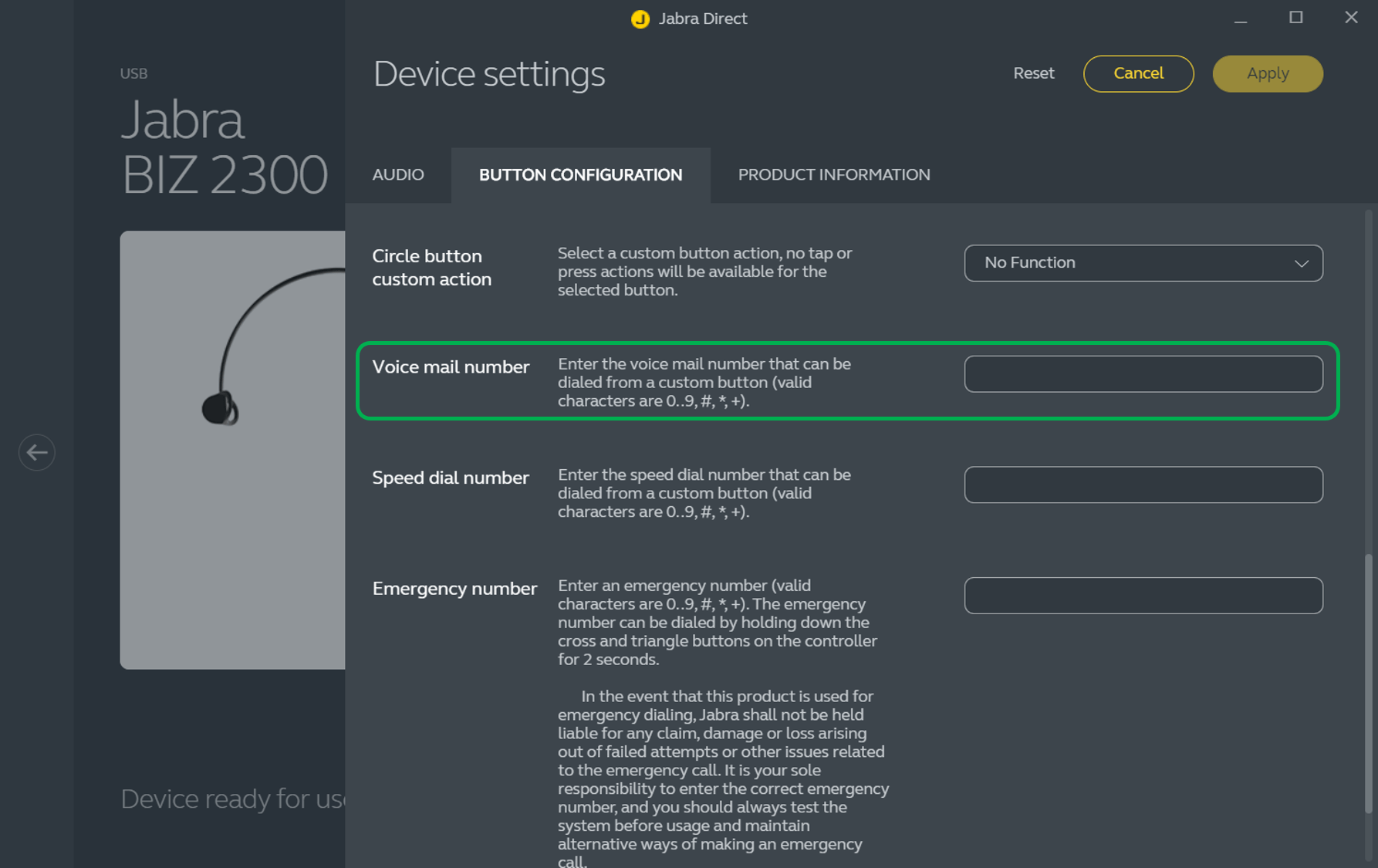
- In Device settings > Button configuration > Voice mail number, enter the number to use.
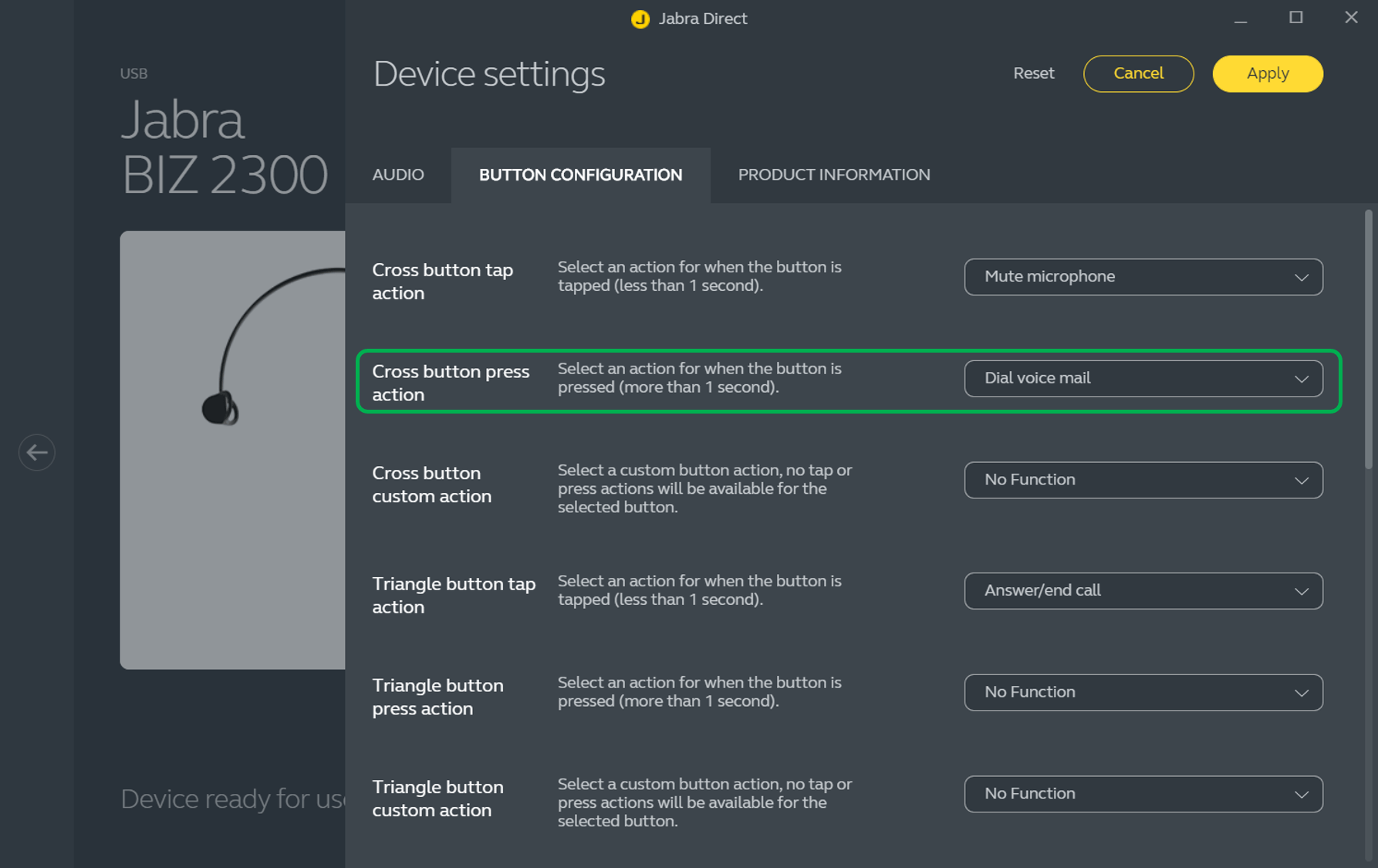
- Select a button and action to use for the voice mail function.
- Click Apply.
Note
Your softphone application must support the voice mail function.
Images and text are for guidance purposes only. Actual images and text may vary depending on the device connected and updates to the software.
