
FAQ
How to connect my Jabra GN9350e with Nortel IP 1120E, IP 1140E, IP 1150E, IP 1165E
How to connect my Jabra GN9350e with Nortel IP 1120E, IP 1140E, IP 1150E, IP 1165E
Prerequisite:
Jabra GN9350 + Jabra Link 14201-32
In combination with one of the following phones:
- Nortel IP 1120E
- Nortel IP 1140E
- Nortel IP 1150E
- Nortel IP 1165E
from firmware release 3.1 for IP phones
Connection:
- Connect the 1-sidedend (USB plug) of the EHS adapter to the USB socket of your phone set.
- Connect the split end of the EHS adapter to the Jabra GN9350e base as follows. Plug the RJ10 plug into the socket marked with the “phone” symbol and the RJ45 plug into the base socket marked with "AUX".
Software setup:
In the LCD Display, set the Jabra GN9350 to "DHSG" and press the OK button.

Base setup:
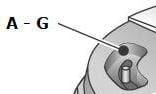
Set the phone setup switch (A-G) to "A".
Microphone level setup:
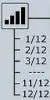
We recommend setting the microphone volume in the LCD display to 7 out of 12.
Headset answer/end:
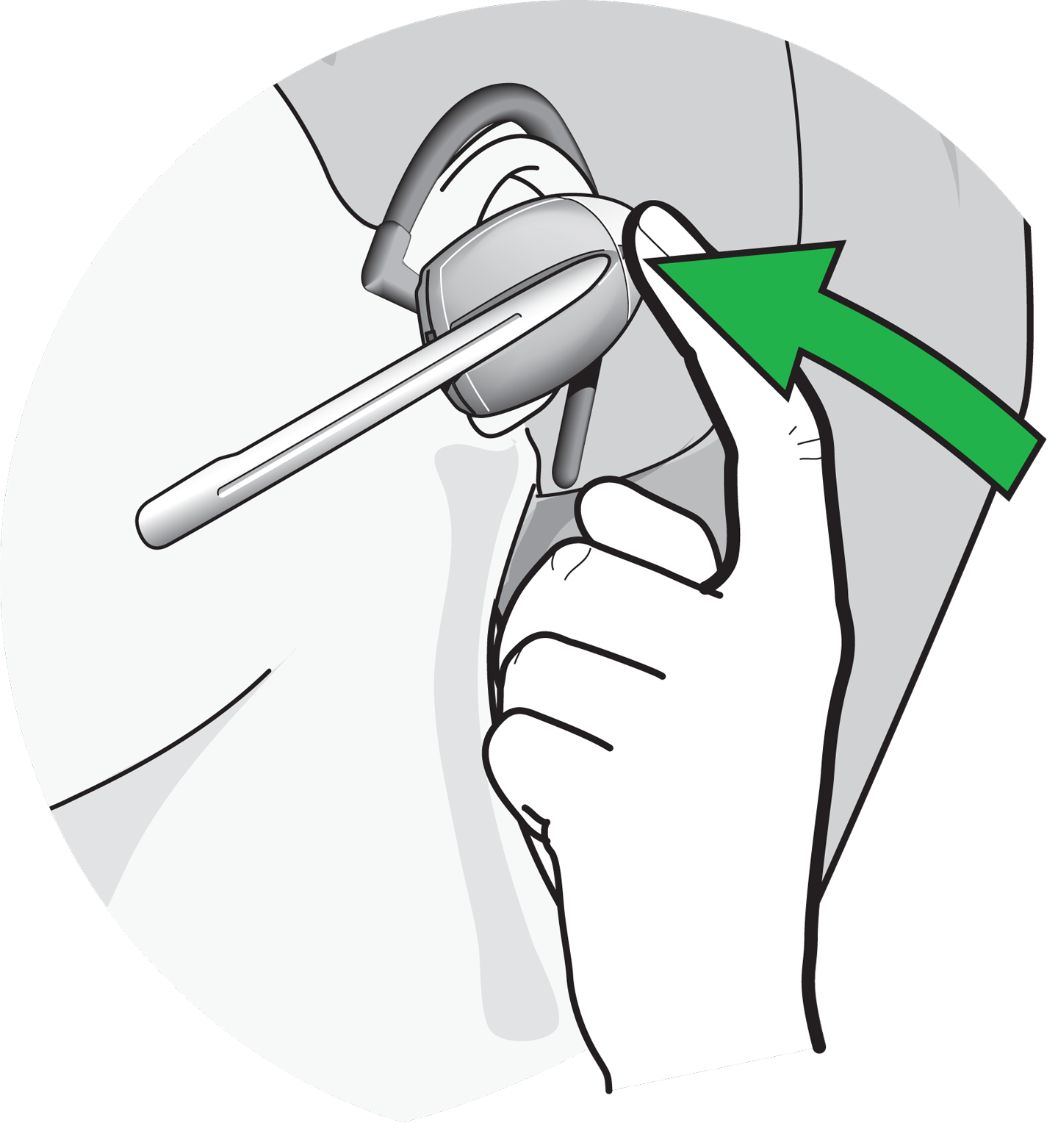
As soon as the dial tone signal can be heard in the headset, you can answer the call by pressing the "answer/end” button" on the headset; by pressing again the call is ended.
Phone setup:
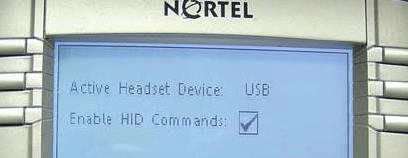
Press the "Service button" twice > Preset >Headsets > USB 
In addition, you must activate the menu option "Enable HID Commands", see below.
?
