
How to connect my Jabra GN9350e with Cisco 8961, 9951, 9971
How to connect my Jabra GN9350e with Cisco 8961, 9951, 9971
Prerequisite:
Jabra GN9350e + Jabra Link 14201-30 (from FW 2.2.0)
In combination with one of the following phones:
- Cisco 8961 / 9951 / 9971
Important: The following prerequisites must be met in order to use the remote call control:
- Cisco Unified Communications Manager (CUCM) from release 7.1 (3a) SU1 or higher and phone firmware 9.0 (3) or higher.
- Cisco Call Manager Express from version 4.1 and phone firmware 9.0(3) When downloading (Cisco) the required IOC version will be marked.
Connection:
- Connect the 1-sided end (USB plug) of the EHS adapter to the USB socket of your phone.
- Plug the RJ10 plug into the socket marked with the “phone” symbol and the RJ45 plug into the base socket marked with "AUX".
Software setup:
In the LCD Display, set the Jabra GN9350 to "DHSG" and press the OK button.

Base setup:
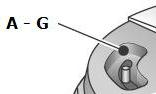
Set the phone setup switch (A-G) to "A".
Microphone level setup:
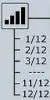
We recommend setting the microphone volume in the LCD display to 7 out of 12.
Headset answer/end:
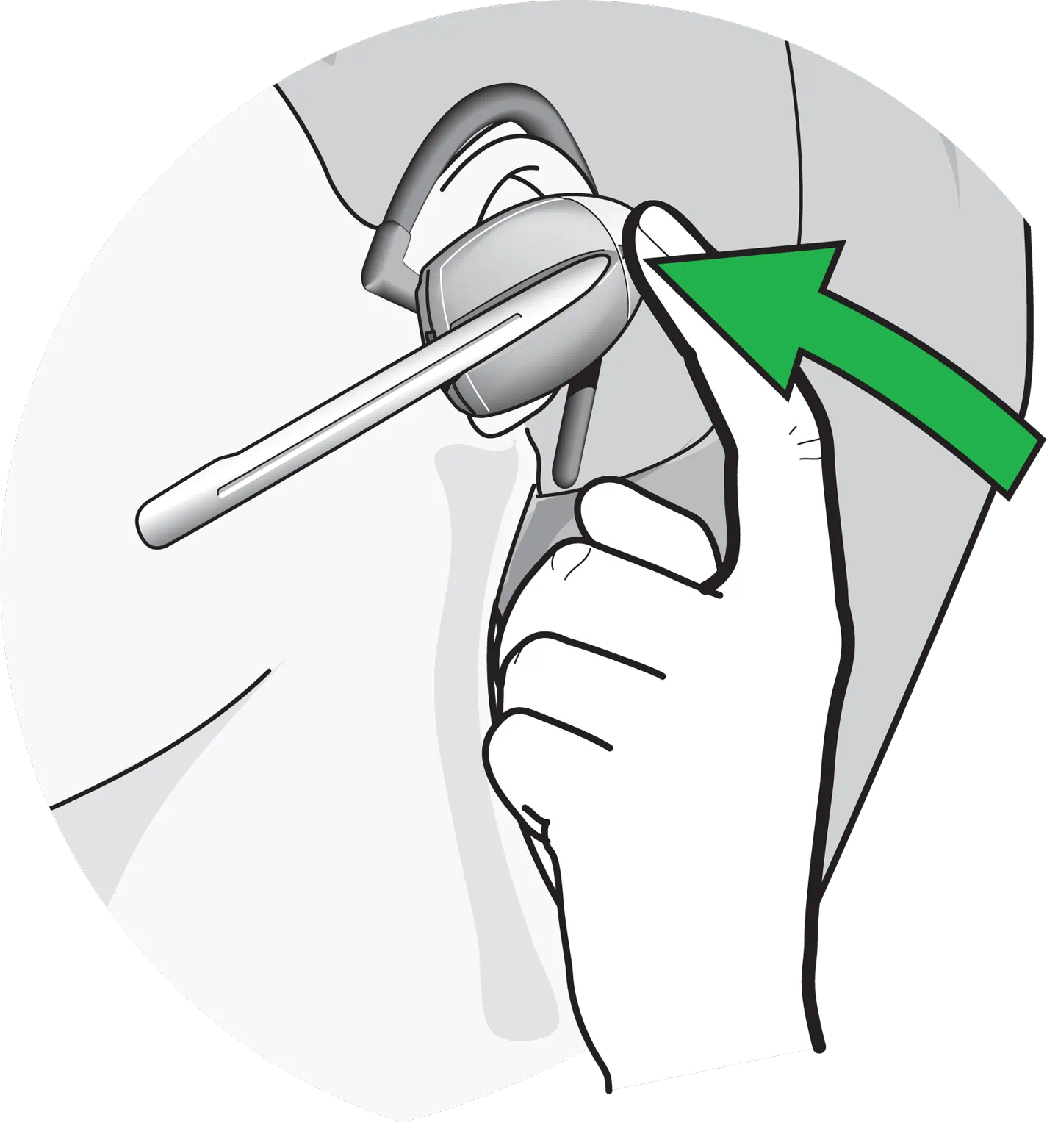
As soon as the dial tone signal can be heard in the headset, you can answer the call by pressing the ”answer/end” button on the headset; by pressing again the call is ended.
Communication Manager setup:
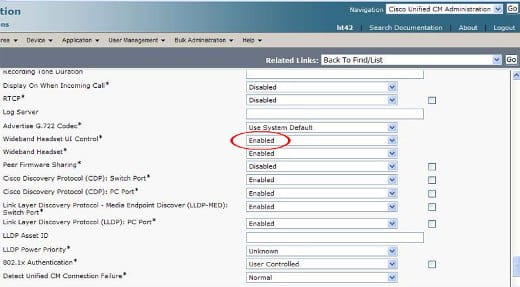
Under the tab "Wideband Headset UC Control", the option "Enabled" must be selected for each terminal phone.
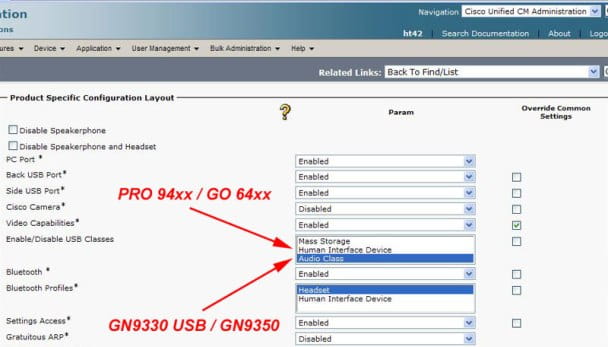
In the tab "Enable/Disable USB Classes" you must select the option "Audio Class" for the Jabra Gn93x0 series.
In combination with the Jabra Pro 94x0 and Jabra Go 6470 series, you must select "Human Interface Phone".
