
How do I use voice commands with my Jabra Motion?
To use voice commands when you are not on a call, tap the Voice and Mute microphone button until you hear "say a command".
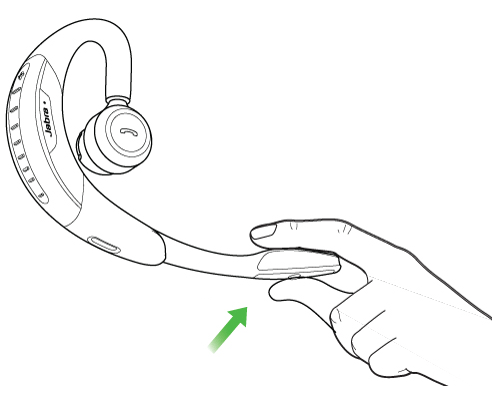
You can use the following voice commands with the Jabra Motion:
|
"What can I say"? |
Hear a list of all voice commands |
| "Answer" |
Answer an incoming call |
|
"Ignore" |
Reject an incoming call |
|
"Pair new device" |
Enter pairing mode to begin pairing with a new mobile device |
|
"Redial" |
Redial the last number that was dialed |
|
"Call back" |
Dial the phone number that last called you |
|
"Battery" |
Hear the current status of the battery level |
|
"Cancel" |
Cancel current voice command |
|
"Phone commands" |
Turn on the phone commands of the paired device (for example, Siri) |
