Please enter your e-mail address below and we will send a new password to you.
Thank you.
We have sent you an email with your new password to .
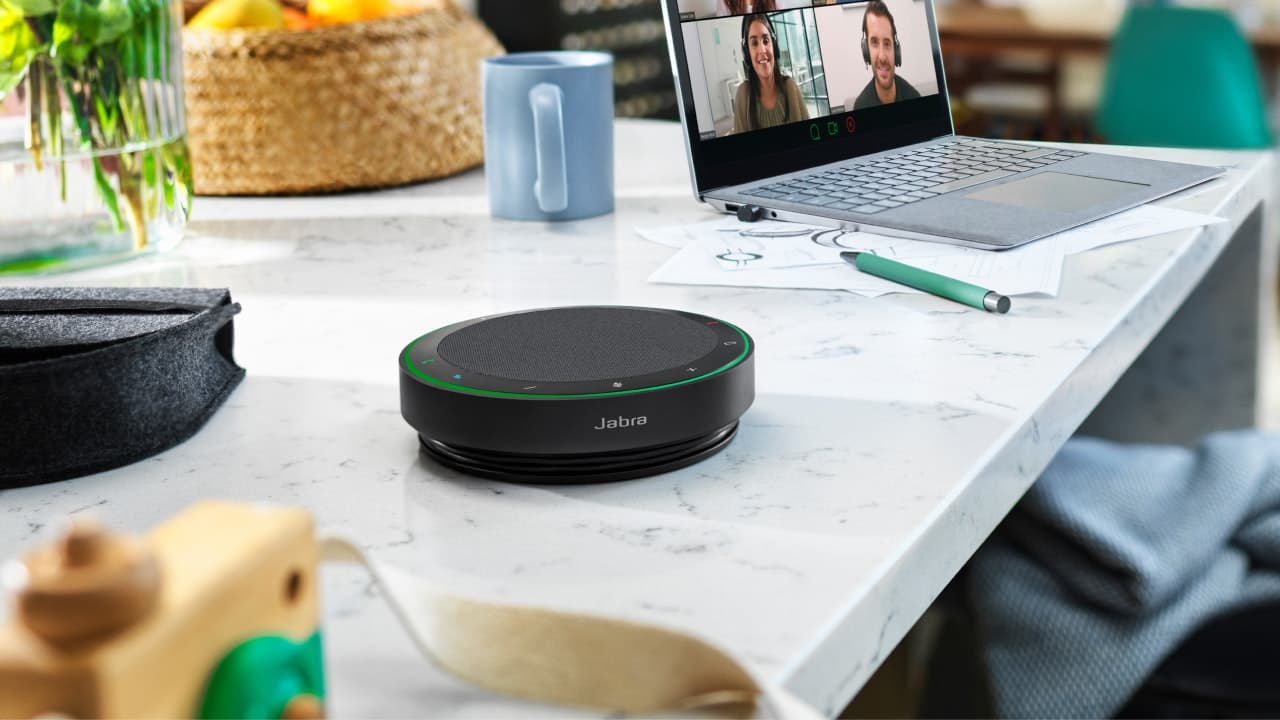
Make conference call possible everywhere with your portable SPEAK 510 - a personal Bluetooth® and USB speakerphone that works with your PC, smartphone or tablet.
Thank you for your feedback
The information you provide will be used to improve the page.
We will not respond directly to your comments.
Please go to Contact if you need further assistance.
Please tell us why you didn't find this useful
How can we make this more useful for you?
Bluetooth is a radio technology that is sensitive to objects between the Jabra SPEAK 510 and the connected device. Ensure the Jabra SPEAK 510 and the connected device are within range (up to 100 meters or 330 feet).
- Increase the speaker volume. - Ensure that the Jabra Speak 510 is connected to a device.
Check your mobile device’s Bluetooth menu and delete/ forget the Jabra Speak 510. Re-connect the Jabra Speak 510 to your Bluetooth device following the Bluetooth connection instructions.
The Jabra Speak 510 is designed to work with Bluetooth mobile devices. It can also support other Bluetooth devices that are compliant with Bluetooth version 3.0 or lower and support a headset, hands-free and/or advance audio distribution profile.
The call reject feature requires Jabra PC Suite to be installed on your PC, and your mobile device to support a Hands-free profile. Refer to your mobile phone user manual for more details. Jabra PC Suite can be downloaded from www.jabra.com/pcsuite.
Download the latest release of Jabra PC Suite
For more support to your product, drivers, Firmware, go to the product support page