

Jabra Logo
Jabra Logo

Get started with your product

Support resources

Documents

Loading component...

FAQs

Loading component...

Latest release notes

Loading component...

Find the serial number

Find your product serial number before checking the warranty.

Cable extension options

Contact Jabra Support

Warranty terms

Read our warranty and service information for business products

Product registration

Get news from Jabra, offers and tips sent directly to your inbox

Accessories

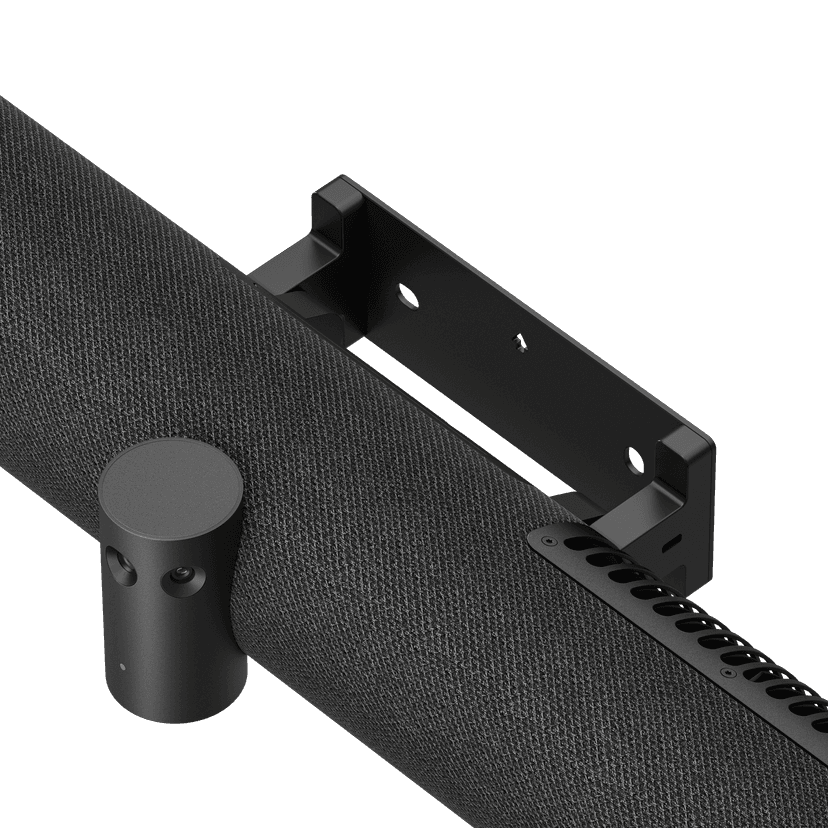
  • Jabra PanaCast 50 Screen Mount

    x xxx,xx xx(x xxx,xx xx x xxx xxx)
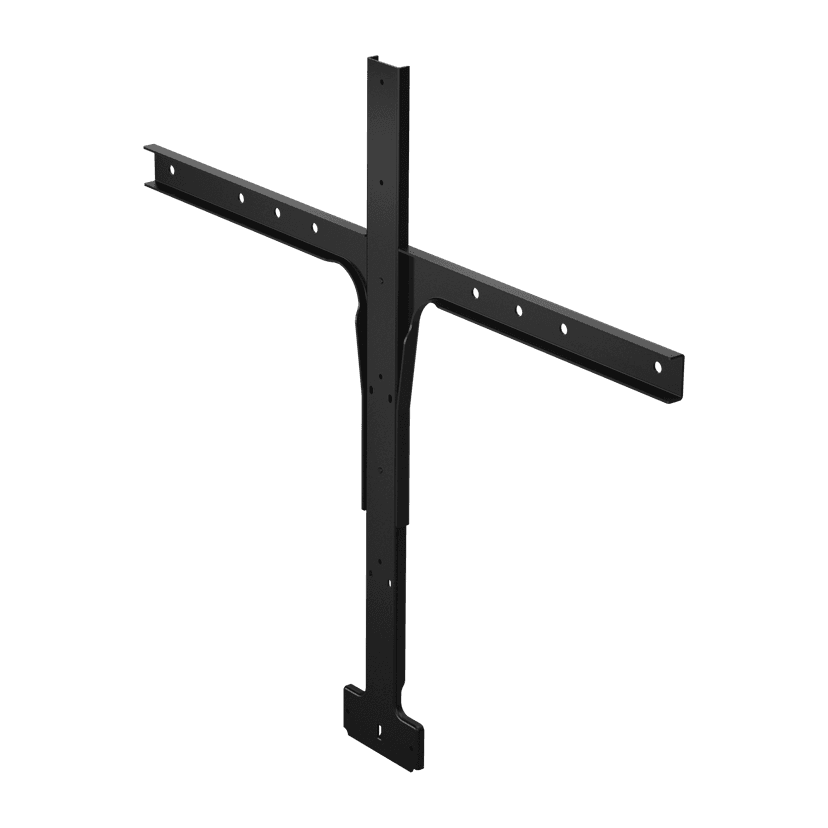
  • Jabra PanaCast 50 Video Bar System Wall Mount

    x xxx,xx xx(x xxx,xx xx x xxx xxx)
  • Jabra PanaCast Control Table Mount

    x xxx,xx xx(x xxx,xx xx x xxx xxx)
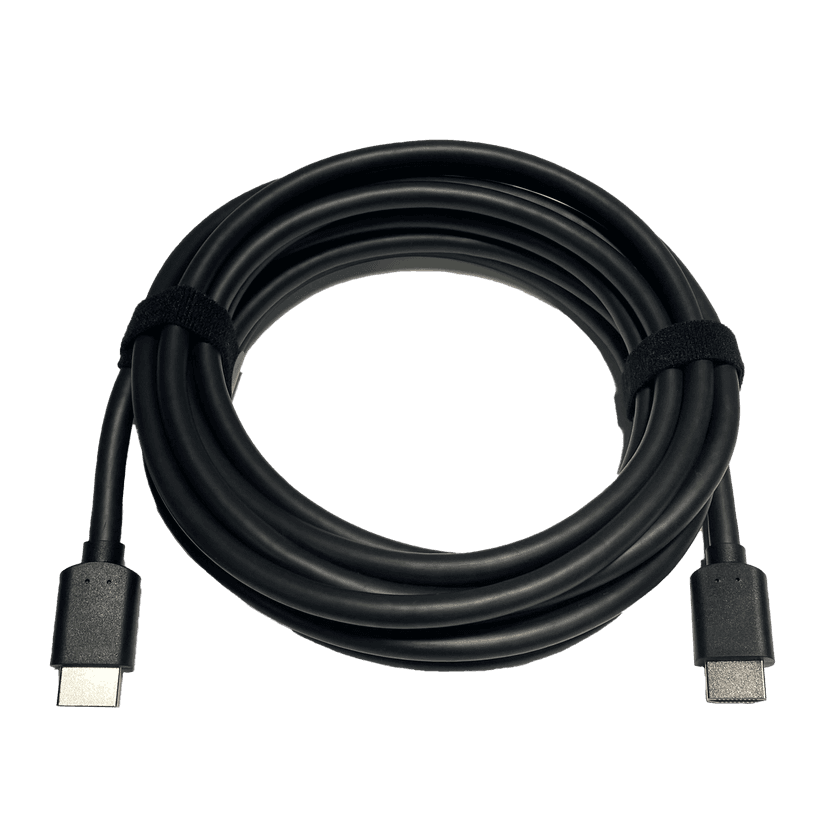
  • Jabra HDMI Ingest Cable (4.57m/15ft)

    x xxx,xx xx(x xxx,xx xx x xxx xxx)
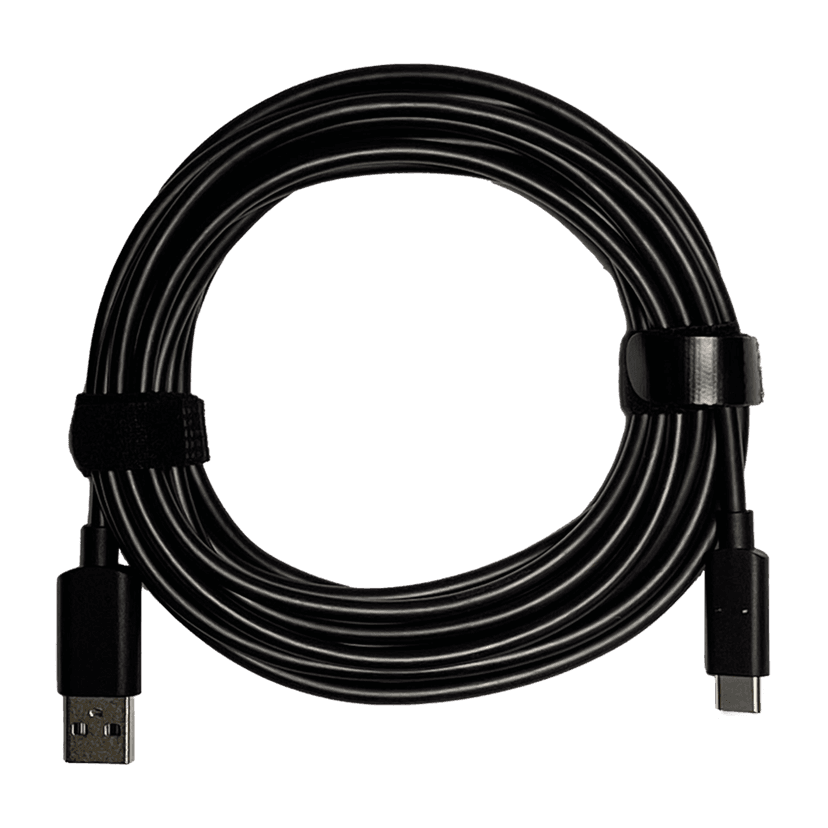
  • Jabra PanaCast 50 Video Bar System USB Cable (Type A to Type C USB Cable, 4.57m/15ft)

    x xxx,xx xx(x xxx,xx xx x xxx xxx)
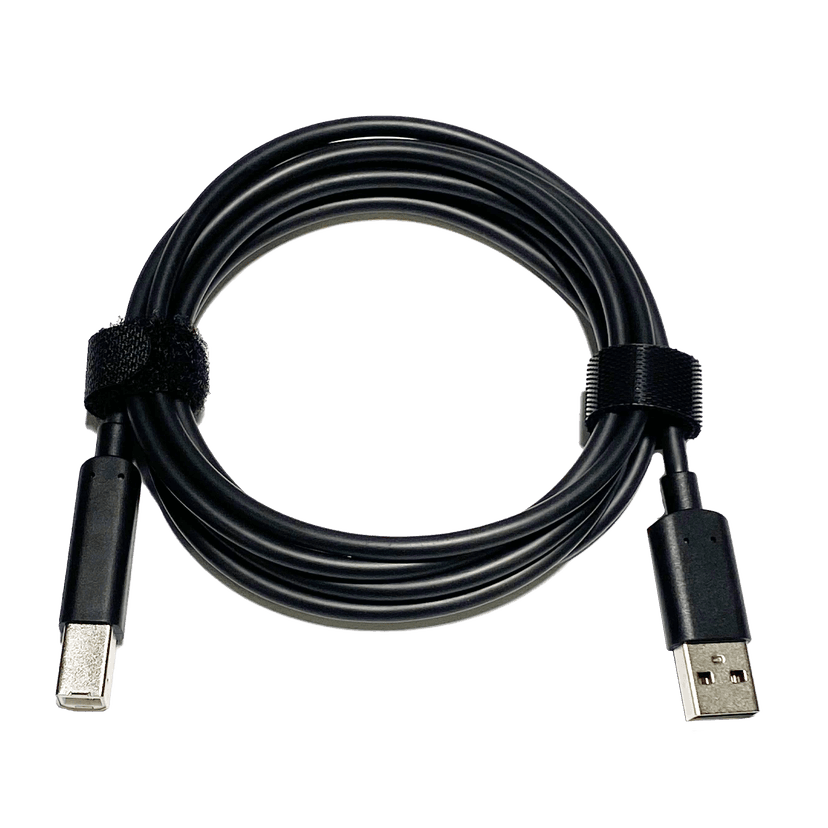
  • Jabra PanaCast 50 Video Bar System USB Cable (Type A to Type B USB Cable, 1.83m/6ft)

    x xxx,xx xx(x xxx,xx xx x xxx xxx)
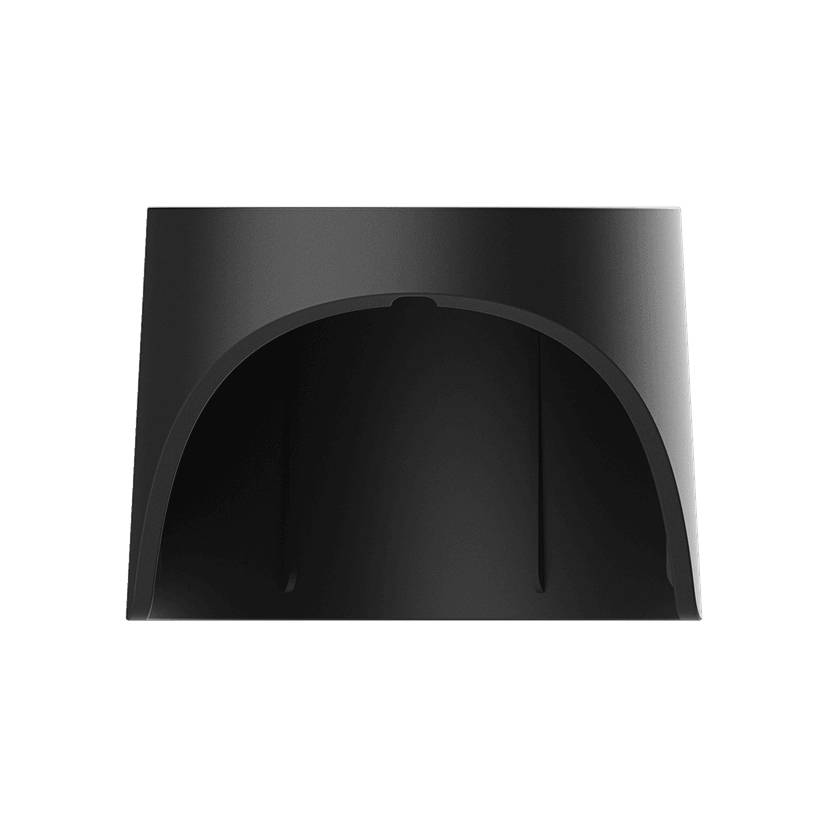
  • Jabra PanaCast 50 Video Bar System Privacy Cover (Camera Cover with Sensor) - Black

    x xxx,xx xx(x xxx,xx xx x xxx xxx)
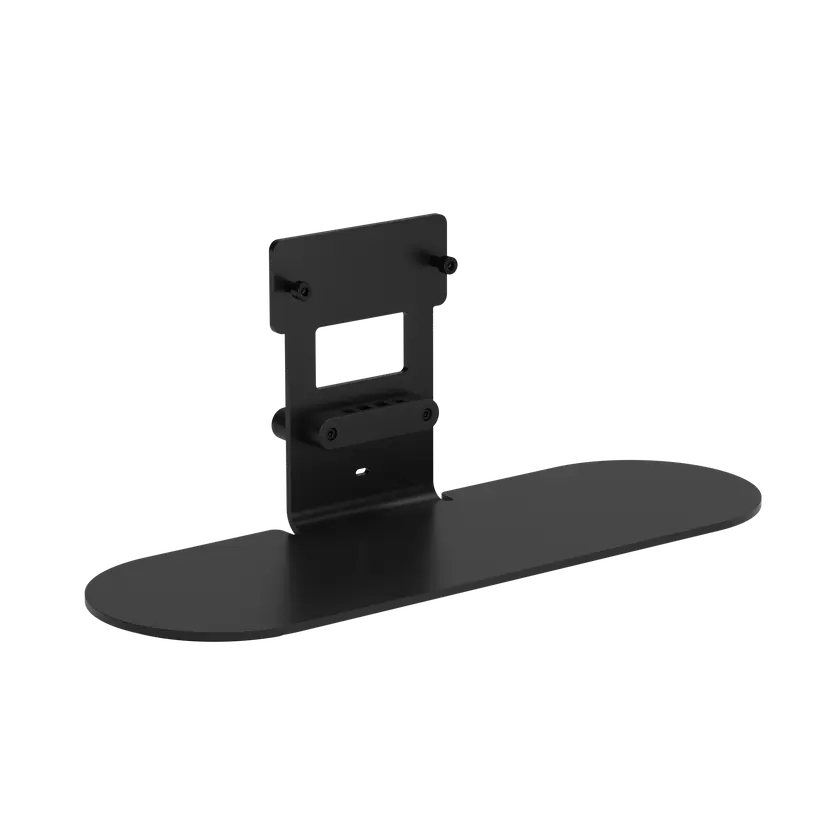
  • Jabra Table Stand

    x xxx,xx xx(x xxx,xx xx x xxx xxx)
  • Jabra Control IP - UC

    x xxx,xx xx(x xxx,xx xx x xxx xxx)
  • Jabra PoE Injector Kit

    x xxx,xx xx(x xxx,xx xx x xxx xxx)
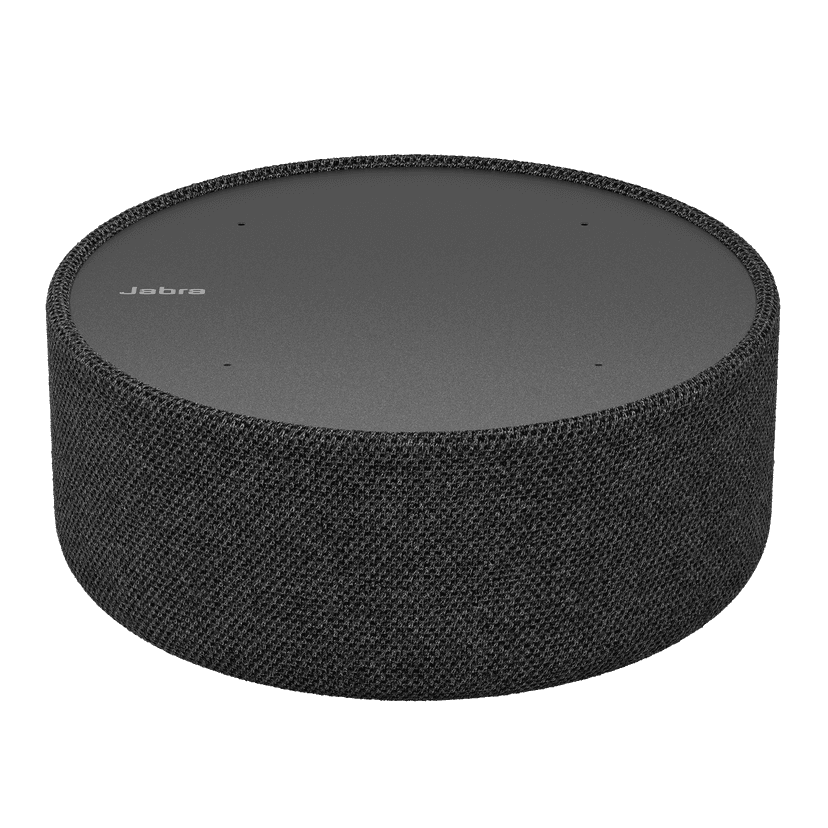
  • PanaCast SpeakerMic

    x xxx,xx xx(x xxx,xx xx x xxx xxx)
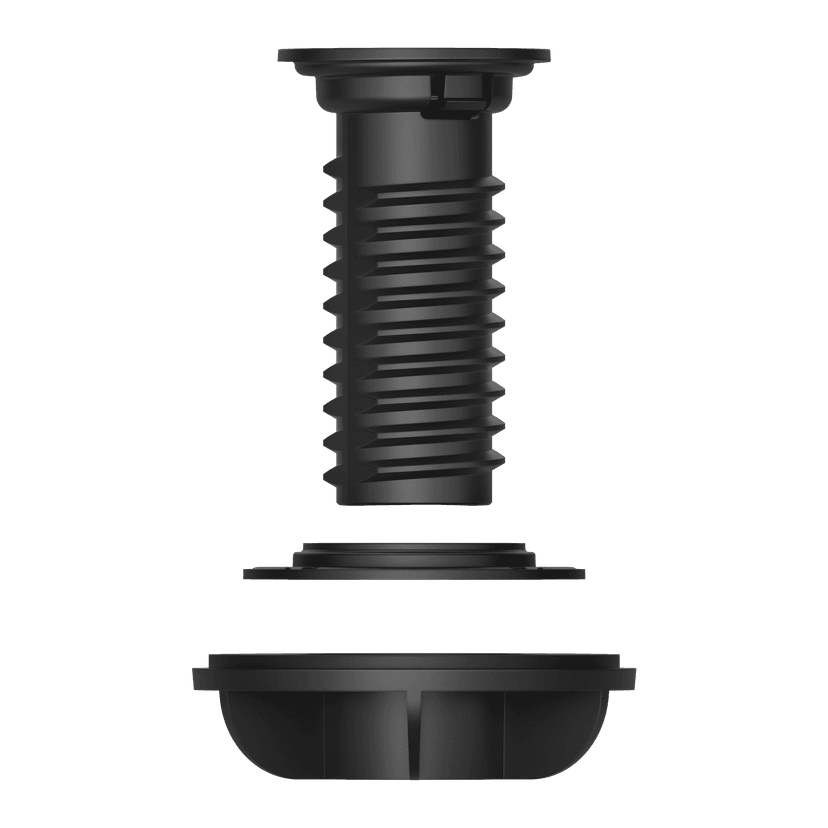
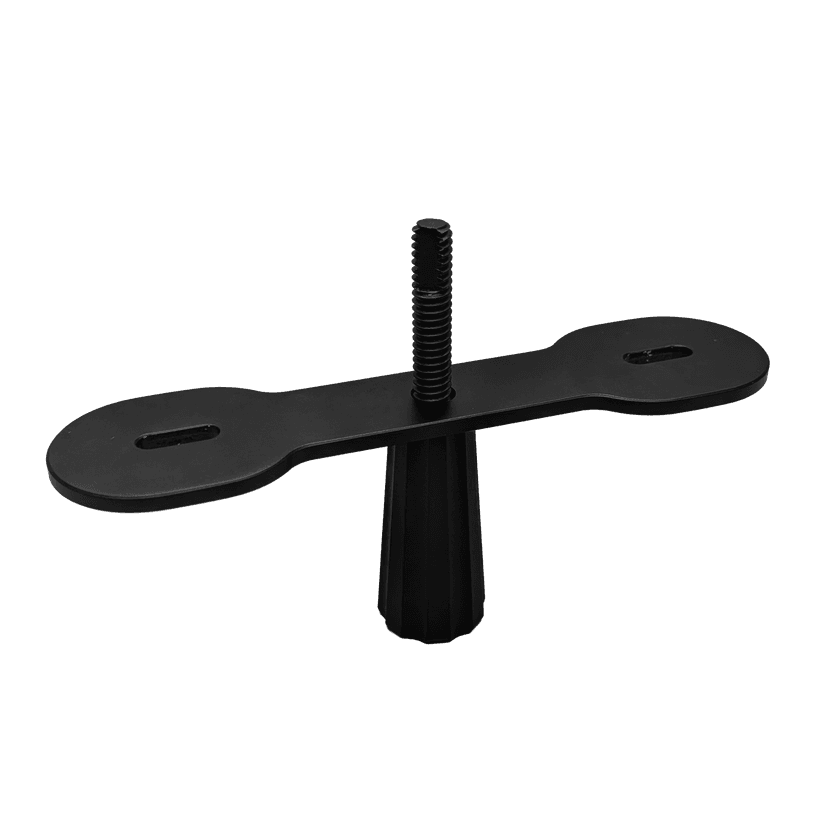
  • SpeakerMic Grommet Mount

    x xxx,xx xx(x xxx,xx xx x xxx xxx)

This product is compatible with the following devices or systems

  • Softphone:


    Compatible


    Compatible with

  • Desk phone:


    Not compatible

  • Mobile/Tablet:


    Not compatible

  • Compatibility Guide Find the right Jabra product for your device.
  1. Jabra PanaCast 55 VBS

About us

  • Our Story
  • Careers
  • Sustainability
  • News and Press Releases
  • Jabra Blog
  • Case Studies
  • Our Story
  • Careers
  • Sustainability
  • News and Press Releases
  • Jabra Blog
  • Case Studies

Support resources

  • Product Support
  • User manuals
  • Bluetooth pairing guide
  • Compatibility Guide
  • How-to videos
  • Accessories
  • Identify your Product
  • Self Service Repair
  • Product Support
  • User manuals
  • Bluetooth pairing guide
  • Compatibility Guide
  • How-to videos
  • Accessories
  • Identify your Product
  • Self Service Repair

FAQs

  • What is a good headset for Skype?
  • What is a good headset for an iPhone?
  • Are Bluetooth headsets safe?
  • What is a good headset for Skype?
  • What is a good headset for an iPhone?
  • Are Bluetooth headsets safe?

Get in touch

  • Contact Jabra Sales
  • Online Orders
  • Register your Product
  • Become a Reseller
  • Enterprise End-of-Life Policy
  • Developer Zone
  • Contact Jabra Sales
  • Online Orders
  • Register your Product
  • Become a Reseller
  • Enterprise End-of-Life Policy
  • Developer Zone
GN logo
  • Trademarks
  • Safety and Warning
  • Cookie Policy
  • Change cookie consent
  • Declarations of Conformity
  • Commercial disclaimers
  • Privacy Policy
  • Security Center
  • Open Source Licenses
Document
Data sheet
Language
  • EnglishEnglish
  • English (EMEA)English (EMEA)
  • Asia Pacific (multilingual)
  • Chinese SimplifiedChinese Simplified
  • DanishDanish
  • GermanGerman
  • SpanishSpanish
  • FrenchFrench
  • JapaneseJapanese
  • DutchDutch
Type
pdf
Size
231.9 KB
Download
Document
Data sheet: PanaCast SpeakerMic
Language
  • EnglishEnglish
  • Chinese SimplifiedChinese Simplified
  • DanishDanish
  • GermanGerman
  • SpanishSpanish
  • FrenchFrench
  • JapaneseJapanese
  • DutchDutch
Type
pdf
Size
258.3 KB
Download
  • All categories
Can I share content from my computer or mobile device?
Can the Jabra PanaCast 55 VBS be managed remotely?
How do I adjust the image quality for the Jabra PanaCast 55 VBS?
How do I care for the Jabra PanaCast video bar?
How do I configure the Jabra PanaCast 55 VBS?
Showing 5 of 24
  • Release date:

    May 18, 2026
    Release version:7.7.0.23

    Features

    • Video extension support on PanaCast 55 VBS – Connect Huddly camera extensions for expanded room coverage

    • Audio extension support on PanaCast 55 VBS – Connect a Jabra PanaCast SpeakerMic (with its USB adapter) to extend microphone and speaker coverage in larger rooms

    • Configurable Room View in Single-Stream Dynamic Composition – Admins can now choose when the panoramic view appears: with 5+ people in the room (new default) or with 2+ people
    • Zoom Smart Tags and Auto-check-in support – Both features are now supported on PanaCast Video Bar Systems running Zoom Rooms
    • New scheduler integration: Gingco – when Jabra Control IP configured as a Scheduler 
    • Non-Speech Noise Suppression – A new generation of noise suppression that maintains Super Wideband audio even when extreme noise suppression is active, improving voice clarity for loud or high-pitched speakers 

    Updated

    • Microsoft Teams compliance enhancements

    Security updates

    • Added security enhancements to comply with the Radio European Directive

    • Added a mandatory requirement forcing users to change the factory default password during their first login to the WebUI 

    • Added the ability to configure a Security Code (PIN) for Factory Resets, preventing unauthorized resets via physical access to the device*

    Requirements 

    • Huddly camera extensions require the Huddly Connect application in order to be firmware updated to version 2.0.1 or higher 

    • SpeakerMic and its adapter must be connected using a CAT6 UTP cable with a maximum supported length of 30 meters

    * In BYOD-only environments, it is advised to store these details in a manner accessible to key personnel 

Complete release history