Jabra Logo
Jabra Logo

Get started with your product

Support resources

Documents

Loading component...

FAQs

Loading component...

Firmware and software

Loading component...

Latest release notes

Loading component...

Find the serial number

Find your product serial number before checking the warranty.

Contact Jabra Support

Videos

  • How to

    Connect to your speakerphone

  • How to

    Connecting two Speak2 75 units

  • How to

    Positioning the speakerphone

  • How to

    Get more out of your speakerphone

Find more videos on Youtube

Warranty check

See the warranty coverage for your product

Jabra ServiceNet

Manage your warranty replacements and returns in our online self-service portal

Warranty terms

Read our warranty and service information for business products

Product registration

Get news from Jabra, offers and tips sent directly to your inbox
Accessories

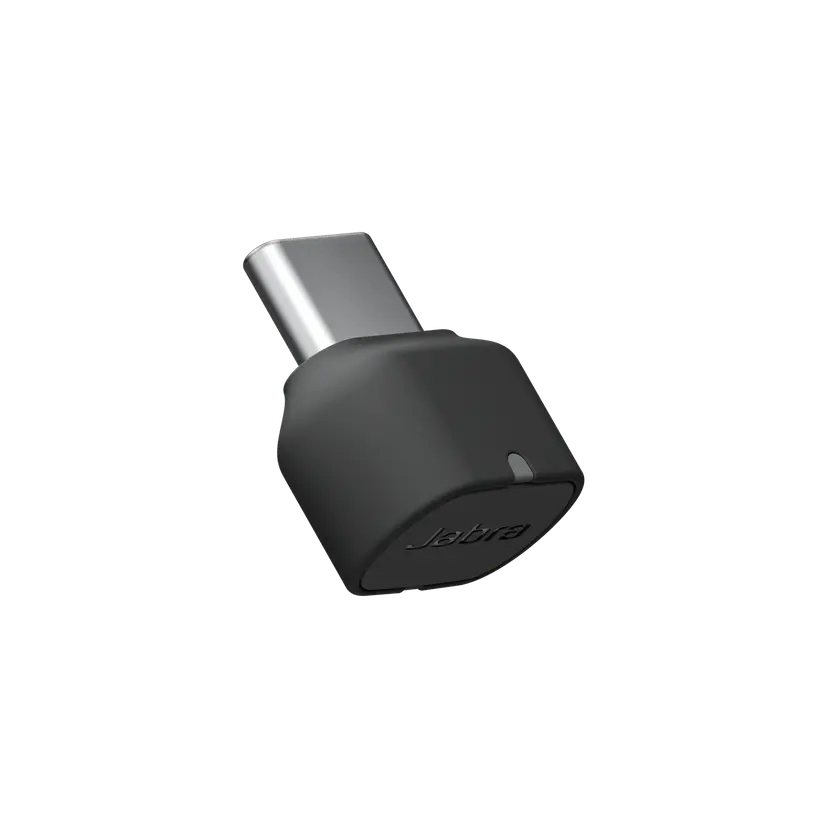
  • Jabra Link 380c UC - USB-C - Bluetooth Adapter

    x xxx,xx xx(x xxx,xx xx x xxx xxx)
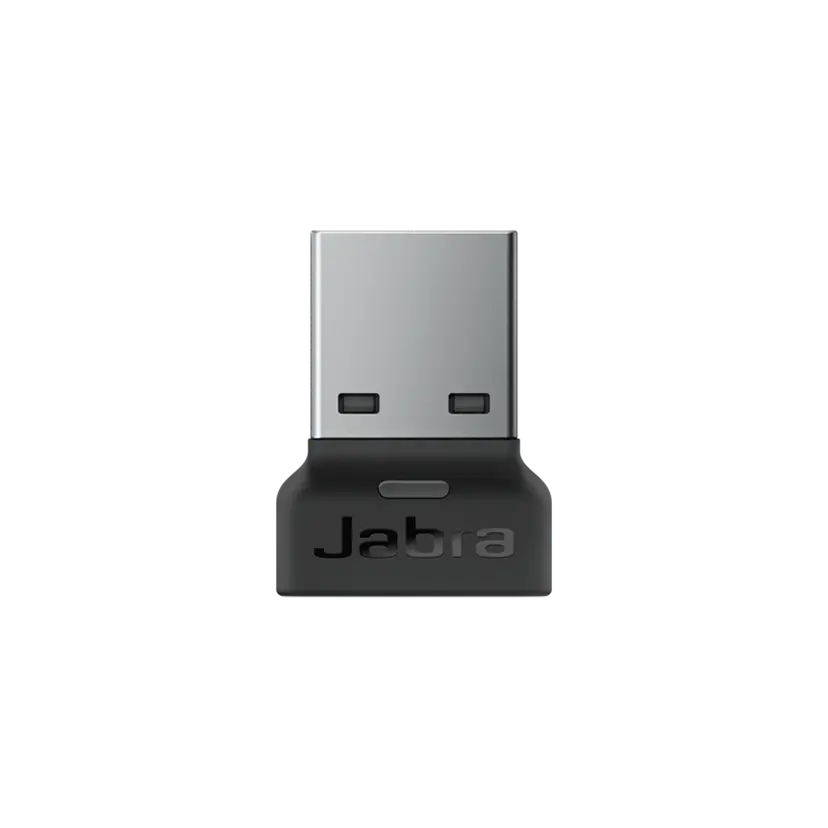
  • Jabra Link 380a UC - USB-A - Bluetooth Adapter

    x xxx,xx xx(x xxx,xx xx x xxx xxx)
  • Jabra Link 380c MS Teams USB-C (Bluetooth Adapter for Speak2)

    x xxx,xx xx(x xxx,xx xx x xxx xxx)
  • Jabra Link 380a MS Teams USB-A (Bluetooth Adapter for Speak2)

    x xxx,xx xx(x xxx,xx xx x xxx xxx)

This product is compatible with the following devices or systems

  • Softphone:


    Compatible


    Compatible with

  • Mobile/Tablet:


    Compatible

    Compatible with

  • Desk phone:


    Not compatible

  • Comparability guide


    Find the right headset for your device

  1. Jabra Speak2 75

About us

  • Our Story
  • Careers
  • Sustainability
  • News and Press Releases
  • Jabra Blog
  • Case Studies
  • Our Story
  • Careers
  • Sustainability
  • News and Press Releases
  • Jabra Blog
  • Case Studies

Support resources

  • Product Support
  • User manuals
  • Bluetooth pairing guide
  • Compatibility Guide
  • How-to videos
  • Accessories
  • Identify your Product
  • Self Service Repair
  • Product Support
  • User manuals
  • Bluetooth pairing guide
  • Compatibility Guide
  • How-to videos
  • Accessories
  • Identify your Product
  • Self Service Repair

FAQs

  • What is a good headset for Skype?
  • What is a good headset for an iPhone?
  • Are Bluetooth headsets safe?
  • What is a good headset for Skype?
  • What is a good headset for an iPhone?
  • Are Bluetooth headsets safe?

Get in touch

  • Contact Jabra Sales
  • Online Orders
  • Register your Product
  • Become a Reseller
  • Enterprise End-of-Life Policy
  • Developer Zone
  • Contact Jabra Sales
  • Online Orders
  • Register your Product
  • Become a Reseller
  • Enterprise End-of-Life Policy
  • Developer Zone
GN logo
  • Trademarks
  • Safety and Warning
  • Cookie Policy
  • Change cookie consent
  • Declarations of Conformity
  • Commercial disclaimers
  • Privacy Policy
  • Security Center
  • Open Source Licenses
Document
Technical specifications
Language
  • EnglishEnglish
  • Chinese SimplifiedChinese Simplified
  • DanishDanish
  • GermanGerman
  • SpanishSpanish
  • FrenchFrench
  • JapaneseJapanese
  • DutchDutch
Type
pdf
Size
277.1 KB
Download
Document
How to connect two speakerphones
Language
  • EnglishEnglish
  • Chinese SimplifiedChinese Simplified
Type
pdf
Size
581.8 KB
Download
  • All categories
How do I link two Jabra Speak2 75 speakerphones?
How do I use the Jabra speakerphone to interact with Microsoft Teams?
How do the Microsoft Teams certified devices differ from the UC variants?
How do I pair the Jabra Speak2 with my mobile device?
How do I connect the Jabra Speak2 75 to my computer using the USB cable?
Showing 5 of 83
File
Firmware
Platform
Windows
Language
MultilingualMultilingual
Release date
2026/03/11
Version
2.54.0
Download
Release note
File
Jabra Direct
Platform
macOS
Language
EnglishEnglish
Release date
2026/02/12
Version
6.27.03702
Download
Release note
  • Release date:

    March 11, 2026
    Release version:2.54.0

    New Features:

    • Soft start – Speak2 75 will now operate at a very low battery level.
      • When operating at a very low battery level, maximum volume will be limited. This also applies if linked to another Speak2 75, and one unit is at a very low battery level; maximum volume will be limited on both units.
      • If trying to increase the volume at a very low battery level, the battery indicator will illuminate in red.
    • Deep sleep mode for new units arriving with this firmware out of the box. To activate the unit, simply connect it via the USB cable.
      • The unit only needs to be activated the first time out of the box.
      • This helps prevent units from potentially being unboxed in a deeply discharged state.

    Updated:

    • Faster charging at a very low battery level.

    Fixed:

    • Could be stuck in Standby mode instead of Sleep mode.
  • Release date:

    January 23, 2025
    Release version:2.46.0

    New Features:

    • Added support for device linking to an additional Jabra Speak2 75
      •  For further details click here

    Updated:

    • Smart button functionality now includes device linking

    Fixed:

    • An issue with mute synchronization in Microsoft Teams on macOS
    • An issue with the "On Hold" feature not to work in Microsoft Teams on macOS

    Minor performance and stability improvements

    Public release note edited on January 23, 2025

  • Release date:

    October 09, 2024
    Release version:1.3.4
    • Minor performance and stability improvements
  • Release date:

    August 10, 2023
    Release version:1.2.3

    Details

    • Updated: Sleep mode has been changed to default off
    • Updated: microphone performance 
    • Fixed: the UC variant in rare cases would not enumerate as Speakerphone on the OS 
    • Performance and stability improvements

  • Release date:

    May 19, 2023
    Release version:1.1.6

    Details

    • Updated: audio quality in certain scenarios of multi call handling 
    • Fixed: battery status not reported when battery level was low 
    • Fixed: battery button stays on in idle mode when running on battery 
    • Fixed: battery shows charging when not connected via USB 
    • Fixed: could not power on if battery was empty and connected to a USB port 
    • Fixed: wrong LED statement if turning of the unit and voice prompts are not enabled 
    • Performance and stability improvements

  • Release date:

    March 16, 2023
    Release version:1.0.1

    Details

    • First public release
Complete release history