
How to connect my Jabra GN9350e with Siemens OpenStage 30, 40, 60, 80
Prerequisite:
Jabra GN9350 + Jabra Link 14201-10
In combination with one of the following phones:
- OpenStage 30/ 40 / 60 / 80
Full function from software version 1.40 (multiple dial tone signal transfer)
Connection:
- Plug the 1-sided end of the DHSG cable marked blue into the socket of your OpenStage phone marked with the “headset” symbol.
- Plug the RJ10 plug into the socket marked with a “phone” and the RJ45 plug into the base socket of the Jabra GN9350 marked with "AUX".
Software setup:
In the LCD Display, set the Jabra GN9350 to "DHSG" and press the OK button to confirm the software setting.

Base setup:
Set the phone setup switch to "A".

Microphone level setup:
We recommend setting the microphone volume in the LCD display to 7 out of 12.
Headset answer/end:
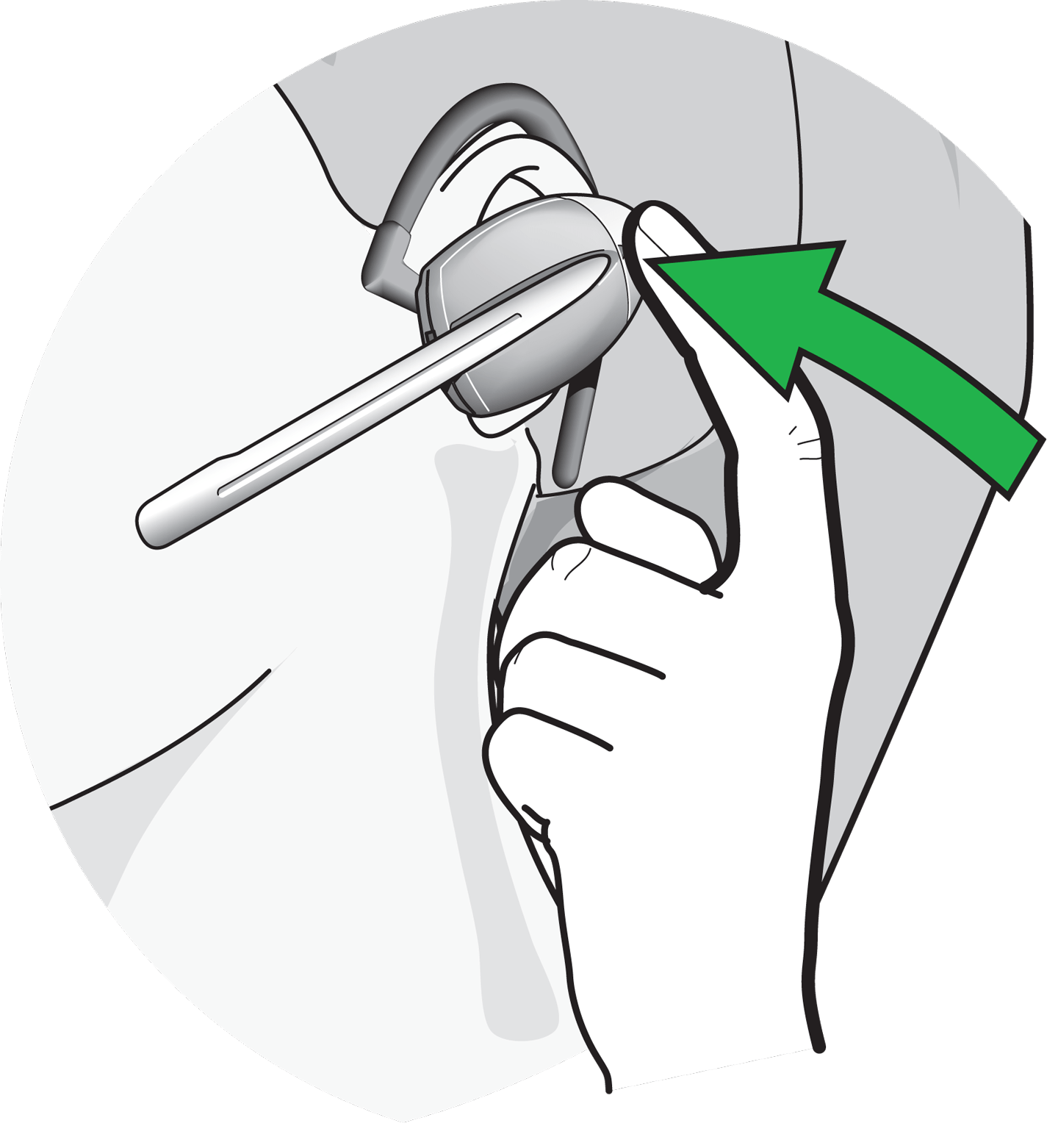
As soon as the dial tone signal can be heard in the headset, you can answer the call by pressing the "answer/end” button" on the headset; by pressing again the call is ended.
Phone setup:
Important: For equipment software 3.18, the headset operation must be set up additionally at the phone.
OpenStage 40: Menu> Audio Accessories> Headset> Cordless
OpenStage 60/80: Menu> User> Audio> Settings> Headset> Cordless
Important: The dial tone signal in the headset is transmitted only if the standard ringtones are used. No ringtone is transmitted for mp3 ringtones.
