
How do I set up my Jabra device to work with Google Hangouts?
Google Hangouts uses the default audio settings of your computer.
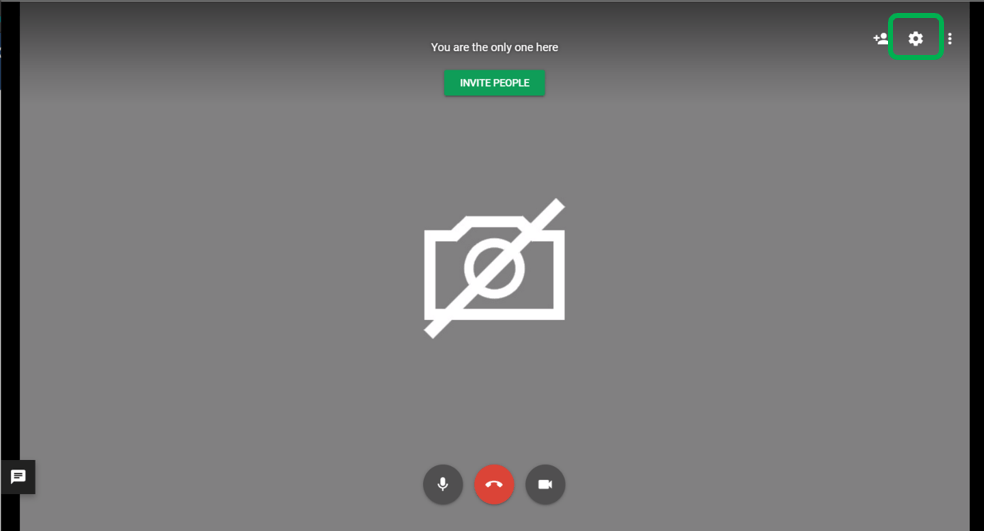
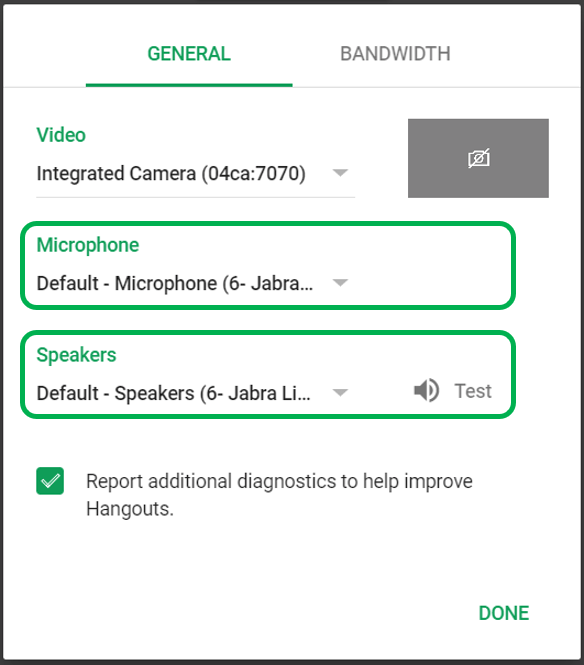
During a video call, you can change the audio devices using the following steps.
- Click the Settings icon on the top right corner of the call window.
- In Settings, General, select your Jabra device under Microphone and Speakers.
If you are using a Jabra device with a connected Link adapter, select the Link adapter.
Note
Images and text are for guidance purposes only. Actual images and text may vary depending on the device connected and updates to the software.
