
How do I set up my Jabra device to work with Cisco IP Communicator for Windows?
To select your Jabra device for use with Cisco IP Communicator, follow these steps.
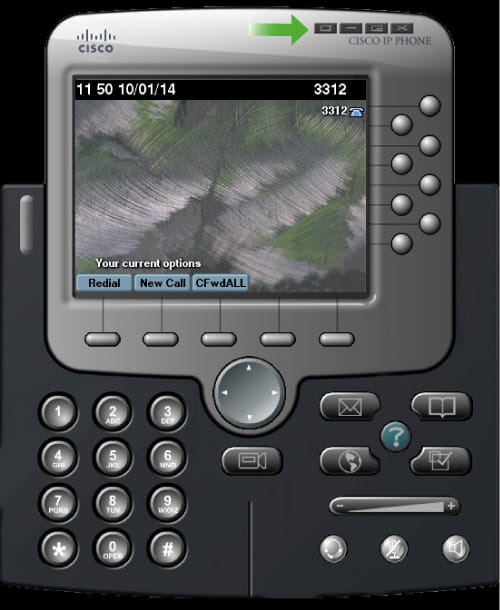
- Start Cisco IP Communicator.
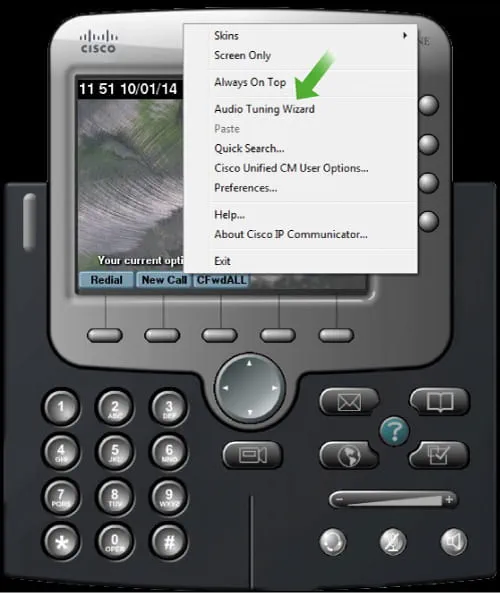
- Select Menu, and then select Audio Tuning Wizard.
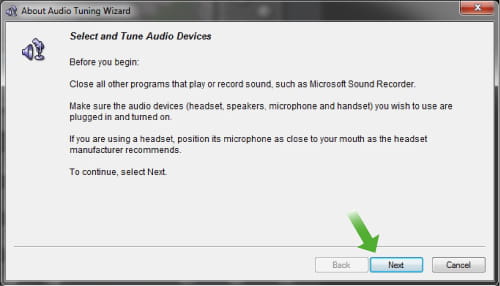
- Click Next to start the wizard.
- For each of the audio settings Headset, Speakerphone, Handset, and Ringer, select your Jabra device.
- Click Play to test the listening volume.
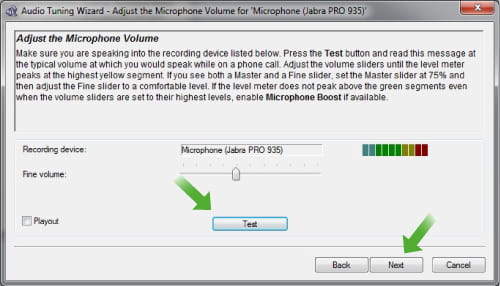
- Click Test to test the microphone volume.
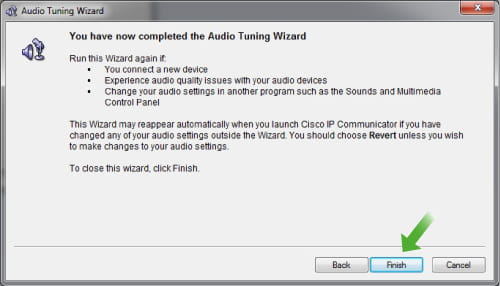
- Click Finish.


Note
Images and text are for guidance purposes only. Actual images and text may vary depending on the device connected and updates to the software.
