
QUESTIONS FRÉQUEMMENT POSÉES
How do I manually set up conference call mode with my Jabra Pro 9450?
How do I manually set up conference call mode with my Jabra Pro 9450?
To manually set up conference call mode, follow these steps.
- Remove the headset from the base, and make a call.
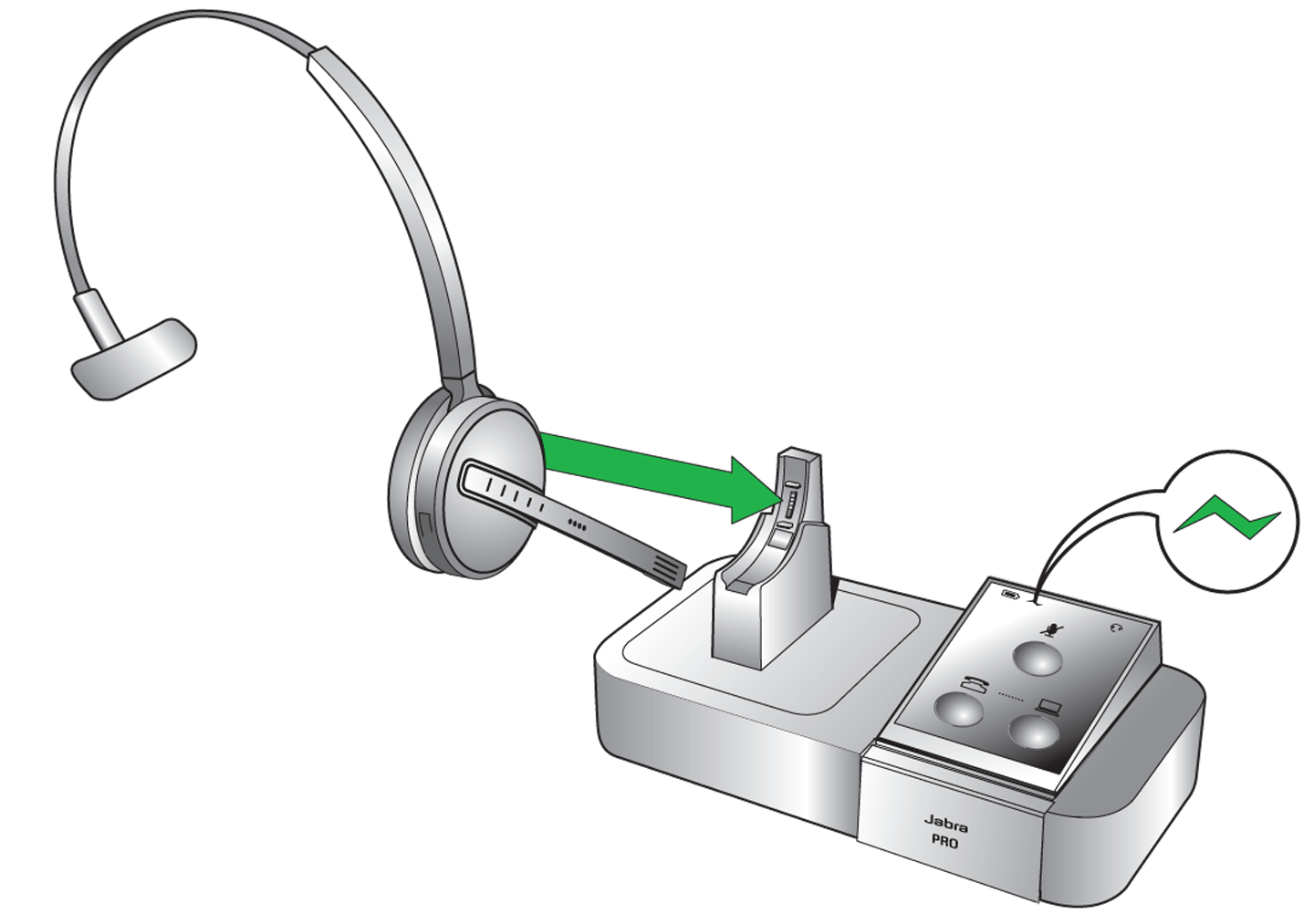
This headset is the primary headset, and it controls the conference. - During the call, dock a secondary headset in the base of the primary headset.
The connection takes a few seconds during which time, the connection symbol "~" flashes yellow. - When you hear a signal tone in the primary headset, press the Multi-function button on the primary headset to start the conference.
- Repeat the procedure for additional headsets that join the conference.
Note:
Secondary headsets can leave the conference by pressing the Multi-function button. The primary headset can end the conference by pressing the Answer/end button.
