

지원
How to manually recover or firmware update a Jabra device

To manually update your Jabra device from a file, follow these steps
- On the Jabra Support website, navigate to the product support page for your Jabra device. Ensure you select the correct product variant.
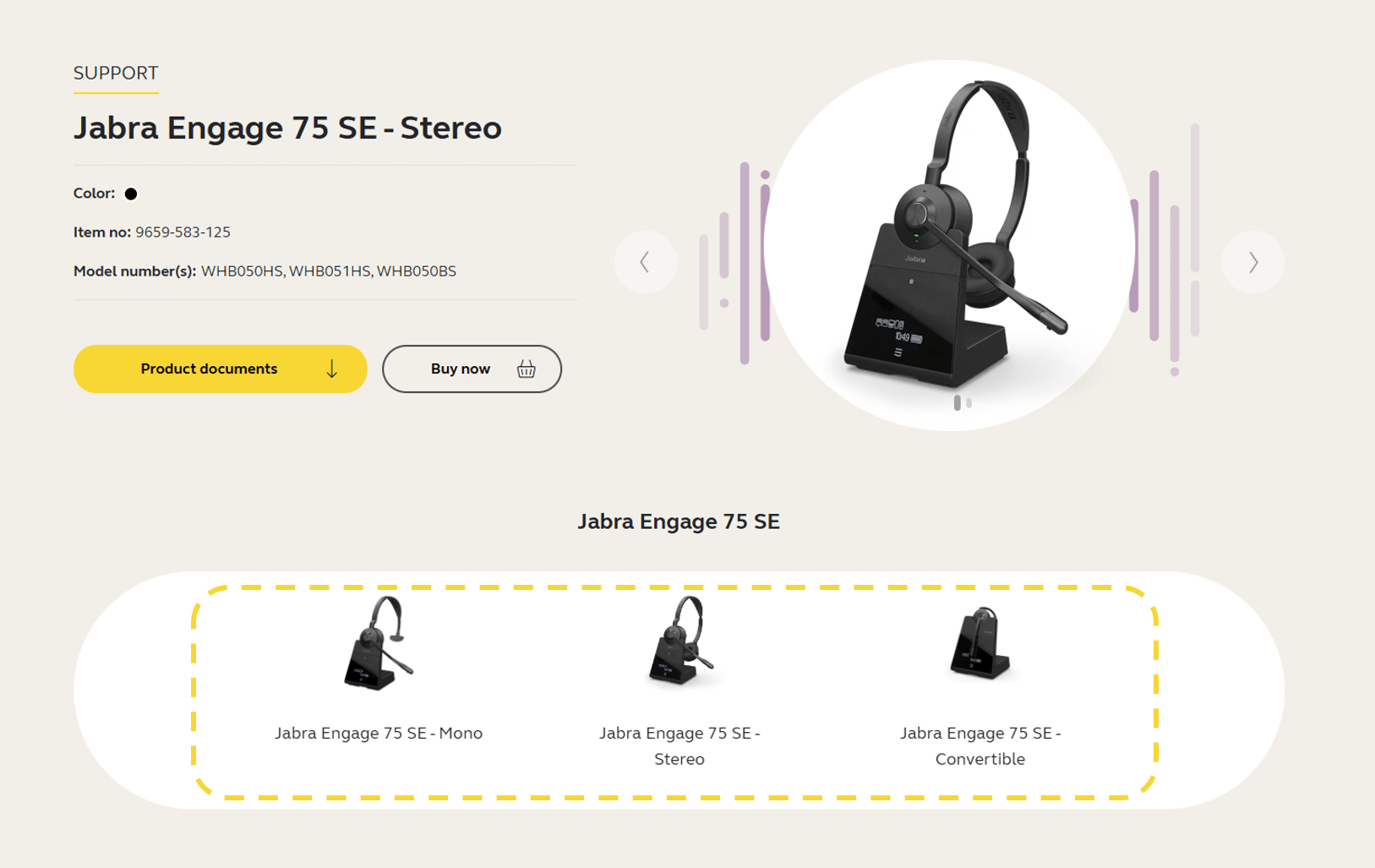
- Click the section Firmware and software and download the latest firmware version for your device. Save the file on your computer in a location you will be able to find later. Note that the firmware is the same for Windows and macOS.

- Open Jabra Direct, click Updates.
- If the Recover button is available for your device, click Recover and follow the instructions to complete the recover process. Otherwise, press Ctrl+Shift+U on your keyboard.
- Click the Update from File button that appears next to your device.
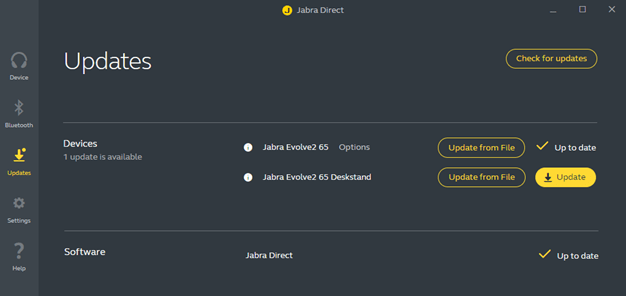
- In the dialog that opens, navigate to the relevant file on your computer and click Open.
- Select the preferred voice prompt language (if applicable) and then click Update from File.
Important: Do not disconnect your device at any point during the update. -
When the firmware has been updated successfully, follow any instructions to complete the update.
If the firmware update is not successful, please contact Jabra Support. Find the relevant contact information on the product support page for your product.