Newsletter. Do you want to...
  • Receive hot deals and product news before anyone else?

  • Participate in competitions and win great prizes?
     
First Name *
Last Name
Email *
Send
 
 
Product features
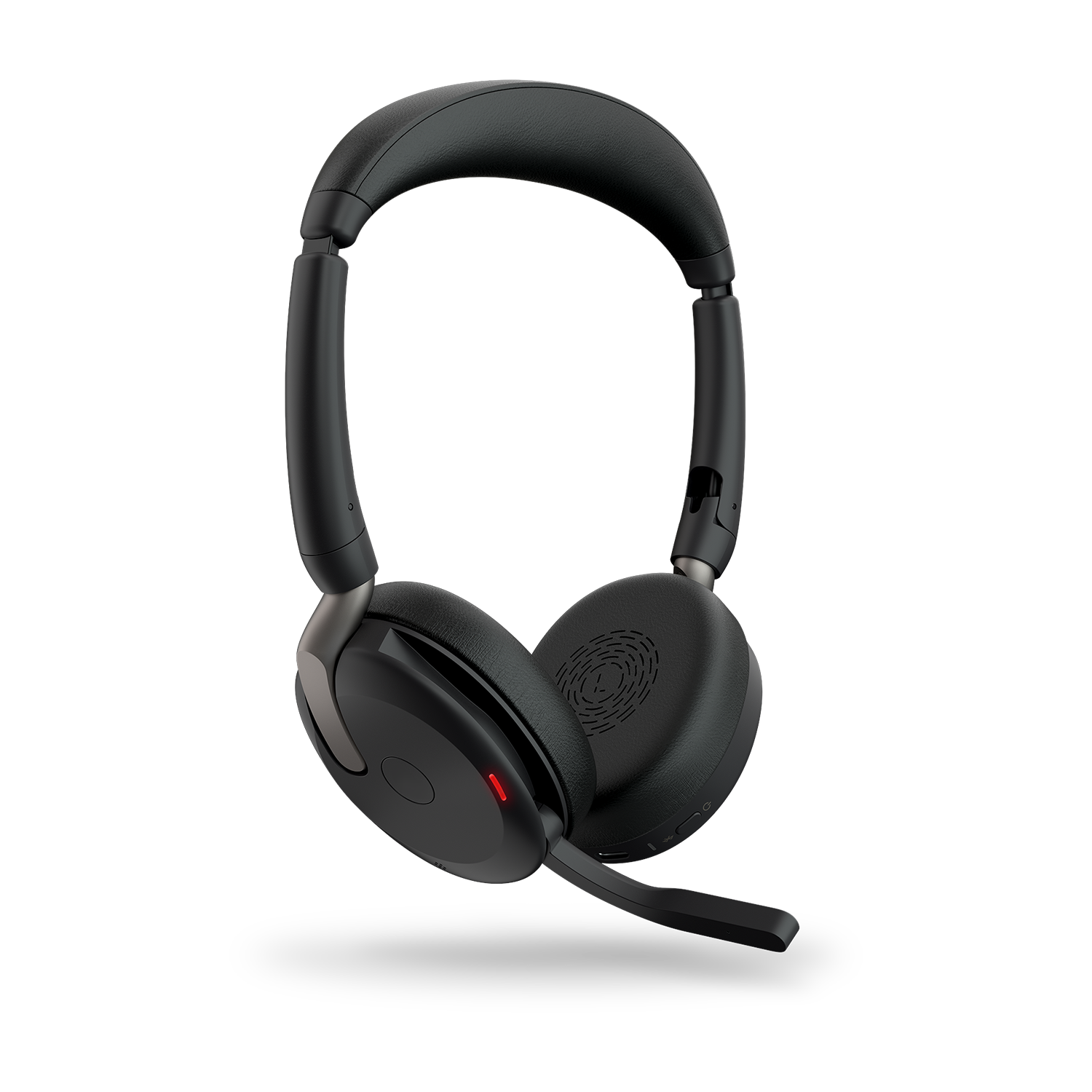
  • Enjoy wireless music and answer phone calls in crystal clear stereo sound
  • Corded option for MP3 players etc
  • Extra audio enhancement with Zirene® Power bass
  • Remote control your music via touch sensors
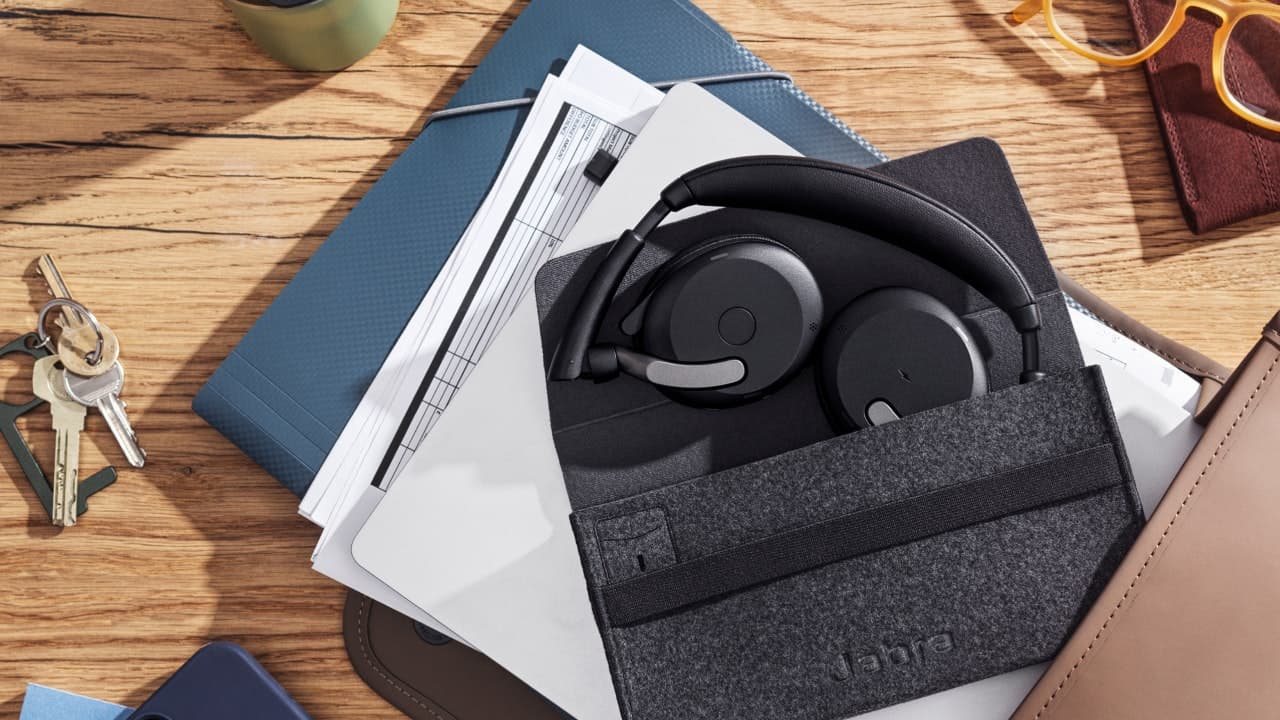
  • Convenient carrying style – Folded in a soft protective pouch
  • Noise Blackout™ technology with dual microphones – For clear communication
  • Multiuse™ – connect to 2 devices at the same time
Product details

Less Wire – More Music
Cut the wires and make your favorite music sound even better with the Jabra HALO wireless headset. It connects easily to your mobile phone through stereo Bluetooth and enables you to stream music wirelessly. You can even make and take calls wirelessly.

Use the corded option if your player of choice doesn’t support Bluetooth Stereo/A2DP. With Jabra HALO you can leave your phone in the pocket or in the bag and control your music directly from the headset. The design is as strikingly clear as your voice will be with the Noise Blackout™ which eliminates unwanted background noise to make your voice stand out during calls.

The Jabra HALO makes it easy to join the wireless revolution and enables you to turn your mobile phone into your primary mobile multimedia center – with less wire and more music.

Support
Support options
Please select from the below available downloads for this product. If you have further questions, please do not hesitate to visit the support section or use the form above if you would like to be contacted
FAQ's

I cannot use Reject call, Call on hold or Redial

These features are dependent on your phone supporting them; please consult your phone’s manual for details.

I cannot hear the phone call in the headset

Increase the volume on the Jabra HALO.

Make sure your phone is connected to the headset by i.e. tapping the Answer/End button, or viewing the Bluetooth icon in the Display.

The music I hear sounds very poor

Make sure the other device supports Bluetooth 1.1 or higher including the Advanced Audio Distribution Profile (A2DP) for music streaming.

If the above procedure did not help then it is possible that your phone is using the stereo audio connection in a different way. You can enable this mode on Jabra HALO by performing pairing in the following way:

  • Remove the Bluetooth connection to Jabra HALO on your phone
  • Make sure the headset is on (un-folded)
  • Press and hold the answer / end button for more than 5 seconds until the both Display icons are solid Blue and solid Orange
  • Go through the regular steps in pairing the headset to a Bluetooth device.

Be aware that standby time of the Jabra HALO can be lower when using this pairing.

I cannot hear music in the headset

Ensure that the headset is connected to your Bluetooth enabled device.

You may have been out-of-range (10 meters) to your Bluetooth enabled device or the headset might have experienced an ESD (Electrostatic discharge) incidence. Press the Multi Function
Button to re-establish the Bluetooth audio link.

Increase the volume on your device.

Make sure that the Jabra HALO is charged.

I have pairing problems

You may have deleted the pairing connection in your mobile phone – follow the pairing instructions in ‘Pair Your Headset to a Phone or other Device‘.

I hear crackling noises

Bluetooth is a radio technology which means it is sensitive to objects between the headset and the device it is connected to. You should be able to have up to 10 meters (33 feet) of distance between the headset and the connected device when there are no major objects in the way (walls, etc.).
Where to buy
Buying Options

Jabra products are available nationwide through a variety of channels including online retailers, nationwide retailers, wireless operators, consumer electronic chains and communications specialists. We also have a network of product resellers composed of independent companies providing Jabra hands-free solutions for their customers’ telephony needs.


Official Jabra Webshop  
Official Jabra Webshop
  www.jabra.com/buy
 
Retailers and Wireless Carriers   Contact Information
 
Amazon  
AMAZON
  www.amazon.com
 
AT&T Wireless  
AT&T
  www.att.com
 
Best Buy  
Best Buy
  www.bestbuy.com
 
Dell  
 
  Jabra Store @ Dell
 
Endomondo       store.endomondo.com/us/
 
Headsets.com  
Headsets.com
  www.headsets.com
 
Sprint  
Sprint
  www.sprint.com
 
 Staples  
Staples
  www.staples.com
 
T-Mobile  
T-Mobile
  www.t-mobile.com
 
 
Canada Retail   Contact Information
 
Bell Canada  
Bell Canada
  www.bell.ca
 
Grand And Toy  
Grand And Toy
  www.grandandtoy.com
 
Canada Distributors   Contact Information
 
Affinity Electronics of Canada Inc.  
210 Saunders Road
Barrie, Ontario
Canada L4K 2M9
Phone: 888-669-8158
  sales@affinitycanada.com


Variants
Available Variants
  • Jabra HALO(100-96500000-60)
  • Enjoy wireless music and answer phone calls in crystal clear stereo sound
  • Corded option for MP3 players etc
  • Extra audio enhancement with Zirene® Power bass
  • Remote control your music via touch sensors
|

Virtual Tour

Click to experience the product benefits and features.

Product Zoomer
Click on the image above to browse the product gallery
Compatibility?
 
.
Related Products
Previous
Dummy alt
Next