
Money Forward upgraded their video conferencing tech

Key Facts
Finance
Zoom
Jabra PanaCast 50
Japan
corp.moneyforward.com

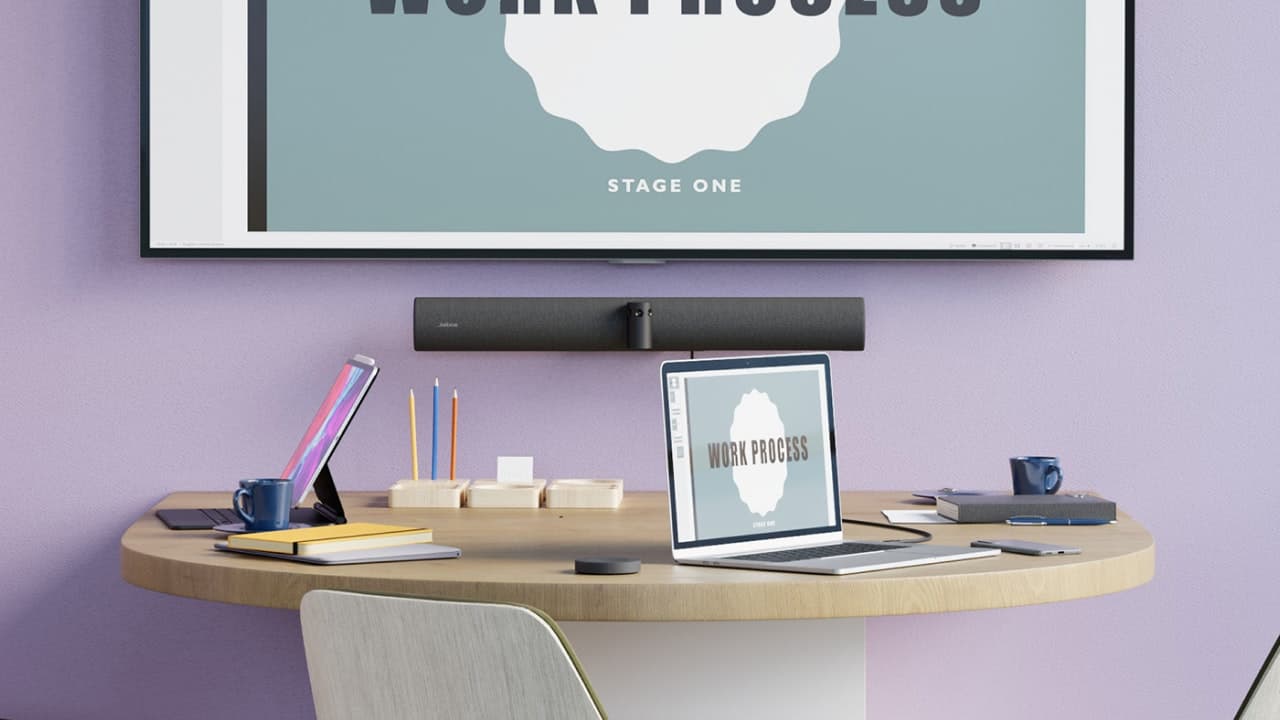
Reducing the number of devices and amount of cabling
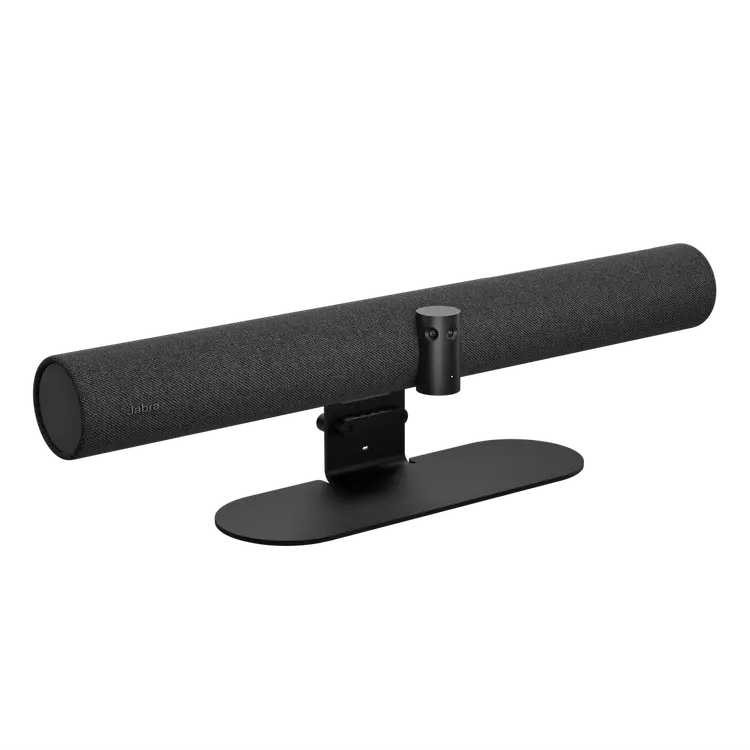
The company introduced the AI-equipped Jabra PanaCast 50 into almost every one of its Tokyo HQ conference rooms, investing in several dozen units. Mr. Shimizu in the Corporate IT Department explained how they reached that decision.
"The issue of keeping the number of devices to a minimum came up when we were discussing our conference room renovations. Previously, we had all our mics, cameras, and speakers separate, which creates a tangled mess of cords and doesn't exactly look great. It also makes them hard to use. We wanted to simplify all of that, so we decided to switch to an all-in-one device that we could connect with a single USB-C cable.”
The team compared several devices and decided the best one overall was the PanaCast 50.


No need to squeeze everyone together with a 180° room view
Mr. Ishizuka, also with the Corporate IT Department, shared his thoughts on our PanaCast 50 camera. "What impressed me and other users the most about the PanaCast 50 is that the camera picks you up even if you're next to it. The 180° coverage was what really caught my eye."
That's high praise from Mr. Ishizuka for Jabra's 180° panoramic view camera, the first of its kind in the world. The onboard AI instantly creates a composite view from the 3-camera system that encompasses an entire room. Mr. Ishizuka shared that this is a big change from before, when everyone had to uncomfortably cram their seats together to fit everyone in the frame.
"Before introducing Jabra PanaCast 50, we used to squeeze everyone together to fit in the frame, which made things pretty cramped sometimes. But now with the PanaCast 50, we can use the whole room quite comfortably. It's also convenient to be able to change the viewing angle with the push of a button on the remote."
Easy for people to use
The plug-and-play simplicity of the system has also been a big hit with the office staff, who can easily join their meetings in seconds without needing IT assistance. Mr. Shimizu also commented on our intelligent camera features. "The auto-focus and the way the camera automatically tracks and zooms in on the speaker is really great and helps keep the remote workers engaged."
Now we hear what’s important in the meeting, not background noise
As audio is such an essential element of successful online meetings, Mr. Shimizu was keen to check the audio quality of the PanaCast 50’s integrated mic and speaker components.
"We knew that Jabra had a good reputation for audio quality in its professional products for call centers and offices. The PanaCast 50 certainly lived up to this reputation. Previously, we sometimes struggled to hear people at the back of the room in our meetings, but that's not the case at all now with the PanaCast 50!"
Next, Mr. Ishizuka shared his thoughts on our noise canceling feature. "With our old system, people on the other end could hear a lot of background noise like people talking out in the hall. The PanaCast 50's noise canceling is really effective, so it almost never picks up voices out in the hall, and there's much less background noise. The audio quality is very clear and the way it picks up speech from people far away is amazing!"