
Get started with your product
Support resources
Documents
 Danish
 German
 English (ANZ)
 English (EMEA)
 English (India)
 Spanish
 French
 Japanese
 Dutch
Dutch Chinese Simplified
FAQs
- All categories
Firmware and software
 Windows
 English
 macOSEnglish
Latest release notes
Release date:
October 01, 2025Release version:9.3.6 Value Pack 6 Service Release 1Updated:
- Bluetooth on the Jabra PanaCast 50 will now be set to off by default.
- Units with a Jabra PanaCast 50 Remote already paired will be unaffected.
- Units using Jabra Sound+ as a remote and an unmanaged device can enable Bluetooth by pressing and holding the Bluetooth button on the PanaCast 50 for 5 seconds followed by a confirmation tone.
Security Updates:
- Rollback prevention has been added to the Jabra PanaCast 50, it will not longer be possible to downgrade firmware past version 9.3.6.
Minor performance and stability improvements
- Bluetooth on the Jabra PanaCast 50 will now be set to off by default.
Release date:
January 14, 2025Release version:9.0.5New Features:
- Enabled 3.5mm AUX-Out for Assistive Listening Devices
- For further details, please click here
Updated:
- Updated microphone performance while participants are speaking at the same time
Fixed:
- A rare circumstance where a connection would be rejected with certain SSID/Password combinations
Minor performance and stability improvements
- Enabled 3.5mm AUX-Out for Assistive Listening Devices
Release date:
September 12, 2024Release version:8.1.0Updated:
- Improvements to security and stability
Minor performance and stability improvements
Release date:
July 16, 2024Release version:8.0.7 (Value Pack 5)Please note: The Citrix VDI issue present in 6.6.5 has been resolved in this release, customers using Citrix VDI may update to this version.
New Features:
- Multi-Stream Dynamic Composition for Microsoft Teams Rooms on Windows*
- For further details, please click here.
Requirements:
- Multi-Stream Dynamic Composition requires a USB 3.0 connection*
Minor performance and stability improvements
Public release note edited on August 1, 2024.
- Multi-Stream Dynamic Composition for Microsoft Teams Rooms on Windows*
Release date:
March 18, 2024Release version:6.6.5Please Note: Citrix VDI users should not update to this version, remain on your current deployed version and await future updates.
Details
- New feature: Option to input a proxy CA certificate to setup the Jabra PanaCast 50 network connection*
- Updated: Improved AI person detection when the PanaCast 50 is mounted above the display
- Updated: Video quality improvements for sharpness and saturation
- Updated: Video quality improvements for framing and zoom levels
- Performance and stability improvements
* Requires Jabra Direct version 6.14.08801
Public release note, edited April 19, 2024
Release date:
December 15, 2023Release version:6.5.1Details
- Fixed: Issue with misaligned whiteboard area in certain scenarios
- May require the area to be redefined
- Fixed: Issue with no video stream in certain scenarios
- Performance and stability improvements
- Fixed: Issue with misaligned whiteboard area in certain scenarios
Release date:
October 03, 2023Release version:6.2.2Details
- New feature: Intelligent Meeting Space - In Jabra Direct, you can now define a meeting space and only frame participants within that space. This works especially well in meeting rooms with glass walls and even in open spaces with no walls at all*
- New feature: Microsoft Intelligent Speaker for Teams Rooms - Uses voice profile (max 10 per meeting) information to recognize who said what in transcripts and recaps from a Microsoft Teams Room meeting
- New feature: People Counting Toggle - Allows anonymous people counting and LED to be toggled on/off in Jabra Direct*
- New feature: Power Management: In BYOD mode, the Jabra PanaCast 50 will enter a power saving mode once there is no activity detected on the USB connection and enter into normal mode as soon as there is activity detected on the USB connection
- Updated: Sensor stability - Reduces framing changes when people move between sensors
- Performance and stability improvements
*Requires Jabra Direct 6.10.25001
Release date:
August 04, 2023Release version:5.2.1Details
- Fixed: PanaCast 50 now works with USB 2.0 in Dynamic Composition mode
- Fixed: Green screen issue for some users in VDI environments
- Performance and stability improvements
Release date:
February 22, 2023Release version:5.1.0Details
- New feature: Enables a Panacast 50 to be connected to a wired or wireless network using the network name (SSID) and a password*
- New feature: 802.11r support added
- Updated: Enhancement to Panacast 50 firmware update process with security policies that block USB Mass Storage devices
- Performance and stability improvements
*Requires Jabra Direct version 6.6.03101
Release date:
November 30, 2022Release version:5.0.4Details
- New feature: Status LED will now blink every 5 seconds to represent camera in standby mode with anonymous people count active but no live video streaming. Live video stream status is still represented by a solid white LED.
- Performance and stability improvements
Public release note, edited December 5, 2022.
Find the serial number
Find your product serial number before checking the warranty.
Accessories

Jabra PanaCast 50 Screen Mount
x xxx,xx xx(x xxx,xx xx x xxx xxx)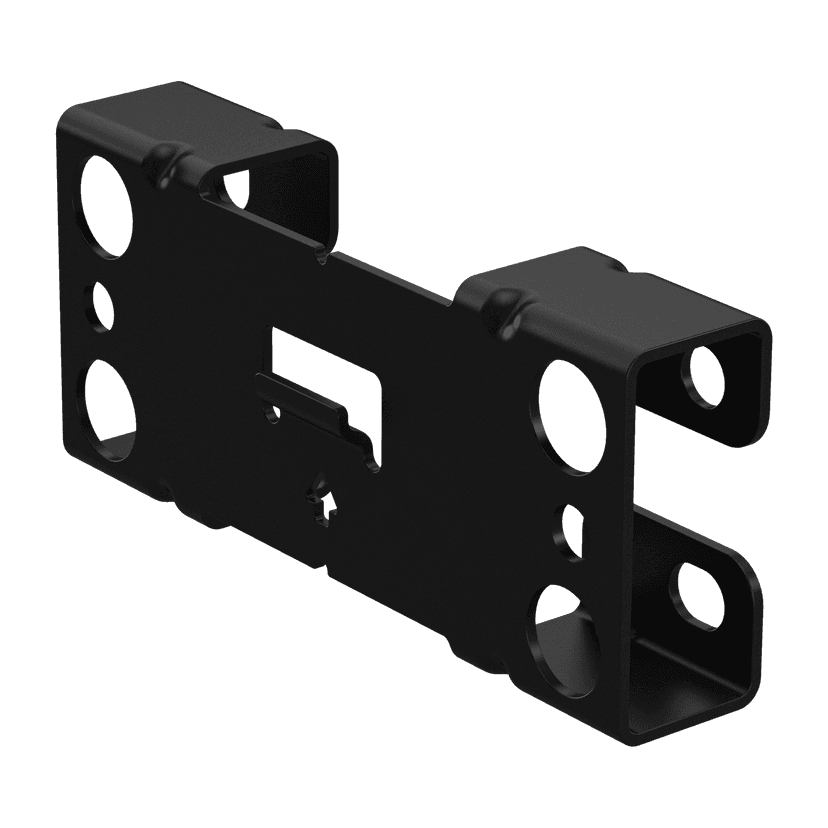
Jabra PanaCast 50 Wall Mount - Black
x xxx,xx xx(x xxx,xx xx x xxx xxx)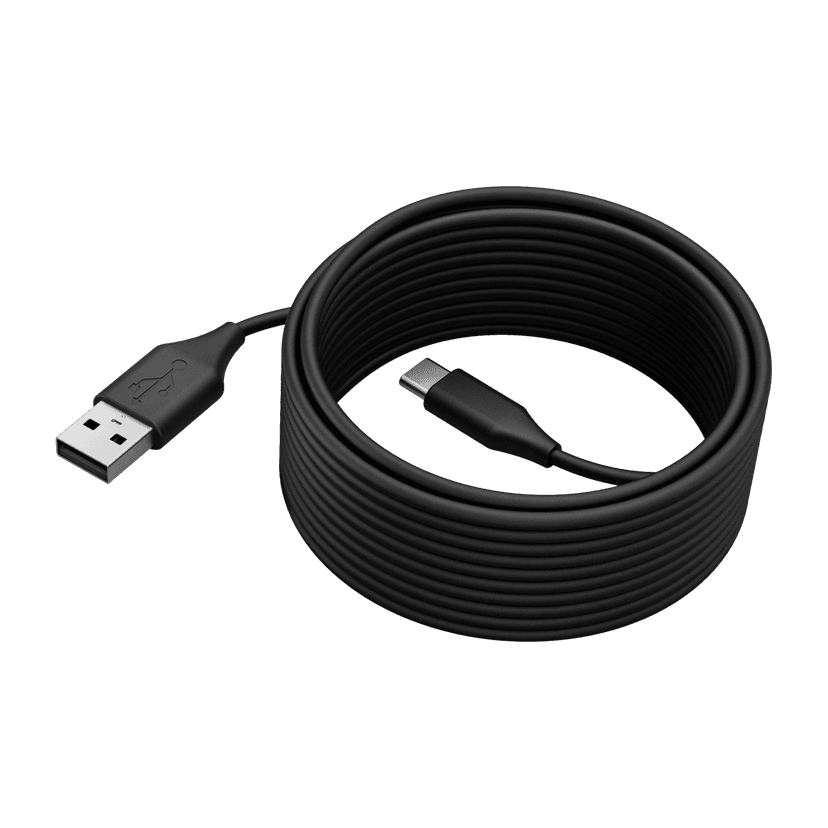
Jabra PanaCast 50 USB Cable - USB 2.0, 5m
x xxx,xx xx(x xxx,xx xx x xxx xxx)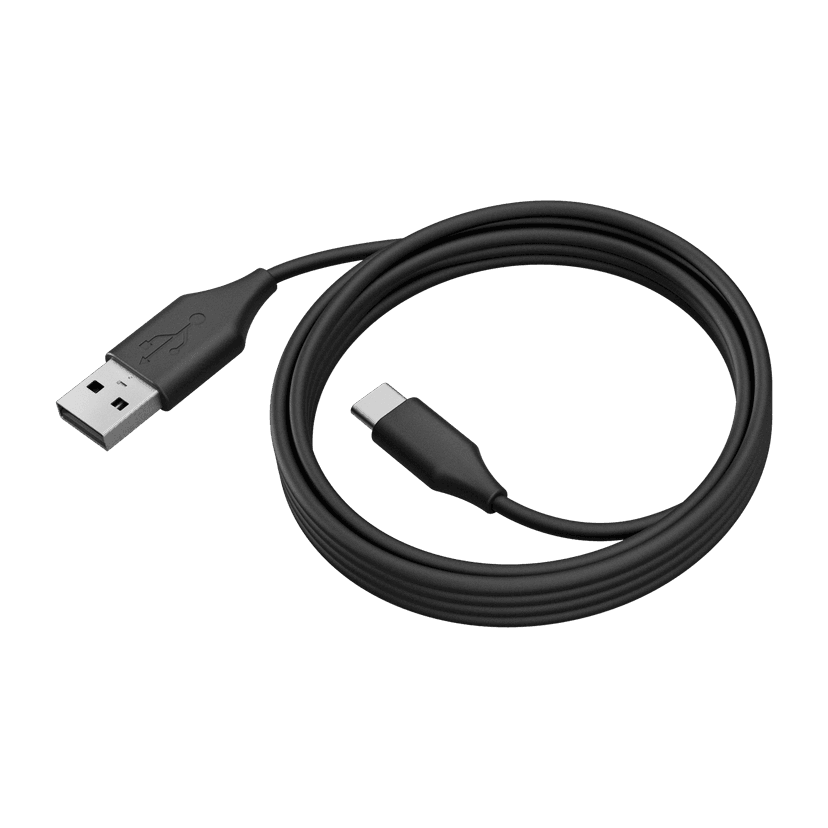
Jabra PanaCast 50 USB Cable - USB 3.0, 2m
x xxx,xx xx(x xxx,xx xx x xxx xxx)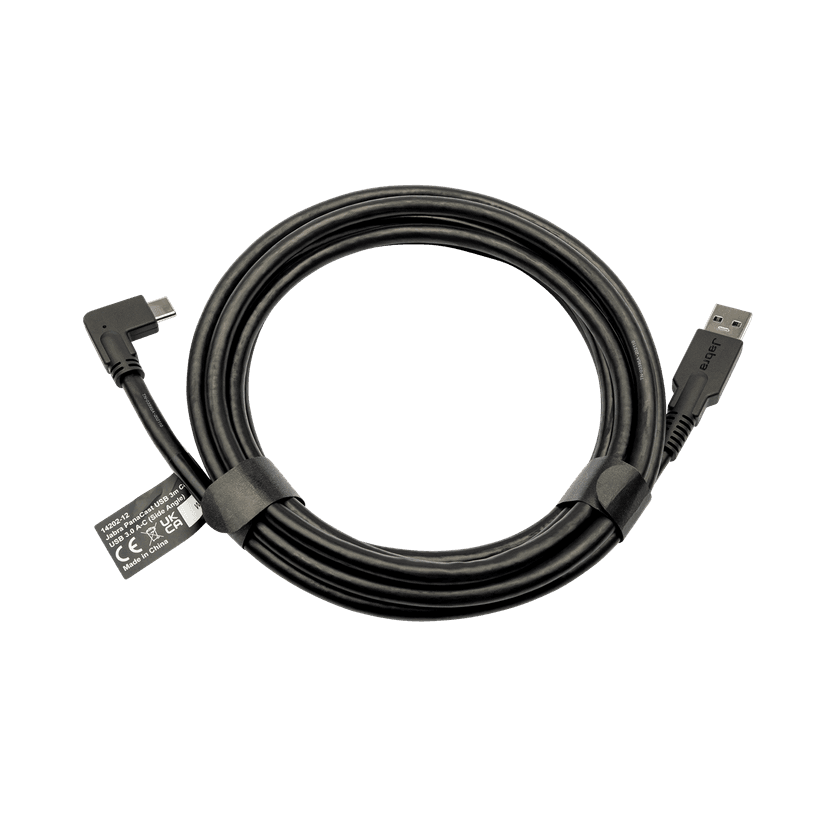
Jabra PanaCast USB Cable (USB-A to USB-C) - 3m
x xxx,xx xx(x xxx,xx xx x xxx xxx)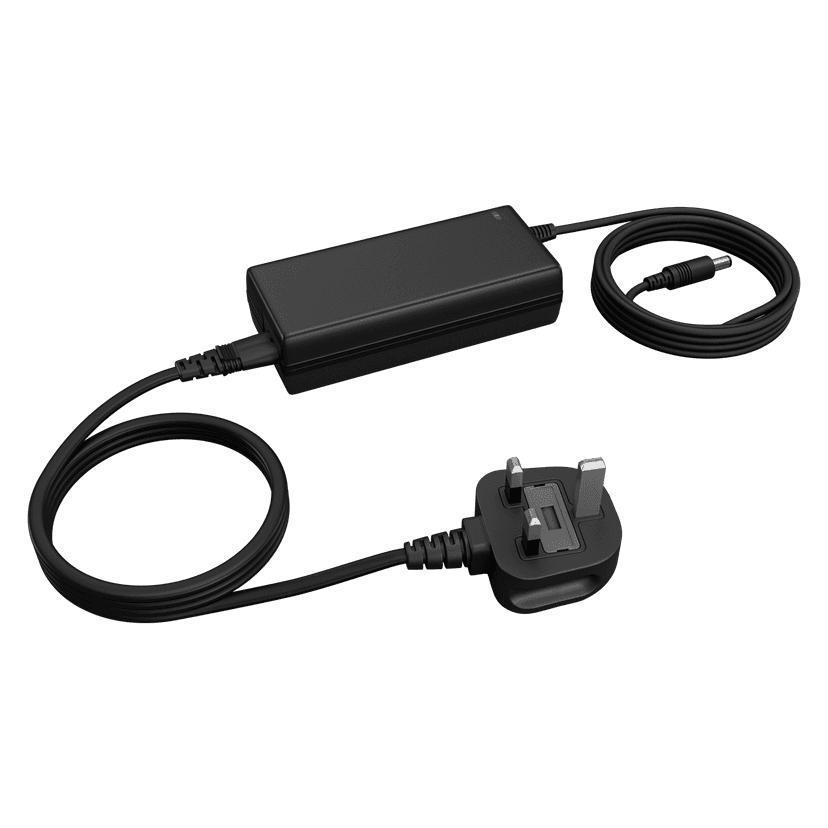
Jabra PanaCast 50 Power Supply
x xxx,xx xx(x xxx,xx xx x xxx xxx)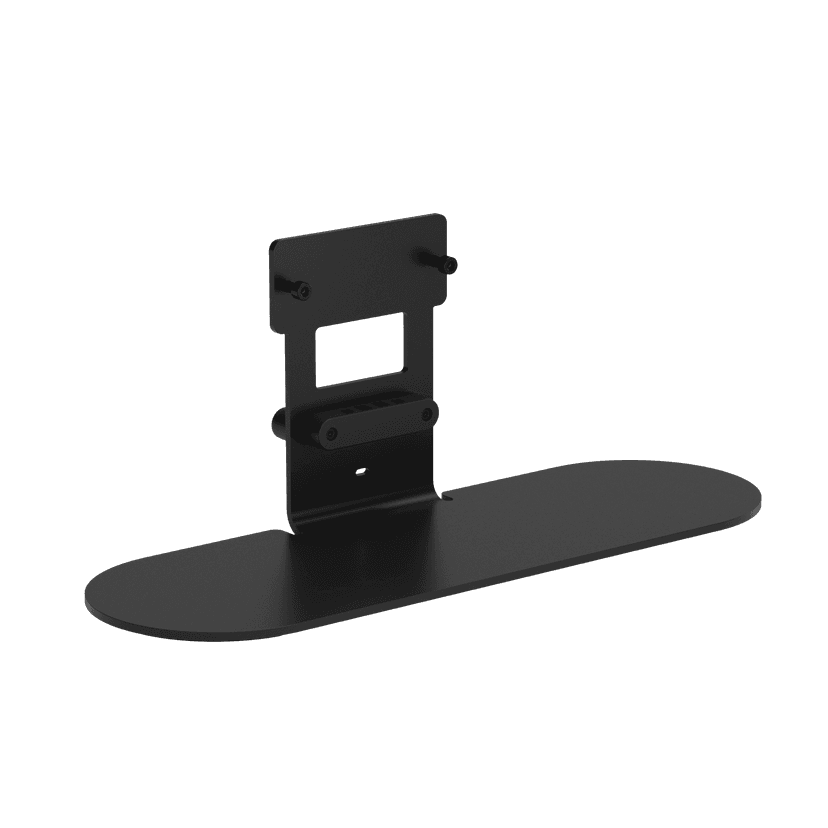
Jabra Table Stand
x xxx,xx xx(x xxx,xx xx x xxx xxx)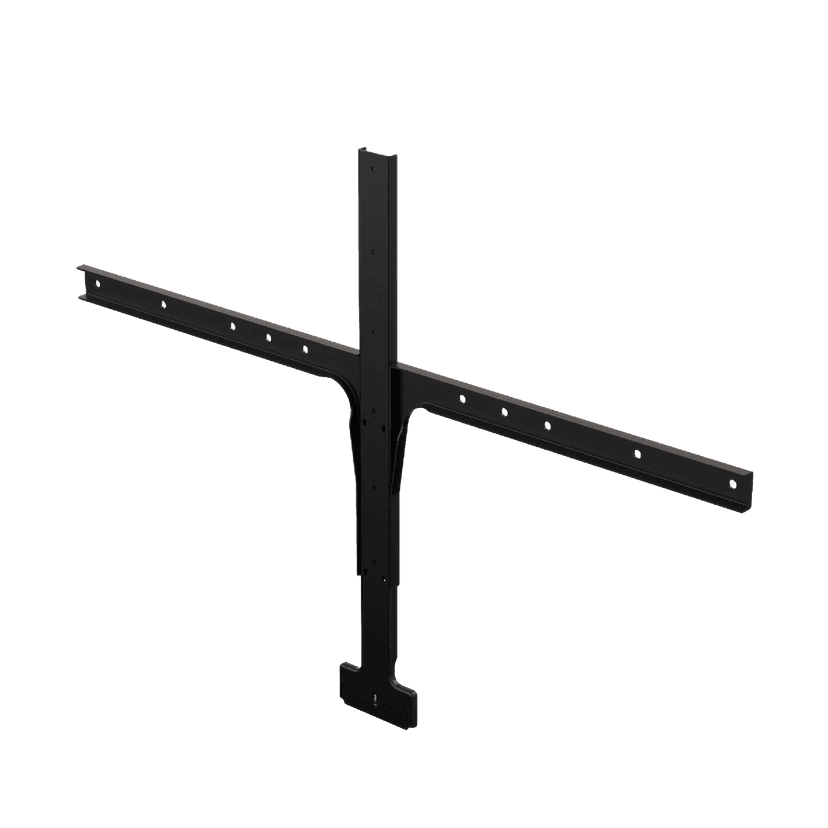
Jabra Large Screen Mount
x xxx,xx xx(x xxx,xx xx x xxx xxx)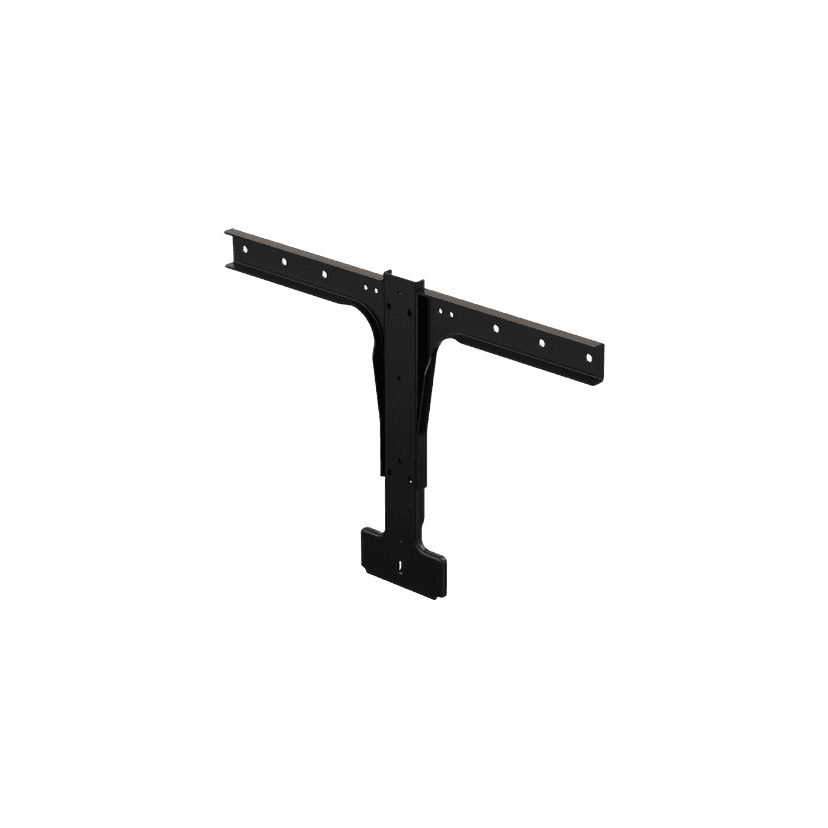
Jabra Small Screen Mount
x xxx,xx xx(x xxx,xx xx x xxx xxx)
This product is compatible with the following devices or systems
- Softphone: compatible
- Deskphone: Not compatible.
- Mobile/tablet: not compatible.
- Compatibility Guide Find the right Jabra product for your device.