
제품 시작하기
지원 리소스
문서
 중국어 간체
 덴마크어
덴마크어 독일어
독일어 스페인어
스페인어 프랑스어
프랑스어 일본어
일본어 한국어
한국어 네덜란드어
네덜란드어 영어
영어 아라비아어
아라비아어 브라질 포르투갈어
 캐나다 프랑스어
 체코어
체코어 이탈리아어
이탈리아어 라틴 아메리카 스페인어
 폴란드어
폴란드어 포르투갈어
포르투갈어 러시아어
러시아어 스웨덴어
스웨덴어 터키어
터키어 중국어 번체
자주 묻는 질문
펌웨어 및 소프트웨어
 macOS
macOS Windows
최신 릴리스 정보
출시일:
3월 25, 2021릴리스 버전:2.38.0Details
• Fixed: no low battery warning when voice guidance is turned off and listening to music
• Performance and stability improvements출시일:
8월 03, 2020릴리스 버전:2.32.0Details
• Updated: Microsoft Teams certification for the Skype for Business variant*
• Performance and stability improvements*when connected with the Jabra Link 370 (supported from firmware version 1.82.0)
출시일:
12월 19, 2019릴리스 버전:2.10.0Details
- Performance and stability improvements
출시일:
9월 05, 2018릴리스 버전:2.4.0Details
- Voice guidance gives the status of Active Noise Cancellation (ANC)
- Added voice guidance that states if ANC is on or off.
This is enabled automatically by the Voice guidance setting in Jabra Direct or Jabra Xpress, or enable it manually by pressing and holding the Mute button for approximately 5 seconds. - Music controls
- Added an option to skip to the next or previous track.
- Press and hold the Volume up button for approximately 3 seconds to skip to the next track.
- Press and hold the Volume down button for approximately 3 seconds to skip to the previous track.
- Added an option to pause or resume music.
- Press and hold the Answer/end call button for approximately 3 seconds to pause or resume music.
- Improved connection stability when used with Mitel MiVoice 6930/6940 IP Phone.
Enhancements:
출시일:
10월 25, 2017릴리스 버전:2.0.0Details
- Noise @ Work - Support for EU/US Noise At Work and G616 guidelines*
- Adjustable Sidetone - set the sidetone to a convenient level for better audio *
- Customizable device name – customize the name of the Jabra Evolve 75*
*Noise @ Work and Adjustable Sidetone feature can be managed from Jabra Xpress and Jabra Direct 3.9. The Change Bluetooth Name can only be managed from Jabra Direct 3.9.
Enhancements:- Minor audio improvements and bug fixes **
** For the Jabra Evolve 75 audio improvements and bug fixes to take effect, the Jabra Link 370 Bluetooth adapter in use must be updated to version 1.18.0 or later.
Jabra Direct
Personalize your Jabra audio device and get the best user experience on each call. Update your Jabra Evolve headset by downloading the latest version of Jabra Direct free at www.jabra.com/direct
Jabra Suite for Mac
Update your Jabra Evolve headset by downloading the latest version of Jabra Suite for Mac free at www.jabra.com/macsuite
Jabra Xpress
Future-proof your Jabra USB audio device investment. Install and update multiple Jabra Evolve headsets within your organization, all at the same time using our web-based software Jabra Xpress available at www.jabra.com/xpress
출시일:
5월 15, 2017릴리스 버전:1.12.0Details
- First public release
일련 번호 찾기
보증을 확인하기 전에 제품 일련번호를 찾아보세요.
사용법 동영상
방법
헤드셋 작동 유지
방법
드롭다운 메뉴를 통해 Android 디바이스와 페어링하기
방법
설정을 통해 Android 디바이스와 페어링
방법
설정을 통해 iOS 디바이스와 페어링
액세서리
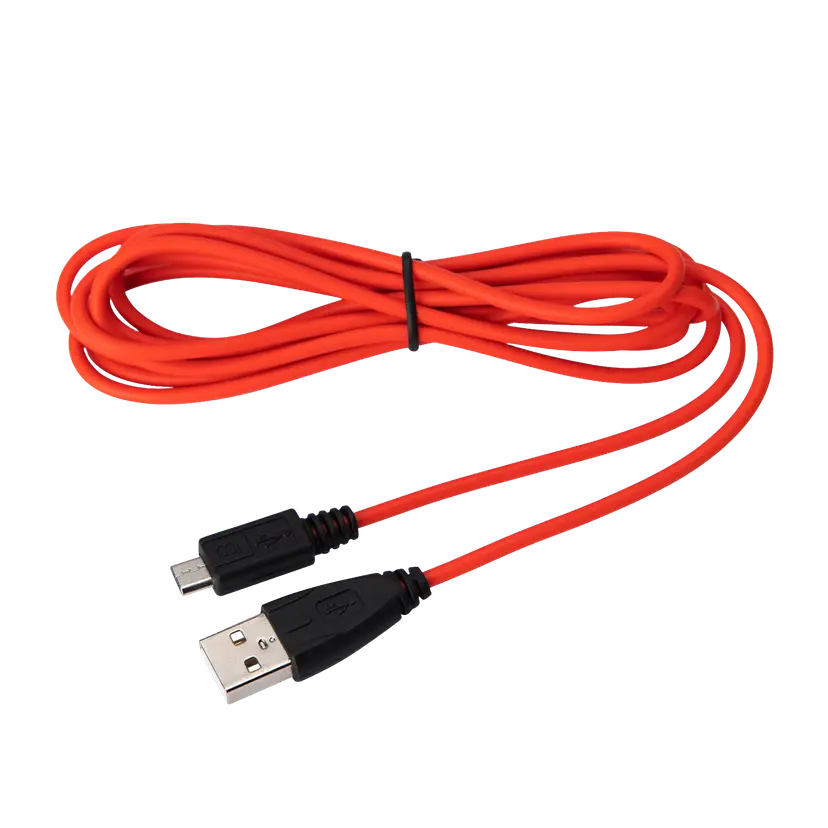
Jabra Evolve USB-A 케이블
x xxx,xx xx(x xxx,xx xx x xxx xxx)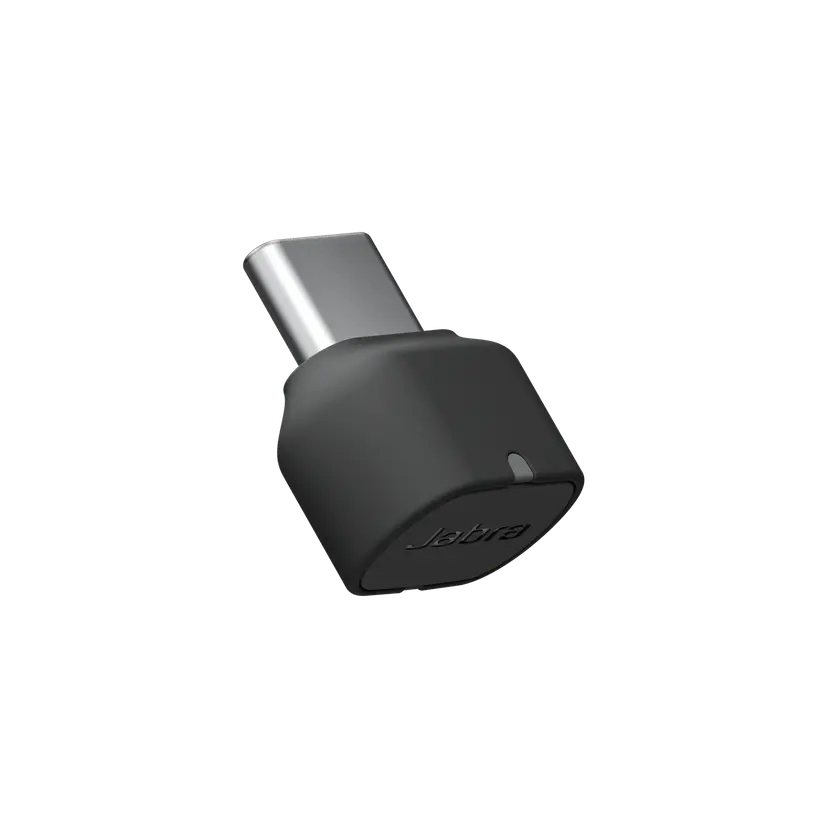
Jabra Link 380c MS - USB-C - Bluetooth Adapter
x xxx,xx xx(x xxx,xx xx x xxx xxx)Jabra Link 380c UC - USB-C - Bluetooth Adapter
x xxx,xx xx(x xxx,xx xx x xxx xxx)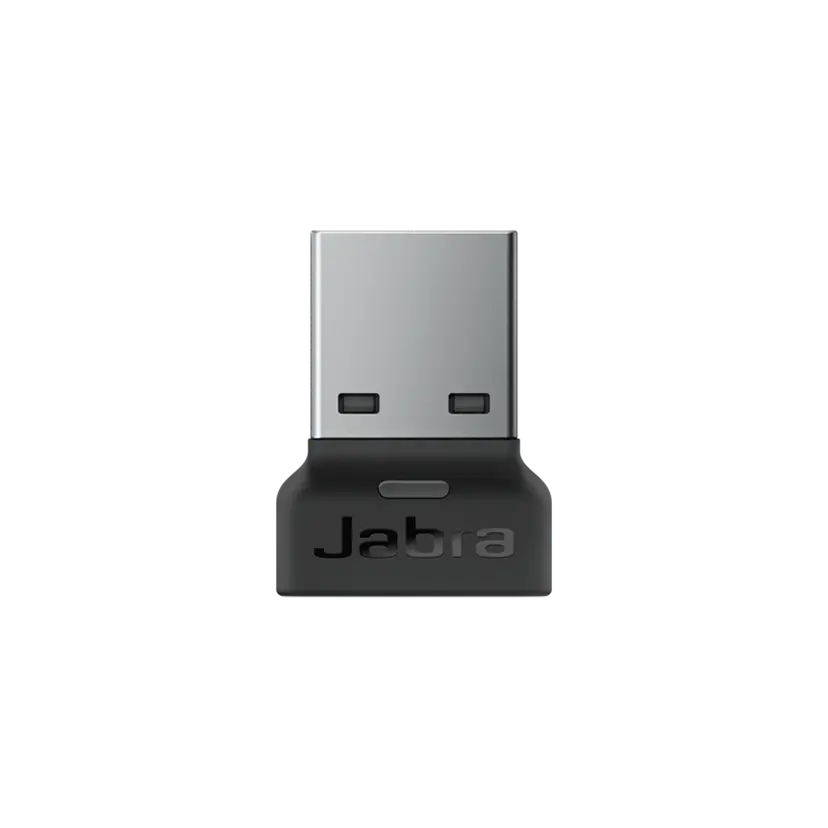
Jabra Link 380a MS - USB-A - Bluetooth Adapter
x xxx,xx xx(x xxx,xx xx x xxx xxx)Jabra Link 380a UC - USB-A - Bluetooth Adapter
x xxx,xx xx(x xxx,xx xx x xxx xxx)