
제품 시작하기
지원 리소스
문서
문서
데이터 시트
언어
 중국어 간체
 독일어
독일어 덴마크어
덴마크어 아시아 태평양
- 영어(호주)
 영어(EMEA)
 영어(영국)
 영어
영어 스페인어
스페인어 프랑스어
프랑스어 일본어
일본어 네덜란드어
네덜란드어
유형
pdf
크기
311.3 KB
문서
설치 설명서
언어
 아라비아어
아라비아어 불가리아어
불가리아어 체코어
체코어- 덴마크어
- 독일어
 그리스어
그리스어- 영어
- 스페인어
 라틴 아메리카 스페인어
 에스토니아어
- 페르시아어
 핀란드어
핀란드어 캐나다 프랑스어
- 프랑스어
 힌디어
힌디어 크로아티아어
 헝가리어
헝가리어 인도네시아어
 이탈리아어
이탈리아어- 일본어
 한국어
한국어 리투아니아어
 라트비아어
라트비아어 말레이시아어
- 네덜란드어
 노르웨이어
노르웨이어 폴란드어
폴란드어 포르투갈어
포르투갈어 브라질 포르투갈어
 루마니아어
루마니아어 러시아어
러시아어 슬로바키아어
 슬로베니아어
 세르비아어
세르비아어 스웨덴어
스웨덴어 태국어
태국어 터키어
터키어 우크라이나어
 베트남어
베트남어- 중국어 간체
 중국어 번체
유형
pdf
크기
3.1 MB
자주 묻는 질문
최신 릴리스 정보
출시일:
8월 12, 2026릴리스 버전:Jabra Panacast 40 Video Bar: 4.2.0-21New Features
- Web Console access over USB when no network is available — connect the device to your laptop and browse to https://jabra-ui.local
- People Count support for Jabra Plus application
- New camera detection settings under Video > Camera can be enabled or disabled from the Web Console or App UI:
- Screen Detection, which prevents the camera from framing people shown on in-room displays
- Reflection Detection, which prevents framing of reflections
- Configurable transition speed and style for Virtual Director
- Monitor standby modes can now be configured from the App UI and Web UI
Updated
- Several Web Console improvements
Fixed
- Fixed an issue where the video bar in standalone mode showed only three camera modes (Panoramic, Speaker Focus, and Auto Framing) instead of all four
- Fixed an issue where the MDEP version was shown on the Touch Controller but not on the video bar
- Fixed an issue in Zoom BYOD mode on macOS where the volume reverted unexpectedly after being changed
- Fixed an issue where the list of available video bars continued to appear in the Web Console even after the video bar and Touch Controller were successfully paired
- Fixed an issue where a Webex meeting invitation was not received in the device calendar
- Fixed a camera stitching issue in the image overlap zone
- Fixed an issue where the video bar and Touch Controller could not find each other after IPv6 was disabled on the video bar
- Fixed an issue where the display did not enter standby in BYOD mode
- Fixed Intelligent Meeting Space issues where a person just outside the configured room boundary could be detected at close range, and where the multi-focus layout behaved unexpectedly as a fifth person moved in and out of the boundary
- Fixed an issue in Zoom where the device prompted for device-type selection at startup even though it had already been configured during setup
- Fixed an issue where the selected language was not shown in the Microsoft Teams Admin Center or Pro Management Portal
Security Updates
- Retrieval of NTP date/time via DHCP option 42
출시일:
4월 23, 2026릴리스 버전:Jabra Panacast 40 Video Bar: 3.4.0-19Updated:
- Improved voice capture while extreme background noise suppression is active
- Improved participant detection in Multi-Stream Dynamic Composition mode
- Splash screen added to HDMI output on boot
- Improved Video Bar wake speed after rebooting
- Added "Room View" options while in Single-stream Dynamic Composition mode
- Resolved a pairing state drop between Video Bar and Control IP in Microsoft Teams Rooms environments
- Single-Stream Dynamic Composition and Virtual Director are now correctly displayed in the user interface of BYOD mode
- Corrected a chipset timing issue which interfered with the boot process in rare cases
- HDMI now correctly outputs after exiting standby in BYOD mode
- Resolved a bug causing the Video Bar to appear disconnected under certain network conditions
- Echo no longer present when sharing content via HDMI during Microsoft Teams Rooms meetings
- Volume controls now correctly unmute audio in Microsoft Teams Rooms after being set to minimum levels
- Audio distortion issues for MacBook users when operating in BYOD mode
- HDMI output now correctly scales to 4K on supported displays
- Switching cameras in Cisco Webex while using BYOD mode no longer results in video distortions
- Multi-Stream Dynamic Composition video streams from Zoom Rooms are now implemented to Direct Guest Join participants in Microsoft Teams Rooms meetings
- Changing output resolutions on an Apple MacBook does not result in loss of video in BYOD mode
- Video output initializes correctly even if the HDMI cable is connected after the device is powered on
- Enhanced the handling of fragmented IPv6 packets to prevent potential data loss or connection drops
- Device connectivity is no longer lost if WiFi paired Video Bar and Control IP are changed to Ethernet connections
- Addressed connectivity issues when ICMP echo requests were disabled for the default gateway
Minor performance and stability improvements
Edited: May 14, 2026
출시일:
9월 17, 2025릴리스 버전:Jabra Panacast 40 Video Bar: 1.9.0-25; Jabra Control IP: 7.10.0-9Updated:
- Added support for partial Configuration Profiles in Microsoft Teams Admin Center
- Minor performance and stability improvements
Please note: From November 17, 2025, applicable release notes for the Jabra Control IP/Jabra Scheduler are located here
Edited: November 17, 2025
출시일:
8월 04, 2025릴리스 버전:Jabra Panacast 40 Video Bar: 1.9.0-25; Jabra Control IP: 7.8.0-9Details:
- First public release
일련 번호 찾기
보증을 확인하기 전에 제품 일련번호를 찾아보세요.
액세서리
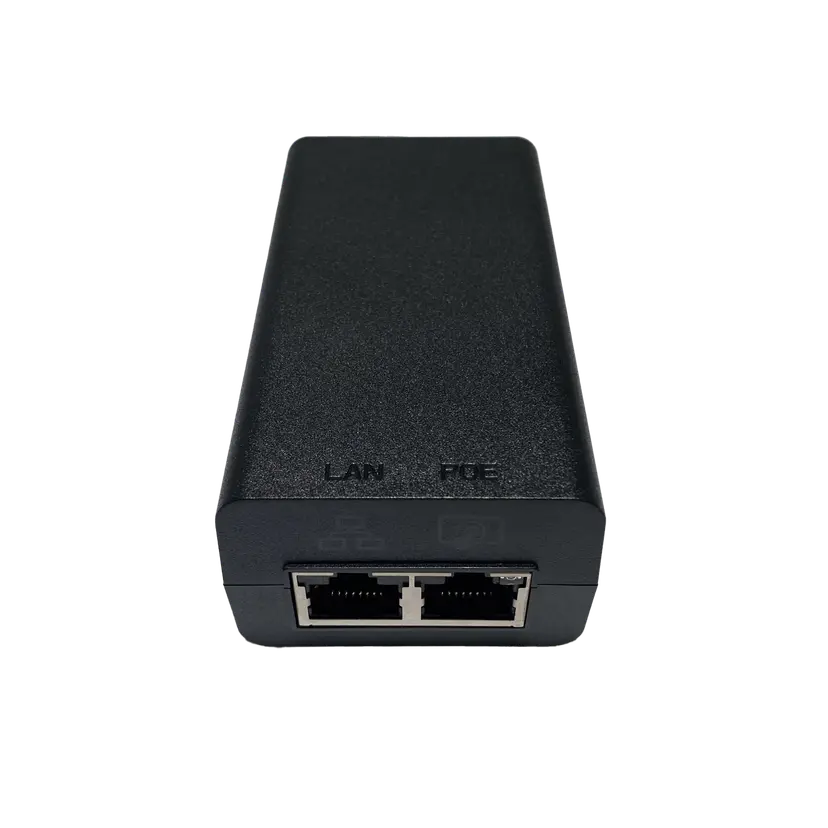
Jabra PoE Injector Kit
x xxx,xx xx(x xxx,xx xx x xxx xxx)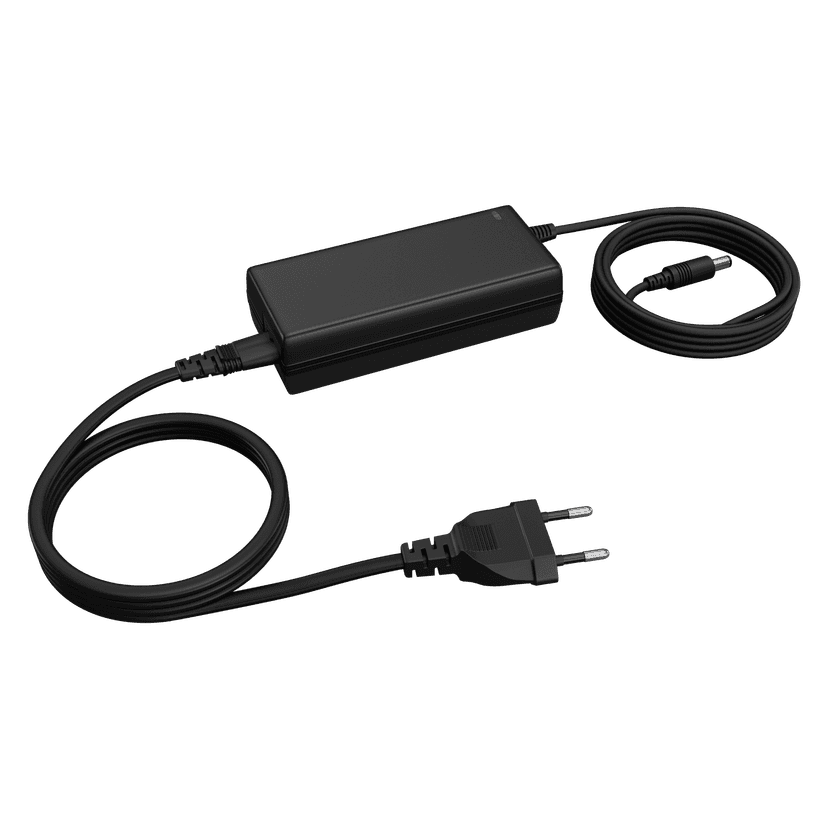
Jabra PanaCast 50 Power Supply
x xxx,xx xx(x xxx,xx xx x xxx xxx)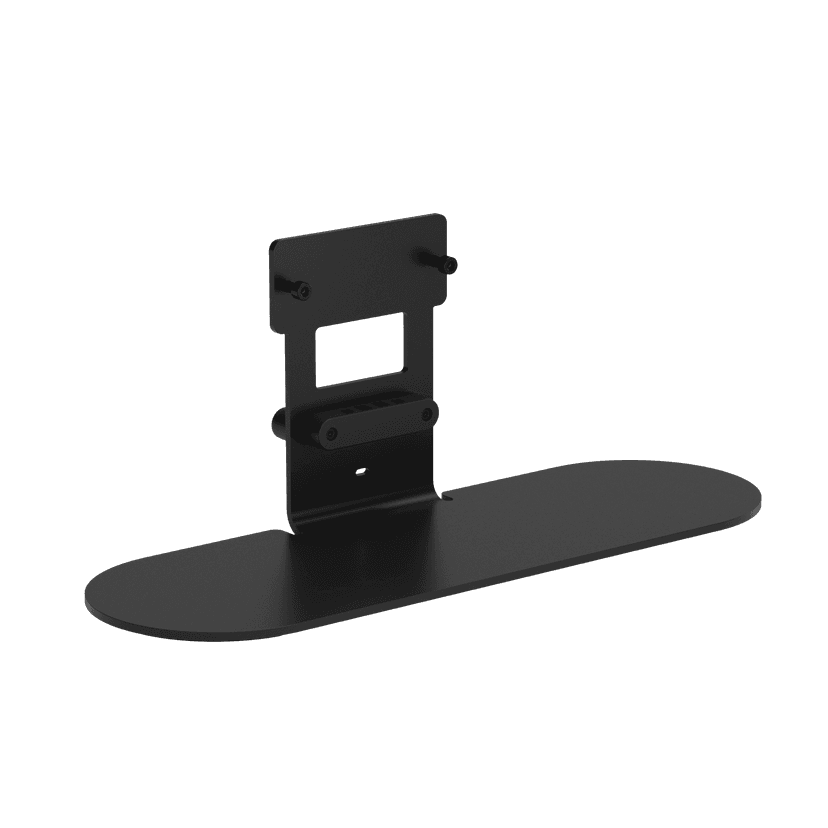
Jabra Table Stand
x xxx,xx xx(x xxx,xx xx x xxx xxx)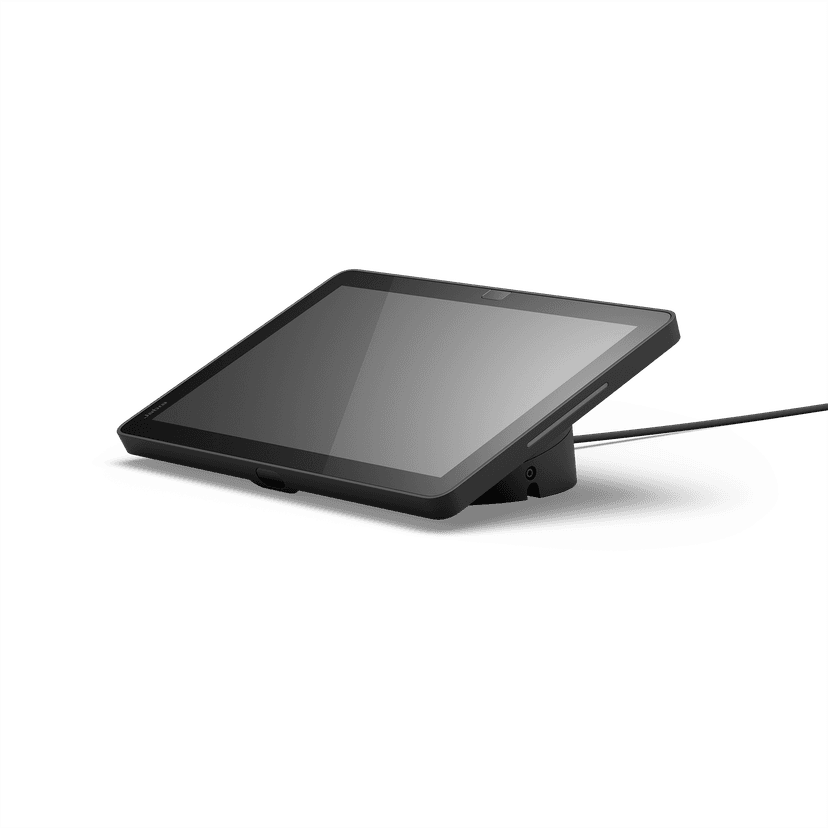
Jabra Control IP - UC
x xxx,xx xx(x xxx,xx xx x xxx xxx)Jabra Control IP - Microsoft Teams Rooms
x xxx,xx xx(x xxx,xx xx x xxx xxx)Jabra Control IP - Zoom Room
x xxx,xx xx(x xxx,xx xx x xxx xxx)
Jabra PanaCast 40 VBS Privacy Cover
x xxx,xx xx(x xxx,xx xx x xxx xxx)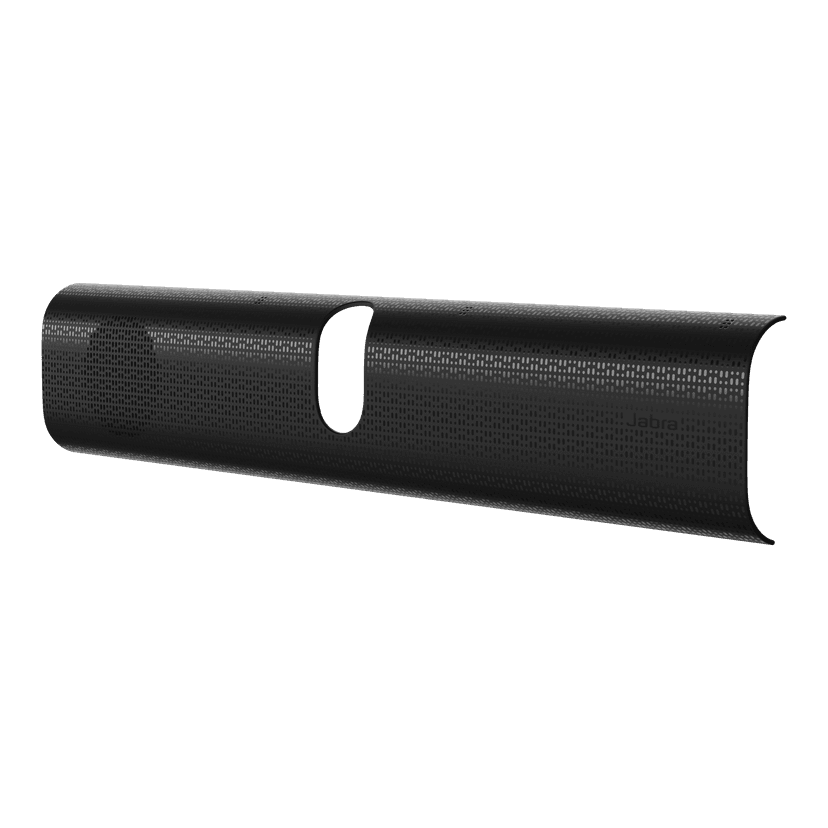
Jabra PanaCast 40 VBS Easy Clean Cover
x xxx,xx xx(x xxx,xx xx x xxx xxx)
Jabra PanaCast 40 VBS Fabric Cover
x xxx,xx xx(x xxx,xx xx x xxx xxx)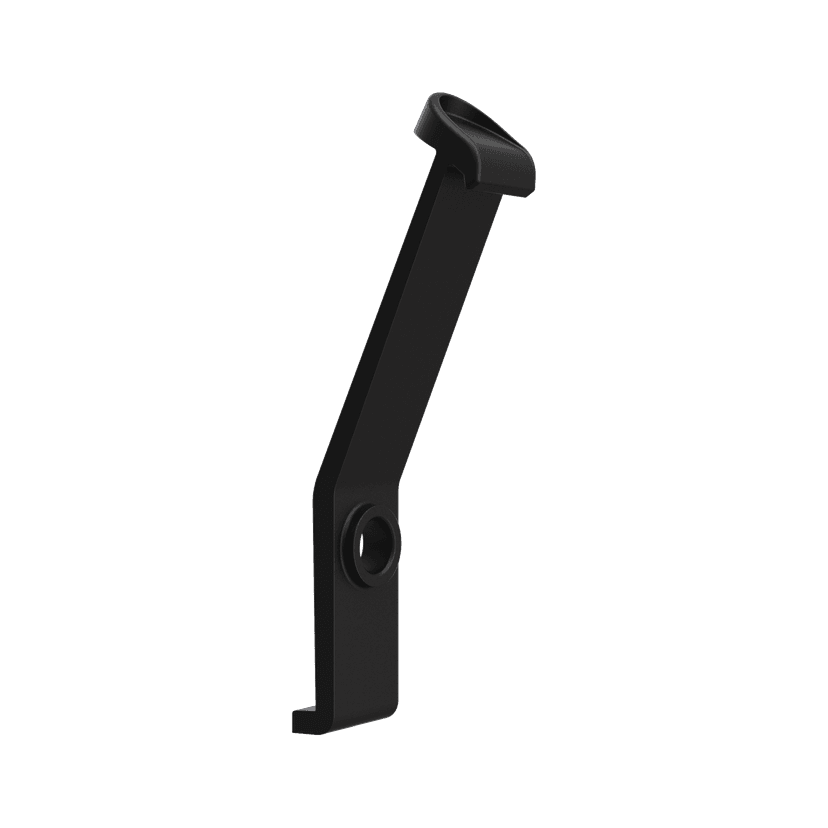
Jabra PanaCast 40 VBS ADA Mount
x xxx,xx xx(x xxx,xx xx x xxx xxx)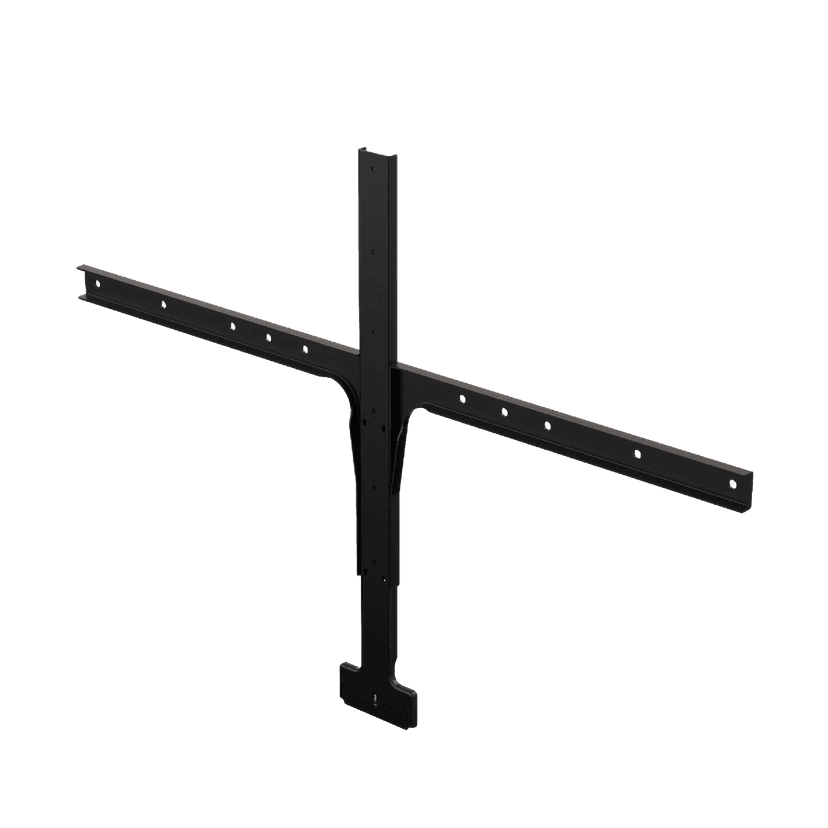
Jabra Large Screen Mount
x xxx,xx xx(x xxx,xx xx x xxx xxx)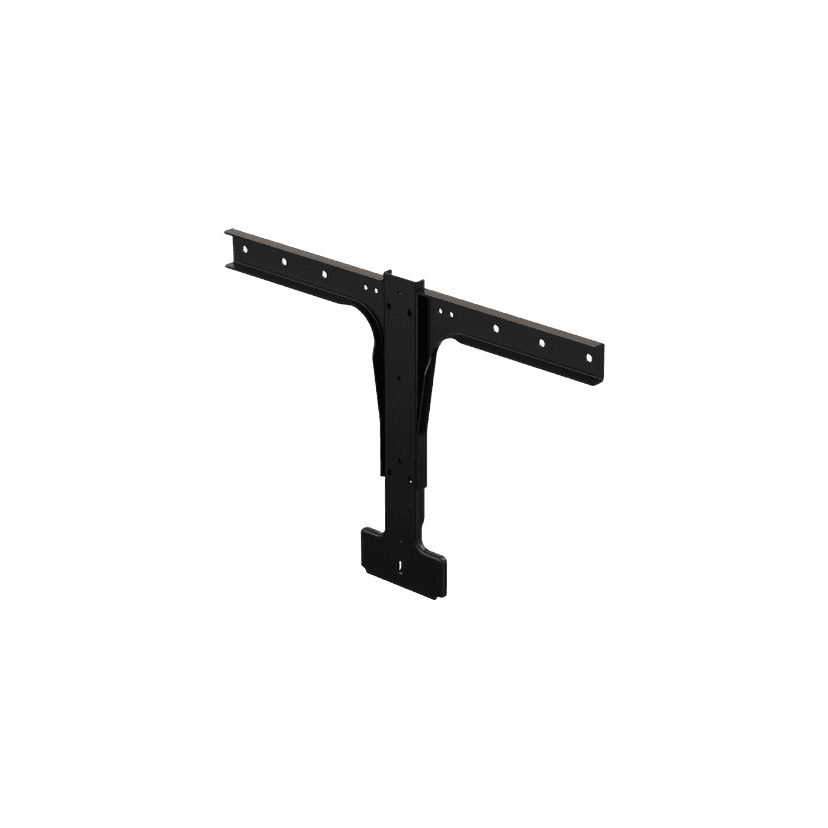
Jabra Small Screen Mount
x xxx,xx xx(x xxx,xx xx x xxx xxx)
이 제품은 다음 장치 또는 시스템과 호환됩니다.
소프트폰:
호환 가능
유선 전화기:
호환되지 않음
모바일/태블릿:
호환되지 않음
호환성 가이드
사용 중인 기기에 적합한 Jabra 제품을 찾아보세요