
제품 시작하기
지원 리소스
문서

 아라비아어
아라비아어 불가리아어
불가리아어 체코어
체코어 덴마크어
덴마크어 독일어
독일어 그리스어
그리스어 스페인어
스페인어 라틴 아메리카 스페인어
 에스토니아어
 핀란드어
핀란드어 캐나다 프랑스어
 프랑스어
프랑스어 힌디어
힌디어 크로아티아어
 헝가리어
헝가리어 인도네시아어
 이탈리아어
이탈리아어 일본어
일본어 한국어
한국어 리투아니아어
 라트비아어
라트비아어 말레이시아어
 네덜란드어
네덜란드어 노르웨이어
노르웨이어 폴란드어
폴란드어 포르투갈어
포르투갈어 브라질 포르투갈어
 루마니아어
루마니아어 러시아어
러시아어 슬로바키아어
 슬로베니아어
 세르비아어
세르비아어 스웨덴어
스웨덴어 태국어
태국어 터키어
터키어 우크라이나어
 베트남어
베트남어 중국어 간체
 중국어 번체
자주 묻는 질문
최신 릴리스 정보
출시일:
8월 12, 2026릴리스 버전:Jabra Panacast 40 Video Bar: 4.2.0-21New Features
- Web Console access over USB when no network is available — connect the device to your laptop and browse to https://jabra-ui.local
- People Count support for Jabra Plus application
- New camera detection settings under Video > Camera can be enabled or disabled from the Web Console or App UI:
- Screen Detection, which prevents the camera from framing people shown on in-room displays
- Reflection Detection, which prevents framing of reflections
- Configurable transition speed and style for Virtual Director
- Monitor standby modes can now be configured from the App UI and Web UI
Updated
- Several Web Console improvements
Fixed
- Fixed an issue where the video bar in standalone mode showed only three camera modes (Panoramic, Speaker Focus, and Auto Framing) instead of all four
- Fixed an issue where the MDEP version was shown on the Touch Controller but not on the video bar
- Fixed an issue in Zoom BYOD mode on macOS where the volume reverted unexpectedly after being changed
- Fixed an issue where the list of available video bars continued to appear in the Web Console even after the video bar and Touch Controller were successfully paired
- Fixed an issue where a Webex meeting invitation was not received in the device calendar
- Fixed a camera stitching issue in the image overlap zone
- Fixed an issue where the video bar and Touch Controller could not find each other after IPv6 was disabled on the video bar
- Fixed an issue where the display did not enter standby in BYOD mode
- Fixed Intelligent Meeting Space issues where a person just outside the configured room boundary could be detected at close range, and where the multi-focus layout behaved unexpectedly as a fifth person moved in and out of the boundary
- Fixed an issue in Zoom where the device prompted for device-type selection at startup even though it had already been configured during setup
- Fixed an issue where the selected language was not shown in the Microsoft Teams Admin Center or Pro Management Portal
Security Updates
- Retrieval of NTP date/time via DHCP option 42
출시일:
4월 23, 2026릴리스 버전:Jabra Panacast 40 Video Bar: 3.4.0-19Updated:
- Improved voice capture while extreme background noise suppression is active
- Improved participant detection in Multi-Stream Dynamic Composition mode
- Splash screen added to HDMI output on boot
- Improved Video Bar wake speed after rebooting
- Added "Room View" options while in Single-stream Dynamic Composition mode
- Resolved a pairing state drop between Video Bar and Control IP in Microsoft Teams Rooms environments
- Single-Stream Dynamic Composition and Virtual Director are now correctly displayed in the user interface of BYOD mode
- Corrected a chipset timing issue which interfered with the boot process in rare cases
- HDMI now correctly outputs after exiting standby in BYOD mode
- Resolved a bug causing the Video Bar to appear disconnected under certain network conditions
- Echo no longer present when sharing content via HDMI during Microsoft Teams Rooms meetings
- Volume controls now correctly unmute audio in Microsoft Teams Rooms after being set to minimum levels
- Audio distortion issues for MacBook users when operating in BYOD mode
- HDMI output now correctly scales to 4K on supported displays
- Switching cameras in Cisco Webex while using BYOD mode no longer results in video distortions
- Multi-Stream Dynamic Composition video streams from Zoom Rooms are now implemented to Direct Guest Join participants in Microsoft Teams Rooms meetings
- Changing output resolutions on an Apple MacBook does not result in loss of video in BYOD mode
- Video output initializes correctly even if the HDMI cable is connected after the device is powered on
- Enhanced the handling of fragmented IPv6 packets to prevent potential data loss or connection drops
- Device connectivity is no longer lost if WiFi paired Video Bar and Control IP are changed to Ethernet connections
- Addressed connectivity issues when ICMP echo requests were disabled for the default gateway
Minor performance and stability improvements
Edited: May 14, 2026
출시일:
9월 17, 2025릴리스 버전:Jabra Panacast 40 Video Bar: 1.9.0-25; Jabra Control IP: 7.10.0-9Updated:
- Added support for partial Configuration Profiles in Microsoft Teams Admin Center
- Minor performance and stability improvements
Please note: From November 17, 2025, applicable release notes for the Jabra Control IP/Jabra Scheduler are located here
Edited: November 17, 2025
출시일:
8월 04, 2025릴리스 버전:Jabra Panacast 40 Video Bar: 1.9.0-25; Jabra Control IP: 7.8.0-9Details:
- First public release
일련 번호 찾기
보증을 확인하기 전에 제품 일련번호를 찾아보세요.
액세서리
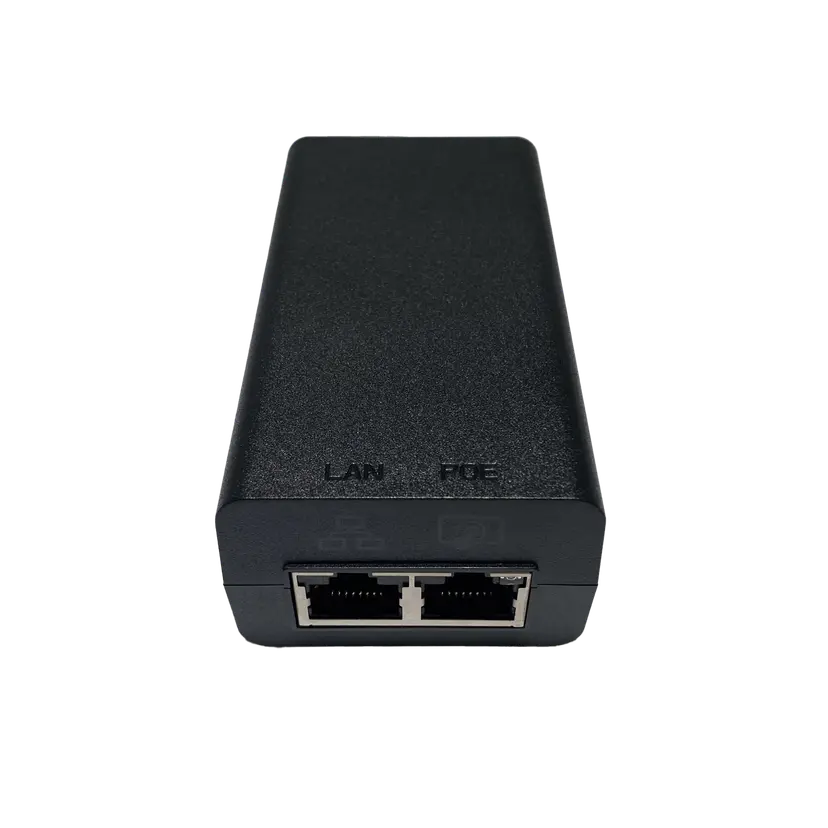
Jabra PoE Injector Kit
x xxx,xx xx(x xxx,xx xx x xxx xxx)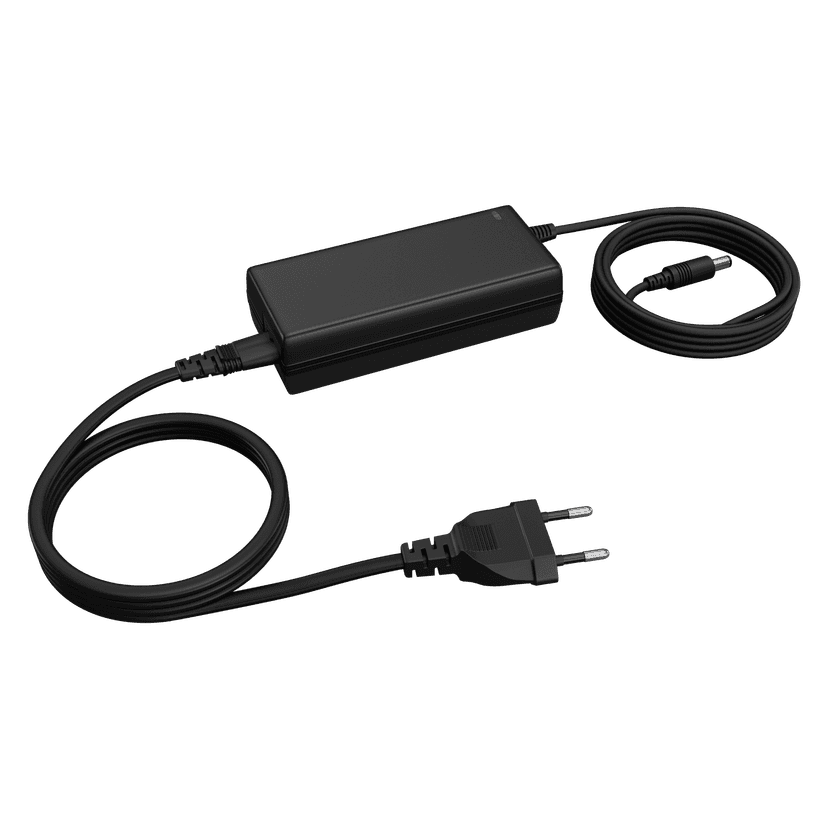
Jabra PanaCast 50 Power Supply
x xxx,xx xx(x xxx,xx xx x xxx xxx)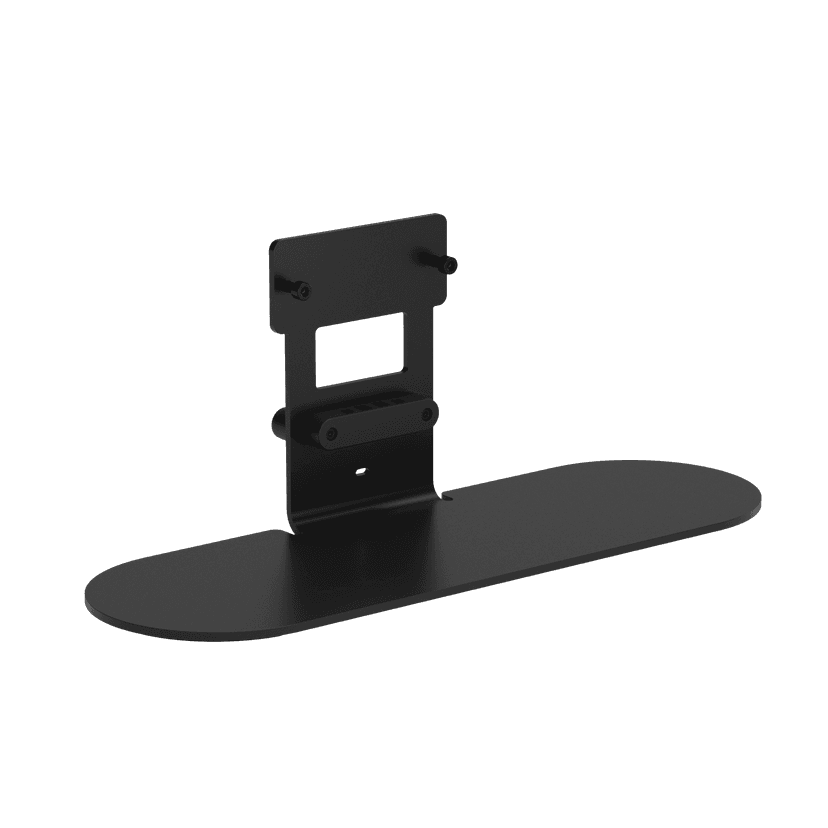
Jabra Table Stand
x xxx,xx xx(x xxx,xx xx x xxx xxx)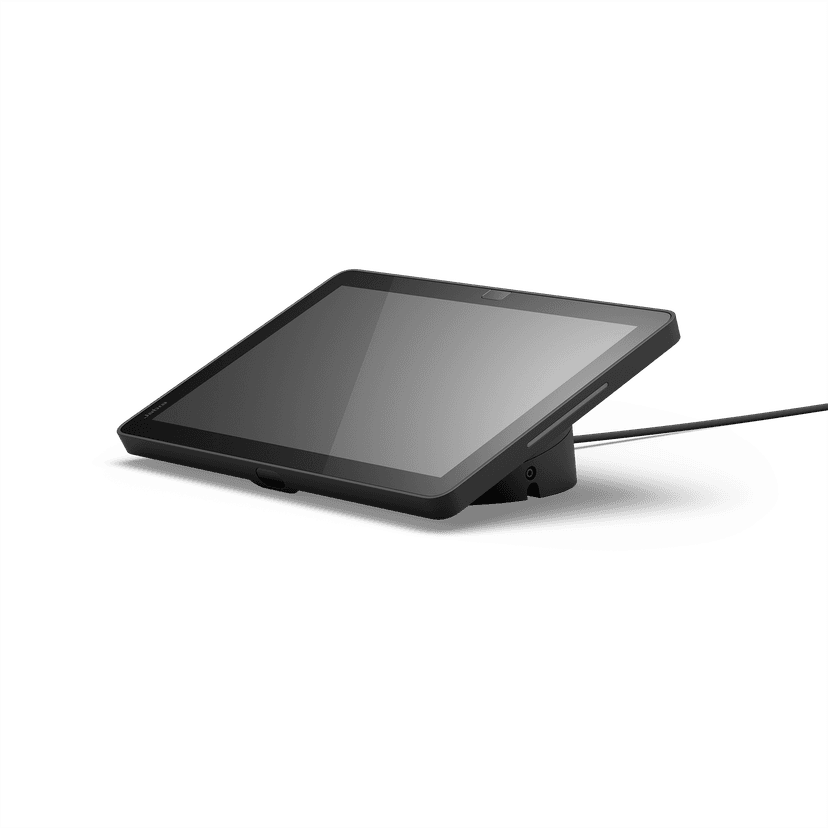
Jabra Control IP - UC
x xxx,xx xx(x xxx,xx xx x xxx xxx)Jabra Control IP - Microsoft Teams Rooms
x xxx,xx xx(x xxx,xx xx x xxx xxx)Jabra Control IP - Zoom Room
x xxx,xx xx(x xxx,xx xx x xxx xxx)
Jabra PanaCast 40 VBS Privacy Cover
x xxx,xx xx(x xxx,xx xx x xxx xxx)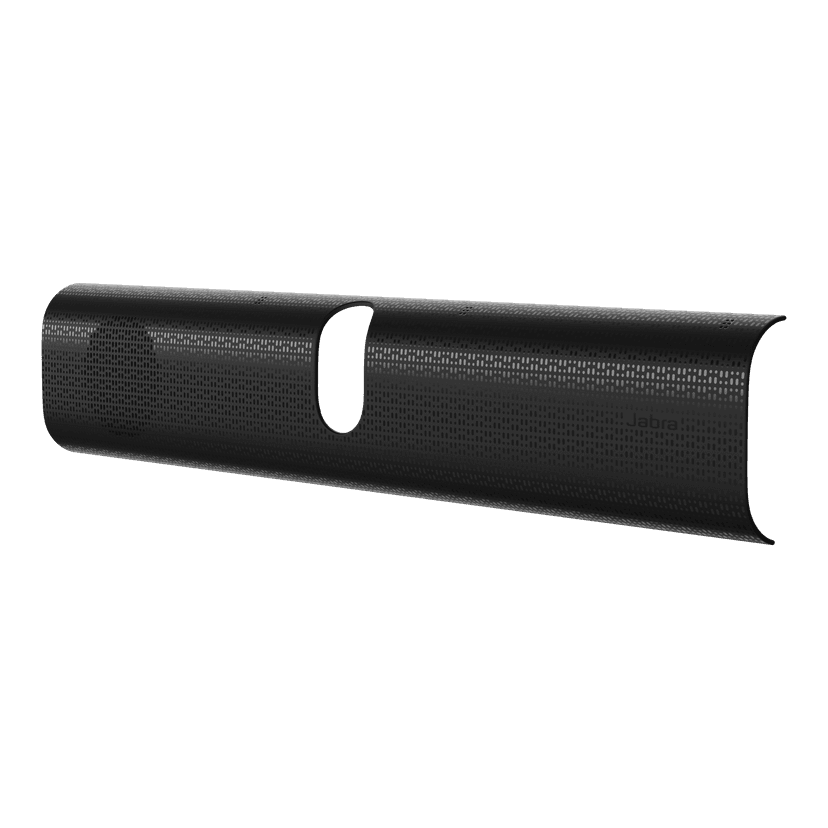
Jabra PanaCast 40 VBS Easy Clean Cover
x xxx,xx xx(x xxx,xx xx x xxx xxx)
Jabra PanaCast 40 VBS Fabric Cover
x xxx,xx xx(x xxx,xx xx x xxx xxx)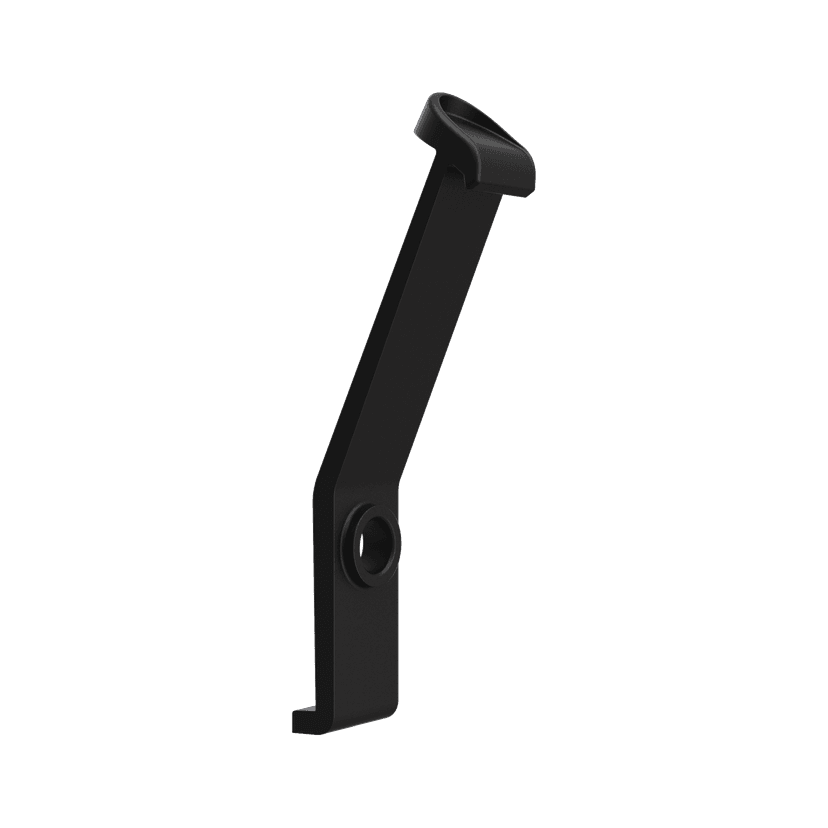
Jabra PanaCast 40 VBS ADA Mount
x xxx,xx xx(x xxx,xx xx x xxx xxx)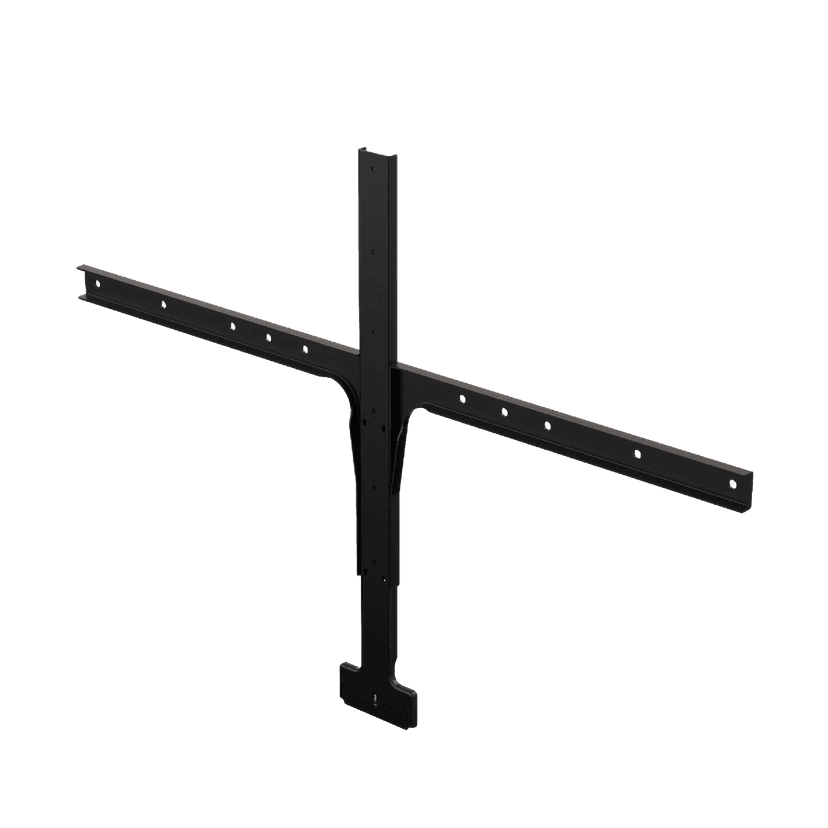
Jabra Large Screen Mount
x xxx,xx xx(x xxx,xx xx x xxx xxx)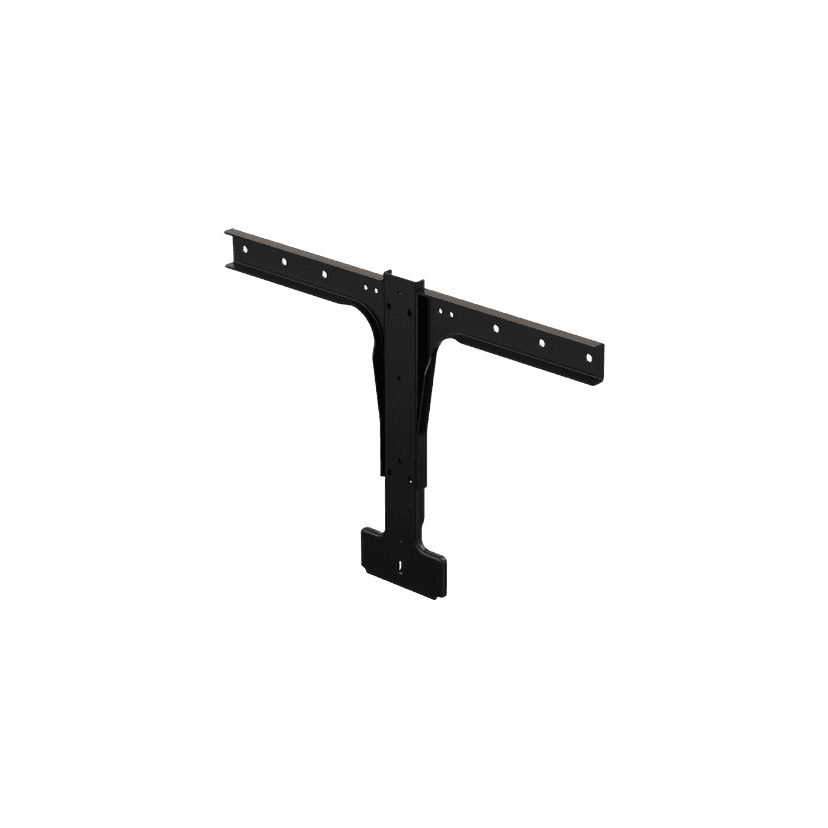
Jabra Small Screen Mount
x xxx,xx xx(x xxx,xx xx x xxx xxx)
이 제품은 다음 장치 또는 시스템과 호환됩니다.
소프트폰:
호환 가능
유선 전화기:
호환되지 않음
모바일/태블릿:
호환되지 않음
호환성 가이드
사용 중인 기기에 적합한 Jabra 제품을 찾아보세요