Jabra Logo
Jabra Logo

Get started with your product

Support resources

Documents

Loading component...

FAQs

Loading component...

Firmware and software

Loading component...

Latest release notes

Loading component...

Find the serial number

Find your product serial number before checking the warranty.

Contact Jabra Support

Videos

  • How to

    Set up and use

Find more videos on Youtube

Warranty check

See the warranty coverage for your product

Jabra ServiceNet

Manage your warranty replacements and returns in our online self-service portal

Warranty terms

Read our warranty and service information for business products

Product registration

Get news from Jabra, offers and tips sent directly to your inbox
Accessories

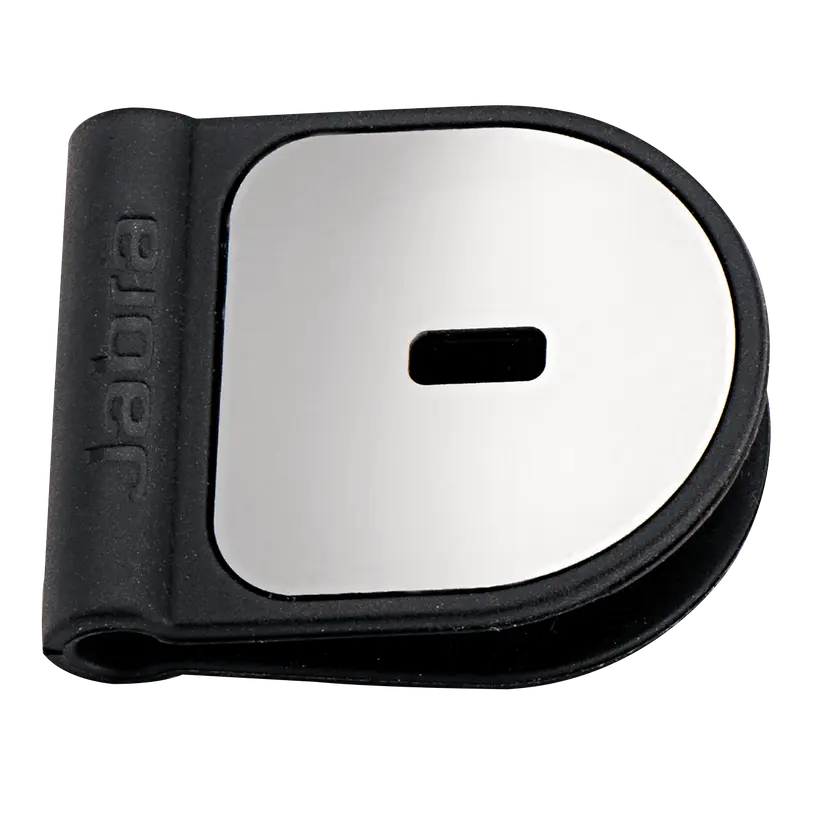
  • Jabra Kensington Lock Adaptor

    x xxx,xx xx(x xxx,xx xx x xxx xxx)
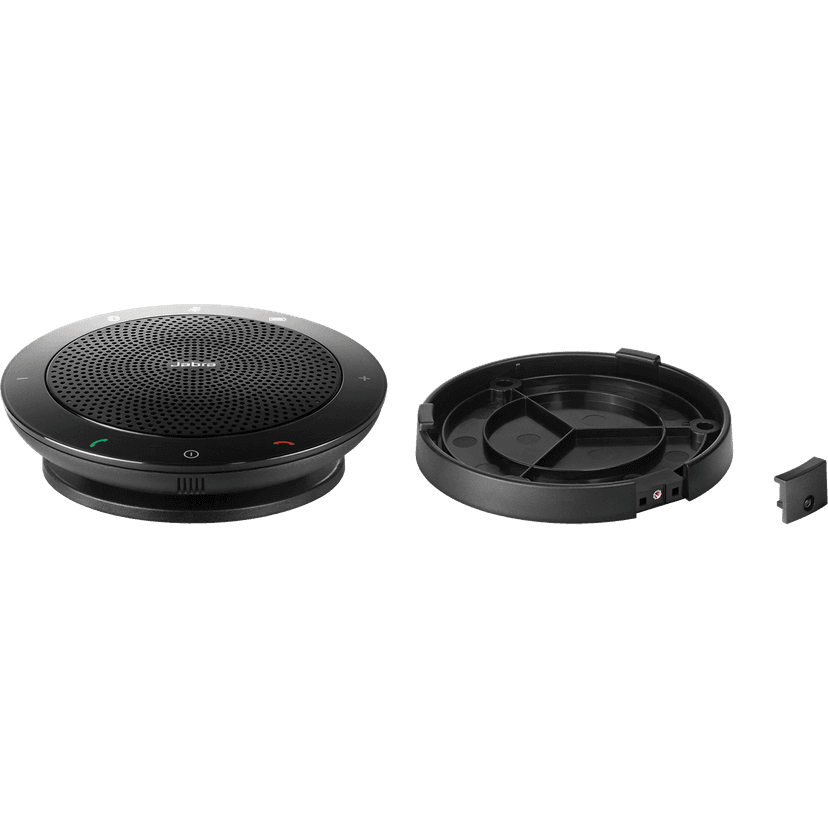
  • Jabra Speak 410/510 Holder

    x xxx,xx xx(x xxx,xx xx x xxx xxx)

This product is compatible with the following devices or systems

  • Desktop phone:


    Compatible

  • Softphone:


    Compatible


    Compatible with

  • Mobile/Tablet:


    Not compatible

  • Comparability guide


    Find the right headset for your device

  1. Jabra Speak 410

About us

  • Our Story
  • Careers
  • Sustainability
  • News and Press Releases
  • Jabra Blog
  • Case Studies
  • Our Story
  • Careers
  • Sustainability
  • News and Press Releases
  • Jabra Blog
  • Case Studies

Support resources

  • Product Support
  • User manuals
  • Bluetooth pairing guide
  • Compatibility Guide
  • How-to videos
  • Accessories
  • Identify your Product
  • Self Service Repair
  • Product Support
  • User manuals
  • Bluetooth pairing guide
  • Compatibility Guide
  • How-to videos
  • Accessories
  • Identify your Product
  • Self Service Repair

FAQs

  • What is a good headset for Skype?
  • What is a good headset for an iPhone?
  • Are Bluetooth headsets safe?
  • What is a good headset for Skype?
  • What is a good headset for an iPhone?
  • Are Bluetooth headsets safe?

Get in touch

  • Contact Jabra Sales
  • Online Orders
  • Register your Product
  • Become a Reseller
  • Enterprise End-of-Life Policy
  • Developer Zone
  • Contact Jabra Sales
  • Online Orders
  • Register your Product
  • Become a Reseller
  • Enterprise End-of-Life Policy
  • Developer Zone
GN logo
  • Trademarks
  • Safety and Warning
  • Cookie Policy
  • Change cookie consent
  • Declarations of Conformity
  • Commercial disclaimers
  • Privacy Policy
  • Security Center
  • Open Source Licenses
Document
Data sheet
Language
  • Chinese SimplifiedChinese Simplified
  • GermanGerman
  • SpanishSpanish
  • FrenchFrench
  • EnglishEnglish
  • JapaneseJapanese
  • KoreanKorean
  • Chinese TraditionalChinese Traditional
Type
pdf
Size
1.5 MB
Download
Document
Technical specifications
Language
  • Chinese SimplifiedChinese Simplified
  • GermanGerman
  • SpanishSpanish
  • FrenchFrench
  • EnglishEnglish
  • JapaneseJapanese
  • KoreanKorean
  • Chinese TraditionalChinese Traditional
Type
pdf
Size
734.0 KB
Download
  • All categories
How do I manually update the firmware on my Jabra device using Jabra Direct?
Does connecting my Jabra device directly to my computer affect MS Teams functionality?
After connecting with my computer how do I ensure there is audio in the Jabra speakerphone?
Do I have audio and call control on my Jabra device when I use it with computer softphones on the Linux operating system?
Does my Jabra Speak 410 support remote call control (RCC) with Cisco 89XX and 99XX series telephones?
Showing 5 of 53
File
Firmware
Platform
Windows
Language
GeneralGeneral
Release date
2018/04/04
Version
1.12
Download
Release note
File
Jabra Direct
Platform
macOS
Language
EnglishEnglish
Release date
2026/02/12
Version
6.27.03702
Download
Release note
  • Release date:

    April 05, 2018
    Release version:1.12.0

    Details

    • Added Smart button support on units with Date Code from 200918 and Revision B or later (see Date Code and Revision Number on the backside of speakerphone)*
    • Minor updates

    *Requires Jabra Direct 3.11 to configure the Smart button.

  • Release date:

    July 18, 2012
    Release version:1.8.0

    Details

    • Extended support for Cisco USB desk phones
    • Various stability improvements
Complete release history