Hybrid organizations need three things:
what’s expected
and collaboration
and equitable participation.

The problem is, when it comes to that last one, you don't know where to start or what's needed.
We get it – we've been there too, trying to figure out how to help our teams stay aligned despite not always being together, and leveling the playing field for meetings when half the team is at home and half are in the room.
That's how this list, of the seven hybrid work technologies that lead to more productive work, was born. They're presented as categories with specific product recommendations included so you know exactly what's needed and where to get it.
Hybrid teams need tools that help them work across locations (at home, in the office, or depending on your policy – from a local cafe).
But most setups weren't built for that kind of flexibility. In fact, Zoom reports 81% of employees say their current tools aren't built for hybrid work at all.
One person's headset is great. Another's barely works. Someone's calling in from a quiet space, someone else is battling background noise. Half the meeting can't hear or see everyone in the room. The other half can't focus.
And it's not just meetings. Some teams are in Slack while others live in email and tasks keep getting duplicated. You're constantly trying to figure out who's working where and on what.
That's the reality of hybrid work relying on a tech stack built for in-office workflows. But going from remote to hybrid also requires adjustment. Now you have teams in the office huddle room having a call with employees at home. The setup needs to work for both sides equally. That means thinking beyond basic functionality and investing in tools that truly support hybrid collaboration.
Below, we break down seven essential categories of hybrid work tech. Each one solves a specific problem, from poor meeting audio to scattered workflows. You'll find both hardware and software recommendations designed to help your team stay connected, productive, and in sync.
These are:
Here are the tools that matter:
With half the team taking a call from an office huddle room and the other half tuning in from home, your in-office setup needs to make sure:
The right meeting room software accomplishes that. Ensuring everyone in the room is visible and audible, conversation is captured naturally as it moves across the table, and remote participants stay engaged without having to work twice as hard. It also prevents meeting inequity, where remote employees' contributions get overlooked or drowned out because they aren't physically in the room.
Trying to make it work with a laptop camera and built-in mic just won't cut it. You need a system that captures the whole room, zooms in on who's speaking, and blocks out distracting background noises. Don't forget your remote employees also need gear that keeps them in focus and heard.
Meeting room hardware includes:
Who it's best for:
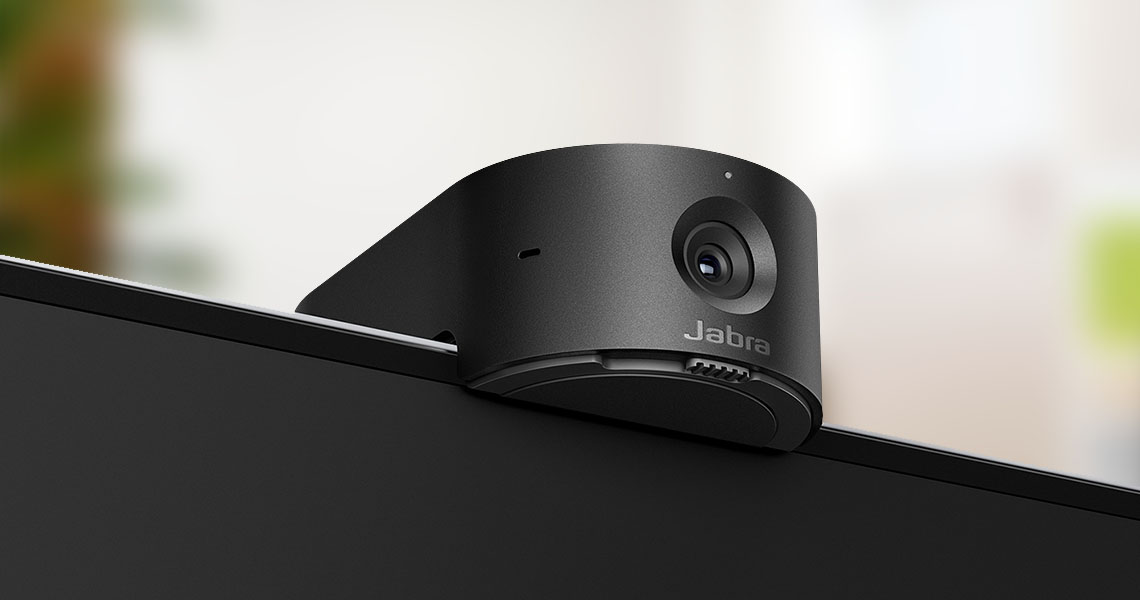
Jabra PanaCast 55 VBS is an all-in-one video conferencing solution that makes meetings fair for everyone, regardless of where they're seated.
Its 180° field of view keeps every meeting participant in frame, even in large rooms. It also has an intelligent zoom feature that focuses on current speakers. This way, the remote team doesn't have to guess who's speaking and the in-office participants won't have to manually recalibrate the camera to focus on the current speaker.
The device is built with an eight-microphone array to pick up everyone's voice (within 20 feet). It also filters out background noise and echo, and with the inbuilt stereo speaker, you don't need separate speakers to amplify the voices of your remote attendees.

Who it's best for:
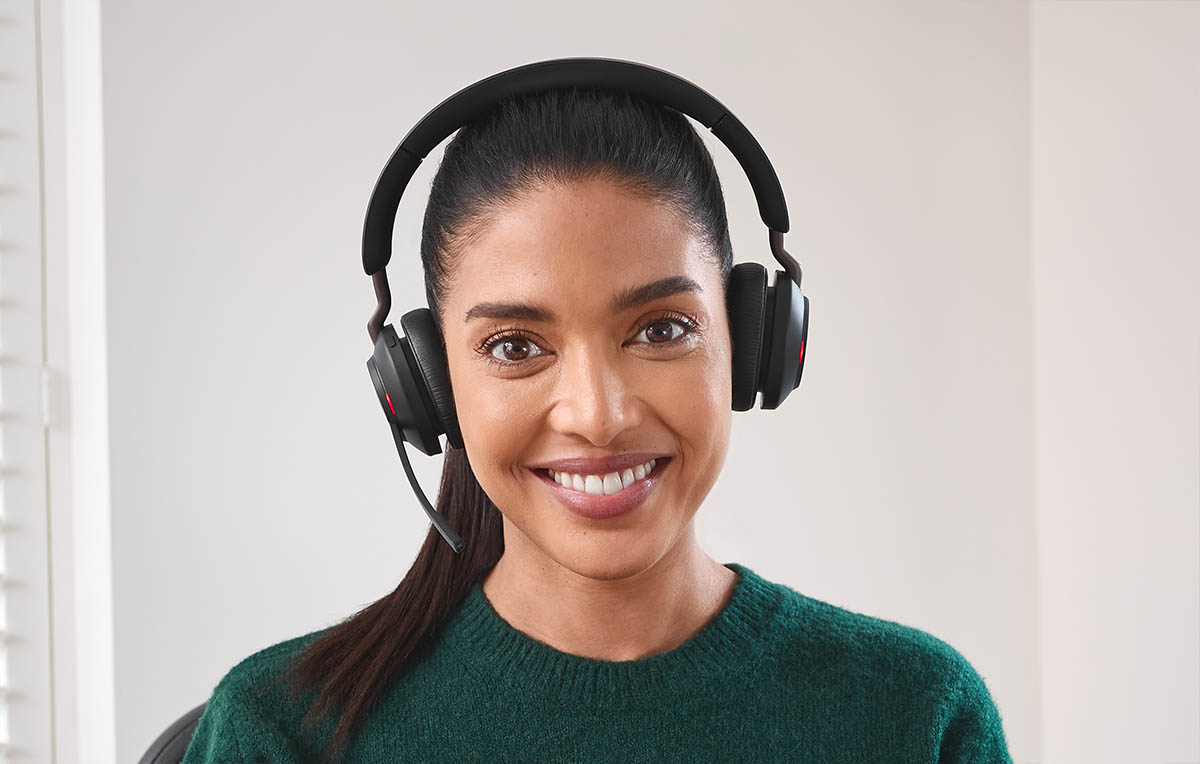
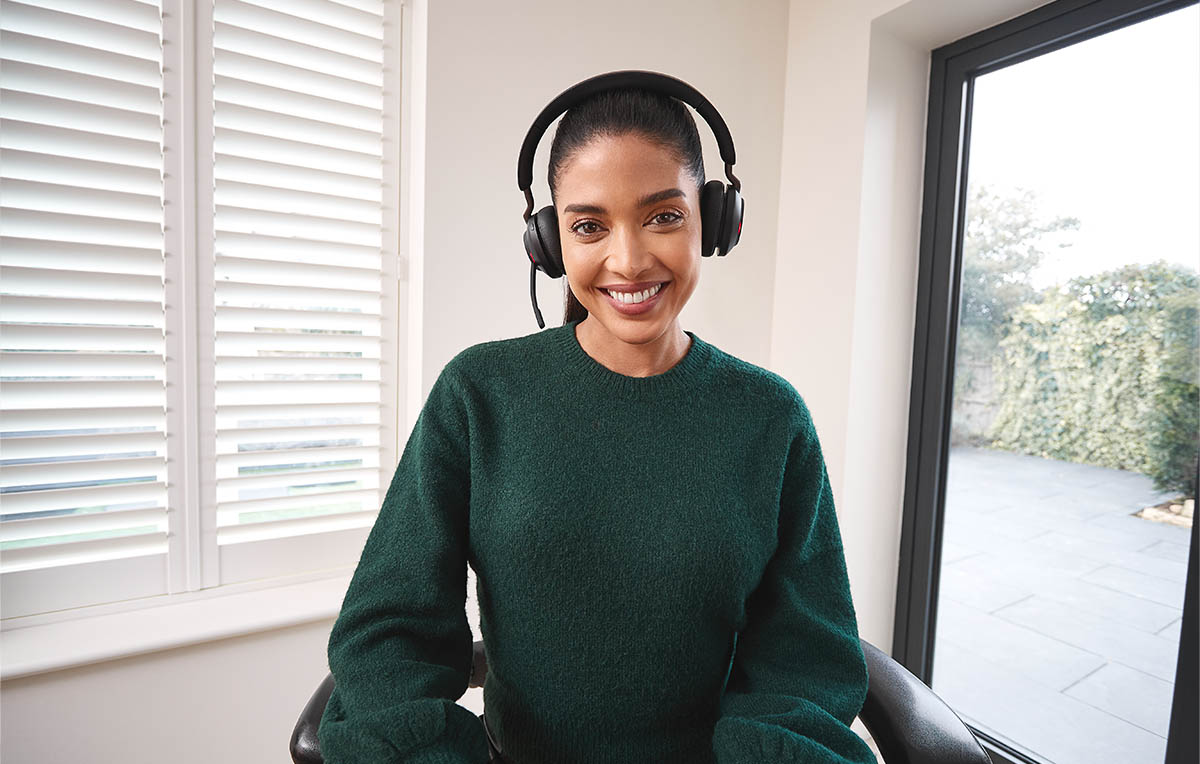
PanaCast 20 is a personal webcam that helps remote attendees look and sound professional on video calls. It has an intelligent zoom feature that centers the speaker in the frame. This is what people see on the call:


It also streams in 4K HD, so you're guaranteed a sharp, clear video that grabs attention.
Most hybrid teams use headsets every day – for video calls, customer conversations, and heads-down focus work. But not all headsets are built for how (or where) we actually work today.
We've seen it firsthand:
Poor audio and discomfort slows down conversations, leads to misunderstandings, and drains energy – especially for people who spend hours a day on calls ( 54% of employees say it impacts their wellbeing negatively).
Here are two headset options you can rely on, depending on how and where your teams work:
Who it's best for:
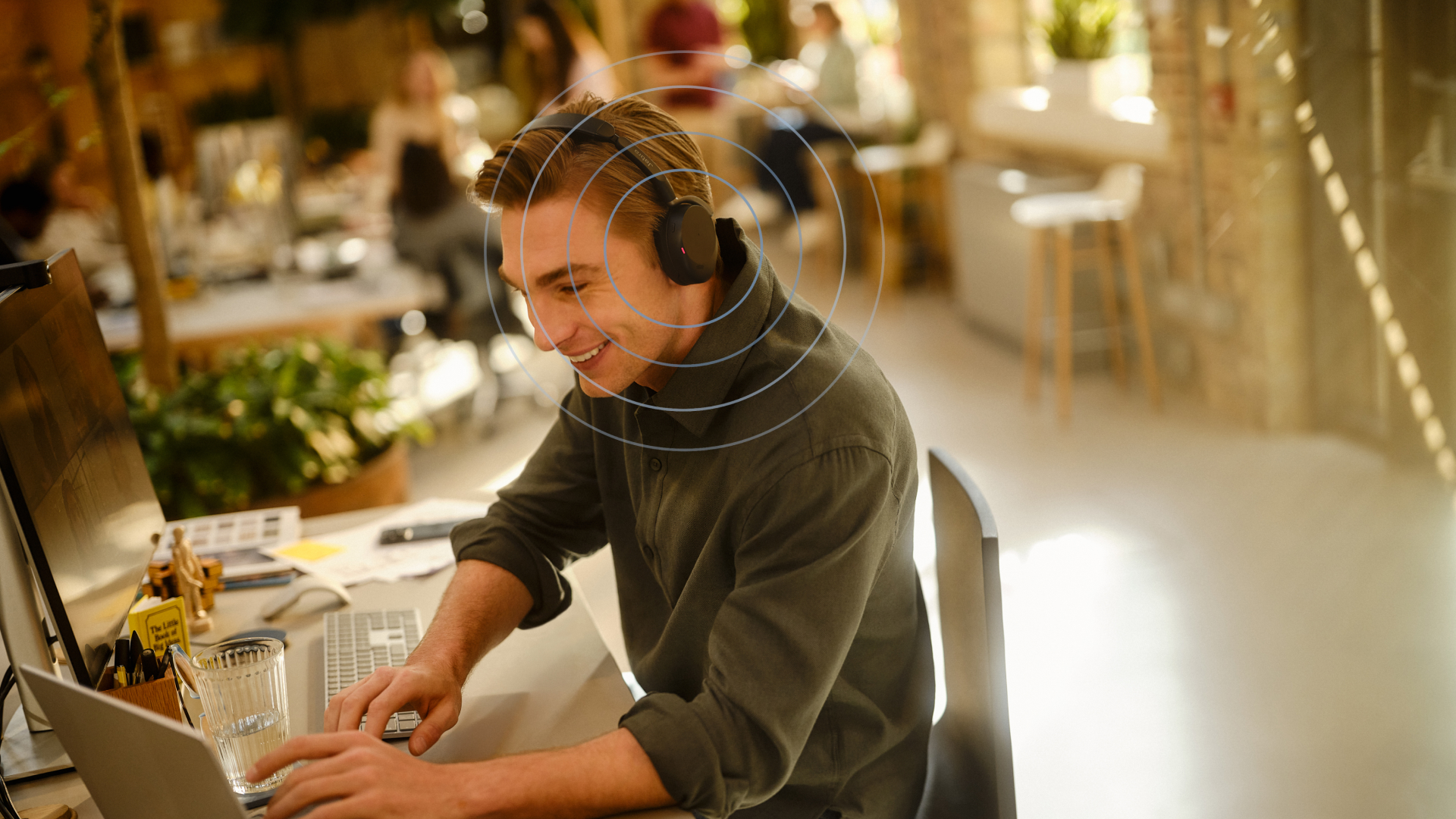
With Jabra Evolve3 65 Flex, you can take calls at home, in the office, or in loud co-working spaces with total confidence. When you activate Active Noise Cancellation, the headset blocks out intrusive sound waves and gives you absolute quiet and focus. ( hear for yourself)
It's also designed with an in-built 360° Busylight that turns on when you're on a call so your in-office colleagues or family/roommates know not to interrupt you.

Designed with Jabra Air Comfort™ technology, it features ergonomic angled oval ear cushions for all-day comfort, even on your busiest workdays.
You can also connect to two devices at once, so you can switch seamlessly from your favorite playlist on your phone to your laptop when you have a team (or customer) call.
Who it's best for:
These are headsets like Engage 40, Engage 50 II, Engage 50, Engage 55 SE, Engage 65 SE and Engage 75 SE.
They're specifically engineered as portable headsets to make every call count, especially if you're a high-volume communicator. Thanks to powerful noise cancellation, they block disruptive background noise so your callers hear your voice only, loud and clear.
They're also designed with Jabra ClearSpeech technology which lets you tune down your caller's background noise. This means that even if a caller is calling from a noisy café, you can press a button to block unwanted sound waves – helping you avoid fatigue and focus on what they're saying.

In hybrid teams, communication happens everywhere – chat, email, video calls, calendars, shared docs. When these tools don't connect, things get messy. Tasks fall through the cracks. People double up on work. Important updates get lost in threads.
That's where unified communication (UC) tools come in. These platforms combine messaging, video, file sharing, and scheduling – so conversations stay organized, and everyone knows where to find what.
Here are three tools we see teams rely on most:

Who it's best for:
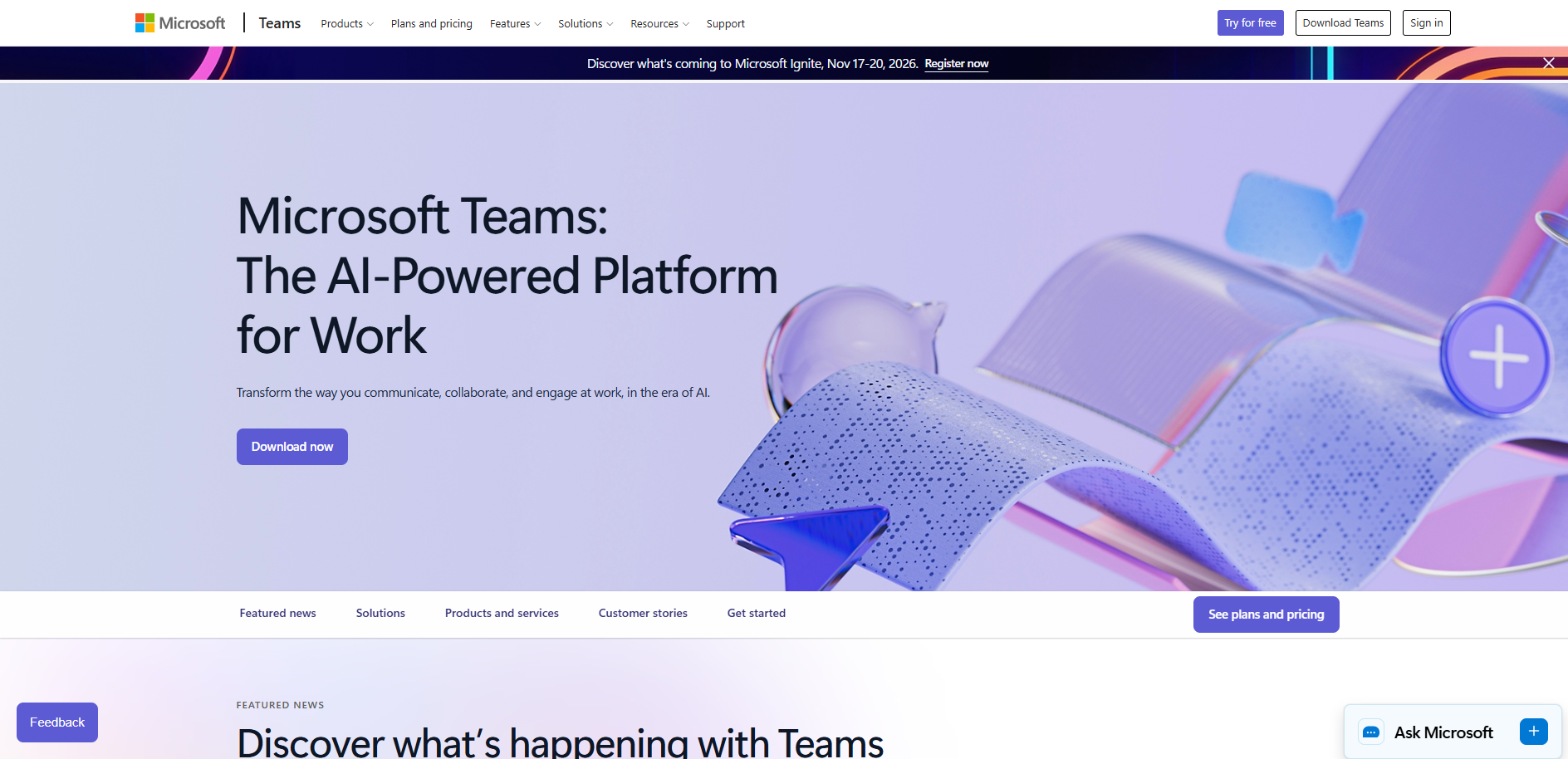
Microsoft Teams brings chat, meetings, file sharing, and scheduling into one hub. It's tightly integrated with Microsoft 365 (Word, Excel, Outlook, SharePoint, OneDrive), which makes it easy to collaborate on documents and plan projects in the same space you meet.
Some of its advantages include:
If Microsoft Teams is too "enterprise" for your team, try Zoom or Slack.

Who it's best for:
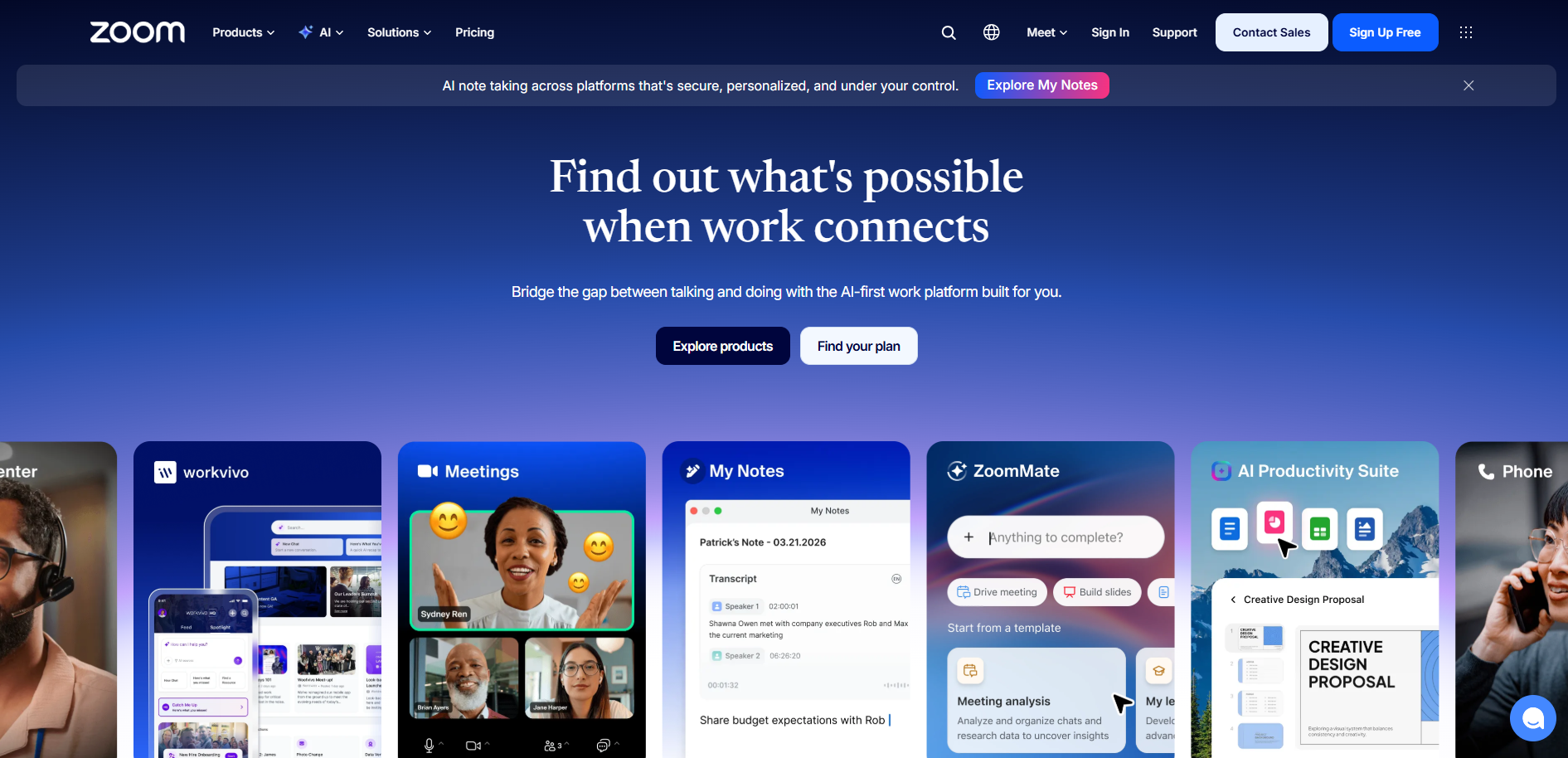
Yes, Zoom is still here, and essential, especially for client calls (if you already use Slack or Teams for internal calls). Some of its important features are:
An alternative is Google Meet, which is perfect for companies with Google Workspace accounts.

Who it's best for:
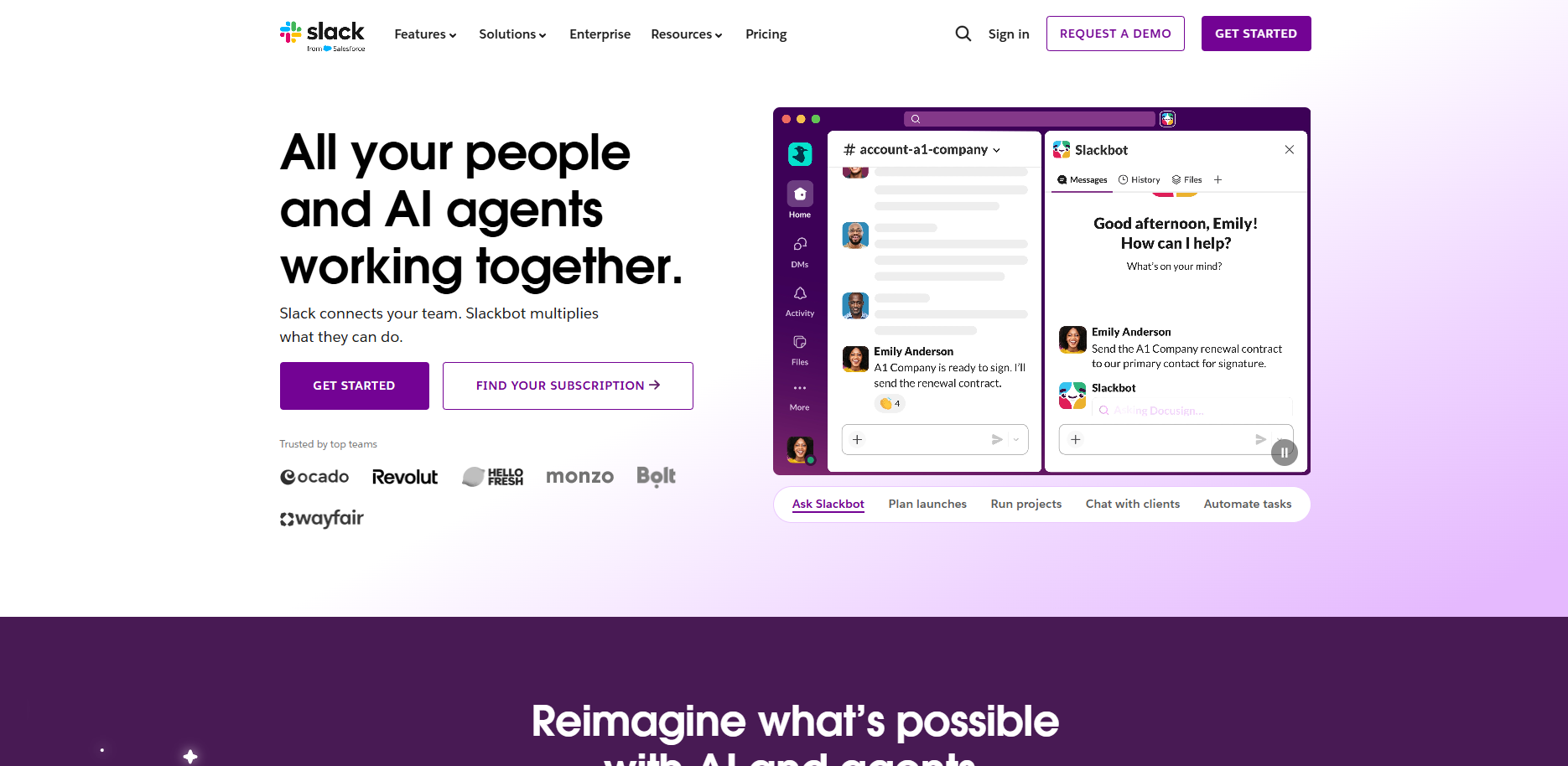
Slack is a messaging app that makes team messaging feel less like email and more like a conversation.
It doesn't have the ecosystem of Microsoft Teams, but it thrives in fast-paced, async environments. Some of its advantages include:
Hybrid work revealed a hard truth: not everything needs to be a meeting.
With async collaboration tools, your team has time to think, focus, and contribute on their own schedule.
These tools also serve as a knowledge base where team members share information faster, access previous information when they need it, and collaborate easily. Some of these tools are:

Who it's best for:
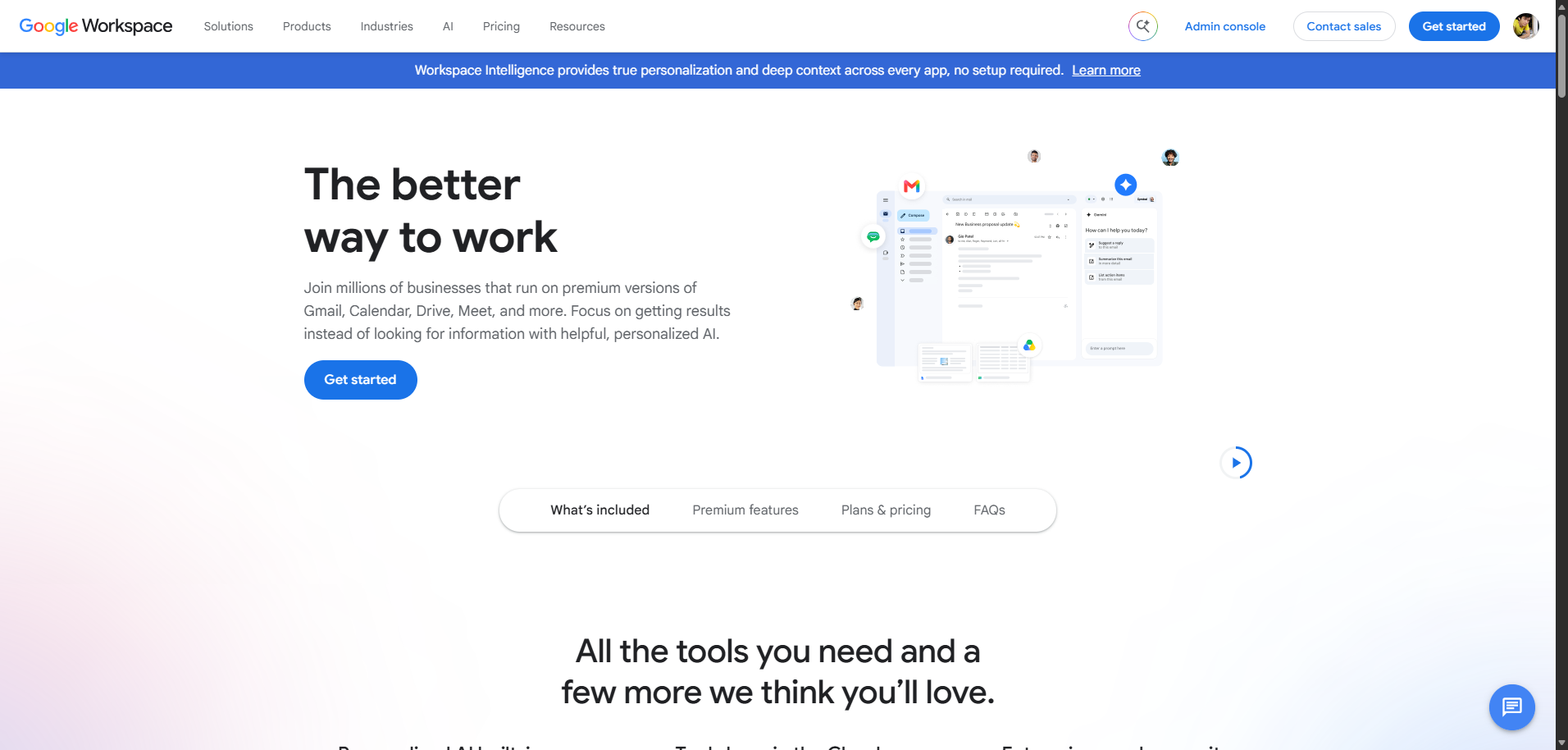
Google Workspace is a suite of apps that help you work with your hybrid team faster, share and collaborate on files, and manage every work-related process in one software.
Here are some of its integrated apps and what you can use them for:
If you're an enterprise organization and don't want to use Google Workspace, consider Microsoft 365 or Notion as an alternative.

What (and who) it's best for:
Loom is a video messaging platform that helps you get your message across by recording your screen, camera, and microphone simultaneously, making it an essential part of the hybrid work tech stack.
This way, you can turn those long Slack messages or redundant meetings into short, effective videos.
Teams love Loom because you:
You can replace Loom with Vimeo (or alternative software) if you already use them.

Who it's best for:
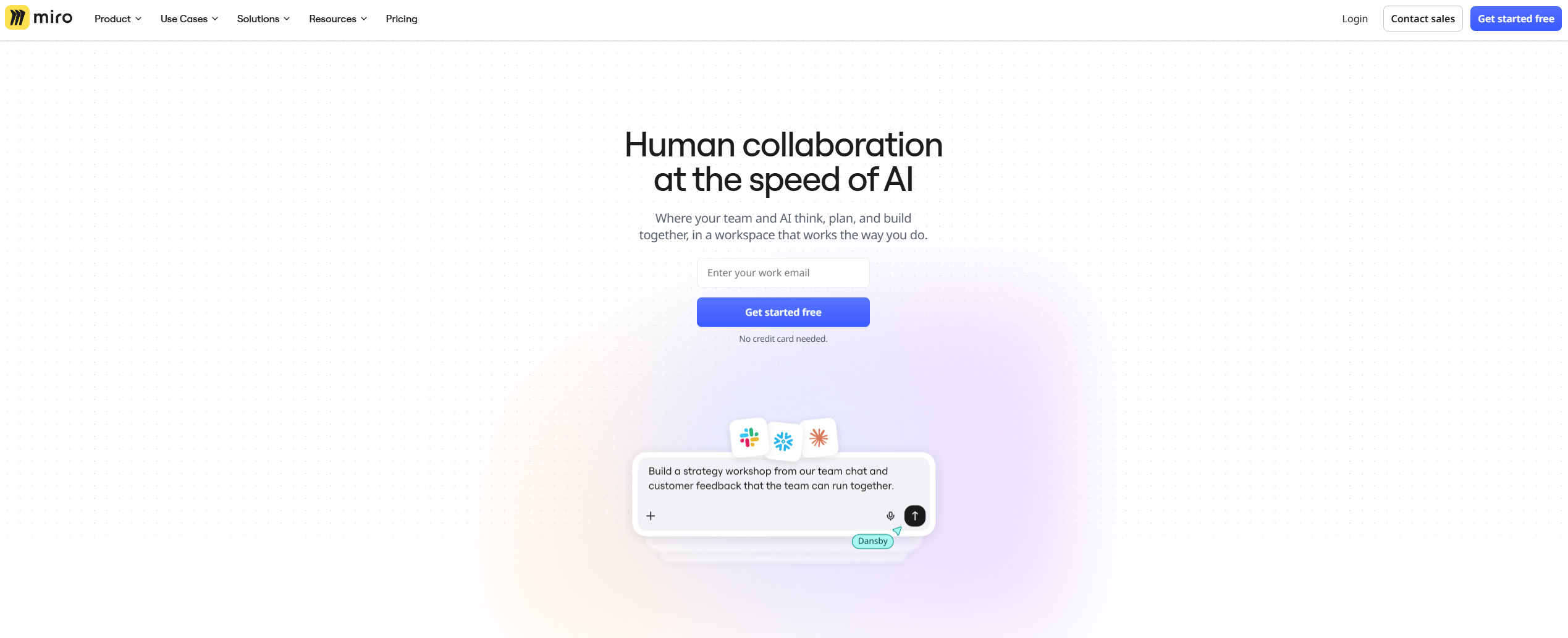
When you need to collaborate on a virtual whiteboard and have the budget for it, consider using Miro.
Miro is a digital whiteboard platform designed for visual collaboration among hybrid and remote teams. It allows users to brainstorm, map ideas and workflows, conduct workshops, and visualize full project lifecycles on an unlimited canvas.
This way, Miro replaces in-person whiteboarding sessions with virtual sessions. Other features of Miro include:
If you use Slack or other messaging tools, you still need project and task management software for your hybrid team.
These tools help you scope out all projects, assign them to the right team member, create task dependencies, and see a Kanban, list or calendar view of everything about the projects, including deadlines and progress status.
Some of the well-known tools are:

Who it's best for:
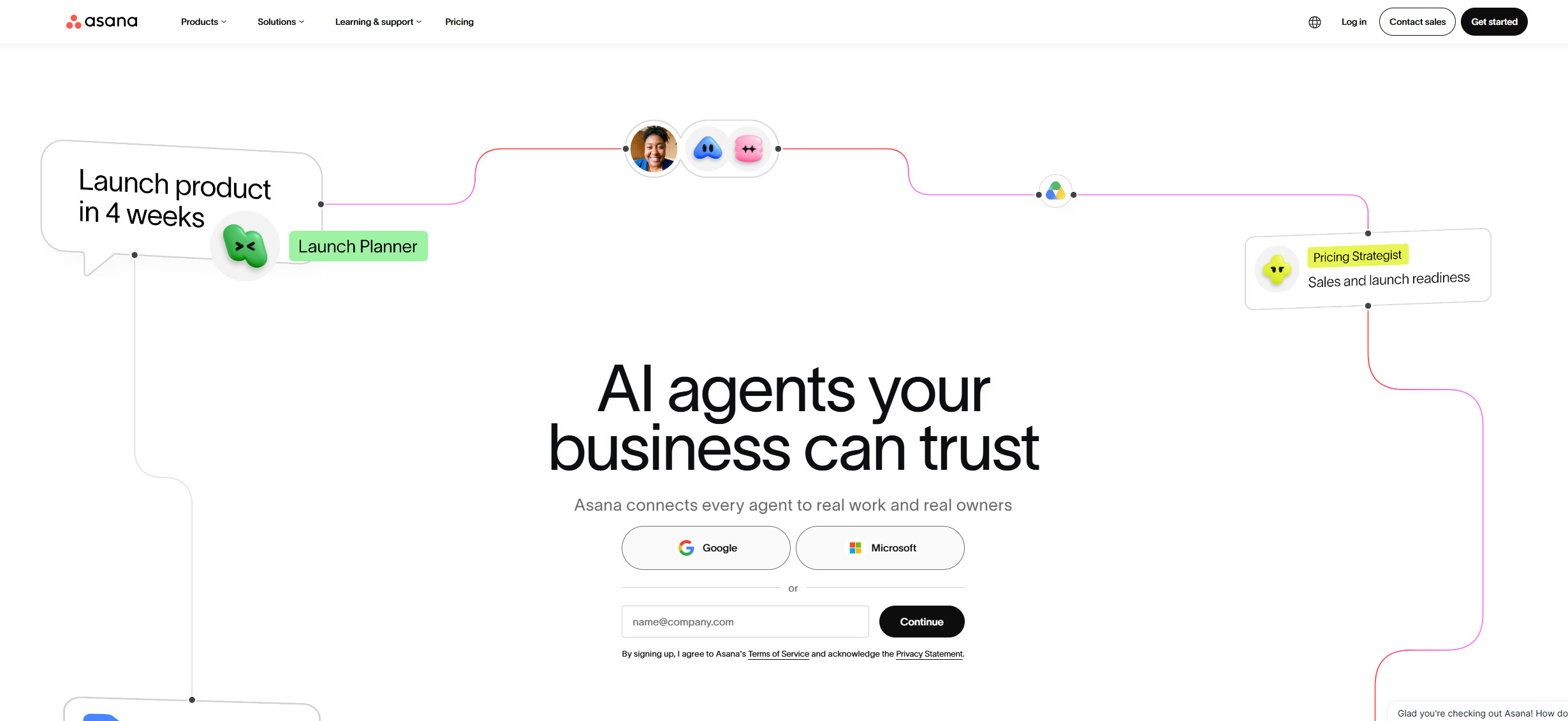
Asana is a project management tool built for teams that need clarity on who's doing what by when.
Its visual interface makes planning feel less like admin work and more like progress tracking because you can assign tasks to the right people (or team) and see progress status.
Its top features include:
Although Asana helps you work well with your team, so does Trello.
Trello is a visual task management tool based on the Kanban method, where work is organized into cards and boards. It helps hybrid teams track progress, assign tasks, and manage workflows via its drag-and-drop interface.
Trello is best for:
In a physical office, you can read the room, body language, hallway chats, and subtle cues to know when team engagement is off, but in a hybrid setup, that visibility disappears. And you may not know if someone's disengaged or overwhelmed until it's too late. To avoid this, you need consistent, low friction ways to check on your team without forcing awkward conversations.
That's where a hybrid work software like Officevibe comes in.

Who it's best for:
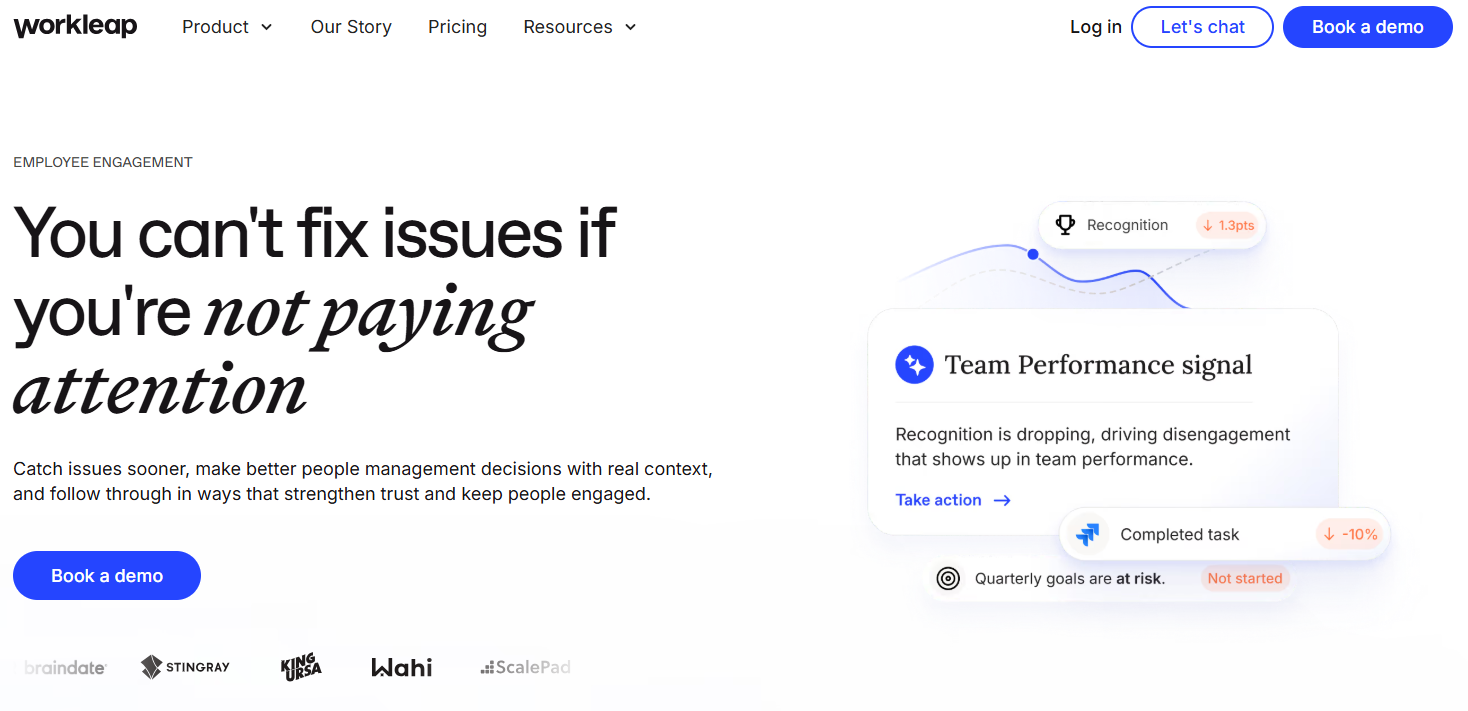
Officevibe is an employee engagement platform that helps companies gather feedback so they can improve employee satisfaction and well-being. This feedback, which can happen weekly or monthly, helps you engage with the hybrid team regularly to spot signs of disengagement and address them before it affects the team or leads to people leaving.
Its features include:
Some flexible hybrid work policies set schedules that say, "Come in two days a week." But then what?
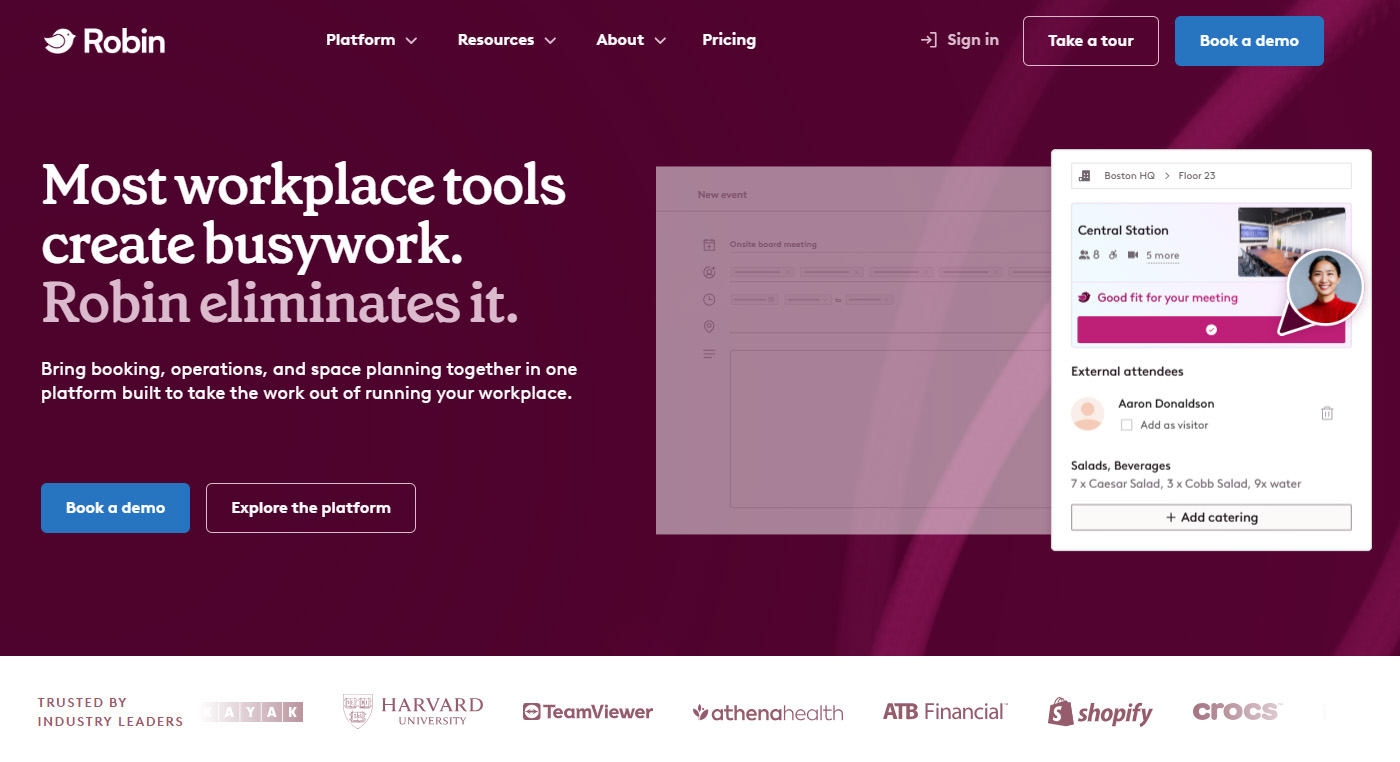
Without visibility into who will come to the office and when, the office is quiet one day and too busy the next. That's why you need to schedule in-office days with a software like Robin.

Who it's best for:
Robin helps teams plan office days, book desks, and make in-person collaboration feel worth the trip. Its important features include:
Hybrid work isn't going away, but the problems that affect collaboration can with the right tools.
As for meetings, invest in Jabra PanaCast 40 VBS for smaller rooms , or in Jabra PanaCast 55 VBS - Complete 180° video solution for medium rooms . Both of these video solutions give every participant a seat at the virtual table (even if they're working from home). And for remote attendees who need a quality webcam there's PanaCast 20 . It streams in 4K HD resolution and auto-frames the speaker to keep them centered.
You can also invest in ANC headsets like Jabra Evolve3 65 Flex or other models from our Jabra Evolve3 series, or if you are looking into reliable headsets for high-volume communication, Engage Series headsets are your answer.
Finally, if your team collaboration needs a boost, use UC platforms, async communication tools and other hybrid work tech categories in this article to improve your tech stack.
👉 Explore our catalog of workplace hardware and software to find what will work best for you and your team: Headsets , video conferencing cameras, and software.