Jabra Logo
Jabra Logo

Get started with your product

Support resources

Documents

Loading component...

FAQs

Loading component...

Firmware and software

Loading component...

Latest release notes

Loading component...

Find the serial number

Find your product serial number before checking the warranty.

Contact Jabra Support

Videos

  • How to

    Pair and connect

  • How to

    Get the best fit and performance

  • How to

    Keep your headset working

Find more videos on Youtube

Warranty check

See the warranty coverage for your product

Jabra ServiceNet

Manage your warranty replacements and returns in our online self-service portal

Warranty terms

Read our warranty and service information for business products

Product registration

Get news from Jabra, offers and tips sent directly to your inbox

Accessories
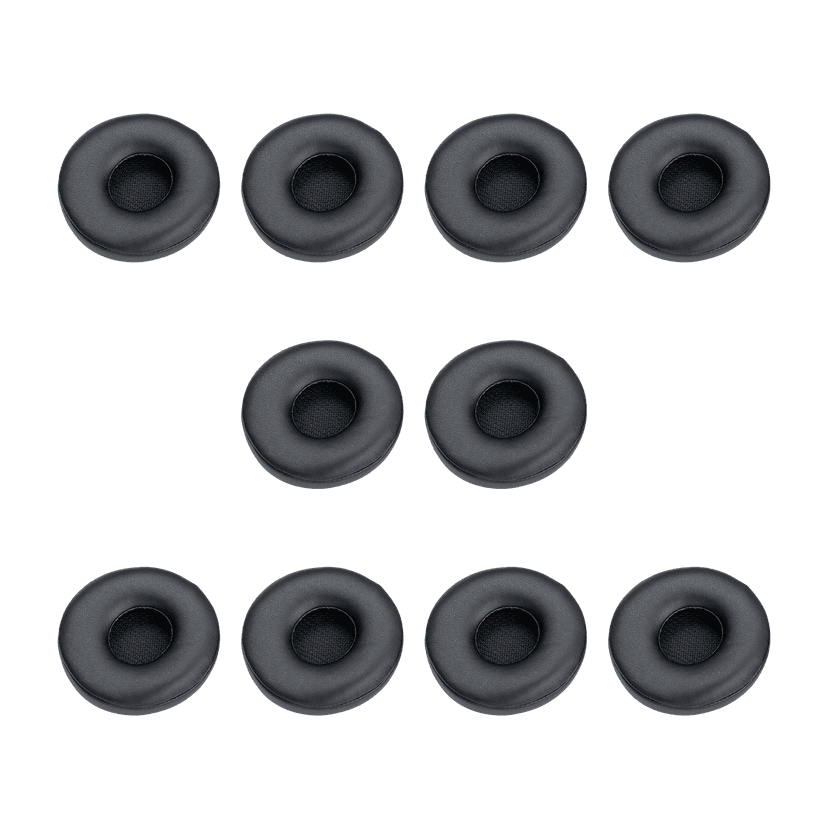
  • Jabra Engage 50 Ear Cushions, 10

    x xxx,xx xx(x xxx,xx xx x xxx xxx)
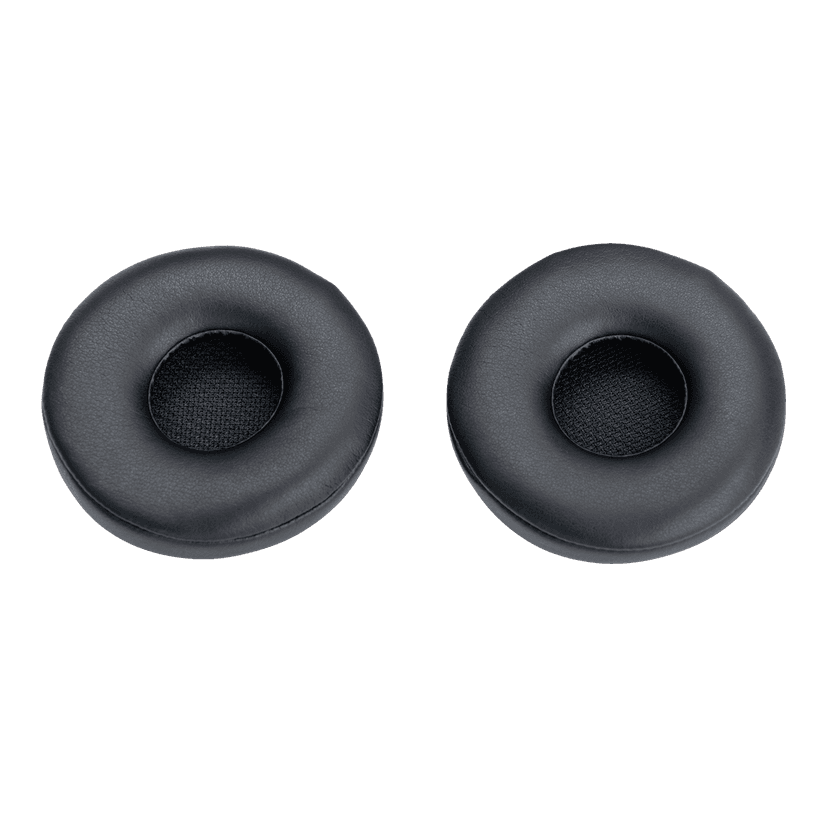
  • Jabra Engage 50 Ear Cushions, 2

    x xxx,xx xx(x xxx,xx xx x xxx xxx)
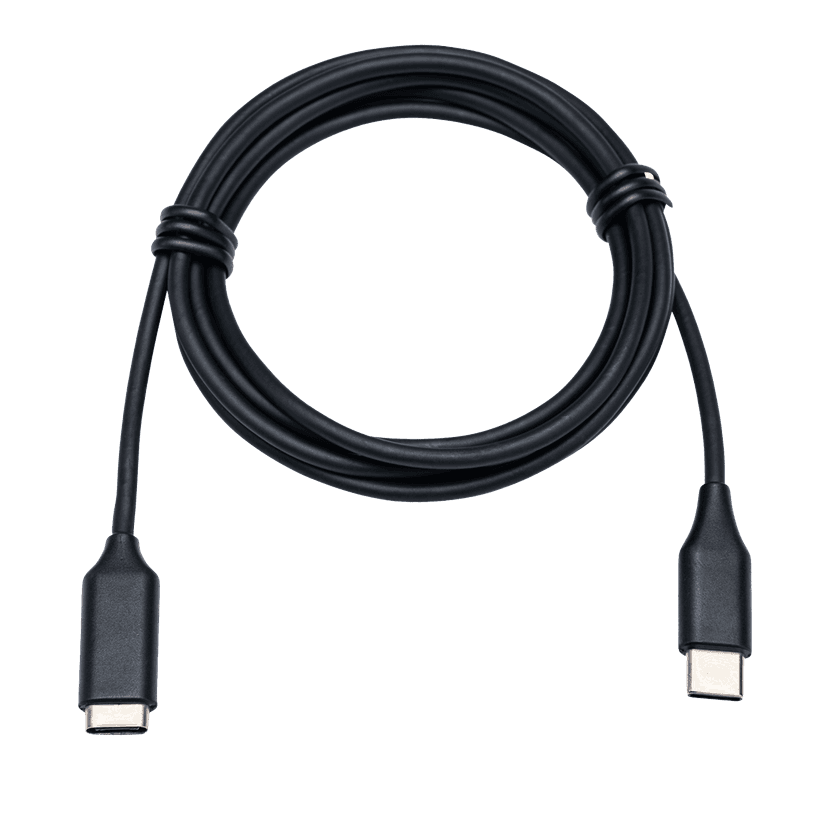
  • Jabra Link Extension Cord: USB-C to USB-C
    x xxx,xx xx(x xxx,xx xx x xxx xxx)
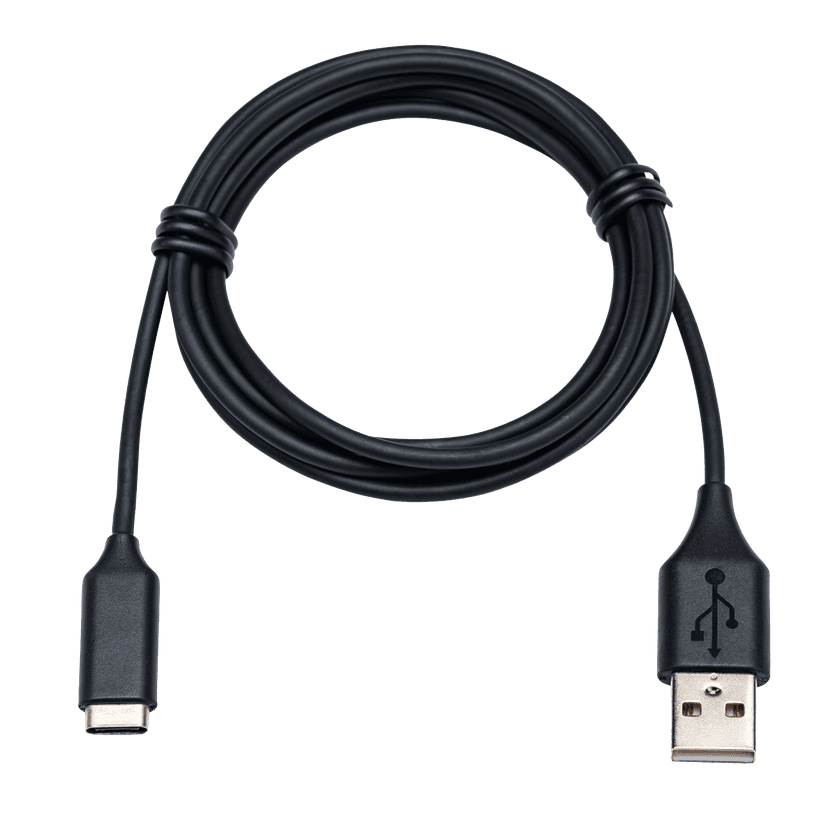
  • Jabra Link Extension Cord: USB-C to USB-A
    x xxx,xx xx(x xxx,xx xx x xxx xxx)
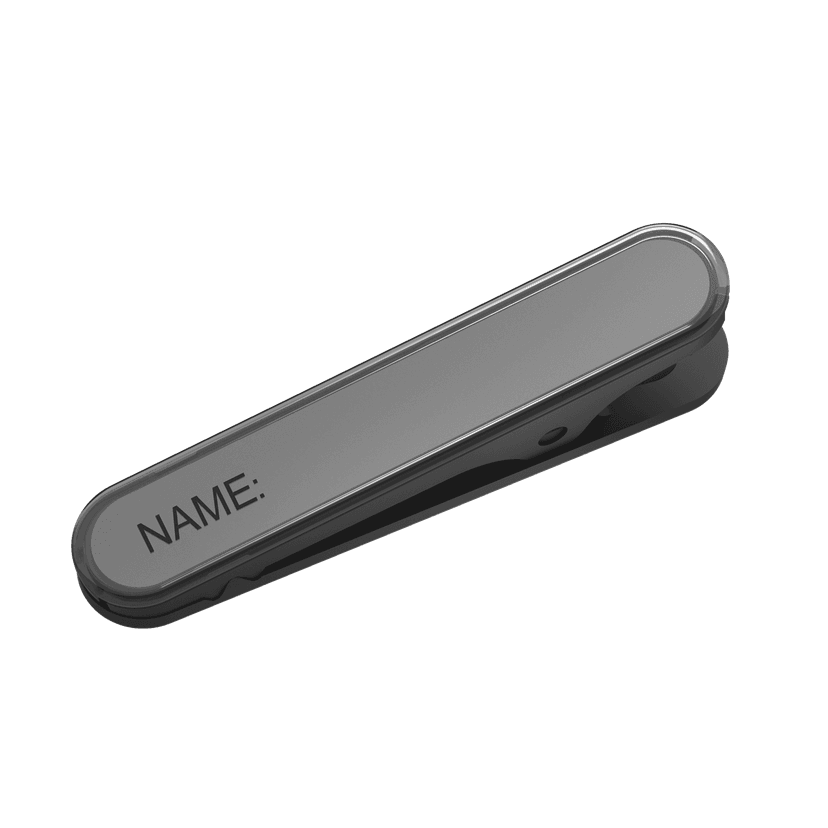
  • Jabra Engage Name Tag for Corded Headset, 10
    x xxx,xx xx(x xxx,xx xx x xxx xxx)
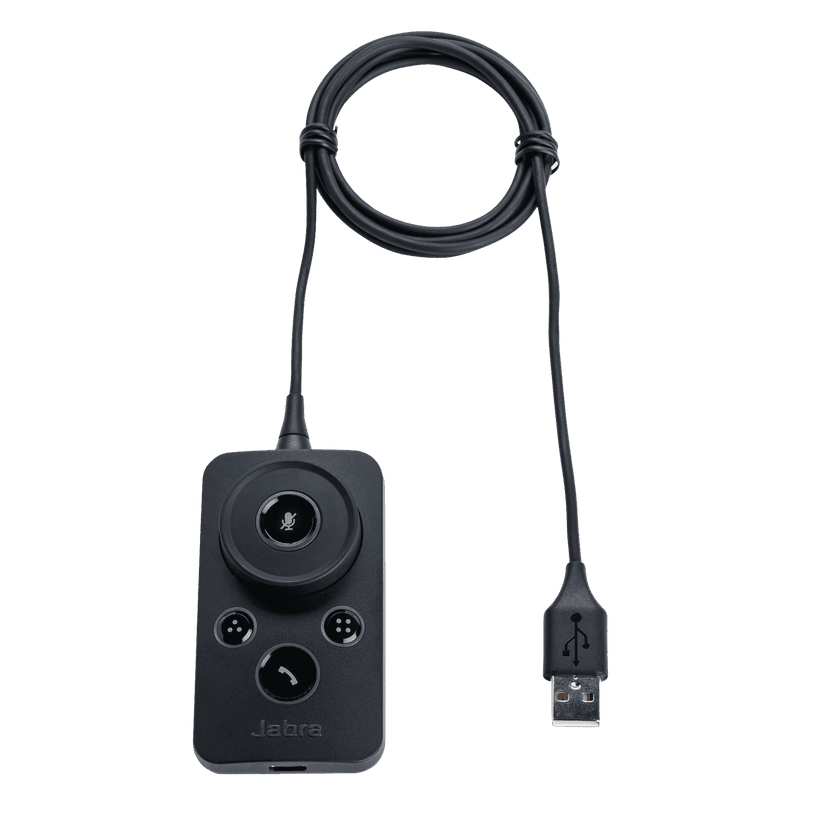
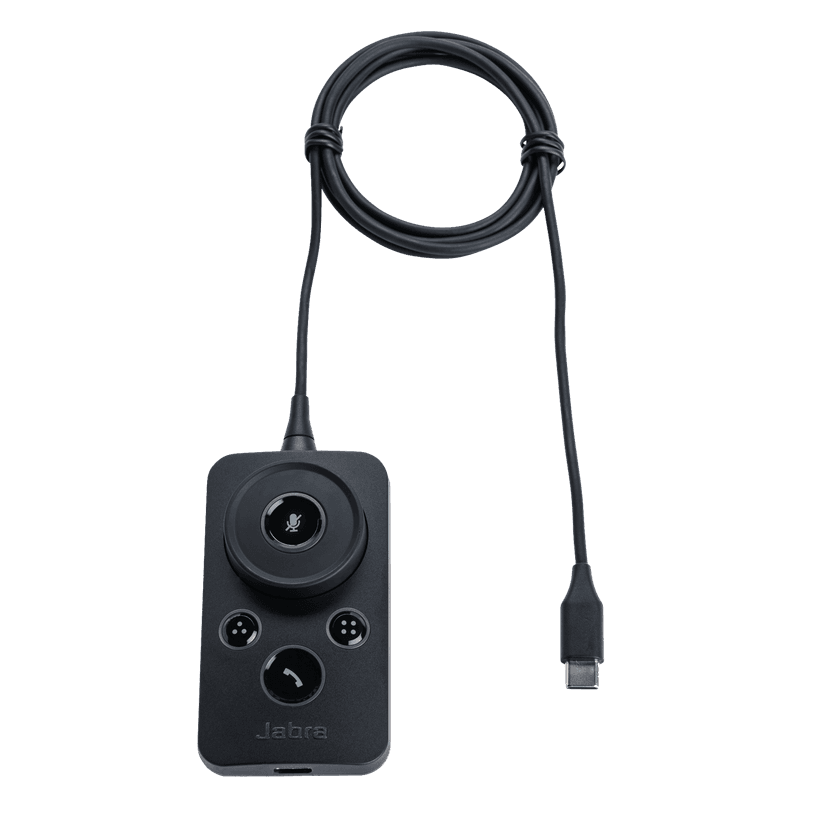
  • Jabra Engage Link – USB-C UC

    x xxx,xx xx(x xxx,xx xx x xxx xxx)
  • Jabra Engage Link – USB-C MS

    x xxx,xx xx(x xxx,xx xx x xxx xxx)
  • Jabra Engage Link – USB-A UC

    x xxx,xx xx(x xxx,xx xx x xxx xxx)
  • Jabra Engage Link – USB-A MS

    x xxx,xx xx(x xxx,xx xx x xxx xxx)

This product is compatible with the following devices or systems

  • Desktop phone:


    Compatible

  • Softphone:


    Compatible


    Compatible with

  • Mobile/Tablet:


    Not compatible

  • Comparability guide


    Find the right headset for your device

  1. Jabra Engage 50

About us

  • Our Story
  • Careers
  • Sustainability
  • News and Press Releases
  • Jabra Blog
  • Case Studies
  • Our Story
  • Careers
  • Sustainability
  • News and Press Releases
  • Jabra Blog
  • Case Studies

Support resources

  • Product Support
  • User manuals
  • Bluetooth pairing guide
  • Compatibility Guide
  • How-to videos
  • Accessories
  • Identify your Product
  • Self Service Repair
  • Product Support
  • User manuals
  • Bluetooth pairing guide
  • Compatibility Guide
  • How-to videos
  • Accessories
  • Identify your Product
  • Self Service Repair

FAQs

  • What is a good headset for Skype?
  • What is a good headset for an iPhone?
  • Are Bluetooth headsets safe?
  • What is a good headset for Skype?
  • What is a good headset for an iPhone?
  • Are Bluetooth headsets safe?

Get in touch

  • Contact Jabra Sales
  • Online Orders
  • Register your Product
  • Become a Reseller
  • Enterprise End-of-Life Policy
  • Developer Zone
  • Contact Jabra Sales
  • Online Orders
  • Register your Product
  • Become a Reseller
  • Enterprise End-of-Life Policy
  • Developer Zone
GN logo
  • Trademarks
  • Safety and Warning
  • Cookie Policy
  • Change cookie consent
  • Declarations of Conformity
  • Commercial disclaimers
  • Privacy Policy
  • Security Center
  • Open Source Licenses
Document
User manual
Language
  • ArabicArabic
  • BulgarianBulgarian
  • Chinese SimplifiedChinese Simplified
  • Chinese TraditionalChinese Traditional
  • CzechCzech
  • GermanGerman
  • DanishDanish
  • EstonianEstonian
  • SpanishSpanish
  • Latin American SpanishLatin American Spanish
  • FarsiFarsi
  • FinnishFinnish
  • FrenchFrench
  • Canadian FrenchCanadian French
  • GreekGreek
  • HindiHindi
  • CroatianCroatian
  • HungarianHungarian
  • IndonesianIndonesian
  • ItalianItalian
  • JapaneseJapanese
  • KoreanKorean
  • LithuanianLithuanian
  • LatvianLatvian
  • MalaysianMalaysian
  • DutchDutch
  • NorwegianNorwegian
  • PolishPolish
  • PortuguesePortuguese
  • Brazilian PortugueseBrazilian Portuguese
  • RomanianRomanian
  • RussianRussian
  • SwedishSwedish
  • SlovenianSlovenian
  • SlovakSlovak
  • SerbianSerbian
  • ThaiThai
  • TurkishTurkish
  • UkrainianUkrainian
  • VietnameseVietnamese
  • EnglishEnglish
Type
pdf
Size
1.4 MB
Download
Document
Quick start guide
Language
EnglishEnglish
Type
pdf
Size
141.8 KB
Download
  • All categories
Can I plug my Jabra headset into a mobile device and use it for calls and music?
Can I use the Jabra Engage 50 II Link controller with my Engage 50 headset?
Can I use the Jabra Engage 50 with a computer that only has USB-A ports?
Do Jabra headsets protect my hearing?
Does my Jabra device work with the Microsoft Teams app for iOS and Android?
Showing 5 of 66
File
Firmware
Platform
Windows
Language
GeneralGeneral
Release date
2025/03/24
Version
4.1.3
Download
Release note
File
Jabra Direct
Platform
macOS
Language
EnglishEnglish
Release date
2026/02/12
Version
6.27.03702
Download
Release note
  • Release date:

    March 24, 2025
    Release version:4.1.3

    New Features:

    • Added support for Jabra SDK4
  • Release date:

    November 29, 2022
    Release version:3.9.0

    Details

    • New feature: added support for the Jabra Engage 50 II Link controller*
    • Updated: Improved microphone audio performance
    • Updated: call hold function is moved to the Mute button
      • To place a call on hold, hold the mute button; the mute button will turn yellow when the call is on hold
      • Mute speaker function is removed with this update
    • Performance and stability improvements

    *When Jabra Engage 50 is used with the Jabra Engage 50 II Link controller, the SmartRinger feature is not supported.

  • Release date:

    November 05, 2021
    Release version:2.10.0

    Details

    • Fixed: loss of call control after pc sleep mode with Teams in certain cases
    • Updated: mute functionality handling
    • Updated: push-to-talk performance
    • Updated: performance with Mitel 6940
    • Updated: LED performance
    • Performance and stability improvements

  • Release date:

    January 08, 2021
    Release version:2.4.0

    Details

    • Performance and stability improvements
  • Release date:

    August 03, 2020
    Release version:2.3.1

    Details

    • Updated: Microsoft Teams certification for the Skype for Business variant*
    • Updated: audio performance
    • Fixed: power issue on certain Thin Clients

    • Performance and stability improvements

    *when connected with the Jabra Engage Link controller MS variant

  • Release date:

    December 18, 2019
    Release version:1.25.0

    Details

     • Updated: improvements to audio transmit quality.

    • Fixed: mouse freeze issue seen with thin clients running certain versions of Elux 4

    • Performance and stability improvements

  • Release date:

    January 29, 2019
    Release version:1.24.0

    Details

    • New feature: Stereo in conversation mode*
    • New feature: Balanced voice
    • Updated: Busylight function can be customized using Jabra SDK
    • Updated: Sidetone adjustments
    • Performance and stability improvements
  • Release date:

    October 15, 2018
    Release version:1.22.0

    Details

    • Fixed an issue that could cause extreme low audio.
  • Release date:

    September 20, 2018
    Release version:1.21.0

    Details

    • First public release
Complete release history