
Aan de slag met je product
Ondersteuningsmateriaal
Documenten
Document
Gegevensblad
Taal
 Vereenvoudigd Chinees
 Duits
Duits Deens
Deens Azië/Oceanië
- Engels (Australië)
 Engels (EMEA)
 Engels (UK)
 Engels
 Spaans
 Frans
Frans Japans
 Nederlands
Type
pdf
Maat
311.3 KB
Document
Installatiehandleiding
Taal
 Arabisch
 Bulgaars
 Tsjechisch
- Deens
- Duits
 Grieks
- Engels
- Spaans
 Latijns-Amerikaans Spaans
 Ests
Ests- Farsi
 Fins
Fins Canadees Frans
- Frans
 Hindi
Hindi Kroatisch
 Hongaars
 Indonesisch
 Italiaans
- Japans
 Koreaans
 Litouws
 Lets
Lets Maleis
- Nederlands
 Noors
Noors Pools
Pools Portugees
 Braziliaans Portugees
 Roemeens
 Russisch
 Slowaaks
 Sloveens
 Servisch
 Zweeds
 Thais
Thais Turks
Turks Oekraïens
 Vietnamees
- Vereenvoudigd Chinees
 Traditioneel Chinees
Type
pdf
Maat
3.1 MB
FAQs
- Alle categorieën
Kan ik de Jabra PanaCast 40 VBS verbinden met een wifi-netwerk?Waar kan ik de AUX-uitgang voor gebruiken op mijn Jabra PanaCast videobar?Is het nodig om het Jabra PanaCast 50 VBS in te stellen als video- en audioapparaat?Hoe koppel ik de Jabra PanaCast 40 VBS aan mijn organisatie in Jabra Plus Management?Hoe beheer ik de video-instellingen op de Jabra PanaCast 40 VBS?
5 van 24 weergegeven
Laatste releaseopmerkingen
Verschijningsdatum:
Augustus 12, 2026Release-versie:Jabra Panacast 40 Video Bar: 4.2.0-21New Features
- Web Console access over USB when no network is available — connect the device to your laptop and browse to https://jabra-ui.local
- People Count support for Jabra Plus application
- New camera detection settings under Video > Camera can be enabled or disabled from the Web Console or App UI:
- Screen Detection, which prevents the camera from framing people shown on in-room displays
- Reflection Detection, which prevents framing of reflections
- Configurable transition speed and style for Virtual Director
- Monitor standby modes can now be configured from the App UI and Web UI
Updated
- Several Web Console improvements
Fixed
- Fixed an issue where the video bar in standalone mode showed only three camera modes (Panoramic, Speaker Focus, and Auto Framing) instead of all four
- Fixed an issue where the MDEP version was shown on the Touch Controller but not on the video bar
- Fixed an issue in Zoom BYOD mode on macOS where the volume reverted unexpectedly after being changed
- Fixed an issue where the list of available video bars continued to appear in the Web Console even after the video bar and Touch Controller were successfully paired
- Fixed an issue where a Webex meeting invitation was not received in the device calendar
- Fixed a camera stitching issue in the image overlap zone
- Fixed an issue where the video bar and Touch Controller could not find each other after IPv6 was disabled on the video bar
- Fixed an issue where the display did not enter standby in BYOD mode
- Fixed Intelligent Meeting Space issues where a person just outside the configured room boundary could be detected at close range, and where the multi-focus layout behaved unexpectedly as a fifth person moved in and out of the boundary
- Fixed an issue in Zoom where the device prompted for device-type selection at startup even though it had already been configured during setup
- Fixed an issue where the selected language was not shown in the Microsoft Teams Admin Center or Pro Management Portal
Security Updates
- Retrieval of NTP date/time via DHCP option 42
Verschijningsdatum:
April 23, 2026Release-versie:Jabra Panacast 40 Video Bar: 3.4.0-19Updated:
- Improved voice capture while extreme background noise suppression is active
- Improved participant detection in Multi-Stream Dynamic Composition mode
- Splash screen added to HDMI output on boot
- Improved Video Bar wake speed after rebooting
- Added "Room View" options while in Single-stream Dynamic Composition mode
- Resolved a pairing state drop between Video Bar and Control IP in Microsoft Teams Rooms environments
- Single-Stream Dynamic Composition and Virtual Director are now correctly displayed in the user interface of BYOD mode
- Corrected a chipset timing issue which interfered with the boot process in rare cases
- HDMI now correctly outputs after exiting standby in BYOD mode
- Resolved a bug causing the Video Bar to appear disconnected under certain network conditions
- Echo no longer present when sharing content via HDMI during Microsoft Teams Rooms meetings
- Volume controls now correctly unmute audio in Microsoft Teams Rooms after being set to minimum levels
- Audio distortion issues for MacBook users when operating in BYOD mode
- HDMI output now correctly scales to 4K on supported displays
- Switching cameras in Cisco Webex while using BYOD mode no longer results in video distortions
- Multi-Stream Dynamic Composition video streams from Zoom Rooms are now implemented to Direct Guest Join participants in Microsoft Teams Rooms meetings
- Changing output resolutions on an Apple MacBook does not result in loss of video in BYOD mode
- Video output initializes correctly even if the HDMI cable is connected after the device is powered on
- Enhanced the handling of fragmented IPv6 packets to prevent potential data loss or connection drops
- Device connectivity is no longer lost if WiFi paired Video Bar and Control IP are changed to Ethernet connections
- Addressed connectivity issues when ICMP echo requests were disabled for the default gateway
Minor performance and stability improvements
Edited: May 14, 2026
Verschijningsdatum:
September 17, 2025Release-versie:Jabra Panacast 40 Video Bar: 1.9.0-25; Jabra Control IP: 7.10.0-9Updated:
- Added support for partial Configuration Profiles in Microsoft Teams Admin Center
- Minor performance and stability improvements
Please note: From November 17, 2025, applicable release notes for the Jabra Control IP/Jabra Scheduler are located here
Edited: November 17, 2025
Verschijningsdatum:
Augustus 04, 2025Release-versie:Jabra Panacast 40 Video Bar: 1.9.0-25; Jabra Control IP: 7.8.0-9Details:
- First public release
Zoek het serienummer
Zoek het serienummer van je product op voordat je de garantie controleert.
Accessoires
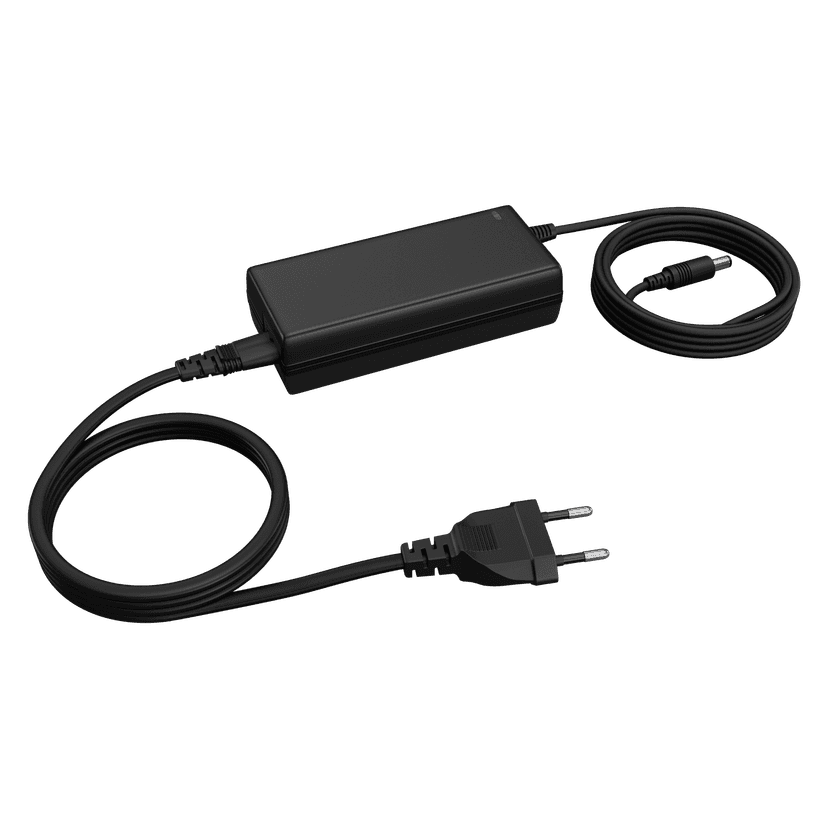
Jabra PanaCast 50 Power Supply
x xxx,xx xx(x xxx,xx xx x xxx xxx)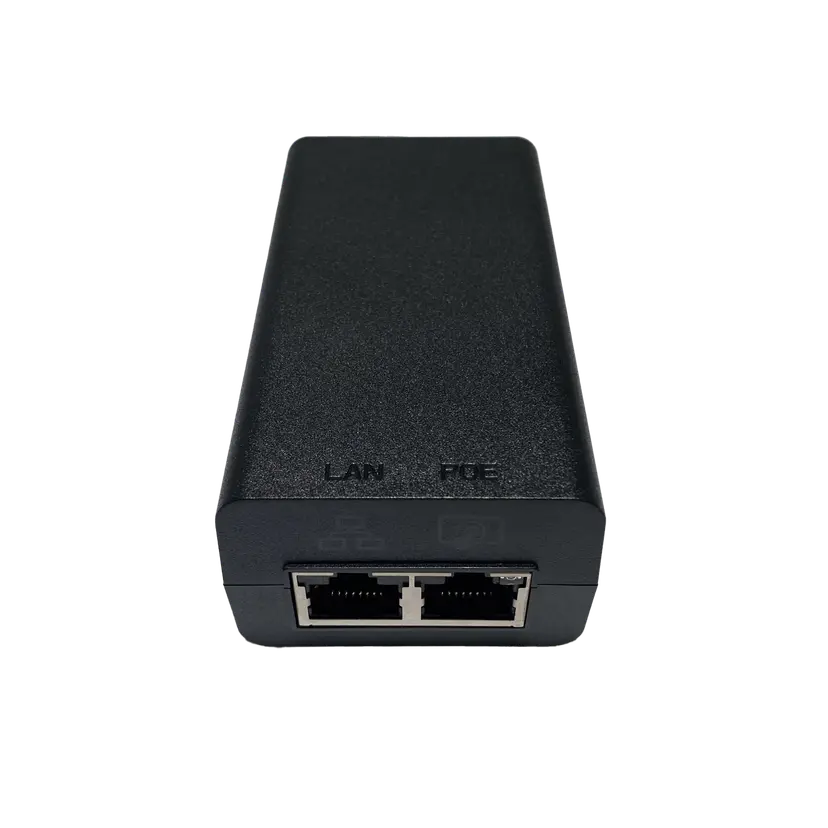
Jabra PoE Injector Kit
x xxx,xx xx(x xxx,xx xx x xxx xxx)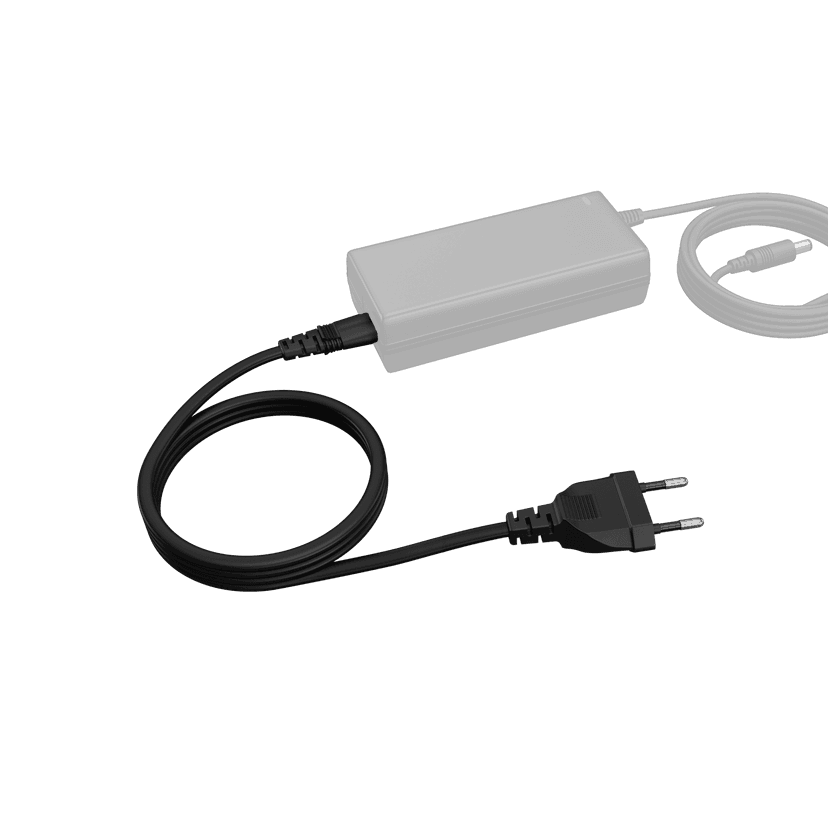
Jabra PanaCast 50 Power Cable
x xxx,xx xx(x xxx,xx xx x xxx xxx)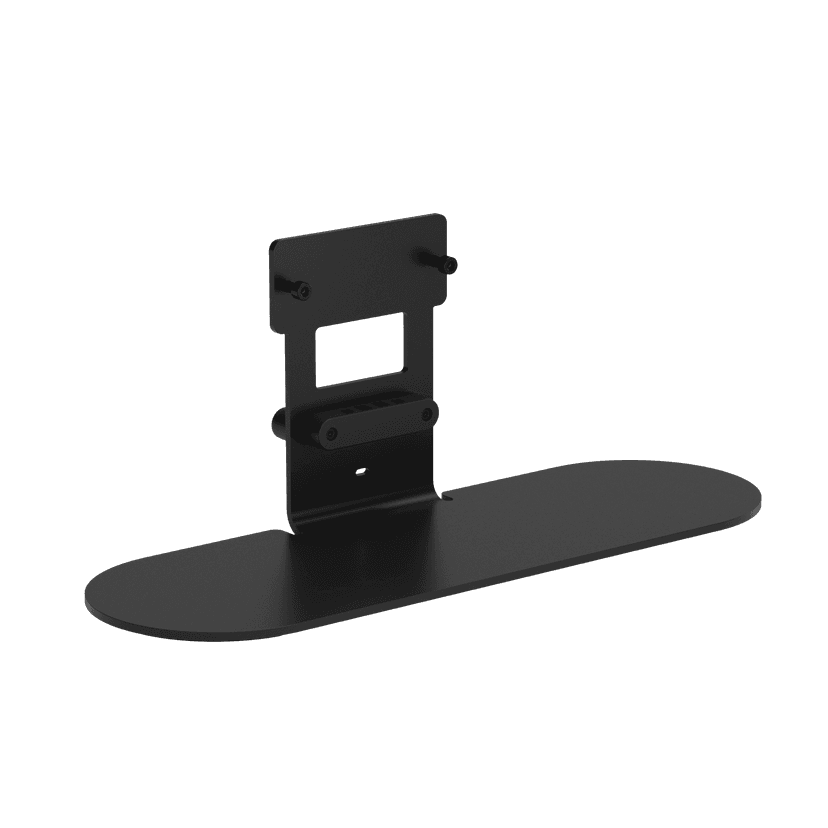
Jabra Table Stand
x xxx,xx xx(x xxx,xx xx x xxx xxx)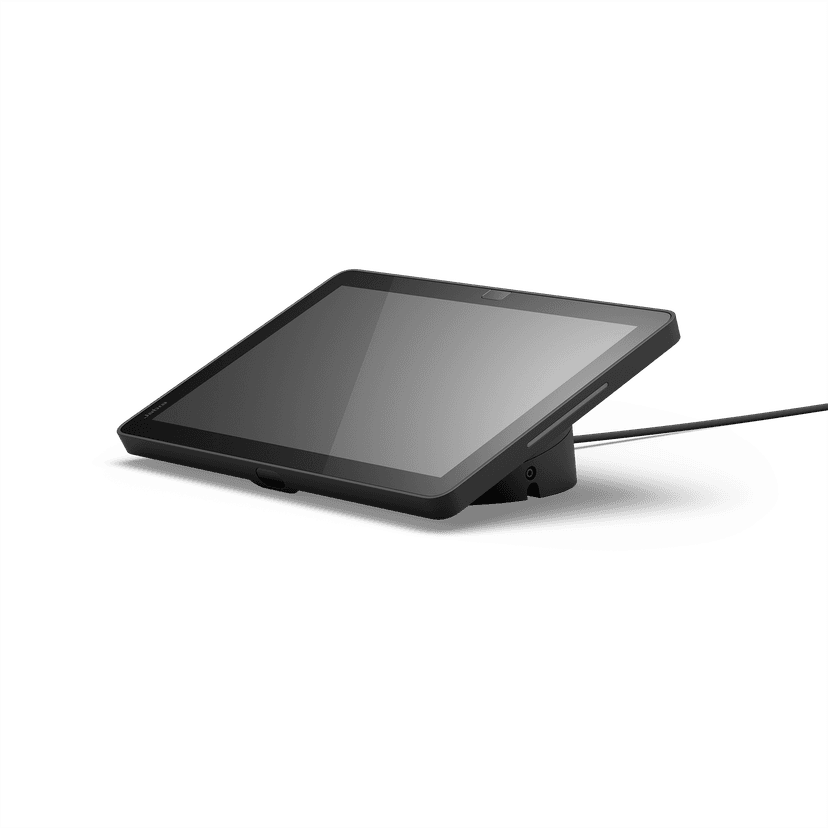
Jabra Control IP - UC
x xxx,xx xx(x xxx,xx xx x xxx xxx)Jabra Control IP - Microsoft Teams Rooms
x xxx,xx xx(x xxx,xx xx x xxx xxx)Jabra Control IP - Zoom Room
x xxx,xx xx(x xxx,xx xx x xxx xxx)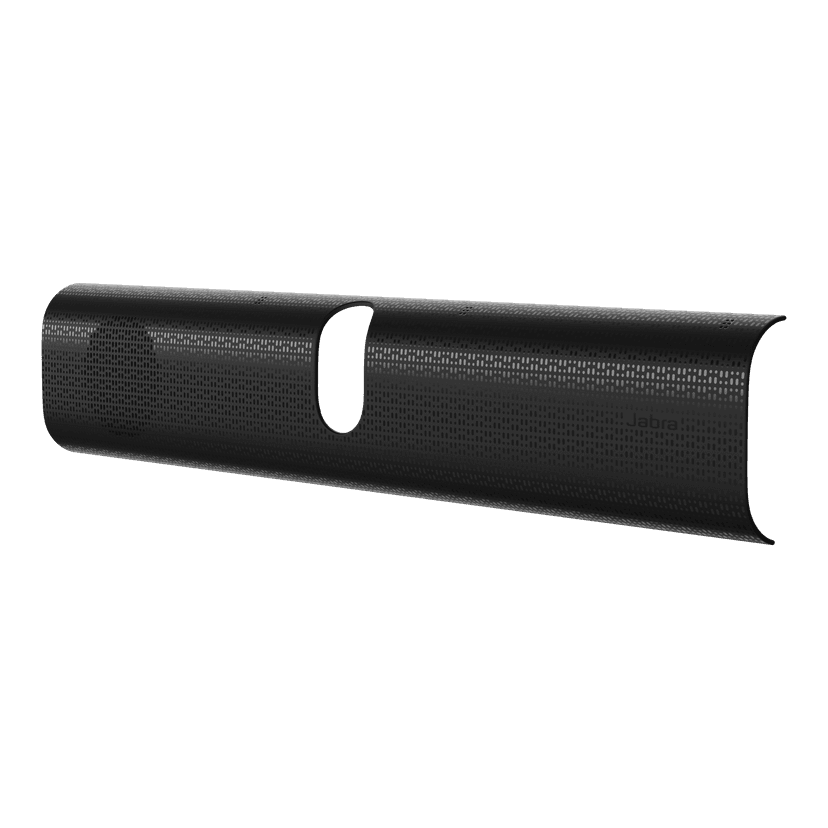
Jabra PanaCast 40 VBS Easy Clean Cover
x xxx,xx xx(x xxx,xx xx x xxx xxx)
Jabra PanaCast 40 VBS Privacy Cover
x xxx,xx xx(x xxx,xx xx x xxx xxx)
Jabra PanaCast 40 VBS Fabric Cover
x xxx,xx xx(x xxx,xx xx x xxx xxx)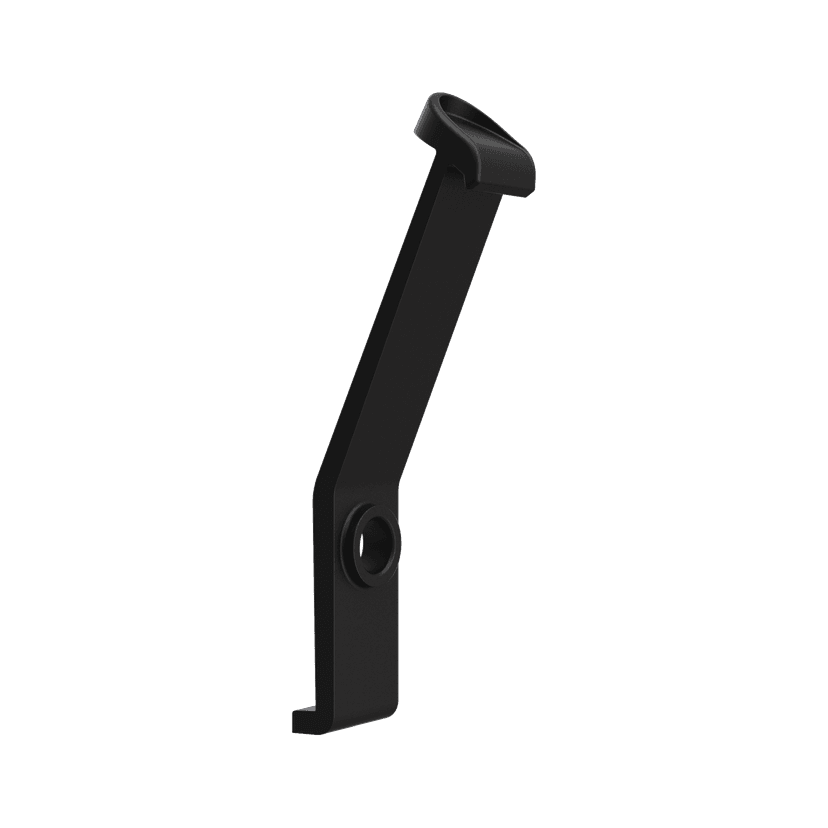
Jabra PanaCast 40 VBS ADA Mount
x xxx,xx xx(x xxx,xx xx x xxx xxx)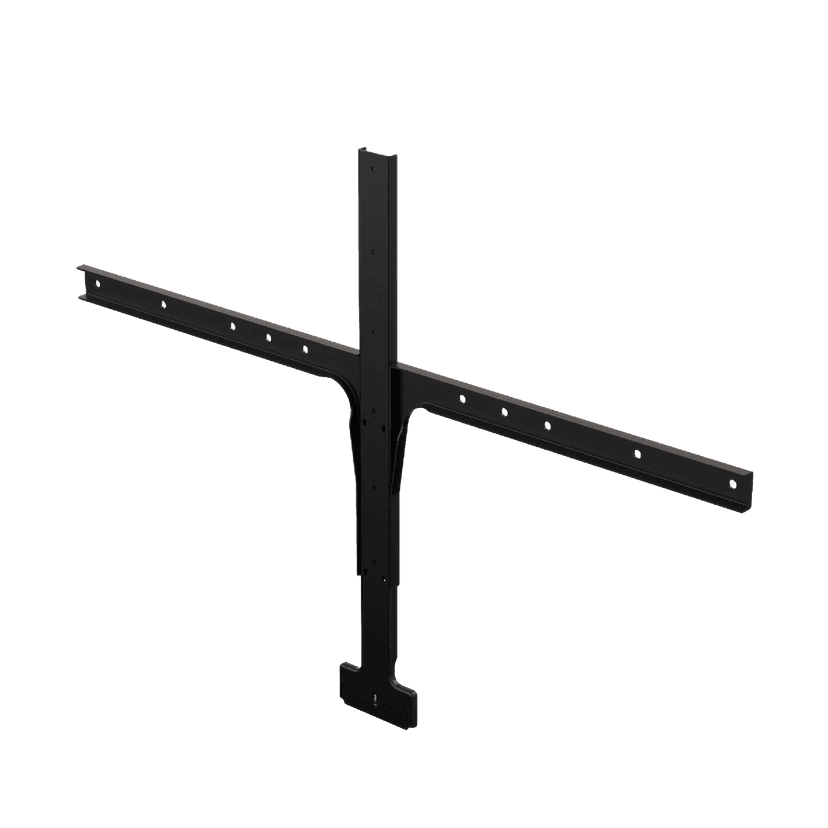
Jabra Large Screen Mount
x xxx,xx xx(x xxx,xx xx x xxx xxx)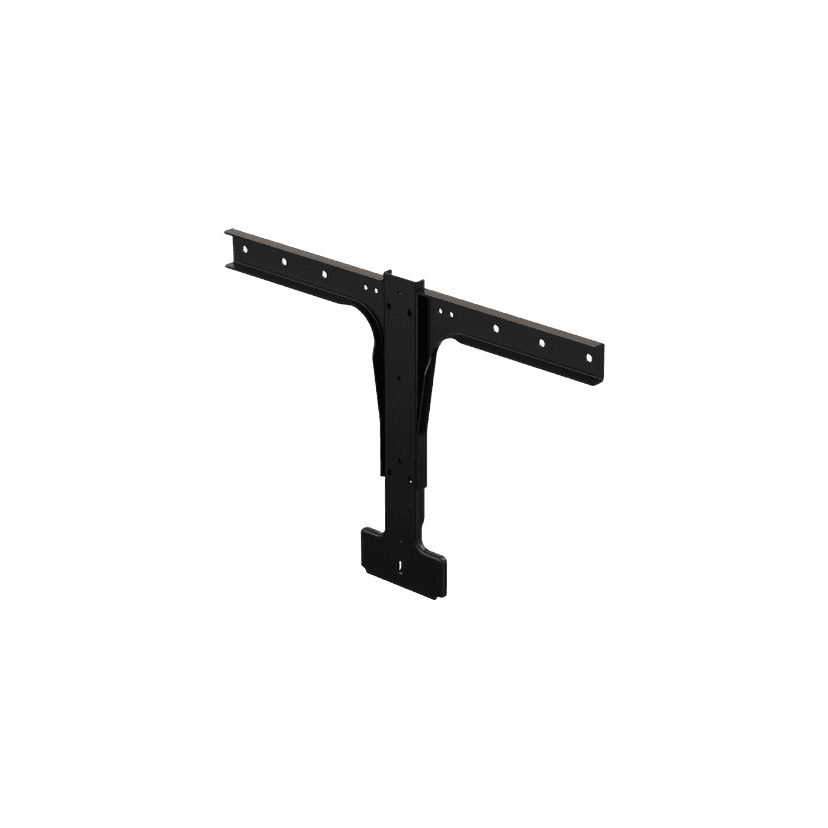
Jabra Small Screen Mount
x xxx,xx xx(x xxx,xx xx x xxx xxx)
Dit product is compatibel met de volgende apparaten of systemen
Softphone:
Compatibel
Telefoon:
Niet compatibel
Mobiel/tablet:
Niet compatibel
Compatibiliteitsgids
Vind het juiste Jabra-product voor uw apparaat