Aan de slag met je product

Garantievoorwaarden

Lees onze garantie- en service-informatie voor zakelijke producten

Productregistratie

Ontvang nieuws van Jabra, aanbiedingen en tips direct in uw inbox

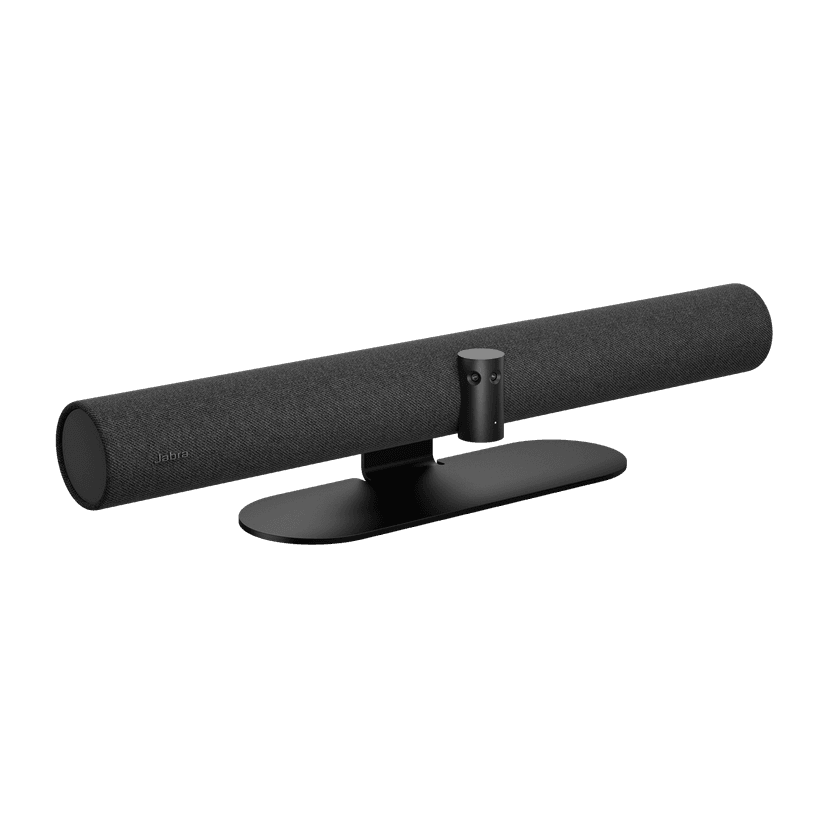
  1. Jabra Panacast 50

Jabra Logo
Jabra Logo

Ondersteuningsmateriaal

Documenten

Loading component...

FAQs

Loading component...

Firmware en software

Loading component...

Laatste releaseopmerkingen

Loading component...

Zoek het serienummer

Zoek het serienummer van je product op voordat je de garantie controleert.

Verlengsnoeren

Contact opnemen met de klantenservice van Jabra

Accessoires

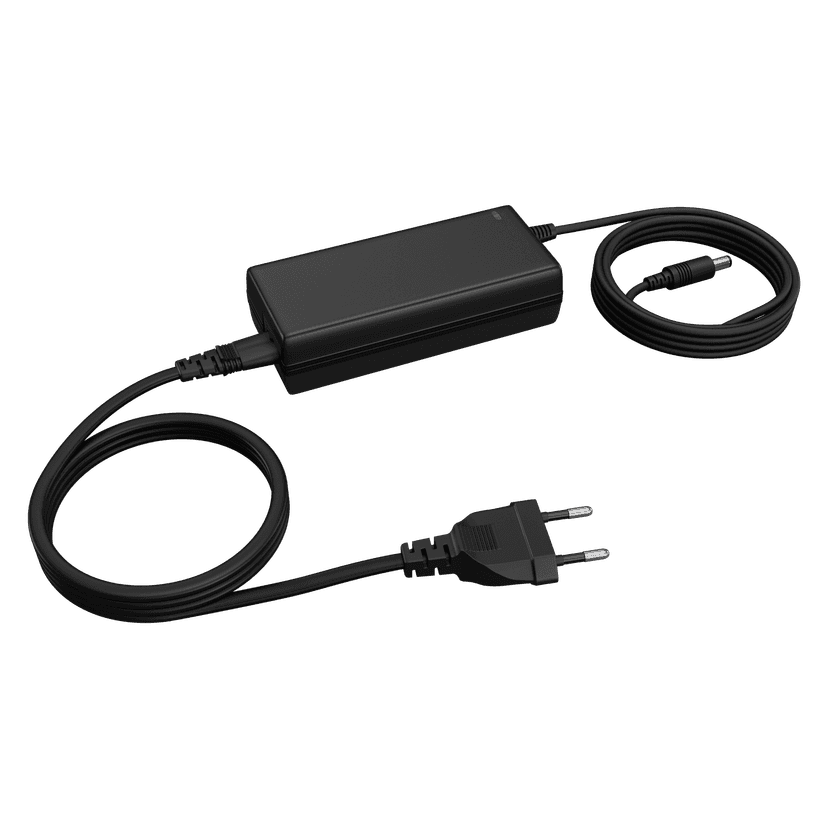
  • Jabra PanaCast 50 Power Supply

    x xxx,xx xx(x xxx,xx xx x xxx xxx)
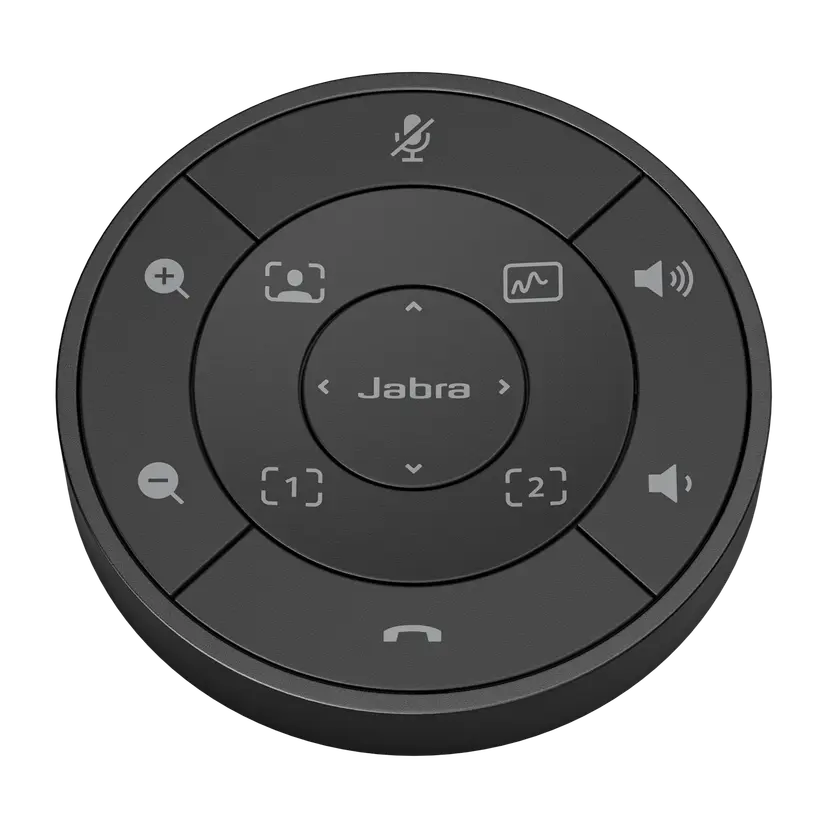
  • Jabra PanaCast 50 afstandsbediening - Zwart
    x xxx,xx xx(x xxx,xx xx x xxx xxx)
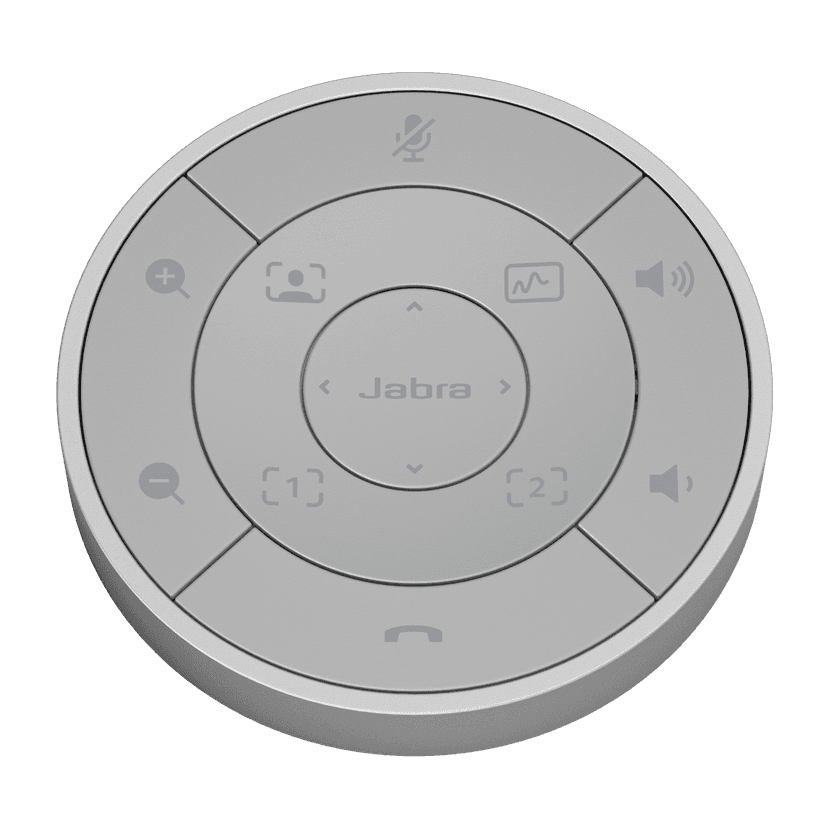
  • Jabra PanaCast 50 afstandsbediening - Grijs
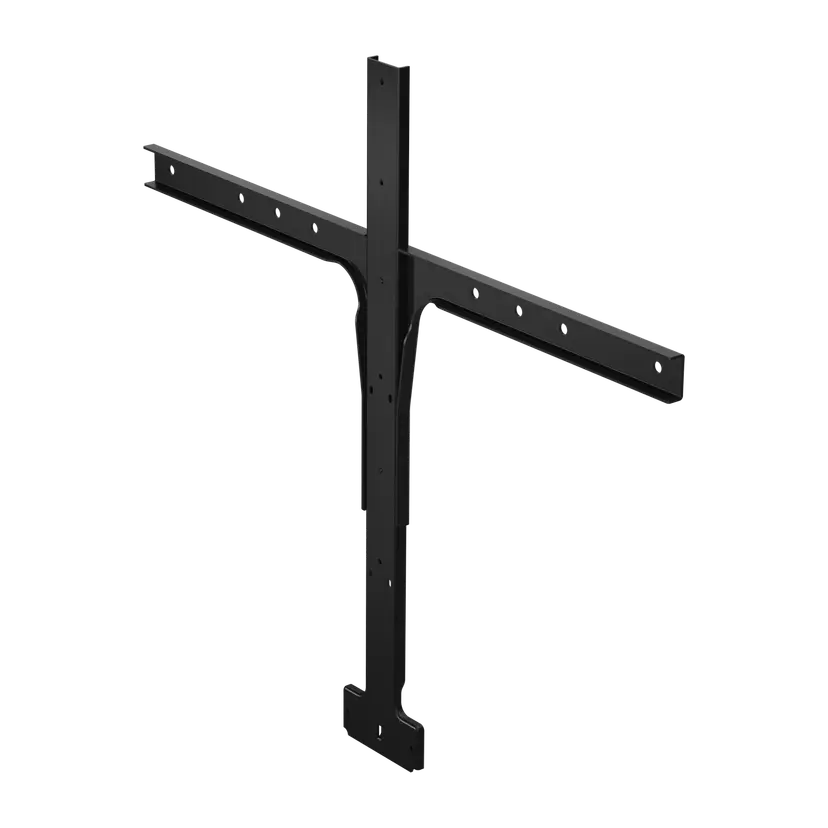
    x xxx,xx xx(x xxx,xx xx x xxx xxx)
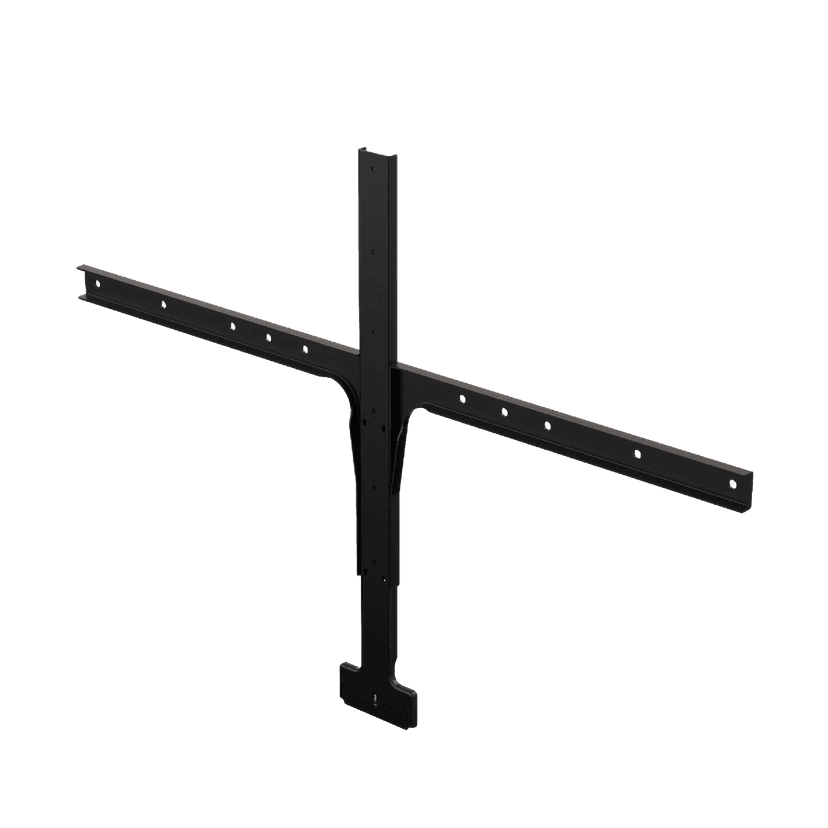
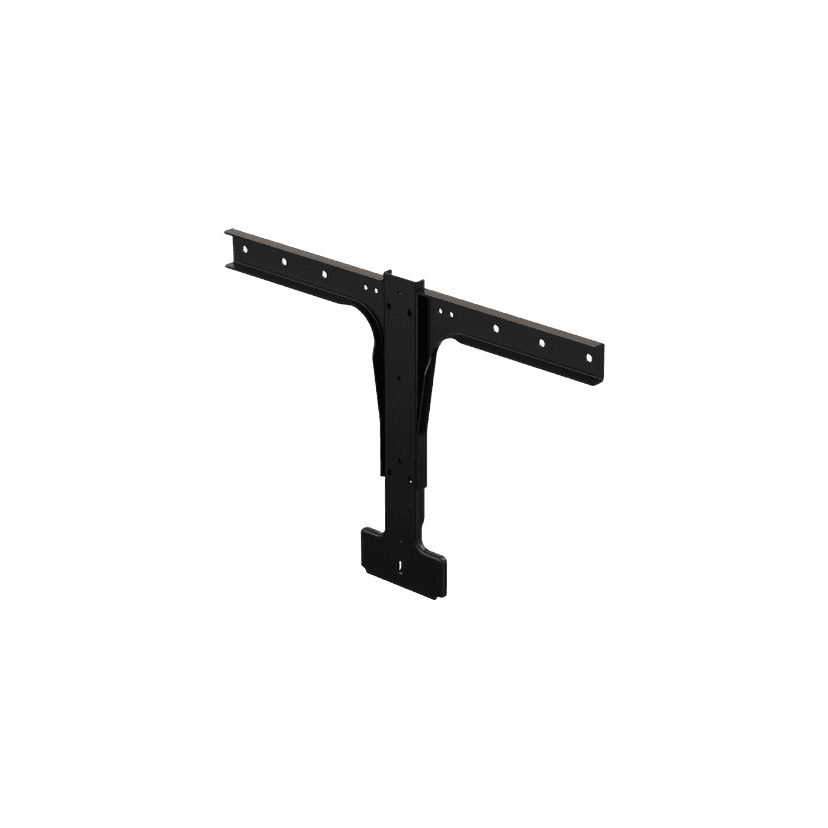
  • Jabra PanaCast 50 beeldschermbevestiging
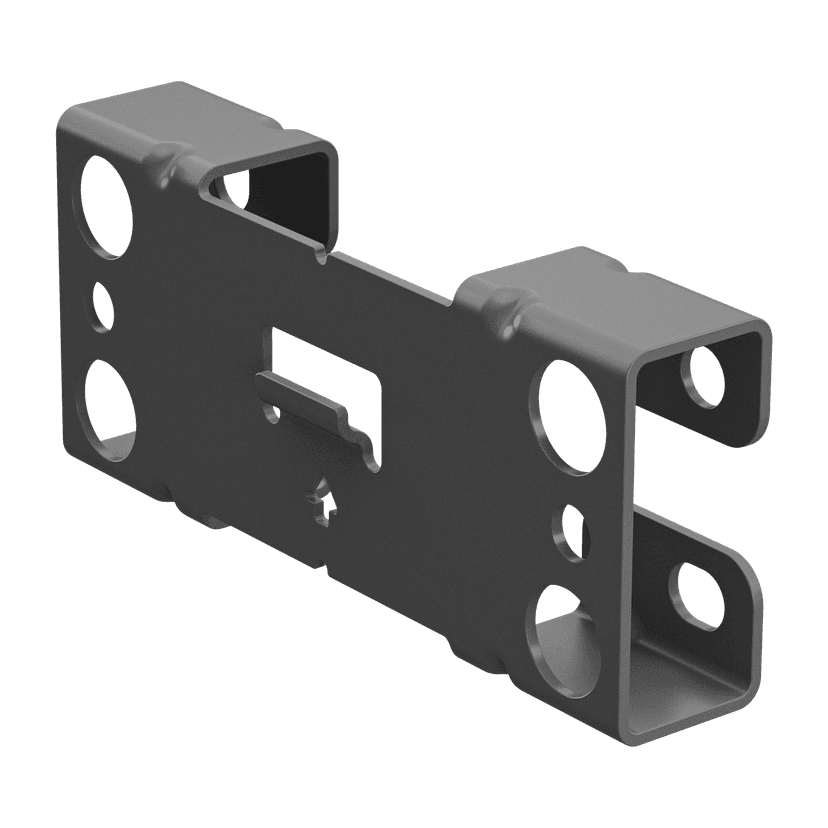
    x xxx,xx xx(x xxx,xx xx x xxx xxx)
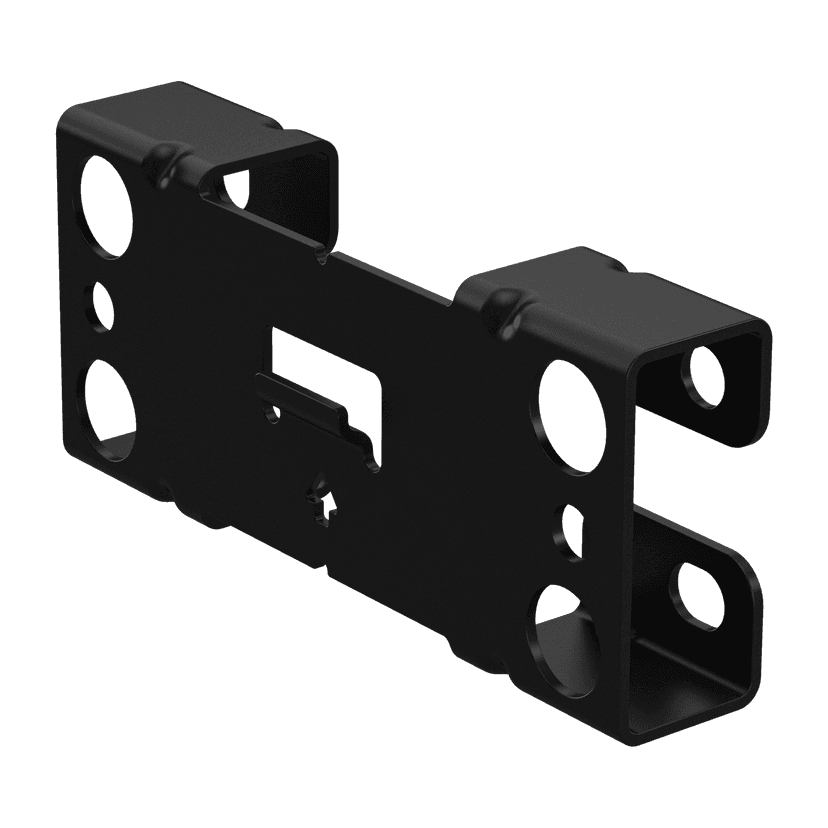
  • Jabra PanaCast 50 wandbeugel - Grijs

    x xxx,xx xx(x xxx,xx xx x xxx xxx)
  • Jabra PanaCast 50 wandbeugel - Zwart

    x xxx,xx xx(x xxx,xx xx x xxx xxx)
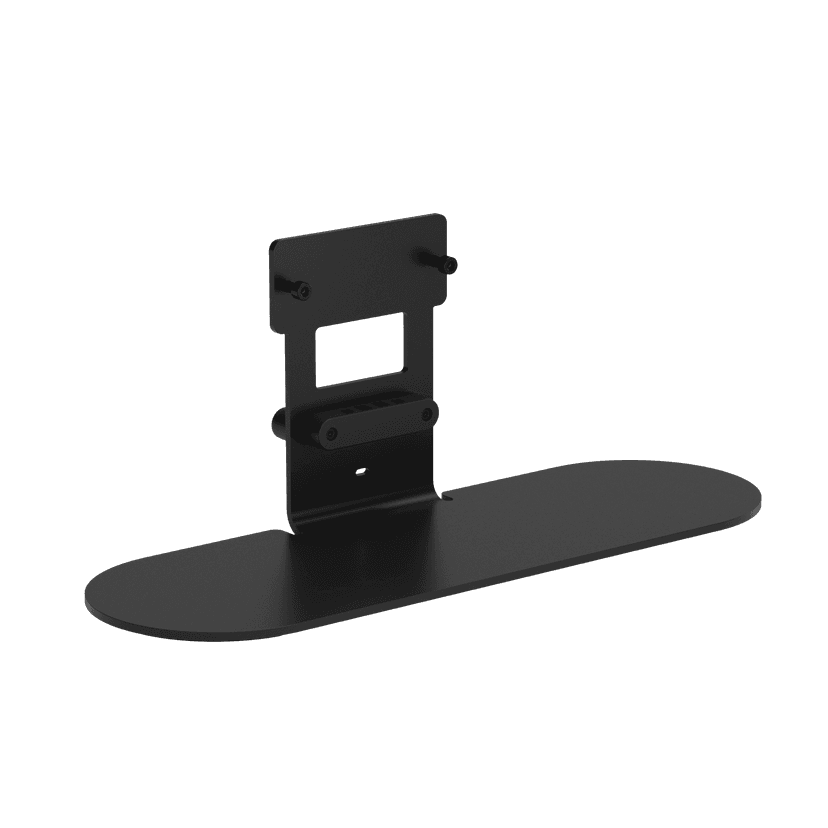
  • Jabra PanaCast 50 tafelstandaard - Zwart
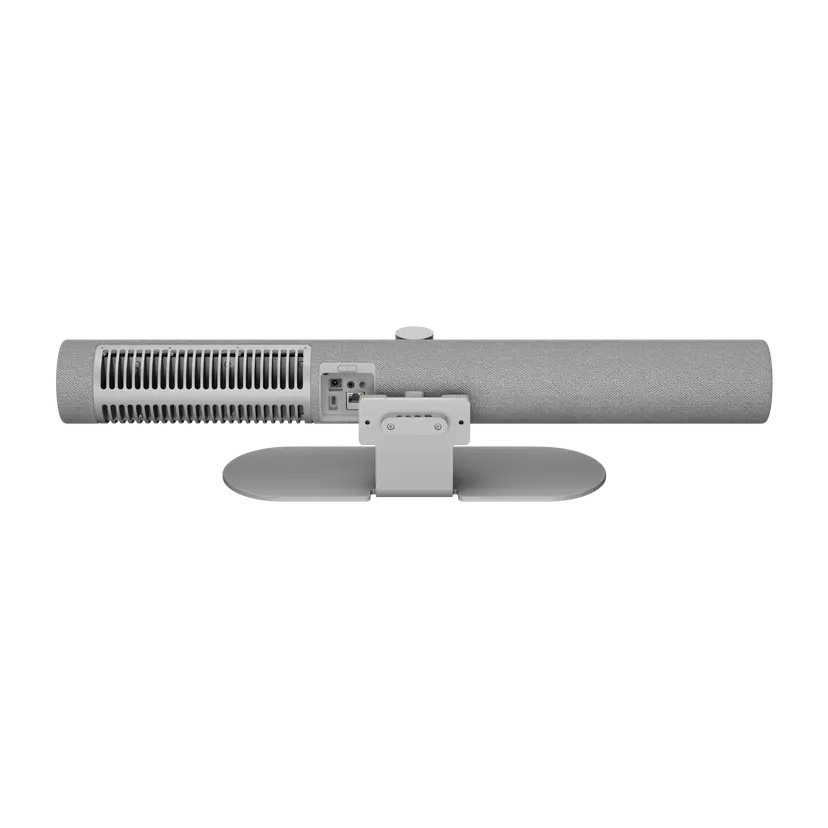
    x xxx,xx xx(x xxx,xx xx x xxx xxx)
  • Jabra PanaCast 50 tafelstandaard - Grijs
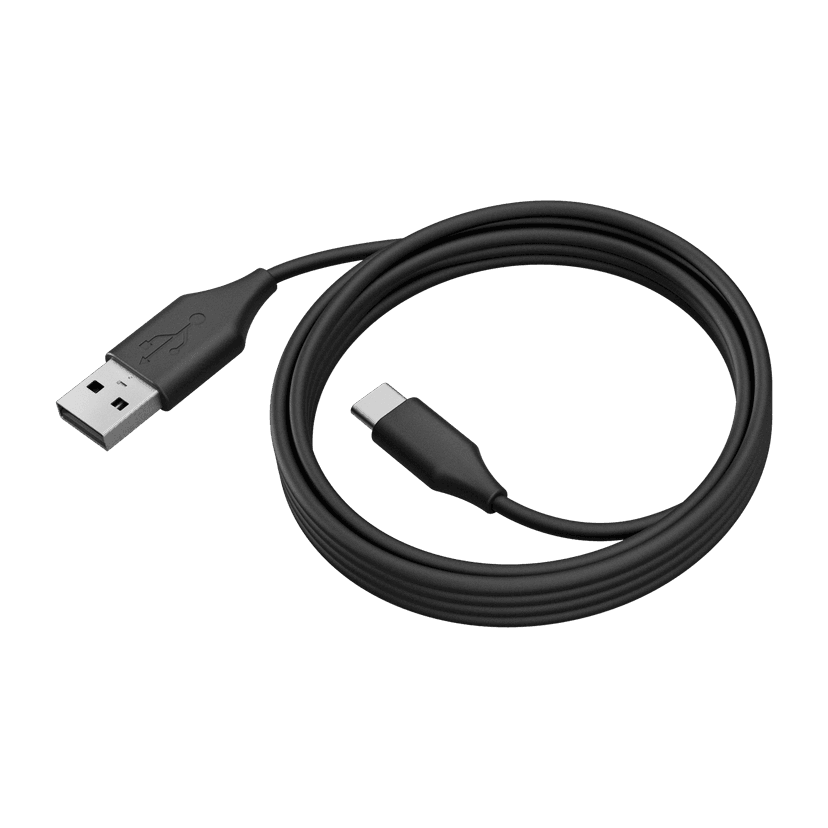
    x xxx,xx xx(x xxx,xx xx x xxx xxx)
  • Jabra PanaCast 50 USB Cable - USB 3.0, 2m
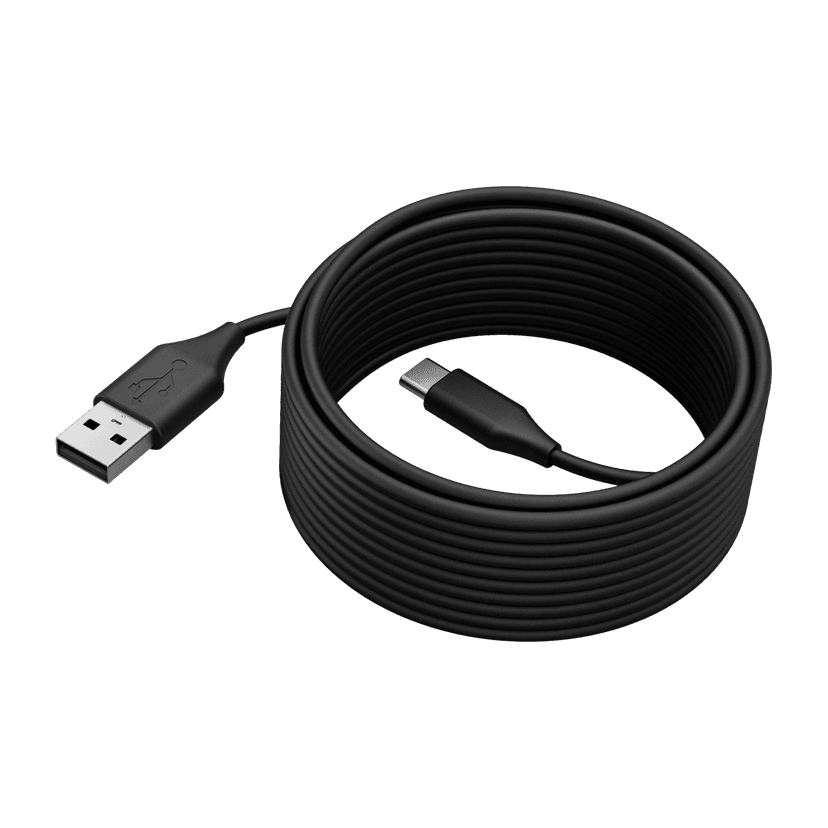
    x xxx,xx xx(x xxx,xx xx x xxx xxx)
  • Jabra PanaCast 50 USB Cable - USB 2.0, 5m
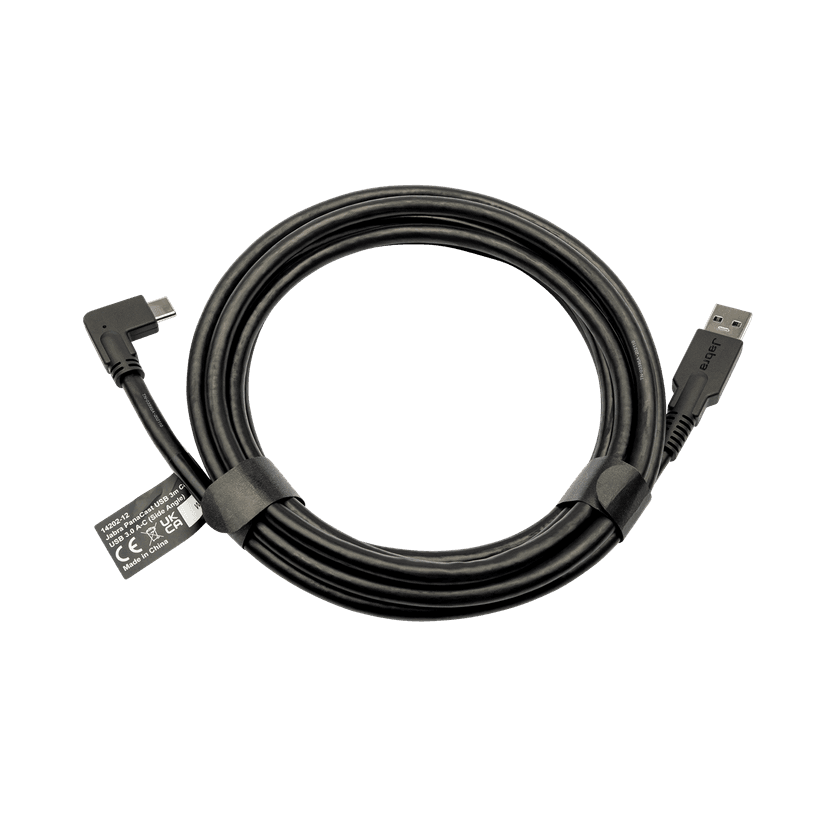
    x xxx,xx xx(x xxx,xx xx x xxx xxx)
  • Jabra PanaCast USB Cable (USB-A to USB-C) - 3m
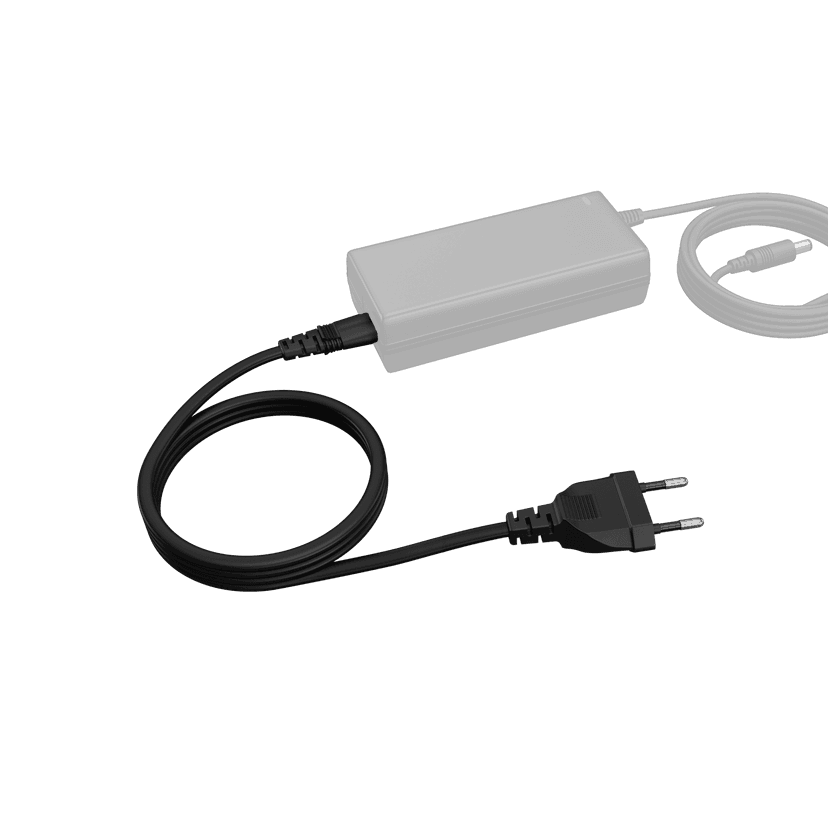
    x xxx,xx xx(x xxx,xx xx x xxx xxx)
  • Jabra PanaCast 50 Power Cable

    x xxx,xx xx(x xxx,xx xx x xxx xxx)
  • Jabra Table Stand

    x xxx,xx xx(x xxx,xx xx x xxx xxx)

Dit product is compatibel met de volgende apparaten of systemen

  • Softphone:


    Compatibele

  • Bureautelefoon:


    Niet compatibel

  • Mobiel/Tablet:


    Niet compatibel

  • Compatibiliteitsgids


    Vind het juiste Jabra product voor uw apparaat

Over ons

  • Ons verhaal
  • Vacatures
  • Duurzaamheid
  • Nieuws en persberichten
  • Jabra Blog
  • Casestudies
  • Ons verhaal
  • Vacatures
  • Duurzaamheid
  • Nieuws en persberichten
  • Jabra Blog
  • Casestudies

Ondersteunende middelen

  • Productondersteuning
  • Gebruikershandleidingen
  • Bluetooth koppelgids
  • Compatibiliteitsgids
  • Instructievideo's
  • Accessoires
  • Identificeer jouw product
  • Zelfreparatie
  • Productondersteuning
  • Gebruikershandleidingen
  • Bluetooth koppelgids
  • Compatibiliteitsgids
  • Instructievideo's
  • Accessoires
  • Identificeer jouw product
  • Zelfreparatie

Veelgestelde vragen

  • Wat is een goede headset voor Skype?
  • Wat is een goede headset voor iPhone?
  • Zijn Bluetooth-headsets veilig?
  • Wat is een goede headset voor Skype?
  • Wat is een goede headset voor iPhone?
  • Zijn Bluetooth-headsets veilig?

Neem contact op

  • Contact opnemen met Jabra Sales
  • Online bestellingen
  • Registreer uw product
  • Word wederverkoper
  • Enterprise end-of-lifebeleid
  • Ontwikkelaarsprogramma
  • Contact opnemen met Jabra Sales
  • Online bestellingen
  • Registreer uw product
  • Word wederverkoper
  • Enterprise end-of-lifebeleid
  • Ontwikkelaarsprogramma
GN logo
  • Handelsmerken
  • Veiligheid en waarschuwing
  • Cookiebeleid
  • Toestemming voor cookies wijzigen
  • Conformiteitsverklaringen
  • Commerciële disclaimers
  • Privacybeleid
  • Beveiligingscentrum
  • Open Source licenties
Document
Recessed Wall Mount (ADA) assembly instructions
Language
EngelsEngels
Type
pdf
Size
716.1 KB
Download
Document
Technische specificaties
Language
  • EngelsEngels
  • DeensDeens
  • DuitsDuits
  • Engels (ANZ)Engels (ANZ)
  • Engels (EMEA)Engels (EMEA)
  • Engels (India)Engels (India)
  • Engels (UK/HK/SG)Engels (UK/HK/SG)
  • SpaansSpaans
  • FransFrans
  • JapansJapans
  • NederlandsNederlands
  • Vereenvoudigd ChineesVereenvoudigd Chinees
Type
pdf
Size
621.7 KB
Download
  • All categories
Hoe activeer ik beheer op afstand van de Jabra PanaCast 50 via Jabra Xpress?
Hoe deel ik een aparte weergave van het whiteboard in Microsoft Teams Rooms?
Hoe deel ik een aparte weergave van het whiteboard in Zoom Rooms?
Hoe gebruik ik de afstandsbediening voor de Jabra PanaCast 50?
Hoe gebruik ik de cameracontroller met de Jabra PanaCast 50?
Showing 5 of 64
File
Firmware
Platform
Windows
Language
EngelsEngels
Release date
2025/10/01
Version
9.3.6
Download
Release note
File
Jabra Direct
Platform
macOS
Language
EngelsEngels
Release date
2026/05/27
Version
8.1.14601
Download
Release note
  • Release date:

    October 01, 2025
    Release version:9.3.6 Value Pack 6 Service Release 1

    Updated:

    • Bluetooth on the Jabra PanaCast 50 will now be set to off by default.
      • Units with a Jabra PanaCast 50 Remote already paired will be unaffected.
      • Units using Jabra Sound+ as a remote and an unmanaged device can enable Bluetooth by pressing and holding the Bluetooth button on the PanaCast 50 for 5 seconds followed by a confirmation tone.

    Security Updates:

    • Rollback prevention has been added to the Jabra PanaCast 50, it will not longer be possible to downgrade firmware past version 9.3.6.

    Minor performance and stability improvements 


  • Release date:

    January 14, 2025
    Release version:9.0.5

    New Features:

    • Enabled 3.5mm AUX-Out for Assistive Listening Devices
      • For further details, please click here

    Updated:

    • Updated microphone performance while participants are speaking at the same time

    Fixed:

    • A rare circumstance where a connection would be rejected with certain SSID/Password combinations

    Minor performance and stability improvements 


  • Release date:

    September 12, 2024
    Release version:8.1.0

    Updated:

    • Improvements to security and stability

    Minor performance and stability improvements

  • Release date:

    July 16, 2024
    Release version:8.0.7 (Value Pack 5)

    Please note: The Citrix VDI issue present in 6.6.5 has been resolved in this release, customers using Citrix VDI may update to this version.

    New Features:

    • Multi-Stream Dynamic Composition for Microsoft Teams Rooms on Windows*
      •  For further details, please click here.

    Requirements:

    • Multi-Stream Dynamic Composition requires a USB 3.0 connection*

    Minor performance and stability improvements

    Public release note edited on August 1, 2024.

  • Release date:

    March 18, 2024
    Release version:6.6.5

    Please Note: Citrix VDI users should not update to this version, remain on your current deployed version and await future updates.

    Details

    • New feature: Option to input a proxy CA certificate to setup the Jabra PanaCast 50 network connection*
    • Updated: Improved AI person detection when the PanaCast 50 is mounted above the display
    • Updated: Video quality improvements for sharpness and saturation
    • Updated: Video quality improvements for framing and zoom levels
    • Performance and stability improvements

    * Requires Jabra Direct version 6.14.08801

    Public release note, edited April 19, 2024

  • Release date:

    December 15, 2023
    Release version:6.5.1

    Details

    • Fixed: Issue with misaligned whiteboard area in certain scenarios
      •  May require the area to be redefined
    • Fixed: Issue with no video stream in certain scenarios
    • Performance and stability improvements
  • Release date:

    October 03, 2023
    Release version:6.2.2

    Details

    • New feature: Intelligent Meeting Space - In Jabra Direct, you can now define a meeting space and only frame participants within that space. This works especially well in meeting rooms with glass walls and even in open spaces with no walls at all*
    • New feature: Microsoft Intelligent Speaker for Teams Rooms - Uses voice profile (max 10 per meeting) information to recognize who said what in transcripts and recaps from a Microsoft Teams Room meeting
    • New feature: People Counting Toggle - Allows anonymous people counting and LED to be toggled on/off in Jabra Direct*
    • New feature: Power Management: In BYOD mode, the Jabra PanaCast 50 will enter a power saving mode once there is no activity detected on the USB connection and enter into normal mode as soon as there is activity detected on the USB connection
    • Updated: Sensor stability - Reduces framing changes when people move between sensors
    • Performance and stability improvements

    *Requires Jabra Direct 6.10.25001

  • Release date:

    August 04, 2023
    Release version:5.2.1

    Details

    • Fixed: PanaCast 50 now works with USB 2.0 in Dynamic Composition mode
    • Fixed: Green screen issue for some users in VDI environments
    • Performance and stability improvements
  • Release date:

    February 22, 2023
    Release version:5.1.0

    Details

    • New feature: Enables a Panacast 50 to be connected to a wired or wireless network using the network name (SSID) and a password*
    • New feature: 802.11r support added
    • Updated: Enhancement to Panacast 50 firmware update process with security policies that block USB Mass Storage devices
    • Performance and stability improvements

    *Requires Jabra Direct version 6.6.03101

  • Release date:

    November 30, 2022
    Release version:5.0.4

    Details

    • New feature: Status LED will now blink every 5 seconds to represent camera in standby mode with anonymous people count active but no live video streaming. Live video stream status is still represented by a solid white LED.
    • Performance and stability improvements

    Public release note, edited December 5, 2022.

Volledige release-geschiedenis