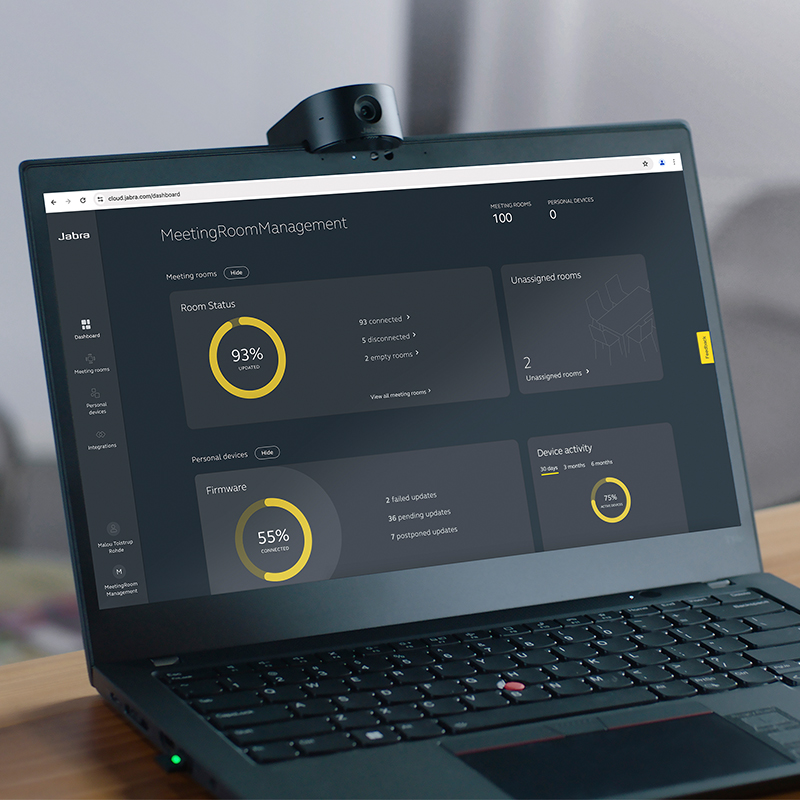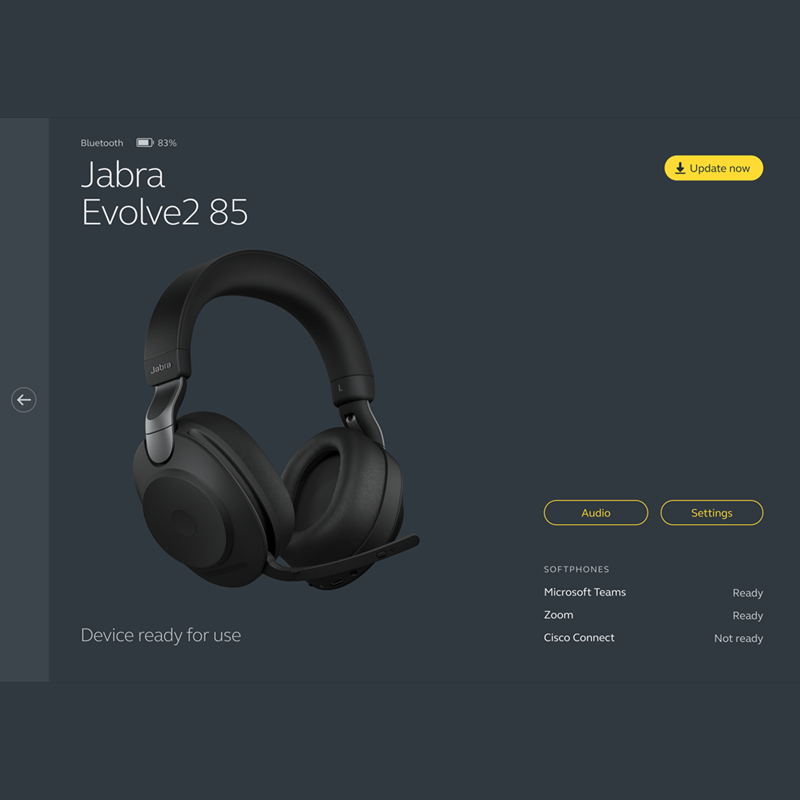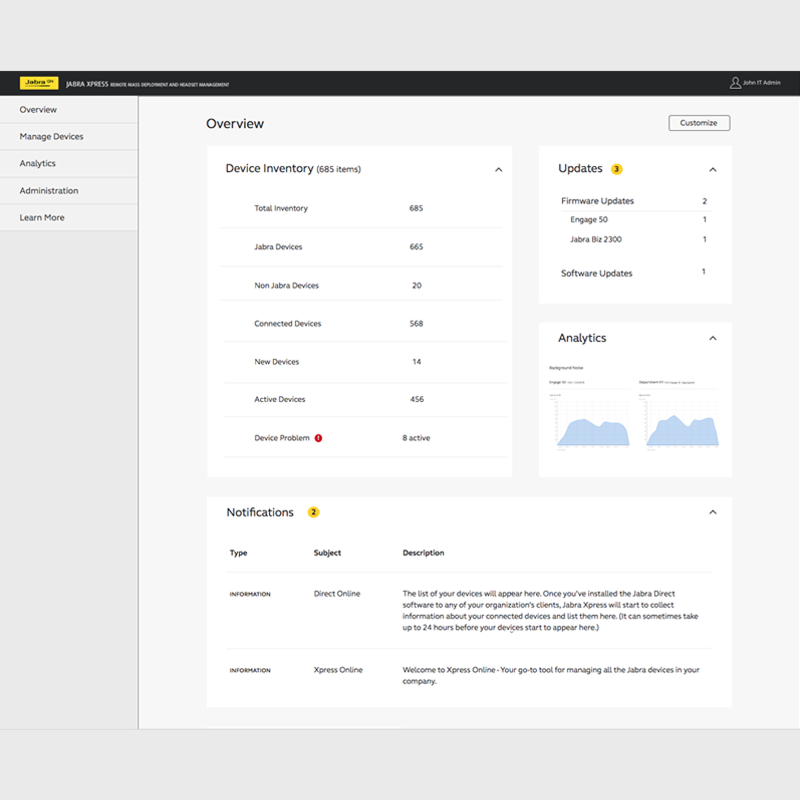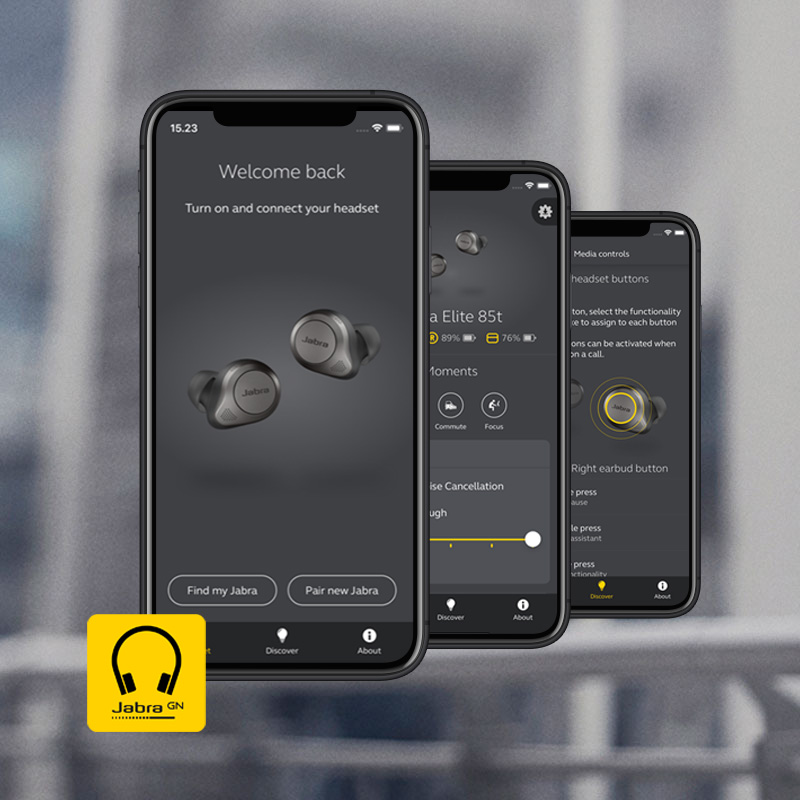
Jabra PC Suite is free PC software that enables remote call control with Jabra USB devices and the latest generation of softphones.

JABRA PC SUITE ALLOWS THE USERS TO

  • Hear ring tones
  • Answer and end calls
  • Mute the microphone
  • Place and resume call on hold
  • Redial

This means that users with a wireless headset can answer and end calls on their softphone up to 150 meters / 450 feet away from their desk. With a corded audio device users will get a range of remote control benefits via the in-line call control unit.

The seamless integration between the audio device and the softphone allows users to benefit from enhanced mobility and the ability to multitask while on a call.

HOW IT WORKS

Jabra PC Suite is a plug-and-play solution that can interface with a range of softphone standards via the embedded drivers. The program runs in the background and monitors your USB ports for Jabra devices and softphone integration. Jabra PC Suite includes a Firmware Updater that allows you to update your Jabra headset solution with free Value Packs and Service Packs. Many of our products will automatically go online via Jabra PC Suite and check for updates and give you a notification.

  • Value Packs will include new features and functionality
  • Service Packs will include improved functionality on already existing features

BE IN TOUCH WITH YOUR HEADSET

Jabra PC Suite also includes a Control Center that allows you to manage and configure your Jabra headset from your PC as well as copy a configuration file from one Jabra device to another.

Download Jabra PC Suite
downloads
Rel.: 18/04/2013
Ver.: 2.11.3231


Update your firmwareVisit the step-by-step guide on how to update your firmware

Compatibility

The Jabra PC Suite includes interfaces and drivers for a range of PC, UC and softphones, including:

Avaya
  • Avaya one-X Communicator version 5.2 or above
  • Avaya one-X Agent 2.0 SP3 or above
  • Avaya Aura Agent Desktop version 6.1 or above
  • Avaya IP Softphone version 6.0 or above
  • Avaya IP Agent version 6.0 or above
  • Avaya one-X Communicator: Version 5.2 or higher;
  • Avaya one-X Agent: Version 2.0 or higher (Requires One-X Communicator to be installed);
  • Avaya IP Agent: Version R6 or higher on Windows XP;
  • Avaya IP Softphone: Version R6 or higher on Windows XP

Cisco

  • Cisco IP Communicator version 2.0.1.1 or above
  • Cisco Unified Personal Communicator version 8.0 or above
  • Cisco Unified Communications Integration for Microsoft Lync or Office Communicator version 8.0 or above
  • Cisco WebEx Connect version 7.1.1 or above
  • Cisco Jabber version 9.2 or above

Microsoft

  • Microsoft Lync (Presence state integration)
  • Skype version 3.2 or above

Only Microsoft® headset variants have call control.

IBM

  • IBM Lotus Sametime version 8.0.1
  • IBM Lotus Sametime version 8.5.1
  • IBM Lotus Sametime version 8.5.2 IFR1

NEC

  • NEC SP350 version 5.1.0.0 or above


Jabra PC Suite supports the following Windows versions

  • Windows 8 (32 & 64 Bit)
  • Windows 7 (32 & 64 Bit)
  • Windows Vista (32 & 64 Bit)
  • Windows XP SP3 (32 Bit)
          
StrategicAlliancesCollection

Mass deployment

In large networks, software distribution and updates are often tedious and tie up a lot of administration resources. Installing software on every single system is both time consuming and unproductive.

The process can be made much more cost and time-effective using remote software installation and automated installation.

To meet these challenges/fulfill these needs, we have developed Jabra PC Suite IT Deployment Tool. The tool enables mass roll outs of Jabra PC suite components such as software drivers and upgrades, making sure all your Jabra headsets are always performing optimal.

Download our MSI file and read our User Guide (pdf)

Jabra PC Suite uses Microsoft Installer Packages (MSI). It requires the following:

  • Microsoft .NET 4.0 Client Profile should be installed on the target PC.

Jabra PC Suite can be deployed on the following Windows operating systems

  • Windows 8 (32 & 64 Bit)
  • Windows 7 (32 & 64 Bit)
  • Windows Vista (32 & 64 Bit)
  • Windows XP SP3 (32 Bit)
Download MSI file downloads
Rel.: 18/04/2013
Ver.:  2.11.3231

FAQ & How-to

Facts and how-to about Jabra PC Suite:

Watch the video on how to update your firmware using Jabra PC Suite
Was this useful?

Thank you for your feedback

The information you provide will be used to improve the page.

We will not respond directly to your comments.

Please go to Contact if you need further assistance.

Thank you for your feedback

The information you provide will be used to improve the page.

Help Us Get Better

Please tell us why you didn't find this useful

How can we make this more useful for you?

Send Feedback Cancel

Downloads

JabraPCSuiteDatasheetData sheetJabra PC Suite is a free PC software that enables remote call control with Jabra headsets and the latest generation of IP softphones.

Download data sheet (pdf)


JabraPCSuiteInstallationGuideInstallation guideHow to install Jabra PC Suite.


Download Installation guide (pdf)


downloads

Download Jabra PC Suite (exe)
Released: 18/04/2013
Version:  2.11.3231

Integration for:
•    Cisco Jabber 9.2

Improved integration for:
•    Skype (according to updated Skype guidelines)
•    IBM Sametime (Automatic plug-in activation for existing IBM SameTime users)

New products recognized by Jabra Control Center and Jabra Firmware Updater:
•    Jabra PRO 900, Value Pack 1

New features and enhancements:
•    Added battery meter icon for wireless Jabra products in Windows notification bar
•    Added IVRS support on dial pad products for all SP drivers
•    Added Jabra Speak 510 voice prompt disable option
•    Added Jabra Motion auto reject mobile calls option
•    Various stability improvements

JabraPcSuiteSetup