
Kom i gang med dit produkt
Supportressourcer
Dokumenter
Dokument
Datablad
Sprog
 Forenklet kinesisk
 Tysk
Tysk Dansk
Dansk Engelsk (Asien og Stillehavsområdet)
- Engelsk (Australien)
 Engelsk (EMEA)
 Engelsk (UK)
 Engelsk
 Spansk
 Fransk
 Japansk
 Hollandsk
Type
pdf
Størrelse
311.3 KB
Dokument
Installationsvejledning
Sprog
 Arabisk
 Bulgarsk
 Tjekkisk
- Dansk
- Tysk
 Græsk
Græsk- Engelsk
- Spansk
 Spansk (latinamerikansk)
 Estisk
- Farsi
 Finsk
Finsk Fransk (canadisk)
- Fransk
 Hindi
Hindi Kroatisk
 Ungarsk
 Indonesisk
 Italiensk
- Japansk
 Koreansk
 Litauisk
 Lettisk
 Malaysisk
- Hollandsk
 Norsk
Norsk Polsk
Polsk Portugisisk
 Brasiliansk portugisisk
 Rumænsk
 Russisk
 Slovakisk
 Slovensk
 Serbisk
 Svensk
 Thai
Thai Tyrkisk
 Ukrainsk
 Vietnamesisk
- Forenklet kinesisk
 Traditionelt kinesisk
Type
pdf
Størrelse
3.1 MB
Ofte stillede spørgsmål
- Alle kategorier
Kan jeg forbinde Jabra PanaCast 40 VBS til et Wi-Fi-netværk?Hvad kan jeg bruge aux-udgangen til på min Jabra PanaCast-videobar?Er det nødvendigt at indstille Jabra PanaCast 50 VBS som video- og lydenhed?Hvordan forbinder jeg Jabra PanaCast 40 VBS til min organisation i Jabra Plus Management?How do I configure the Jabra PanaCast 40 VBS?
Viser 5 af 24
Seneste udgivelsesnoter
Udgivelsesdato:
August 12, 2026Udgivelsesversion:Jabra Panacast 40 Video Bar: 4.2.0-21New Features
- Web Console access over USB when no network is available — connect the device to your laptop and browse to https://jabra-ui.local
- People Count support for Jabra Plus application
- New camera detection settings under Video > Camera can be enabled or disabled from the Web Console or App UI:
- Screen Detection, which prevents the camera from framing people shown on in-room displays
- Reflection Detection, which prevents framing of reflections
- Configurable transition speed and style for Virtual Director
- Monitor standby modes can now be configured from the App UI and Web UI
Updated
- Several Web Console improvements
Fixed
- Fixed an issue where the video bar in standalone mode showed only three camera modes (Panoramic, Speaker Focus, and Auto Framing) instead of all four
- Fixed an issue where the MDEP version was shown on the Touch Controller but not on the video bar
- Fixed an issue in Zoom BYOD mode on macOS where the volume reverted unexpectedly after being changed
- Fixed an issue where the list of available video bars continued to appear in the Web Console even after the video bar and Touch Controller were successfully paired
- Fixed an issue where a Webex meeting invitation was not received in the device calendar
- Fixed a camera stitching issue in the image overlap zone
- Fixed an issue where the video bar and Touch Controller could not find each other after IPv6 was disabled on the video bar
- Fixed an issue where the display did not enter standby in BYOD mode
- Fixed Intelligent Meeting Space issues where a person just outside the configured room boundary could be detected at close range, and where the multi-focus layout behaved unexpectedly as a fifth person moved in and out of the boundary
- Fixed an issue in Zoom where the device prompted for device-type selection at startup even though it had already been configured during setup
- Fixed an issue where the selected language was not shown in the Microsoft Teams Admin Center or Pro Management Portal
Security Updates
- Retrieval of NTP date/time via DHCP option 42
Udgivelsesdato:
April 23, 2026Udgivelsesversion:Jabra Panacast 40 Video Bar: 3.4.0-19Updated:
- Improved voice capture while extreme background noise suppression is active
- Improved participant detection in Multi-Stream Dynamic Composition mode
- Splash screen added to HDMI output on boot
- Improved Video Bar wake speed after rebooting
- Added "Room View" options while in Single-stream Dynamic Composition mode
- Resolved a pairing state drop between Video Bar and Control IP in Microsoft Teams Rooms environments
- Single-Stream Dynamic Composition and Virtual Director are now correctly displayed in the user interface of BYOD mode
- Corrected a chipset timing issue which interfered with the boot process in rare cases
- HDMI now correctly outputs after exiting standby in BYOD mode
- Resolved a bug causing the Video Bar to appear disconnected under certain network conditions
- Echo no longer present when sharing content via HDMI during Microsoft Teams Rooms meetings
- Volume controls now correctly unmute audio in Microsoft Teams Rooms after being set to minimum levels
- Audio distortion issues for MacBook users when operating in BYOD mode
- HDMI output now correctly scales to 4K on supported displays
- Switching cameras in Cisco Webex while using BYOD mode no longer results in video distortions
- Multi-Stream Dynamic Composition video streams from Zoom Rooms are now implemented to Direct Guest Join participants in Microsoft Teams Rooms meetings
- Changing output resolutions on an Apple MacBook does not result in loss of video in BYOD mode
- Video output initializes correctly even if the HDMI cable is connected after the device is powered on
- Enhanced the handling of fragmented IPv6 packets to prevent potential data loss or connection drops
- Device connectivity is no longer lost if WiFi paired Video Bar and Control IP are changed to Ethernet connections
- Addressed connectivity issues when ICMP echo requests were disabled for the default gateway
Minor performance and stability improvements
Edited: May 14, 2026
Udgivelsesdato:
September 17, 2025Udgivelsesversion:Jabra Panacast 40 Video Bar: 1.9.0-25; Jabra Control IP: 7.10.0-9Updated:
- Added support for partial Configuration Profiles in Microsoft Teams Admin Center
- Minor performance and stability improvements
Please note: From November 17, 2025, applicable release notes for the Jabra Control IP/Jabra Scheduler are located here
Edited: November 17, 2025
Udgivelsesdato:
August 04, 2025Udgivelsesversion:Jabra Panacast 40 Video Bar: 1.9.0-25; Jabra Control IP: 7.8.0-9Details:
- First public release
Find serienummeret
Find dit produkts serienummer, før du tjekker garantien.
Tilbehør
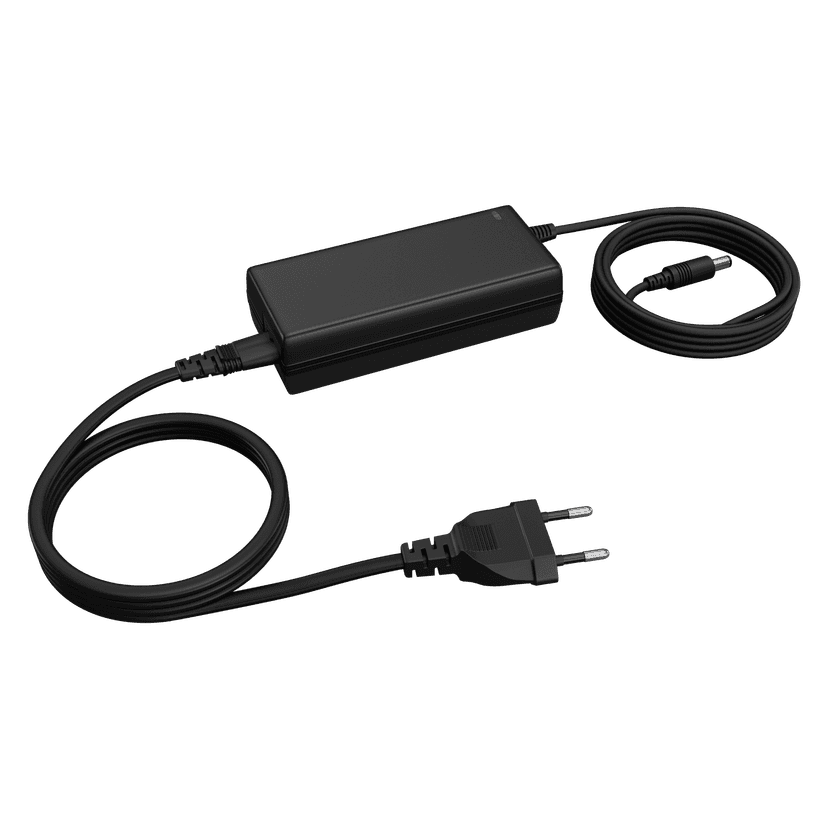
Jabra PanaCast 50 Power Supply
x xxx,xx xx(x xxx,xx xx x xxx xxx)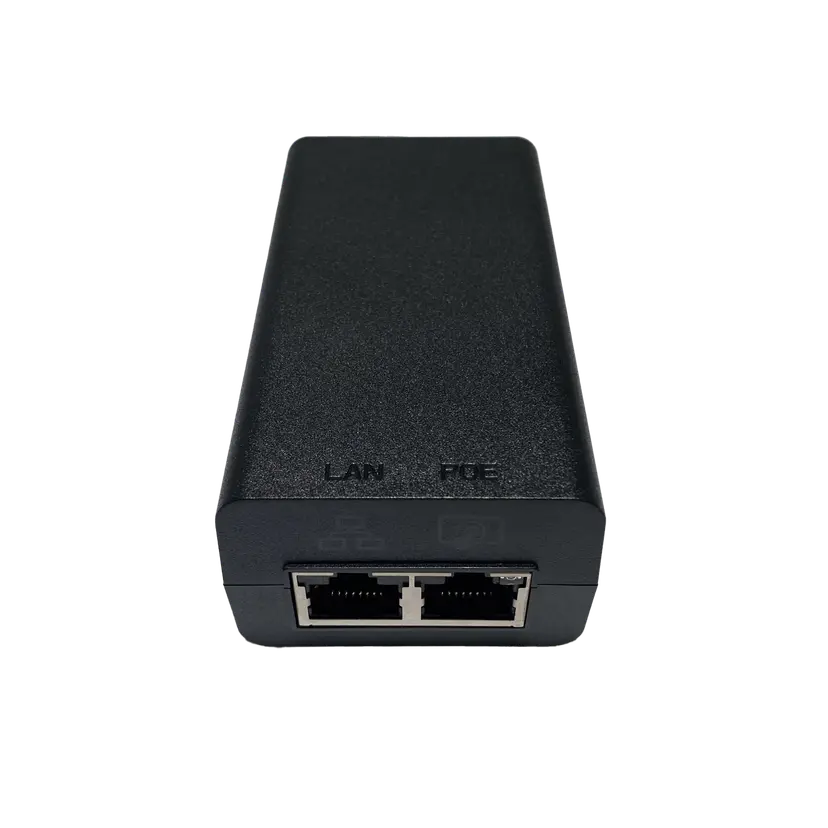
Jabra PoE Injector Kit
x xxx,xx xx(x xxx,xx xx x xxx xxx)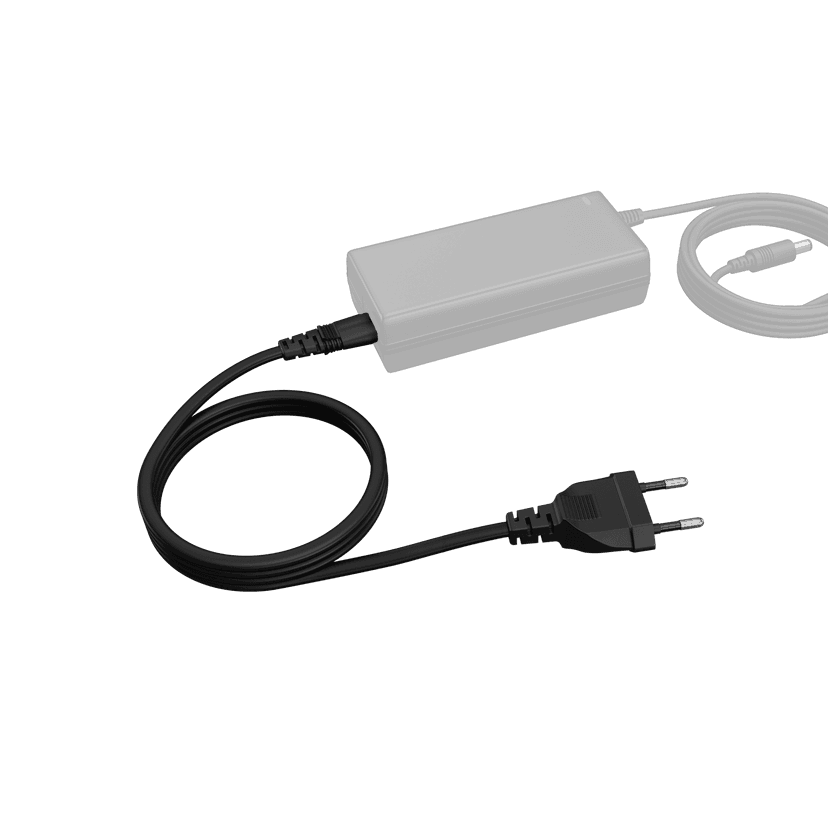
Jabra PanaCast 50 Power Cable
x xxx,xx xx(x xxx,xx xx x xxx xxx)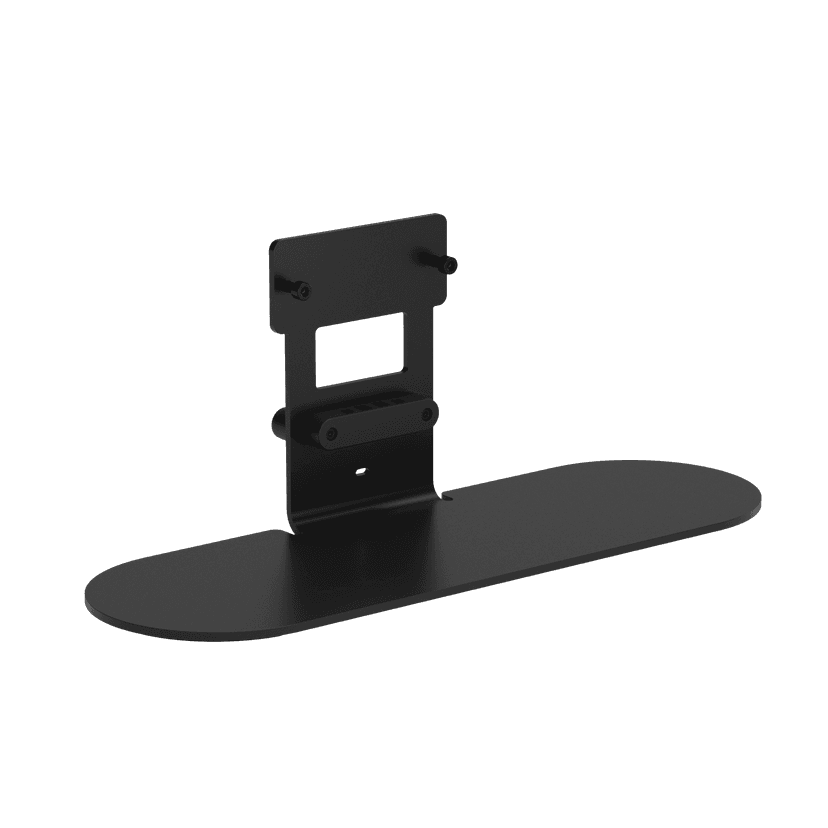
Jabra Table Stand
x xxx,xx xx(x xxx,xx xx x xxx xxx)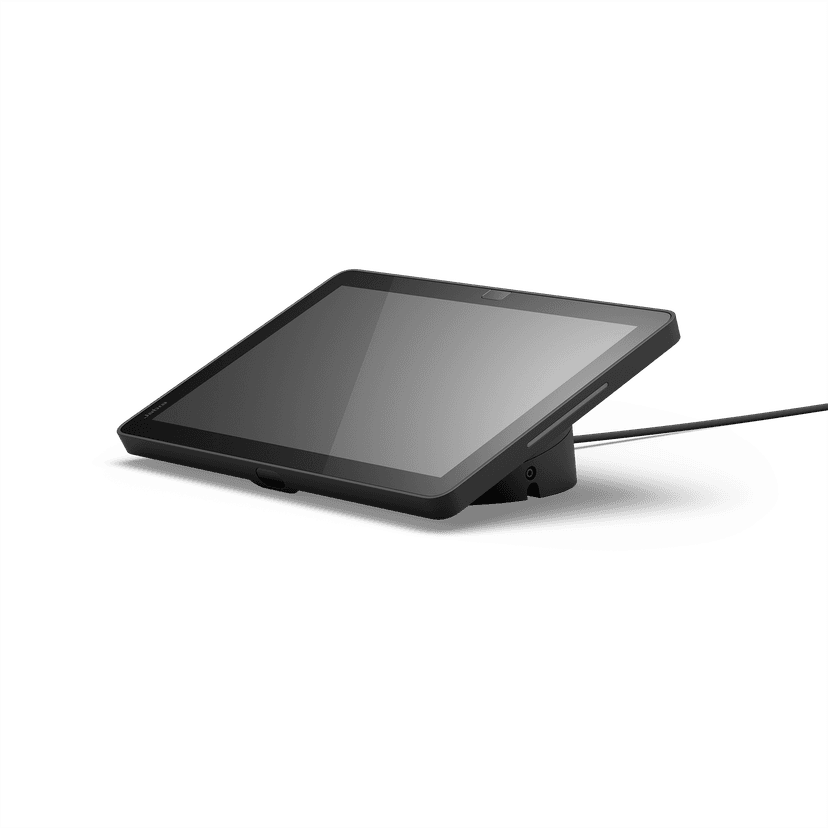
Jabra Control IP - UC
x xxx,xx xx(x xxx,xx xx x xxx xxx)Jabra Control IP - Microsoft Teams Rooms
x xxx,xx xx(x xxx,xx xx x xxx xxx)Jabra Control IP - Zoom Room
x xxx,xx xx(x xxx,xx xx x xxx xxx)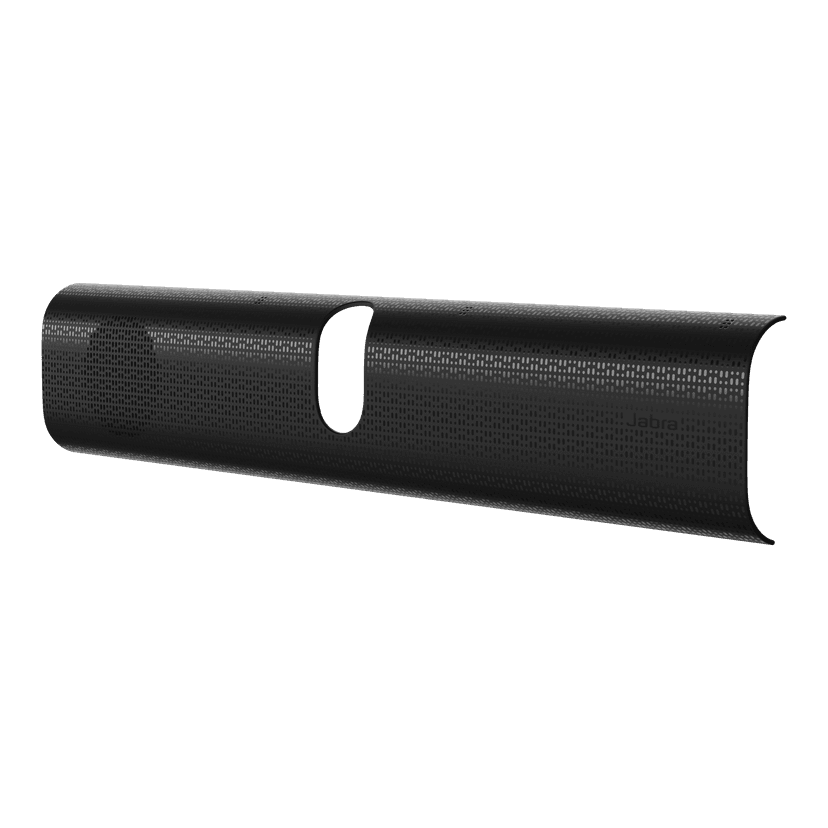
Jabra PanaCast 40 VBS Easy Clean Cover
x xxx,xx xx(x xxx,xx xx x xxx xxx)
Jabra PanaCast 40 VBS Privacy Cover
x xxx,xx xx(x xxx,xx xx x xxx xxx)
Jabra PanaCast 40 VBS Fabric Cover
x xxx,xx xx(x xxx,xx xx x xxx xxx)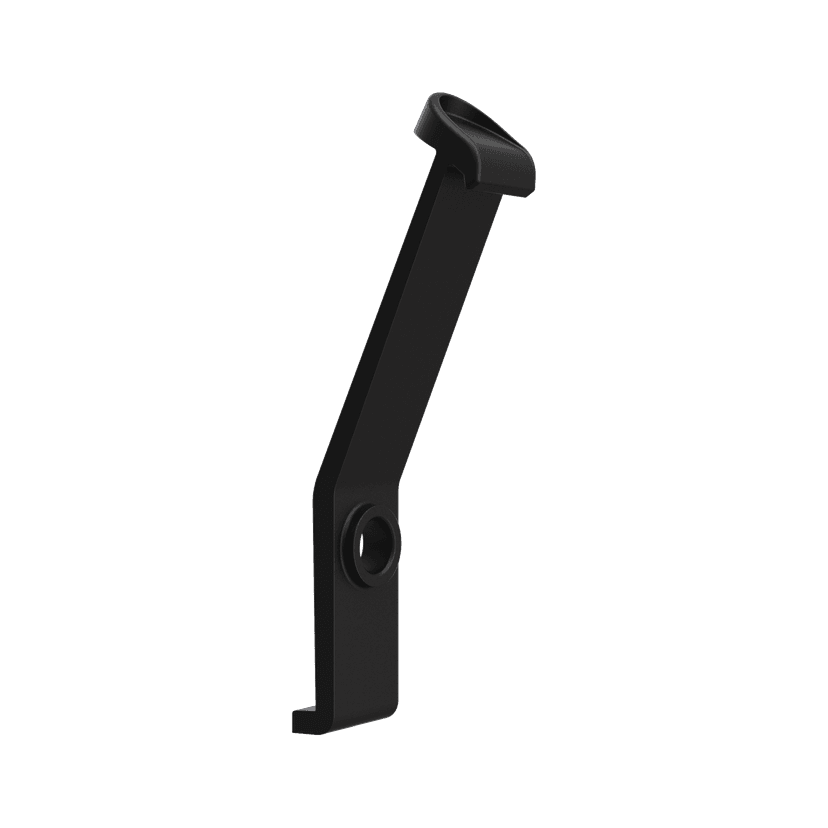
Jabra PanaCast 40 VBS ADA Mount
x xxx,xx xx(x xxx,xx xx x xxx xxx)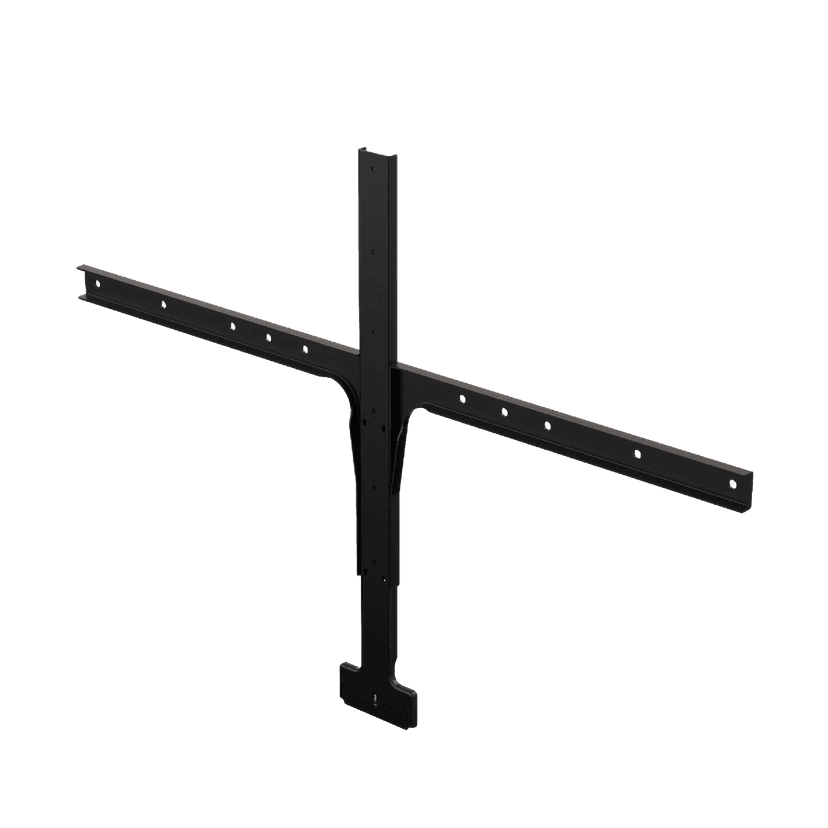
Jabra Large Screen Mount
x xxx,xx xx(x xxx,xx xx x xxx xxx)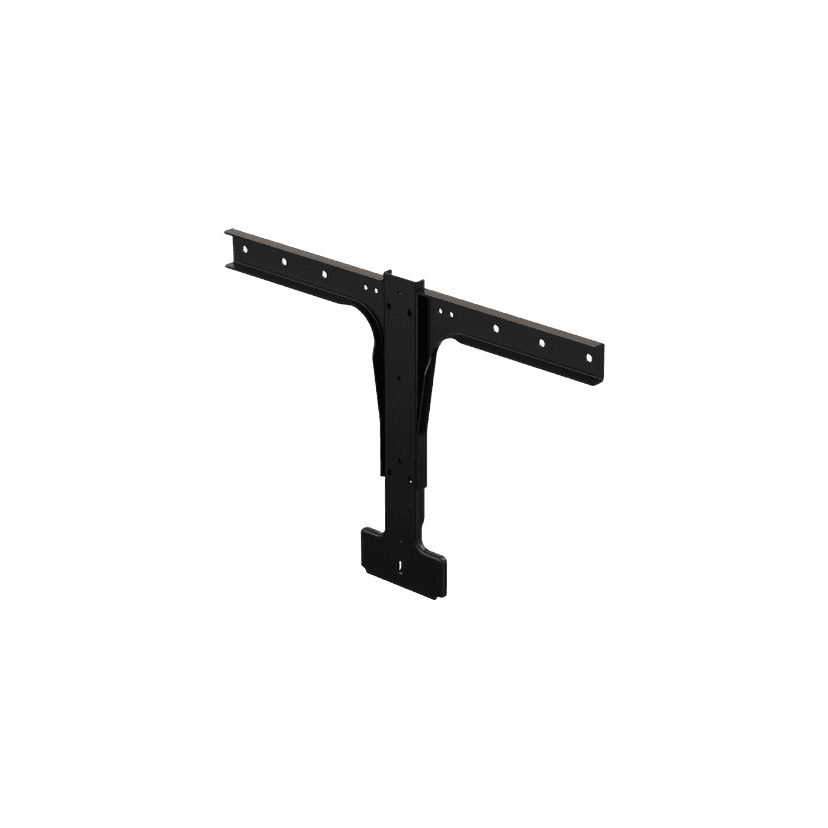
Jabra Small Screen Mount
x xxx,xx xx(x xxx,xx xx x xxx xxx)
Dette produkt er kompatibelt med følgende enheder eller systemer
Softphone:
Kompatibel
Fastnettelefon:
Ikke kompatibel
Mobil/tablet:
Ikke kompatibel
Kompatibilitetsvejledning
Find det rigtige Jabra-produkt til din enhed