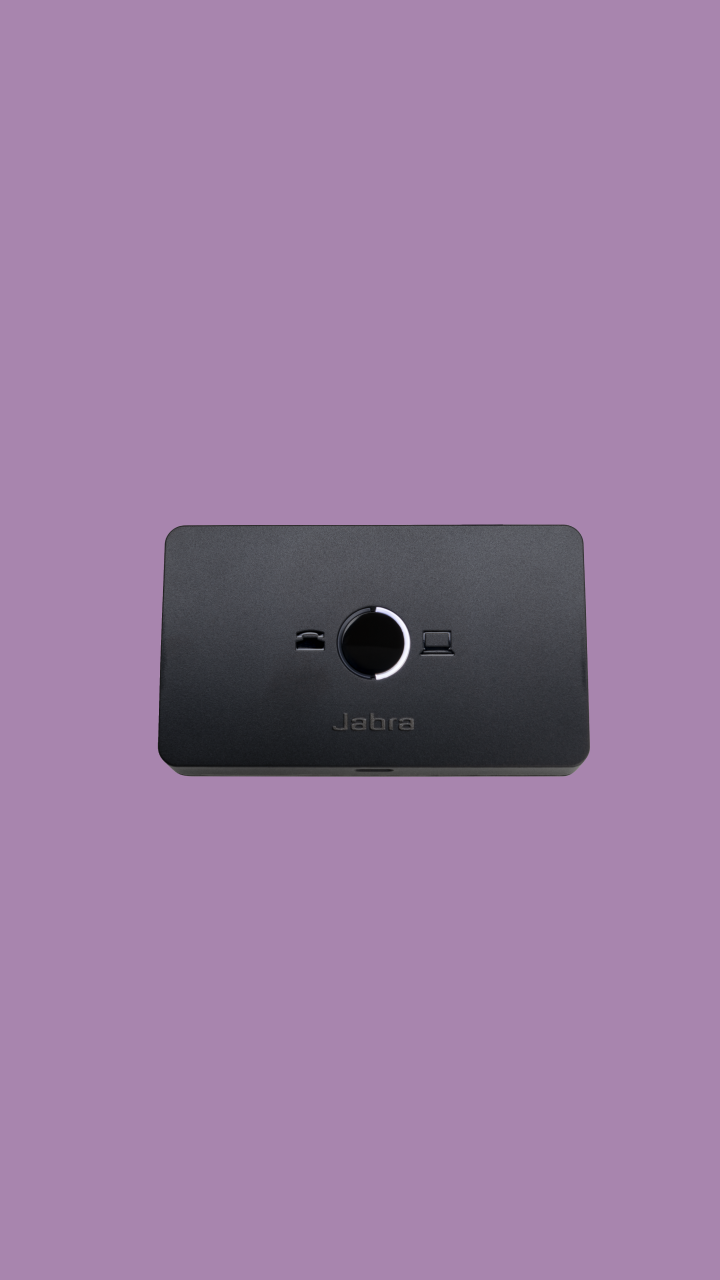
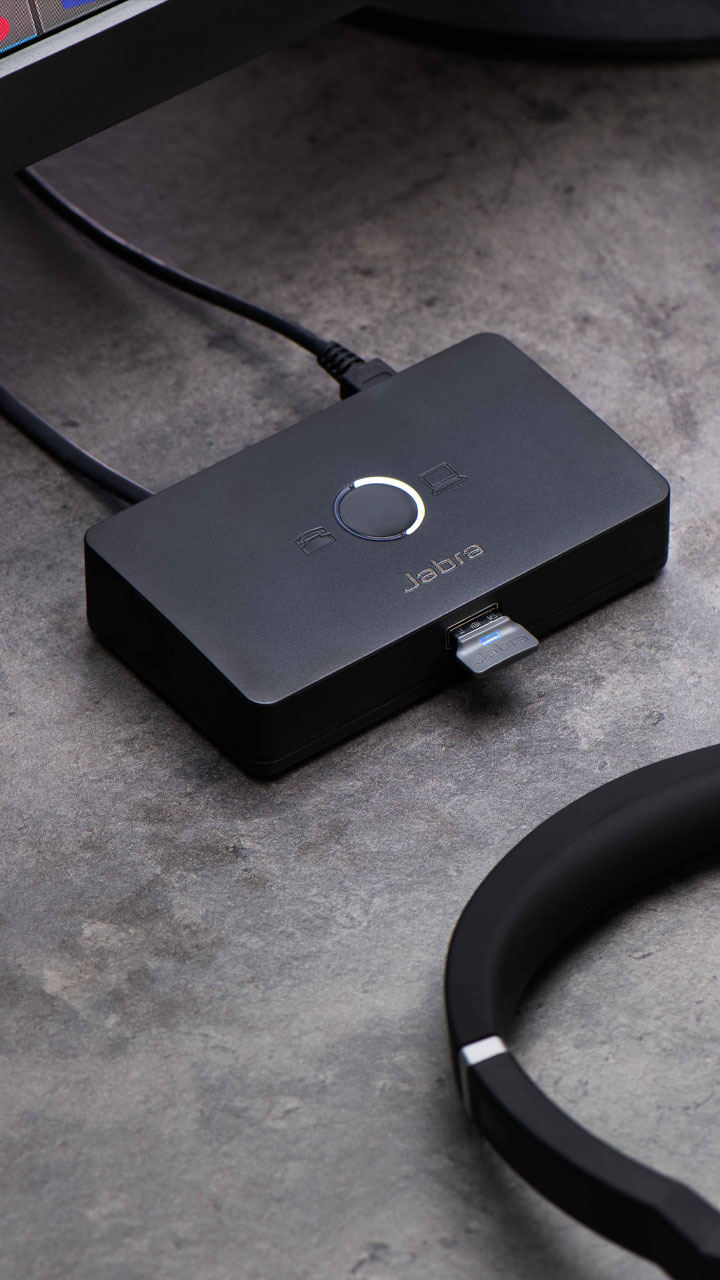
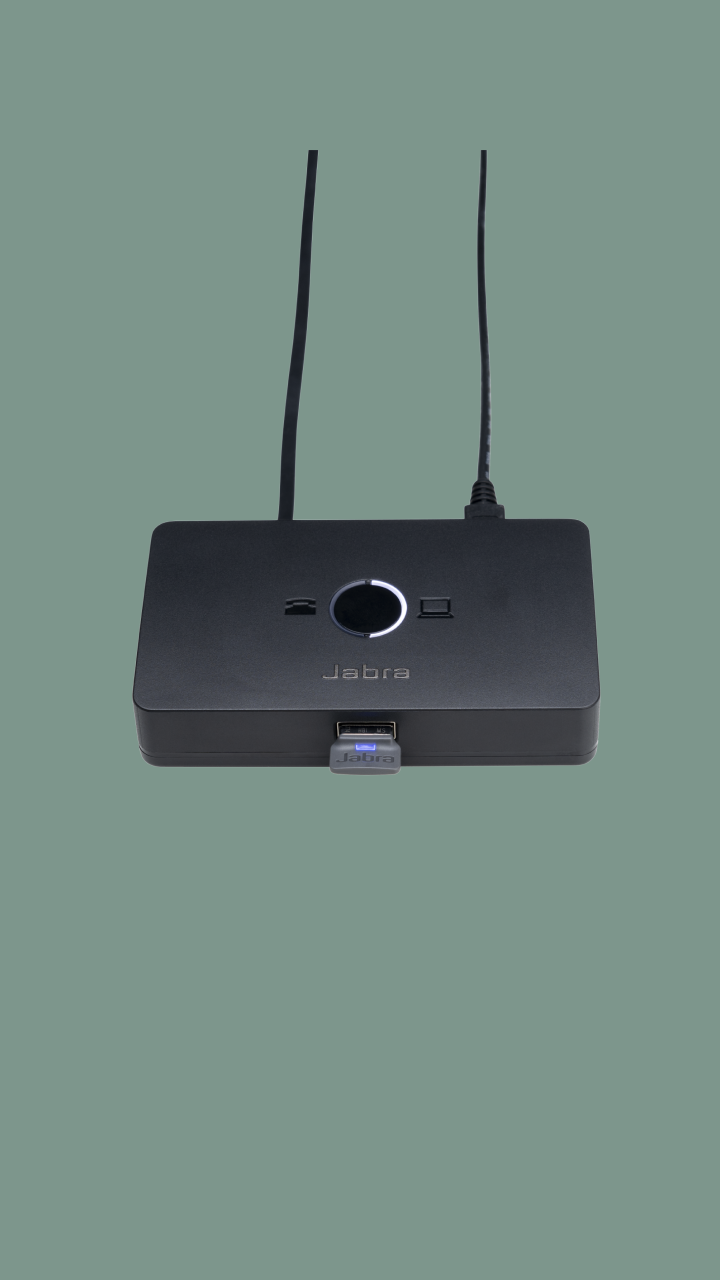
Engineered to enhance productivity during the transition from desk phone to softphone

Connectivity

Sold out

Why you'll love Jabra Link 950

Boost productivity

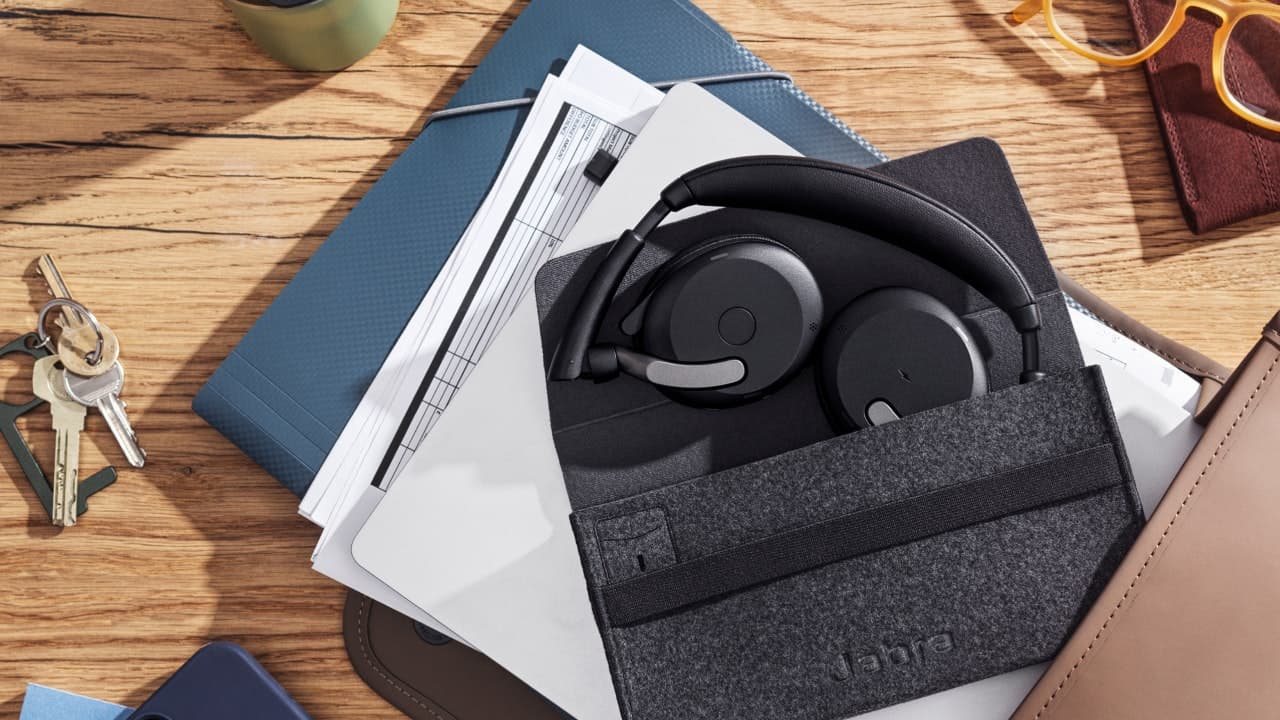
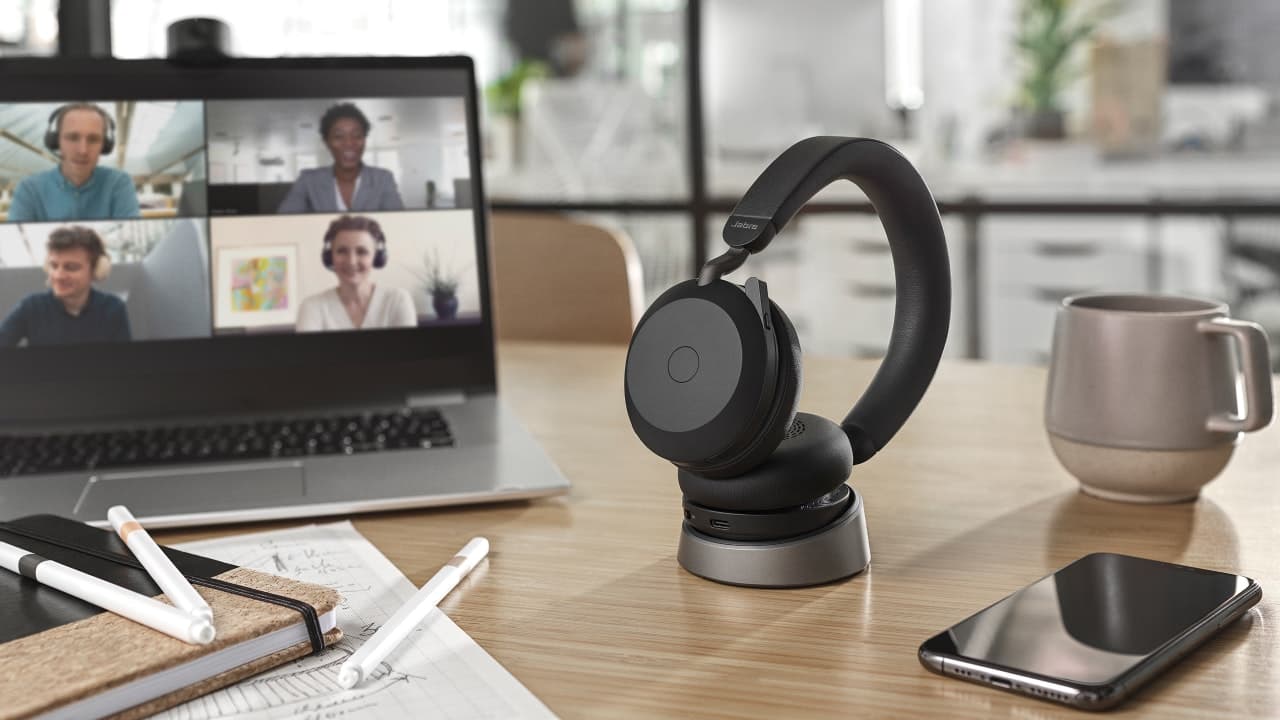
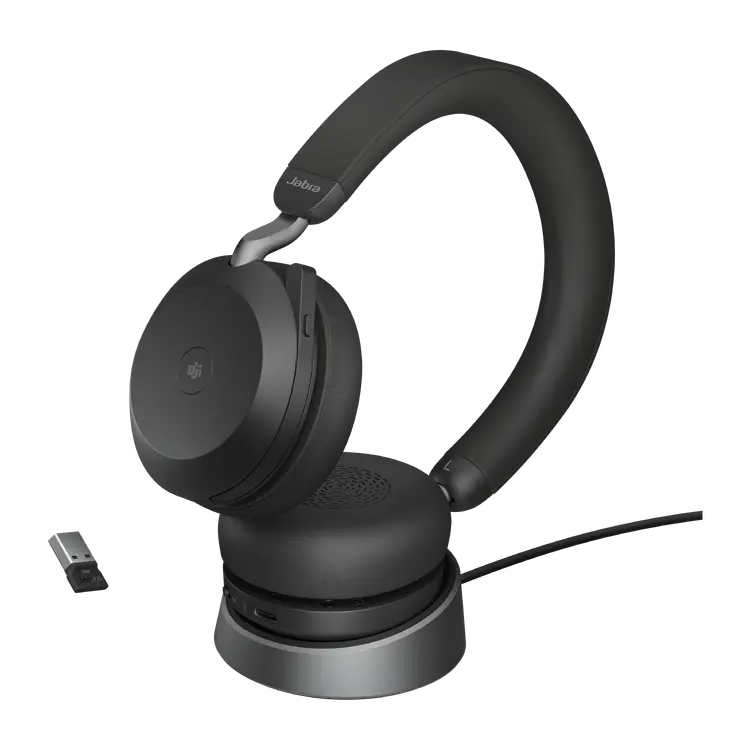
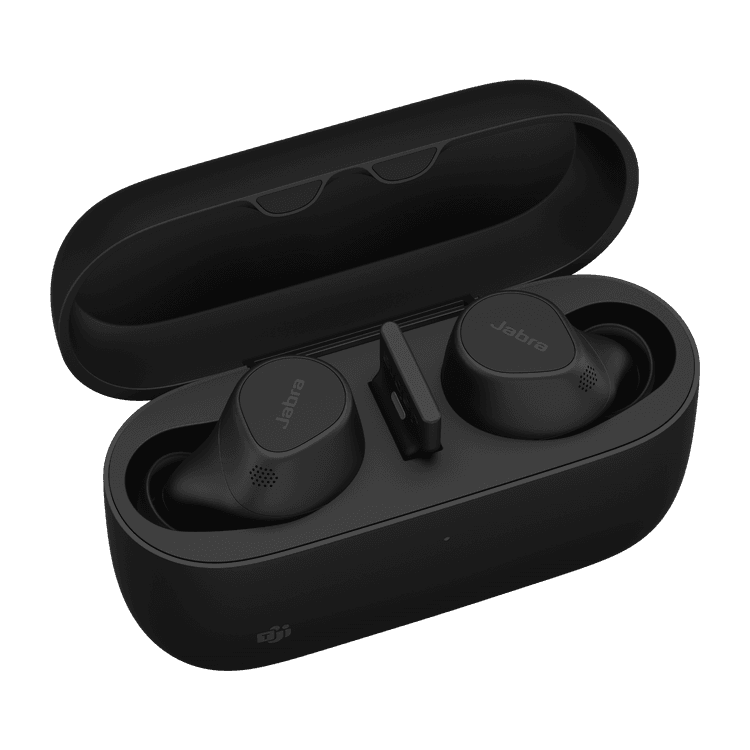
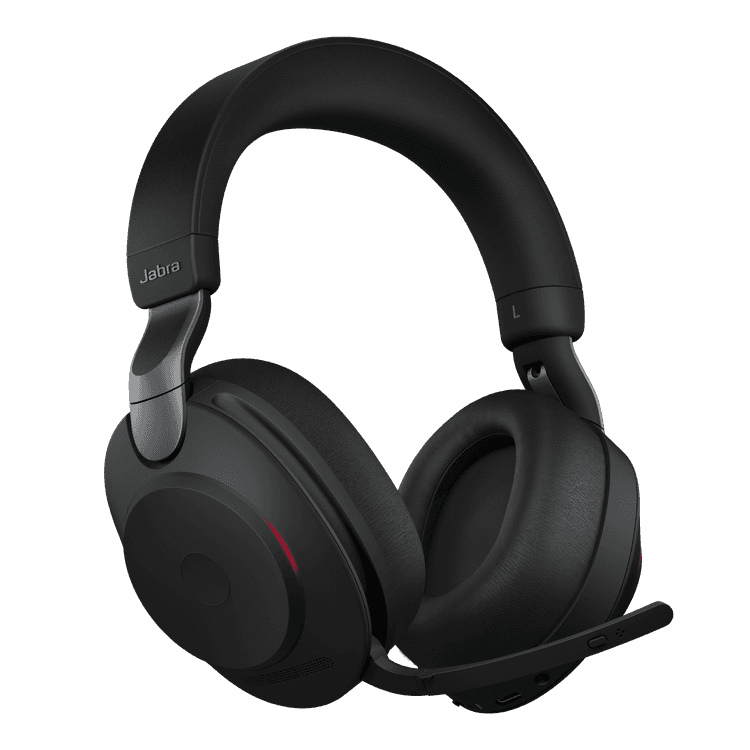
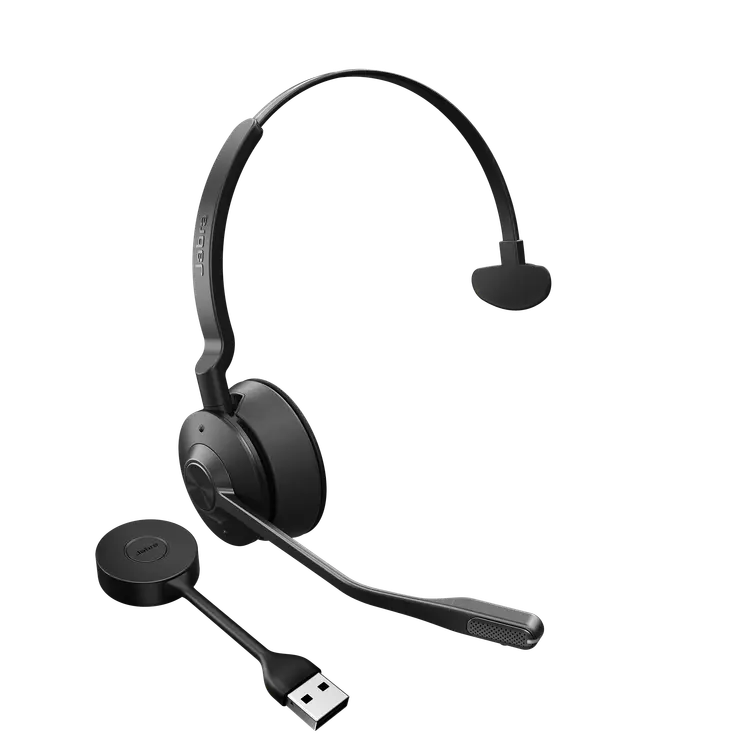
The Jabra Link 950 helps boost productivity by enabling you to use a USB headset, either with just the deskphone or with a deskphone and softphone. Choose from our wide range of corded and wireless USB headsets and look for Bluetooth® functionality if you also want the headset to connect to a mobile phone.

Ready for the future

The ability to connect to your desk phone, softphone and mobile phone* provides valuable flexibility for organisations transitioning to softphones or operating in mixed phone environments.

Easy to install, use and manage

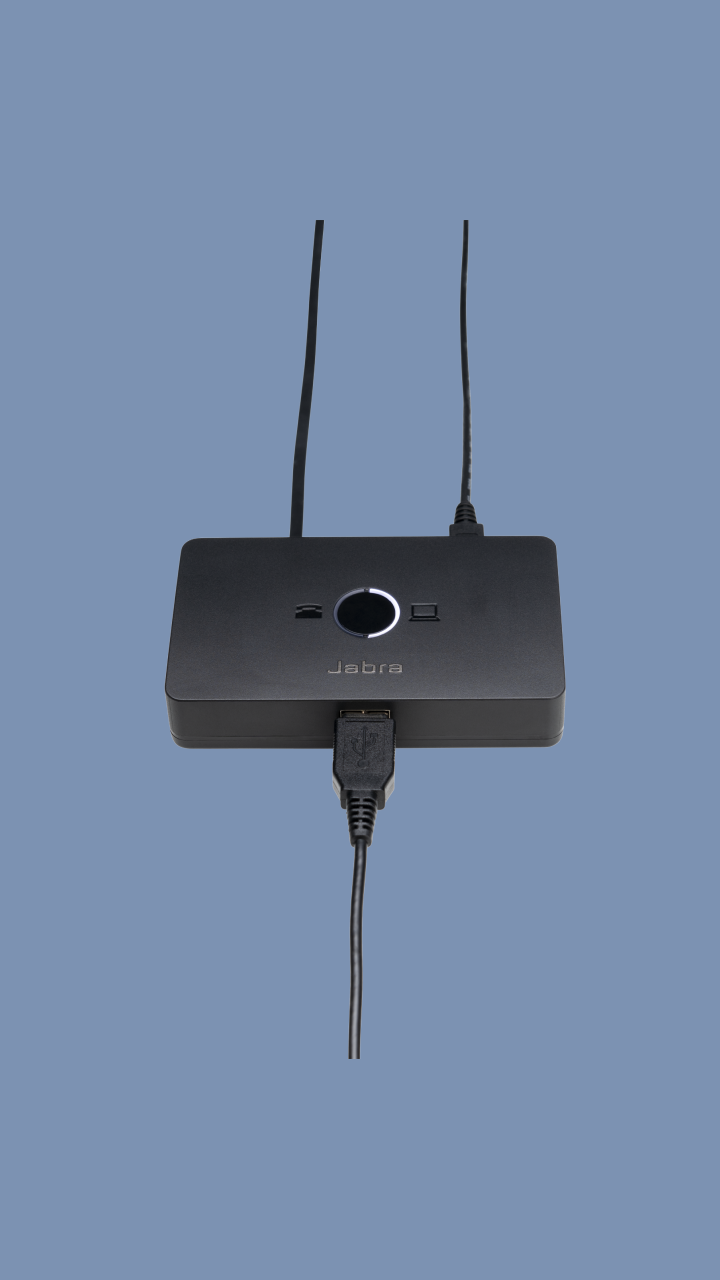
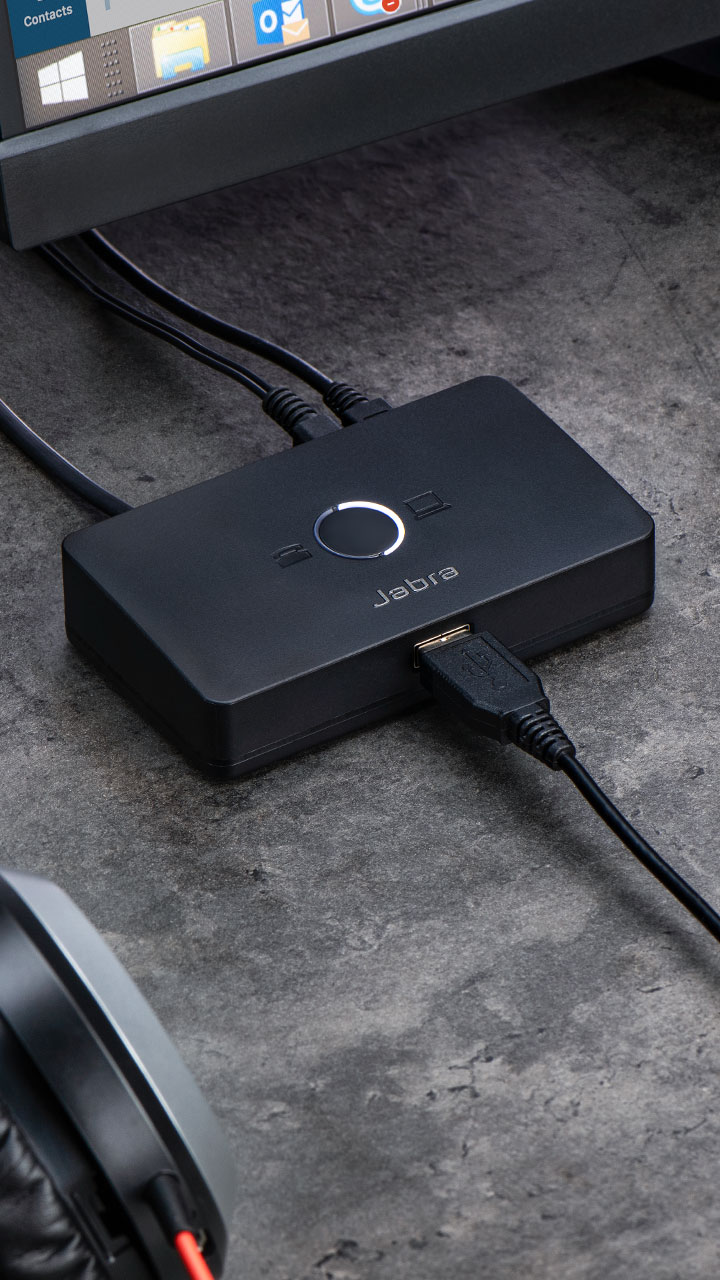
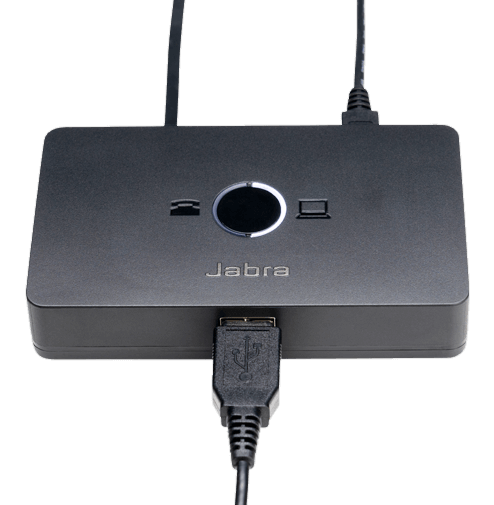
The Jabra Link 950 is simple to set up and has a small, unobtrusive footprint on the desktop. To connect to your computer, use the USB-A or USB-C cables that are both supplied. To connect to your deskphone, use the cables included. Easy call management enables you to seamlessly switch between phone devices at the touch of a button. Incoming calls are automatically directed to the phone receiving the call. Central management of USB headsets is easy using Jabra Xpress.

Works with a wide range of USB headsets

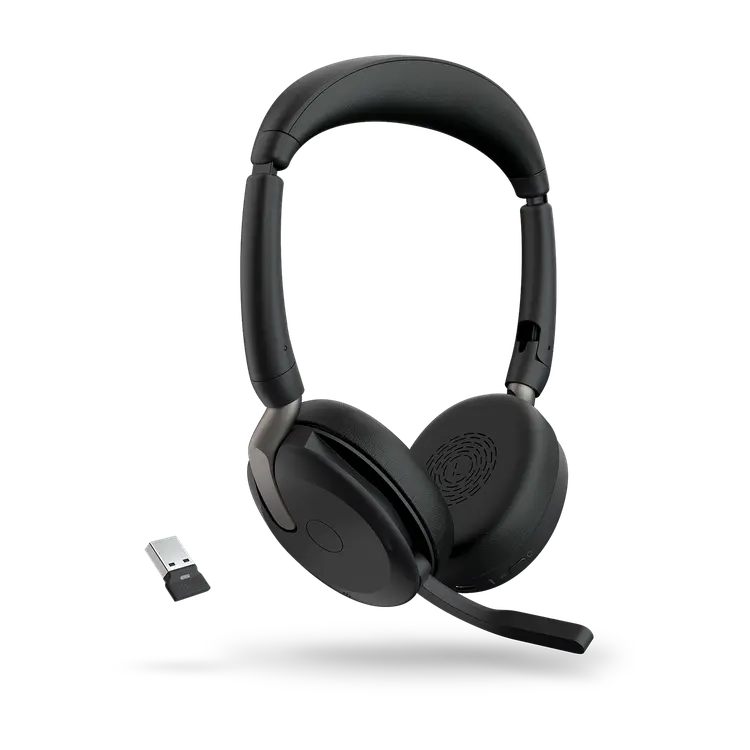
The Jabra Link 950 is available in both USB-A and USB-C versions that work with a wide range of USB headsets.** Pick the right headset for your needs, choosing from features such as Active Noise-Cancellation (ANC), a busylight and microphone positioning guidance – to boost your productivity and combat noise and interruptions in the open office.

Compatible with leading deskphones and softphones2

Get full call control via the USB headset. For calls received on your desk phone, use an electronic hook switch (EHS) adapter to get full call control.

*Mobile phone connectivity is limited to headsets with Bluetooth functionality.

**Check whether your headset is compatible here: jabra.com/help/link950/compatibility.
Product overview

Connect to your desk phone

Use the ports to connect to your desk phone

AC Power Supply

Required for use with Jabra Evolve 40, Jabra Evolve 80, Jabra GN 1000, and Jabra devices when using the Jabra Link 360 Bluetooth adaptor.

Connect to computer

You can choose your preferred computer softphone client as default in Jabra Direct.

LED Indication

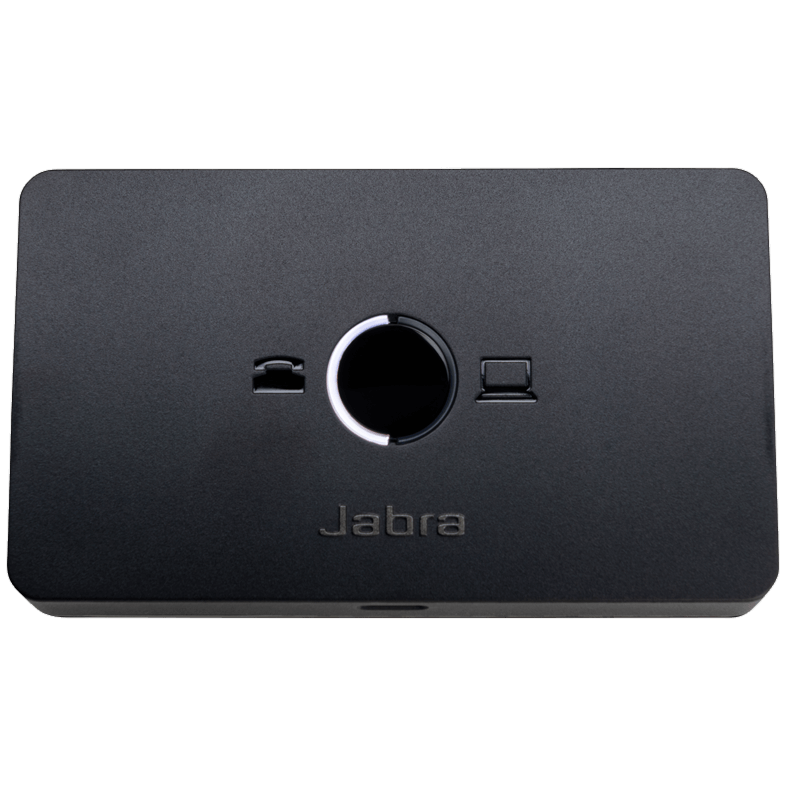
The LED indicates which phone is connected

Connect your headset

The Jabra Link 950 comes in USB-A and USB-C versions so you can choose the USB headset that best serves your needs.
Technical specifications

  • Digital signal processing (DSP)
    Yes
  • Line filtering
    Yes
  • Audio streaming
    Yes
  • Volume synchronization
    Yes
  • Deskphone and softpone switch
    Yes
  • AC power supply
    Yes - available as an accessory. Required for use with Jabra Evolve 40, Jabra Evolve 80 and GN 1000, and Jabra devices when using the Jabra Link 360 Bluetooth adaptor.
  • Headset connector
    USB-A or USB-C
  • Phone compatibility
    Deskphone, softphone and mobile phone with Bluetooth functionality
  • Phone connection ports
    Micro USB for computer softphone, RJ-9 for handset, RJ-9 for desk phone audio, RJ-45 for AUX
  • Power connection
    Micro USB for accessory power supply
  • Packaging dimensions (L x W x H)
    142 x 94 x 53mm/5.59 x 3.70 x 2.08 inch
  • Main unit dimension
    105 x 60.6 x 23.6mm/4.14 x 2.39 x 0.93 inch
  • Box content
    Link 950 in USB-A or USB-C variant, desk phone RJ9 cable, USB-A computer softphone cable, USB-C computer softphone cable, Quick start guide
  • Net weight
    190.8g /0.42 Pound
  • Gross weight
    242.23g/0.53 Pound
  • Materials used
    PC/ABS 1200
  • Cord length (micro USB cable to connect to USB host)
    1500mm/59 inch
  • Charging plug dimensions (D x W x H)
    95 x 110 x40mm/3.74 x 4.33 x 1.57 inch
  • Warranty
    2 years
  • Headset compatibility
    Select from a wide range of Jabra wireless and corded headsets.
    Check the full list of compatible Jabra USB headsets here: jabra.com/help/link950/compatibility
  • Desk phone and softphone compatibility
    The Jabra Link 950 is compatible with the leading desk phones and soft phones. See more here: Jabra.com/compatibilityguide/

Product support

Support content including user manuals, FAQs, video tutorials, and more.

Find support

Payment Methods

  • system.PaymentMethodLogo
  • system.PaymentMethodLogo
  • system.PaymentMethodLogo
  • system.PaymentMethodLogo
  • system.PaymentMethodLogo
  • system.PaymentMethodLogo
  • system.PaymentMethodLogo
  • system.PaymentMethodLogo
  • dinersclub logo
  • system.PaymentMethodLogo