Commencez avec votre produit

Conditions de garantie

Lire nos informations sur la garantie et le service pour les produits professionnels

Enregistrement du produit

Recevez des nouvelles de Jabra, des offres et des conseils directement dans votre boîte de réception.

  1. Jabra PanaCast 50

Jabra Logo
Jabra Logo

Ressources de support

Documents

Loading component...

FAQ

Loading component...

Micrologiciels et logiciels

Loading component...

Dernières notes de version

Loading component...

Trouver le numéro de série

Recherchez le numéro de série de votre produit avant de vérifier la garantie.

Options d'extension de câble

Contactez le Support Jabra

Accessoires

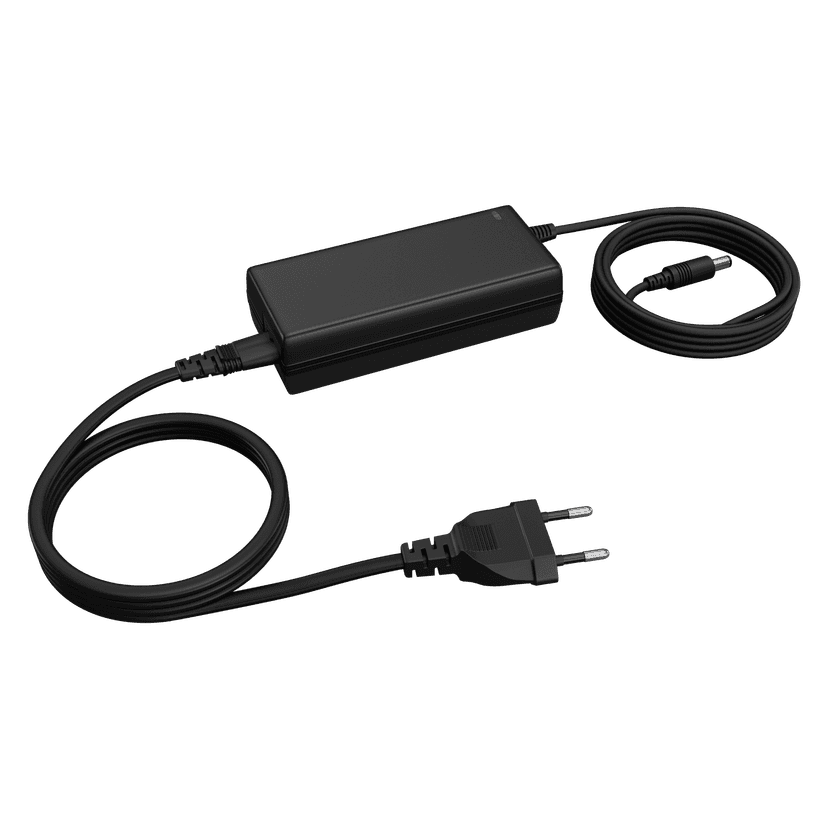
  • Jabra PanaCast 50 Power Supply

    x xxx,xx xx(x xxx,xx xx x xxx xxx)
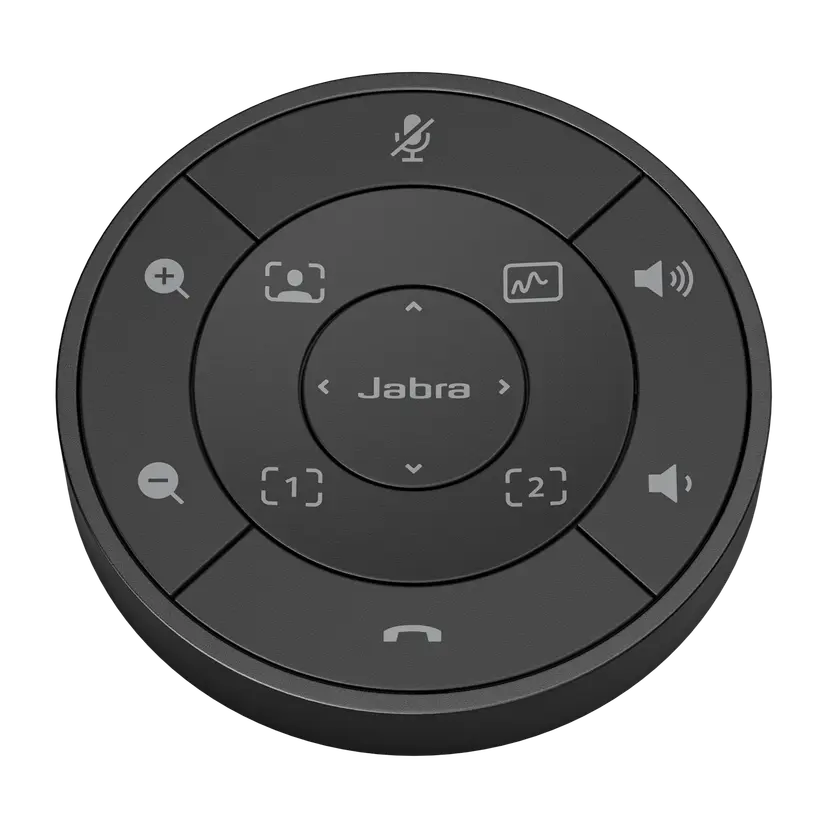
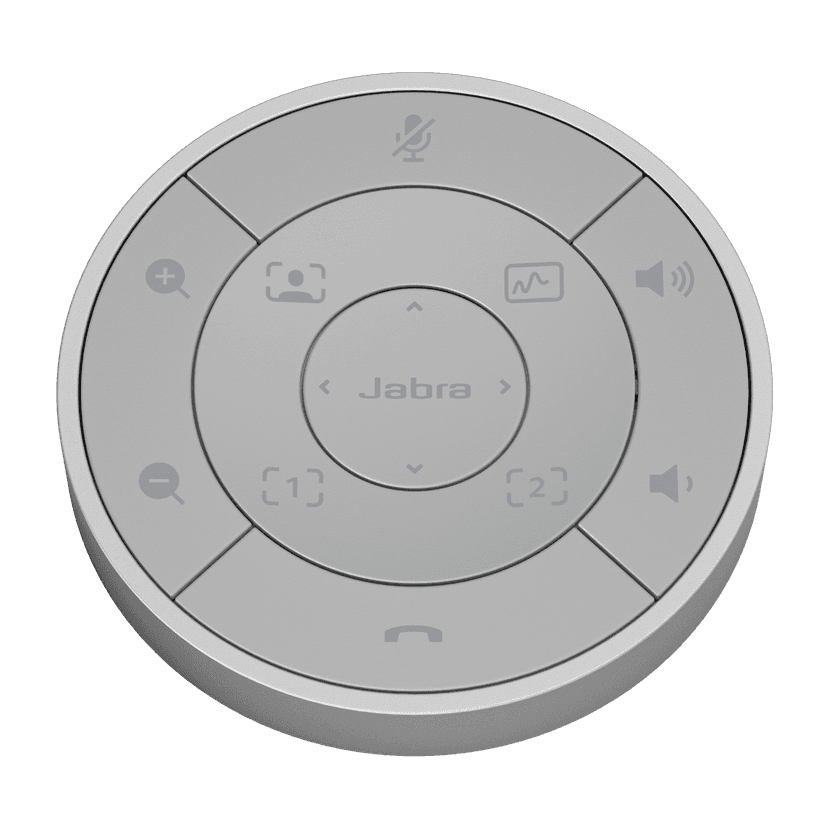
  • Télécommande Jabra PanaCast 50 - Noire
    x xxx,xx xx(x xxx,xx xx x xxx xxx)
  • Télécommande Jabra PanaCast 50 - Grise
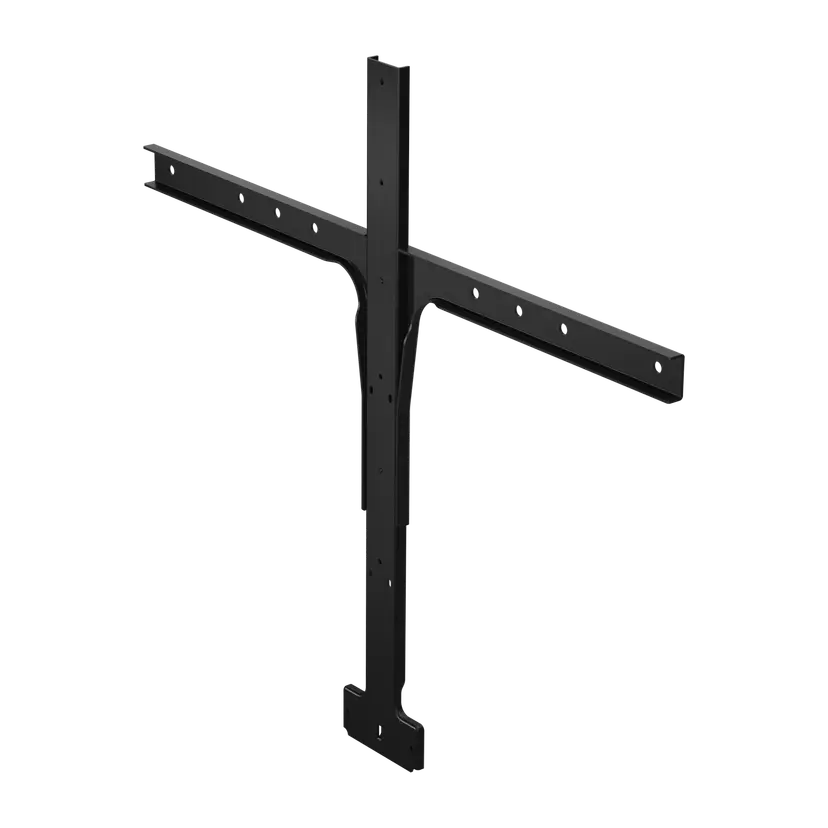
    x xxx,xx xx(x xxx,xx xx x xxx xxx)
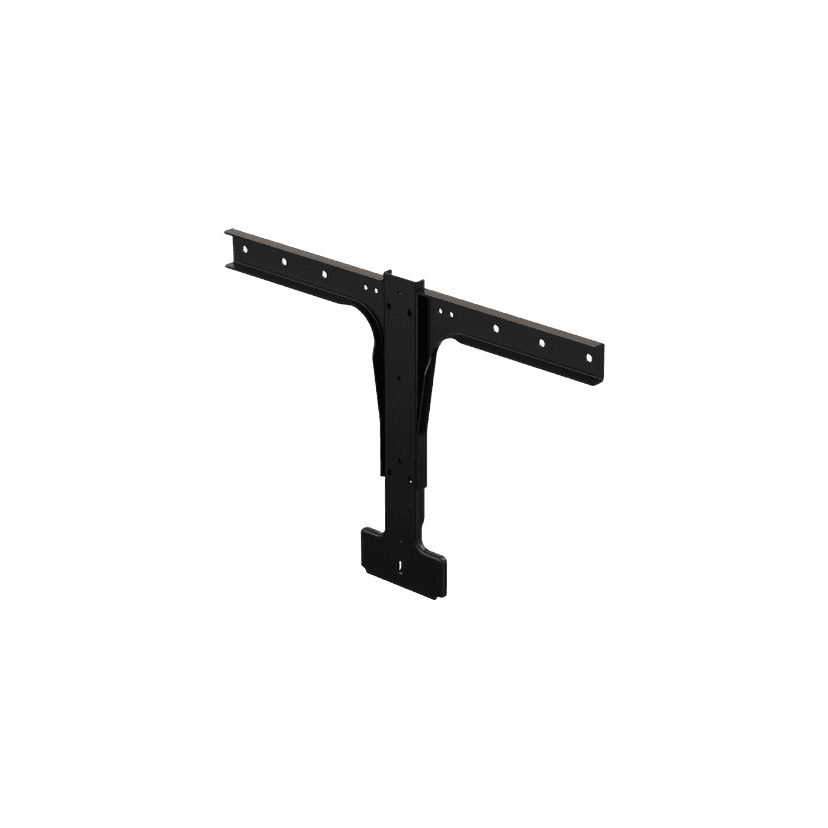
  • Support pour écran Jabra PanaCast 50

    x xxx,xx xx(x xxx,xx xx x xxx xxx)
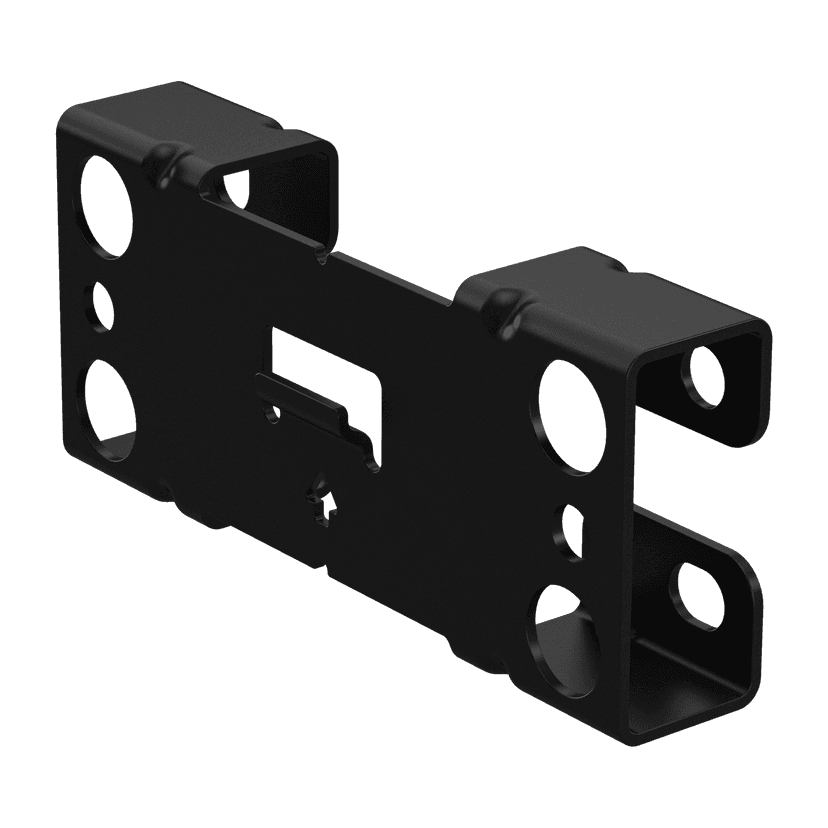
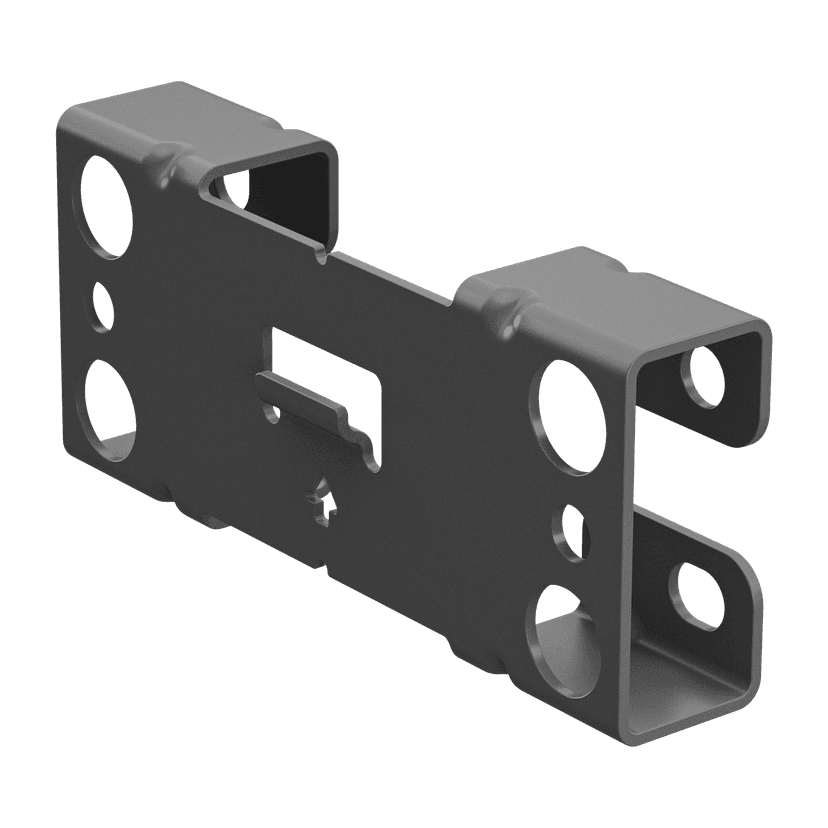
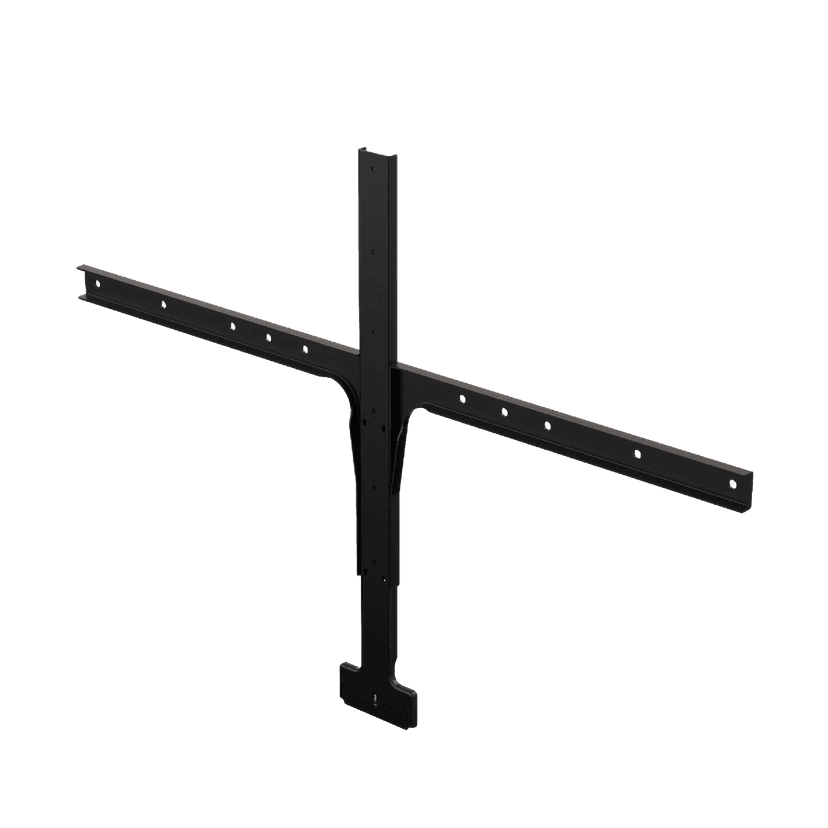
  • Support mural Jabra PanaCast - Noir

    x xxx,xx xx(x xxx,xx xx x xxx xxx)
  • Support mural Jabra PanaCast 50 - Gris
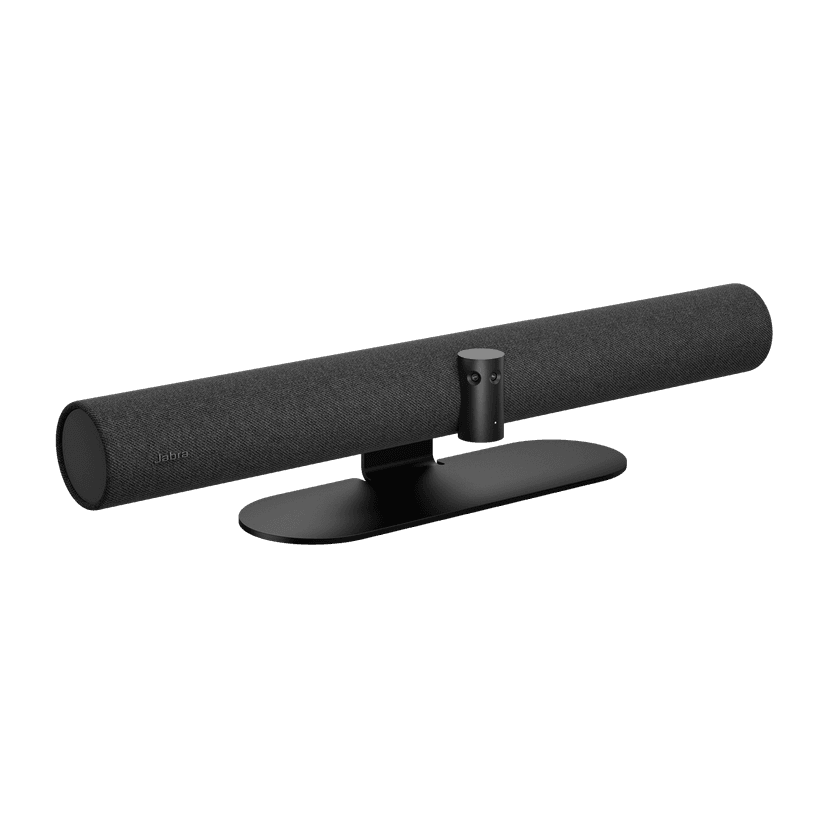
    x xxx,xx xx(x xxx,xx xx x xxx xxx)
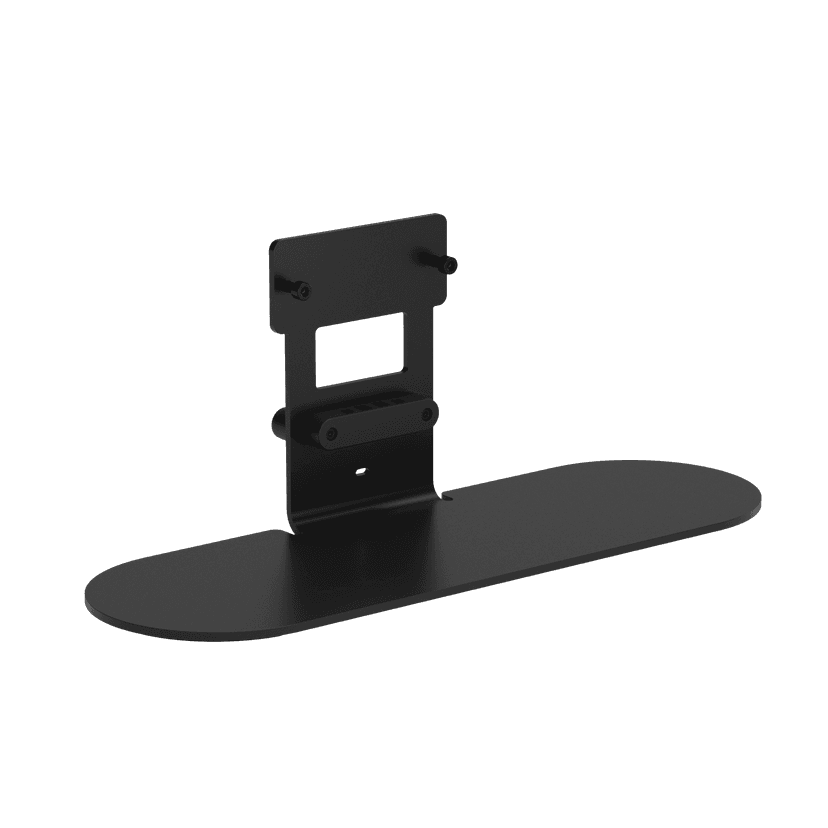
  • Support de table Jabra PanaCast 50 - Noir
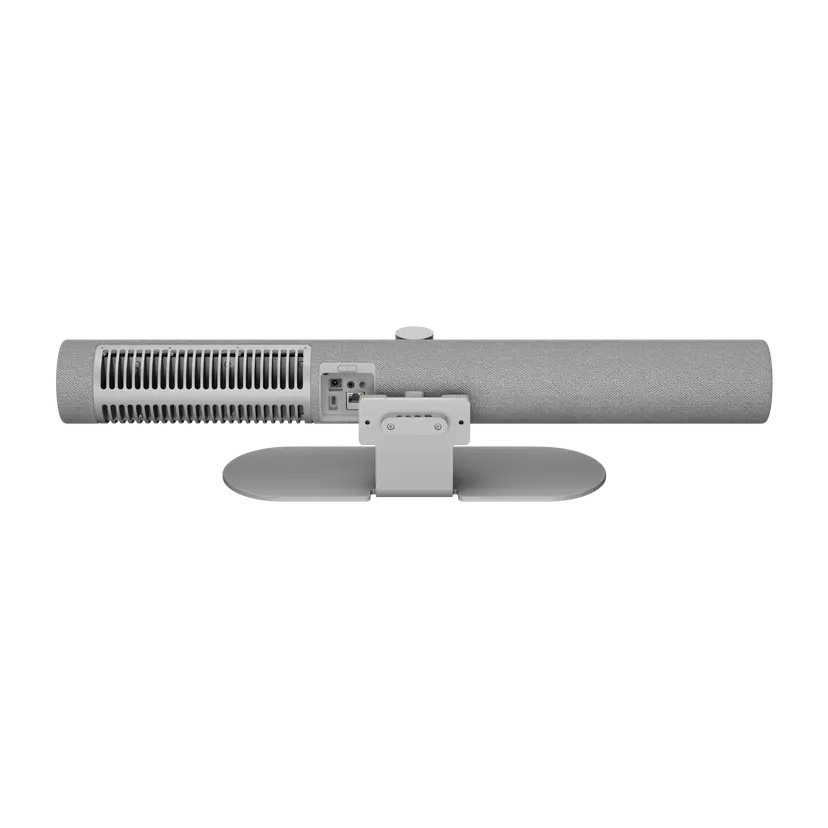
    x xxx,xx xx(x xxx,xx xx x xxx xxx)
  • Support de table Jabra PanaCast 50 - Gris
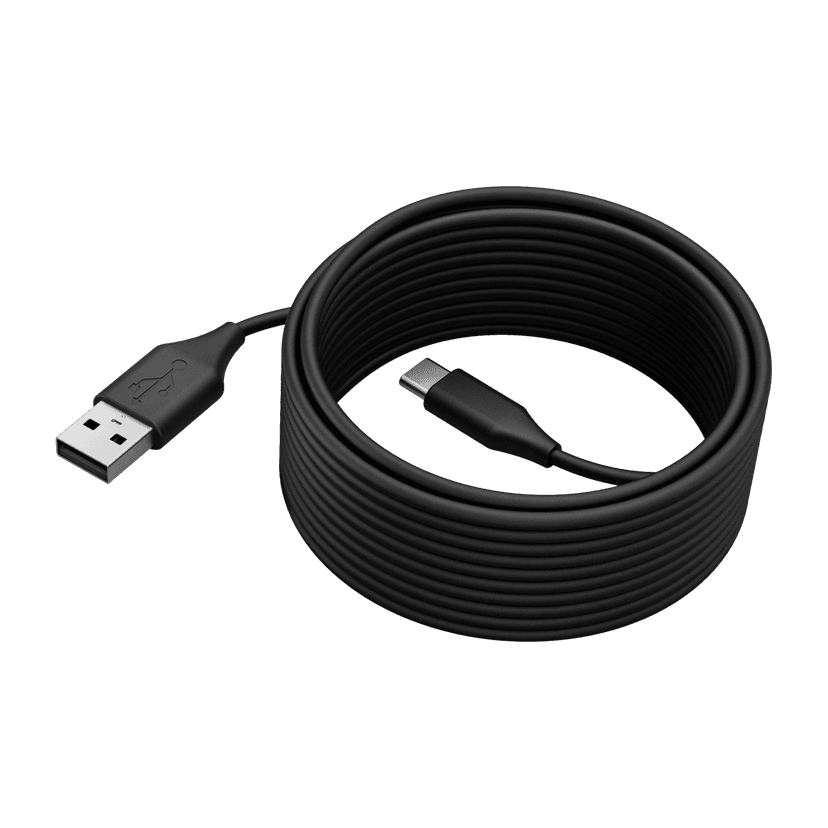
    x xxx,xx xx(x xxx,xx xx x xxx xxx)
  • Jabra PanaCast 50 USB Cable - USB 2.0, 5m
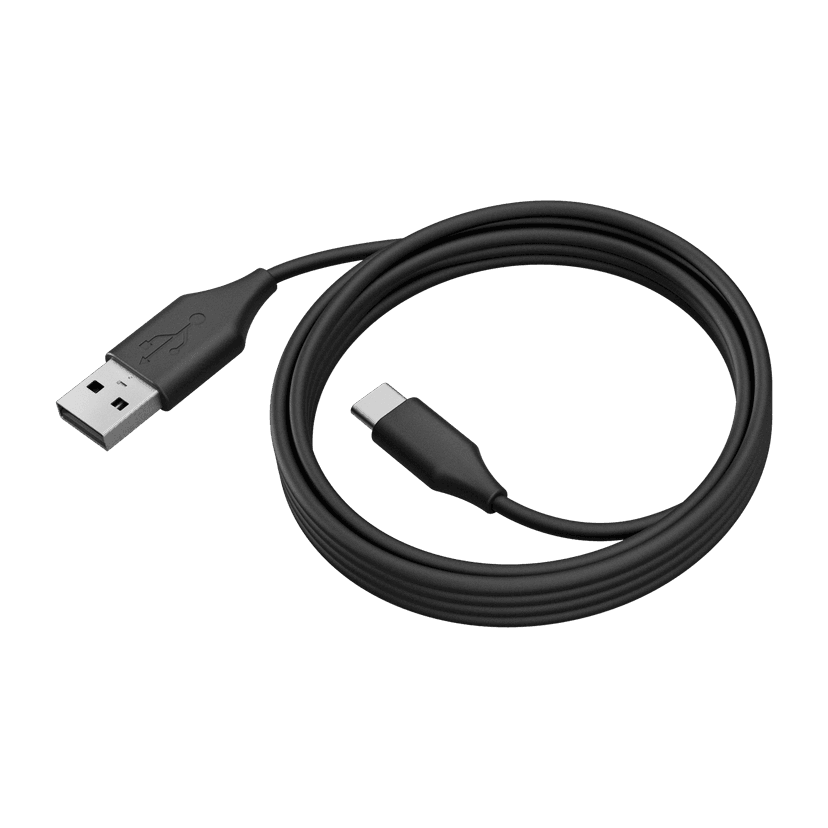
    x xxx,xx xx(x xxx,xx xx x xxx xxx)
  • Jabra PanaCast 50 USB Cable - USB 3.0, 2m
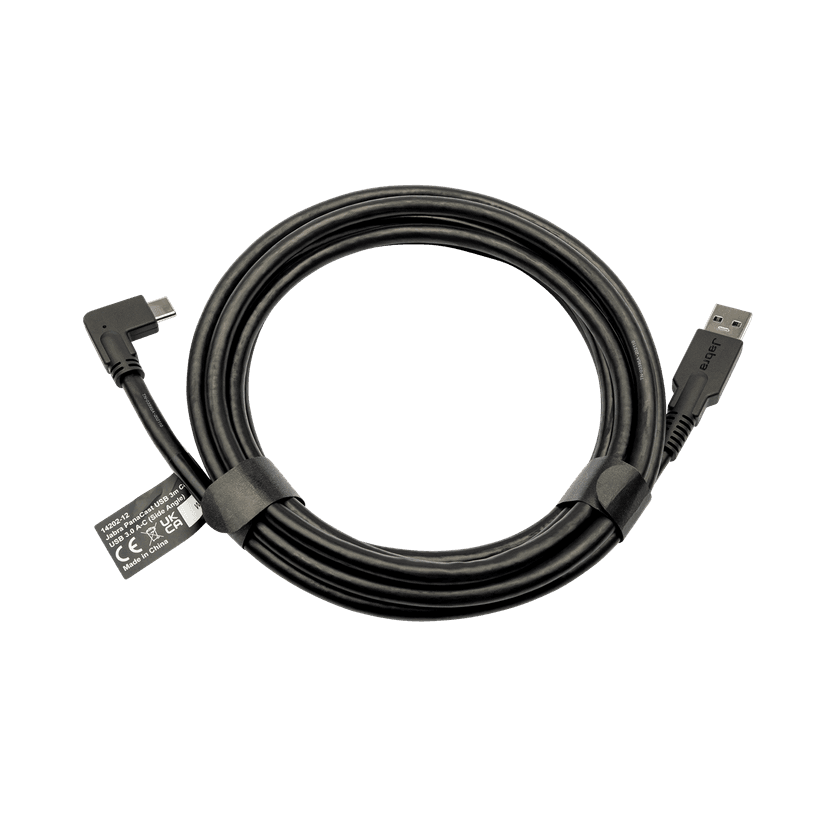
    x xxx,xx xx(x xxx,xx xx x xxx xxx)
  • Jabra PanaCast USB Cable (USB-A to USB-C) - 3m
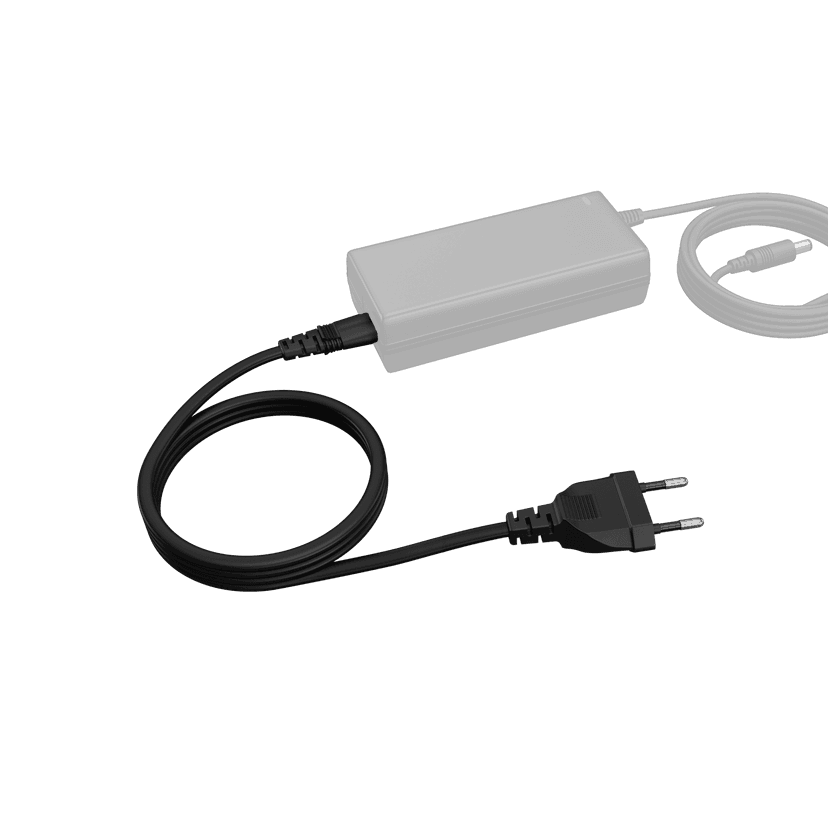
    x xxx,xx xx(x xxx,xx xx x xxx xxx)
  • Jabra PanaCast 50 Power Cable

    x xxx,xx xx(x xxx,xx xx x xxx xxx)
  • Jabra Table Stand

    x xxx,xx xx(x xxx,xx xx x xxx xxx)

Ce produit est compatible avec les appareils ou systèmes suivants

  • Softphone :


    Compatible

  • Téléphone de bureau :


    Non compatible

  • Mobile/Tablette :


    Non compatible

  • Guide de compatibilité


    Find my Jabra product for your device (Trouver le produit Jabra adapté à votre appareil)

L'entreprise BlueParrott

  • Notre histoire
  • Carrières
  • Durabilité
  • Actualité et communiqués de presse
  • blog Jabra
  • Études de cas
  • Notre histoire
  • Carrières
  • Durabilité
  • Actualité et communiqués de presse
  • blog Jabra
  • Études de cas

Ressources de soutien

  • Support produits
  • Manuels d'utilisation
  • Guide d'appairage Bluetooth
  • Guide de compatibilité
  • Vidéos pratiques
  • Accessoires
  • Identifiez votre produit
  • Réparation en libre-service
  • Support produits
  • Manuels d'utilisation
  • Guide d'appairage Bluetooth
  • Guide de compatibilité
  • Vidéos pratiques
  • Accessoires
  • Identifiez votre produit
  • Réparation en libre-service

Questions fréquemment posées

  • Comment choisir un bon micro-casque pour Skype ?
  • Comment choisir un bon micro-casque pour iPhone ?
  • Les micro-casques Bluetooth sont-ils sécurisés ?
  • Comment choisir un bon micro-casque pour Skype ?
  • Comment choisir un bon micro-casque pour iPhone ?
  • Les micro-casques Bluetooth sont-ils sécurisés ?

Prendre contact

  • Contacter l'équipe commerciale Jabra
  • Commandes en ligne
  • Enregistrez votre produit
  • Devenir revendeur
  • Politique de fin de vie de l'entreprise
  • Programme pour développeurs
  • Contacter l'équipe commerciale Jabra
  • Commandes en ligne
  • Enregistrez votre produit
  • Devenir revendeur
  • Politique de fin de vie de l'entreprise
  • Programme pour développeurs
GN logo
  • Marques déposées
  • Sécurité et avertissement
  • Politique en matière de cookies
  • Modifier le consentement aux cookies
  • Déclarations de conformité
  • Clause de non-responsabilité commerciale
  • Politique de confidentialité
  • Centre de sécurité
  • Licences Open Source
Document
Recessed Wall Mount (ADA) assembly instructions
Language
AnglaisAnglais
Type
pdf
Size
716.1 KB
Download
Document
Caractéristiques techniques
Language
  • AnglaisAnglais
  • DanoisDanois
  • AllemandAllemand
  • Anglais (ANZ)Anglais (ANZ)
  • Anglais (EMEA)Anglais (EMEA)
  • Anglais (Inde)Anglais (Inde)
  • Anglais (UK/HK/SG)Anglais (UK/HK/SG)
  • EspagnolEspagnol
  • FrançaisFrançais
  • JaponaisJaponais
  • NéerlandaisNéerlandais
  • Chinois (simplifié)Chinois (simplifié)
Type
pdf
Size
621.7 KB
Download
  • All categories
À quoi peut servir le port de sortie auxiliaire de ma Jabra PanaCast 50 ?
À quoi sert l'assistant de démarrage rapide Jabra PanaCast 50 ?
À quoi servent les mises à jour automatiques du micrologiciel ?
Avec quels systèmes d'exploitation la Jabra PanaCast 50 est-elle compatible ?
Comment activer la composition dynamique ?
Showing 5 of 64
File
Firmware
Platform
Windows
Language
AnglaisAnglais
Release date
2025/10/01
Version
9.3.6
Download
Release note
File
Jabra Direct
Platform
macOS
Language
AnglaisAnglais
Release date
2026/05/27
Version
8.1.14601
Download
Release note
  • Release date:

    October 01, 2025
    Release version:9.3.6 Value Pack 6 Service Release 1

    Updated:

    • Bluetooth on the Jabra PanaCast 50 will now be set to off by default.
      • Units with a Jabra PanaCast 50 Remote already paired will be unaffected.
      • Units using Jabra Sound+ as a remote and an unmanaged device can enable Bluetooth by pressing and holding the Bluetooth button on the PanaCast 50 for 5 seconds followed by a confirmation tone.

    Security Updates:

    • Rollback prevention has been added to the Jabra PanaCast 50, it will not longer be possible to downgrade firmware past version 9.3.6.

    Minor performance and stability improvements 


  • Release date:

    January 14, 2025
    Release version:9.0.5

    New Features:

    • Enabled 3.5mm AUX-Out for Assistive Listening Devices
      • For further details, please click here

    Updated:

    • Updated microphone performance while participants are speaking at the same time

    Fixed:

    • A rare circumstance where a connection would be rejected with certain SSID/Password combinations

    Minor performance and stability improvements 


  • Release date:

    September 12, 2024
    Release version:8.1.0

    Updated:

    • Improvements to security and stability

    Minor performance and stability improvements

  • Release date:

    July 16, 2024
    Release version:8.0.7 (Value Pack 5)

    Please note: The Citrix VDI issue present in 6.6.5 has been resolved in this release, customers using Citrix VDI may update to this version.

    New Features:

    • Multi-Stream Dynamic Composition for Microsoft Teams Rooms on Windows*
      •  For further details, please click here.

    Requirements:

    • Multi-Stream Dynamic Composition requires a USB 3.0 connection*

    Minor performance and stability improvements

    Public release note edited on August 1, 2024.

  • Release date:

    March 18, 2024
    Release version:6.6.5

    Please Note: Citrix VDI users should not update to this version, remain on your current deployed version and await future updates.

    Details

    • New feature: Option to input a proxy CA certificate to setup the Jabra PanaCast 50 network connection*
    • Updated: Improved AI person detection when the PanaCast 50 is mounted above the display
    • Updated: Video quality improvements for sharpness and saturation
    • Updated: Video quality improvements for framing and zoom levels
    • Performance and stability improvements

    * Requires Jabra Direct version 6.14.08801

    Public release note, edited April 19, 2024

  • Release date:

    December 15, 2023
    Release version:6.5.1

    Details

    • Fixed: Issue with misaligned whiteboard area in certain scenarios
      •  May require the area to be redefined
    • Fixed: Issue with no video stream in certain scenarios
    • Performance and stability improvements
  • Release date:

    October 03, 2023
    Release version:6.2.2

    Details

    • New feature: Intelligent Meeting Space - In Jabra Direct, you can now define a meeting space and only frame participants within that space. This works especially well in meeting rooms with glass walls and even in open spaces with no walls at all*
    • New feature: Microsoft Intelligent Speaker for Teams Rooms - Uses voice profile (max 10 per meeting) information to recognize who said what in transcripts and recaps from a Microsoft Teams Room meeting
    • New feature: People Counting Toggle - Allows anonymous people counting and LED to be toggled on/off in Jabra Direct*
    • New feature: Power Management: In BYOD mode, the Jabra PanaCast 50 will enter a power saving mode once there is no activity detected on the USB connection and enter into normal mode as soon as there is activity detected on the USB connection
    • Updated: Sensor stability - Reduces framing changes when people move between sensors
    • Performance and stability improvements

    *Requires Jabra Direct 6.10.25001

  • Release date:

    August 04, 2023
    Release version:5.2.1

    Details

    • Fixed: PanaCast 50 now works with USB 2.0 in Dynamic Composition mode
    • Fixed: Green screen issue for some users in VDI environments
    • Performance and stability improvements
  • Release date:

    February 22, 2023
    Release version:5.1.0

    Details

    • New feature: Enables a Panacast 50 to be connected to a wired or wireless network using the network name (SSID) and a password*
    • New feature: 802.11r support added
    • Updated: Enhancement to Panacast 50 firmware update process with security policies that block USB Mass Storage devices
    • Performance and stability improvements

    *Requires Jabra Direct version 6.6.03101

  • Release date:

    November 30, 2022
    Release version:5.0.4

    Details

    • New feature: Status LED will now blink every 5 seconds to represent camera in standby mode with anonymous people count active but no live video streaming. Live video stream status is still represented by a solid white LED.
    • Performance and stability improvements

    Public release note, edited December 5, 2022.

Historique complet des versions