Jabra Logo
Jabra Logo

製品を使い始める

サポートリソース

資料

Loading component...

よくあるご質問

Loading component...

ファームウェアとソフトウェア

Loading component...

最新リリースノート

Loading component...

シリアル番号の検索

保証書を確認する前に、製品のシリアル番号をご確認ください。

Jabra サポートに連絡

ビデオ

  • どのように

    スピーカーフォンに接続

  • どのように

    2台のSpeak2 75を接続

  • どのように

    スピーカーフォンの位置

  • どのように

    スピーカーフォンをさらに活用

Youtubeで他のビデオを探す

保証チェック

製品の保証範囲を見る

Jabra ServiceNet

オンライン・セルフサービス・ポータルで保証交換と返品を管理

保証条件

ビジネス製品の保証とサービス情報を読む

製品登録

Jabra からのニュース、オファー、ヒントを受信トレイに直接お届けします。

アクセサリー

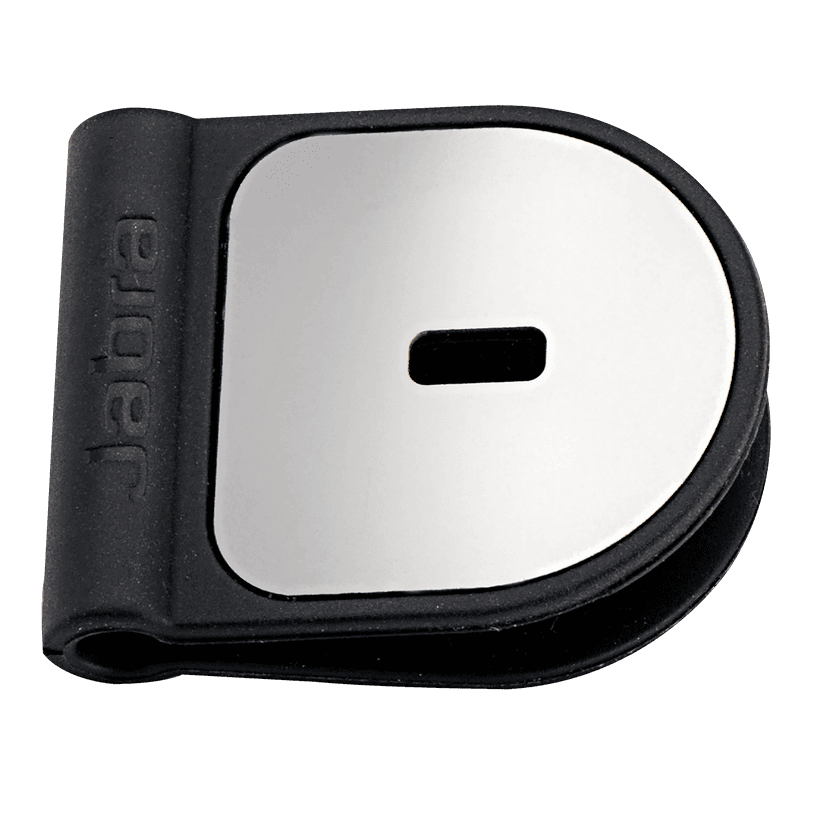
  • Jabra ケンジントンロックアダプター

    x xxx,xx xx(x xxx,xx xx x xxx xxx)
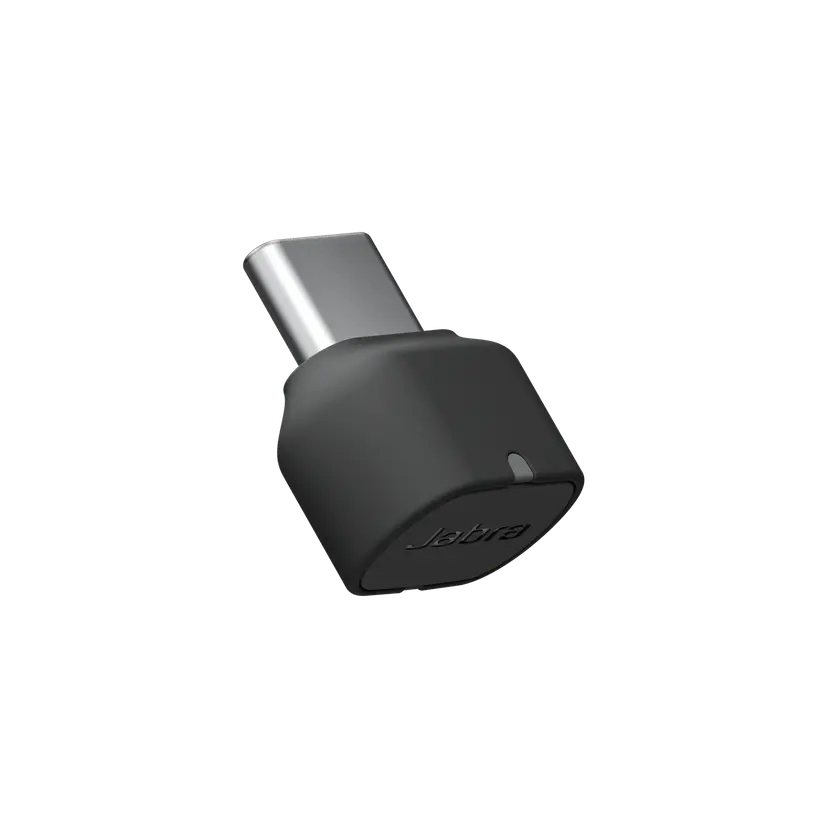
  • Jabra Link 380c UC - USB-C - Bluetooth Adapter

    x xxx,xx xx(x xxx,xx xx x xxx xxx)
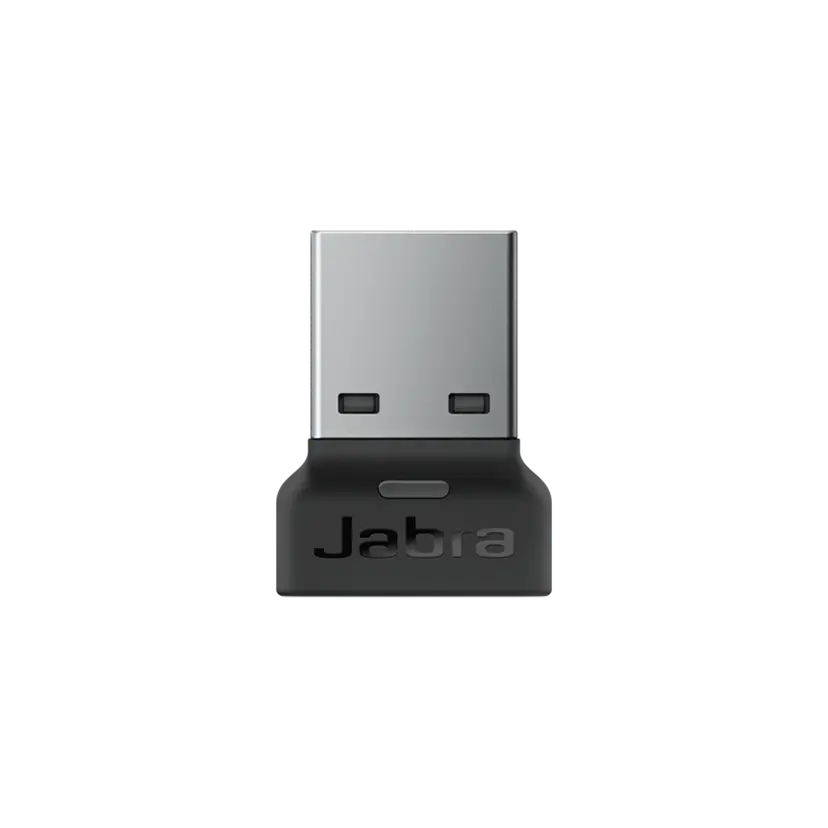
  • Jabra Link 380a UC - USB-A - Bluetooth Adapter

    x xxx,xx xx(x xxx,xx xx x xxx xxx)
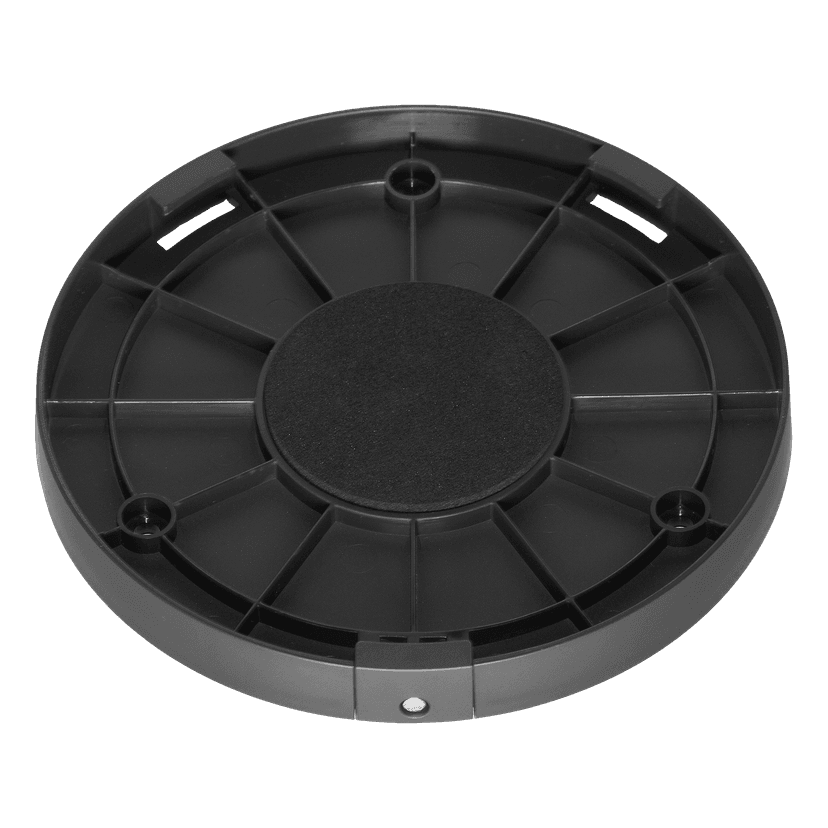
  • Jabra Speak2 75 Secure Mount

    x xxx,xx xx(x xxx,xx xx x xxx xxx)
  • Jabra Link 380c MS Teams USB-C (Bluetooth Adapter for Speak2)

    x xxx,xx xx(x xxx,xx xx x xxx xxx)
  • Jabra Link 380a MS Teams USB-A (Bluetooth Adapter for Speak2)

    x xxx,xx xx(x xxx,xx xx x xxx xxx)

本製品は以下の機器またはシステムと互換性があります。

  • ソフトフォン:


    互換性

  • モバイル/タブレット


    互換性がある

  • デスクホン


    互換性なし

  • 互換性ガイド


    お使いのデバイスに合ったヘッドセットを見つける

  1. Jabra Speak2 75

私たちについて

  • Jabra について
  • キャリア
  • サステナビリティ
  • ニュースとプレスリリース
  • Jabra Blog
  • ケーススタディ
  • Jabra について
  • キャリア
  • サステナビリティ
  • ニュースとプレスリリース
  • Jabra Blog
  • ケーススタディ

サポートリソース

  • 製品サポート
  • ユーザーマニュアル
  • Bluetoothペアリング・ガイド
  • 互換性ガイド

  • ハウツービデオ
  • アクセサリー
  • 製品を特定する
  • セルフサービス修理
  • 製品サポート
  • ユーザーマニュアル
  • Bluetoothペアリング・ガイド
  • 互換性ガイド

  • ハウツービデオ
  • アクセサリー
  • 製品を特定する
  • セルフサービス修理

よくあるご質問

  • Skype に適したヘッドセットは?
  • iPhone に適したヘッドセットは?
  • Bluetoothヘッドセットは安全ですか?
  • Skype に適したヘッドセットは?
  • iPhone に適したヘッドセットは?
  • Bluetoothヘッドセットは安全ですか?

連絡先

  • Jabra の営業に連絡
  • オンライン注文の詳細
  • 製品を登録する
  • 再販業者になる
  • 企業向け、製品のエンド オブ ライフ ポリシー
  • 開発者プログラム
  • Jabra の営業に連絡
  • オンライン注文の詳細
  • 製品を登録する
  • 再販業者になる
  • 企業向け、製品のエンド オブ ライフ ポリシー
  • 開発者プログラム
GN logo
  • 商標
  • 安全性と警告
  • クッキーポリシー
  • 適合宣言
  • プライバシーポリシー
  • セキュリティセンター
  • オープンソースライセンス
ドキュメント
技術仕様書
言語
  • 英語英語
  • 簡体字中国語簡体字中国語
  • デンマーク語デンマーク語
  • ドイツ語ドイツ語
  • スペイン語スペイン語
  • フランス語フランス語
  • 日本語日本語
  • オランダ語オランダ語
タイプ
pdf
サイズ
277.1 KB
ダウンロード
ドキュメント
スピーカーフォンを2台接続する方法
言語
  • 英語英語
  • 簡体字中国語簡体字中国語
タイプ
pdf
サイズ
581.8 KB
ダウンロード
  • すべてのカテゴリー
2 台の Jabra Speak2 75 スピーカーフォンをリンクするには、どうすればよいですか?
Jabra スピーカーフォンを使用して Microsoft Teams で対話するにはどうしたらよいですか?
Microsoft Teams 認定デバイスと UC 対応機種の違いは何ですか?
Jabra Speak2 とモバイルデバイスとは、どのようにペアリングすればよいですか。
Jabra Speak2 75 を USB ケーブルを使用してコンピュータに接続するにはどうすればいいですか?
5/83を表示
ファイル
Jabra Direct
プラットフォーム
macOS
言語
英語英語
発売日
2026/02/12
バージョン
6.27.03702
ダウンロード
リリースノート
ファイル
Jabra Direct
プラットフォーム
Windows
言語
英語英語
発売日
2026/02/12
バージョン
6.27.03702
ダウンロード
リリースノート
  • 発売日:

    3月 11, 2026
    リリース版:2.54.0

    New Features:

    • Soft start – Speak2 75 will now operate at a very low battery level.
      • When operating at a very low battery level, maximum volume will be limited. This also applies if linked to another Speak2 75, and one unit is at a very low battery level; maximum volume will be limited on both units.
      • If trying to increase the volume at a very low battery level, the battery indicator will illuminate in red.
    • Deep sleep mode for new units arriving with this firmware out of the box. To activate the unit, simply connect it via the USB cable.
      • The unit only needs to be activated the first time out of the box.
      • This helps prevent units from potentially being unboxed in a deeply discharged state.

    Updated:

    • Faster charging at a very low battery level.

    Fixed:

    • Could be stuck in Standby mode instead of Sleep mode.
  • 発売日:

    1月 23, 2025
    リリース版:2.46.0

    New Features:

    • Added support for device linking to an additional Jabra Speak2 75
      •  For further details click here

    Updated:

    • Smart button functionality now includes device linking

    Fixed:

    • An issue with mute synchronization in Microsoft Teams on macOS
    • An issue with the "On Hold" feature not to work in Microsoft Teams on macOS

    Minor performance and stability improvements

    Public release note edited on January 23, 2025

  • 発売日:

    10月 09, 2024
    リリース版:1.3.4
    • Minor performance and stability improvements
  • 発売日:

    8月 10, 2023
    リリース版:1.2.3

    Details

    • Updated: Sleep mode has been changed to default off
    • Updated: microphone performance 
    • Fixed: the UC variant in rare cases would not enumerate as Speakerphone on the OS 
    • Performance and stability improvements

  • 発売日:

    5月 19, 2023
    リリース版:1.1.6

    Details

    • Updated: audio quality in certain scenarios of multi call handling 
    • Fixed: battery status not reported when battery level was low 
    • Fixed: battery button stays on in idle mode when running on battery 
    • Fixed: battery shows charging when not connected via USB 
    • Fixed: could not power on if battery was empty and connected to a USB port 
    • Fixed: wrong LED statement if turning of the unit and voice prompts are not enabled 
    • Performance and stability improvements

  • 発売日:

    3月 16, 2023
    リリース版:1.0.1

    Details

    • First public release
完全なリリース履歴