
製品を使い始める
サポートリソース
資料
 簡体字中国語
 デンマーク語
 ドイツ語
ドイツ語 スペイン語
スペイン語 フランス語
フランス語 日本語
日本語 韓国語
韓国語 オランダ語
オランダ語 英語
英語 アラビア語
アラビア語 ポルトガル語 (ブラジル)
 フランス語(カナダ)
 チェコ語
チェコ語 イタリア語
イタリア語 スペイン語(中南米)
 ポーランド語
 ポルトガル語
 ロシア語
ロシア語 スウェーデン語
 トルコ語
トルコ語 繁体字中国語
よくあるご質問
ファームウェアとソフトウェア
 macOS
macOS Windows
最新リリースノート
発売日:
3月 25, 2021リリース版:2.38.0Details
• Fixed: no low battery warning when voice guidance is turned off and listening to music
• Performance and stability improvements発売日:
8月 03, 2020リリース版:2.32.0Details
• Updated: Microsoft Teams certification for the Skype for Business variant*
• Performance and stability improvements*when connected with the Jabra Link 370 (supported from firmware version 1.82.0)
発売日:
12月 19, 2019リリース版:2.10.0Details
- Performance and stability improvements
発売日:
9月 05, 2018リリース版:2.4.0Details
- Voice guidance gives the status of Active Noise Cancellation (ANC)
- Added voice guidance that states if ANC is on or off.
This is enabled automatically by the Voice guidance setting in Jabra Direct or Jabra Xpress, or enable it manually by pressing and holding the Mute button for approximately 5 seconds. - Music controls
- Added an option to skip to the next or previous track.
- Press and hold the Volume up button for approximately 3 seconds to skip to the next track.
- Press and hold the Volume down button for approximately 3 seconds to skip to the previous track.
- Added an option to pause or resume music.
- Press and hold the Answer/end call button for approximately 3 seconds to pause or resume music.
- Improved connection stability when used with Mitel MiVoice 6930/6940 IP Phone.
Enhancements:
発売日:
10月 25, 2017リリース版:2.0.0Details
- Noise @ Work - Support for EU/US Noise At Work and G616 guidelines*
- Adjustable Sidetone - set the sidetone to a convenient level for better audio *
- Customizable device name – customize the name of the Jabra Evolve 75*
*Noise @ Work and Adjustable Sidetone feature can be managed from Jabra Xpress and Jabra Direct 3.9. The Change Bluetooth Name can only be managed from Jabra Direct 3.9.
Enhancements:- Minor audio improvements and bug fixes **
** For the Jabra Evolve 75 audio improvements and bug fixes to take effect, the Jabra Link 370 Bluetooth adapter in use must be updated to version 1.18.0 or later.
Jabra Direct
Personalize your Jabra audio device and get the best user experience on each call. Update your Jabra Evolve headset by downloading the latest version of Jabra Direct free at www.jabra.com/direct
Jabra Suite for Mac
Update your Jabra Evolve headset by downloading the latest version of Jabra Suite for Mac free at www.jabra.com/macsuite
Jabra Xpress
Future-proof your Jabra USB audio device investment. Install and update multiple Jabra Evolve headsets within your organization, all at the same time using our web-based software Jabra Xpress available at www.jabra.com/xpress
発売日:
5月 15, 2017リリース版:1.12.0Details
- First public release
シリアル番号の検索
保証書を確認する前に、製品のシリアル番号をご確認ください。
ハウツービデオ
どのように
ヘッドセットを使い続ける
どのように
ドロップダウンメニューからAndroidデバイスとペアリングする。
どのように
設定からAndroidデバイスとペアリング
どのように
設定からiOSデバイスとペアリング
アクセサリー
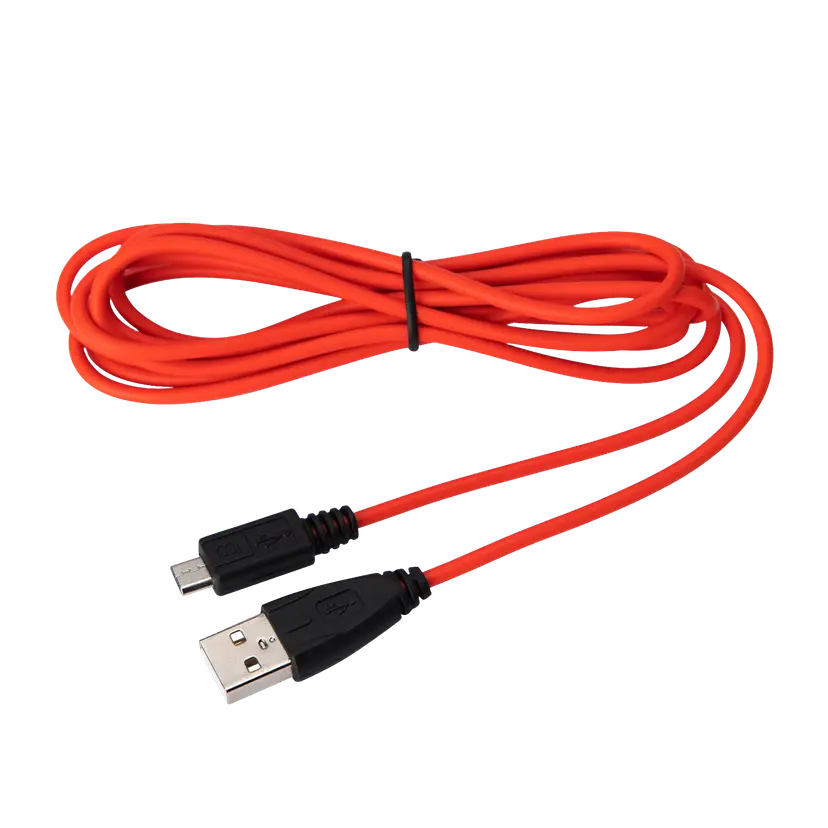
Jabra Evolve USB-A ケーブル
x xxx,xx xx(x xxx,xx xx x xxx xxx)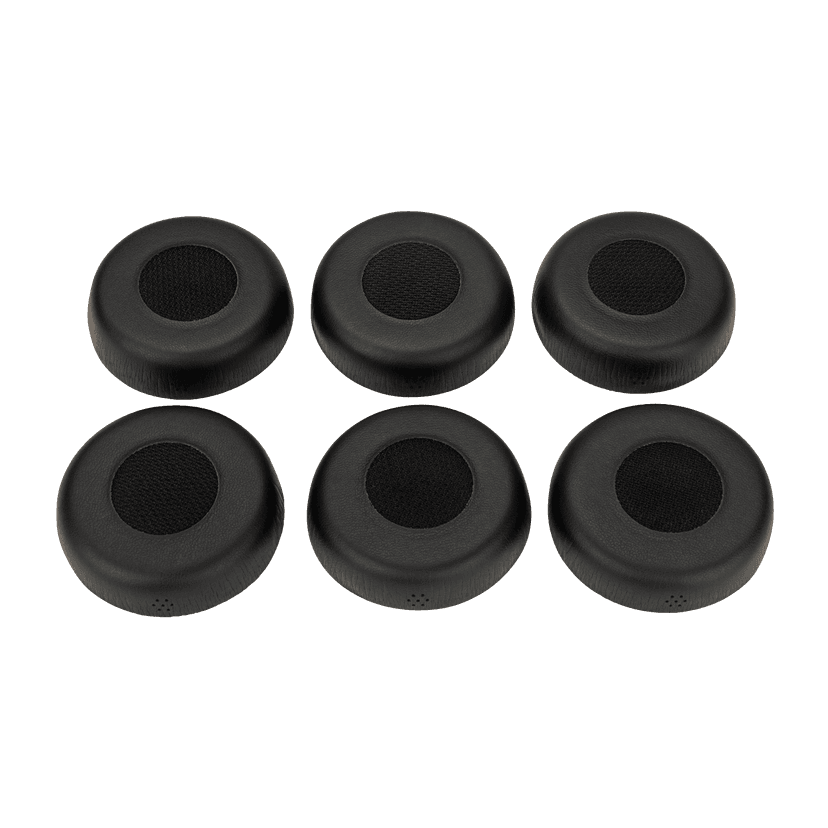
Jabra Evolve 75 用イヤークッション
x xxx,xx xx(x xxx,xx xx x xxx xxx)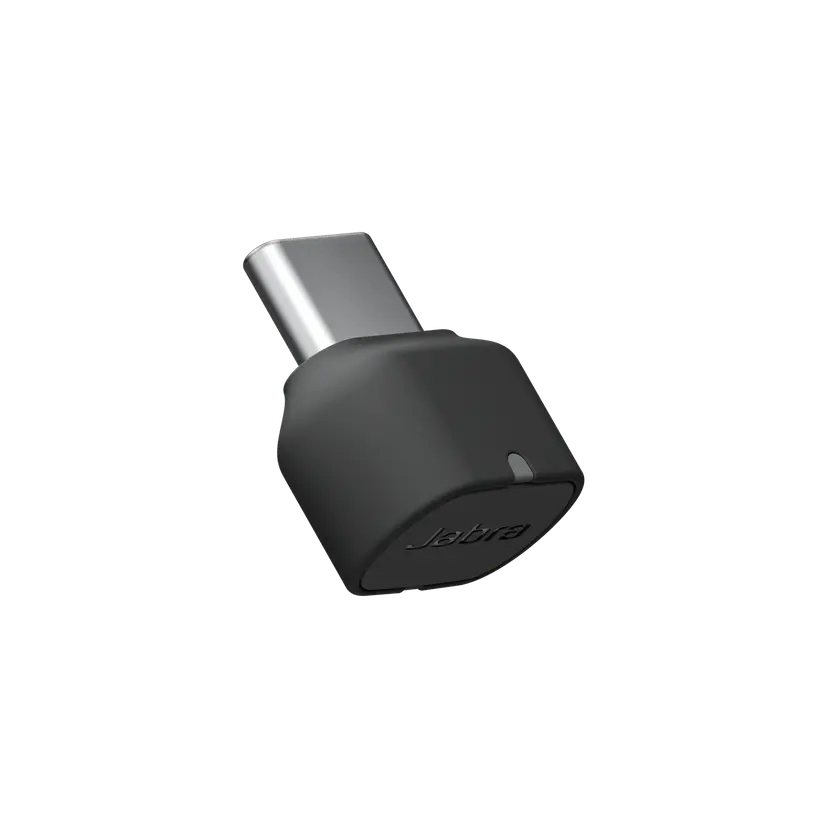
Jabra Link 380c UC - USB-C - Bluetooth Adapter
x xxx,xx xx(x xxx,xx xx x xxx xxx)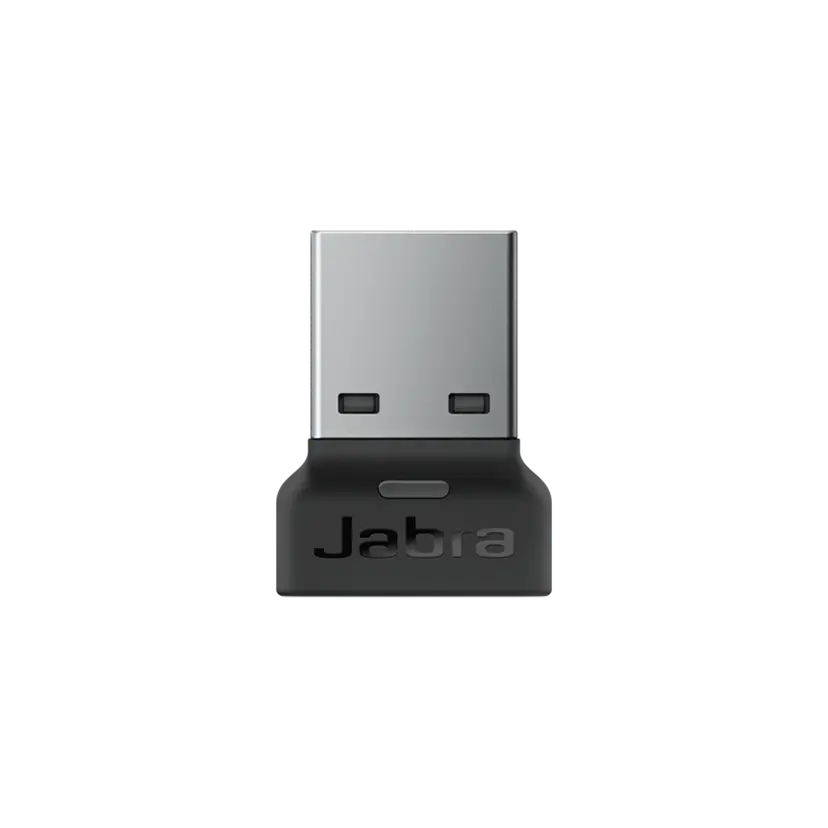
Jabra Link 380a MS - USB-A - Bluetooth Adapter
x xxx,xx xx(x xxx,xx xx x xxx xxx)Jabra Link 380c MS - USB-C - Bluetooth Adapter
x xxx,xx xx(x xxx,xx xx x xxx xxx)Jabra Link 380a UC - USB-A - Bluetooth Adapter
x xxx,xx xx(x xxx,xx xx x xxx xxx)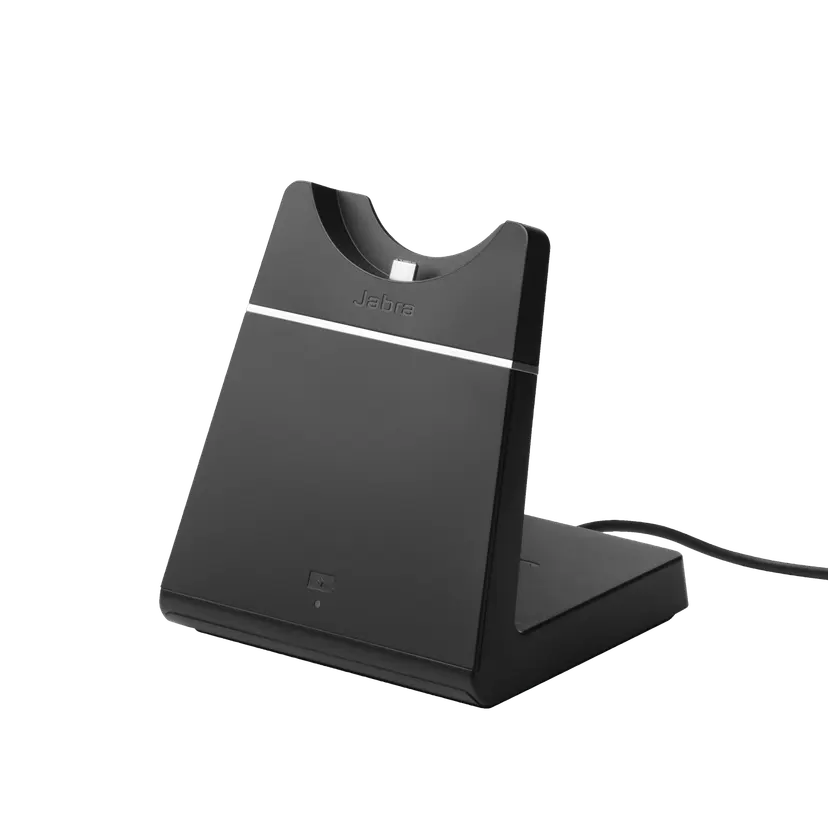
Jabra Evolve 75 充電スタンド
x xxx,xx xx(x xxx,xx xx x xxx xxx)