Jabra Logo
Jabra Logo

Get started using your product

Support resources

Documents

Loading component...

FAQs

Loading component...

Firmware and software

Loading component...

Latest release notes

Loading component...

Find the serial number

Find your product serial number before checking the warranty.

Safety and handling information

Loading component...

Contact Jabra Support

How-to videos

  • How to

    Pair and get the best performance

Find more videos on Youtube

Warranty check

See the warranty coverage for your product

Jabra ServiceNet

Manage your warranty replacements and returns in our online self-service portal

Warranty terms

Read our warranty and service information for business products

Product registration

Get news from Jabra, offers and tips sent directly to your inbox

Accessories
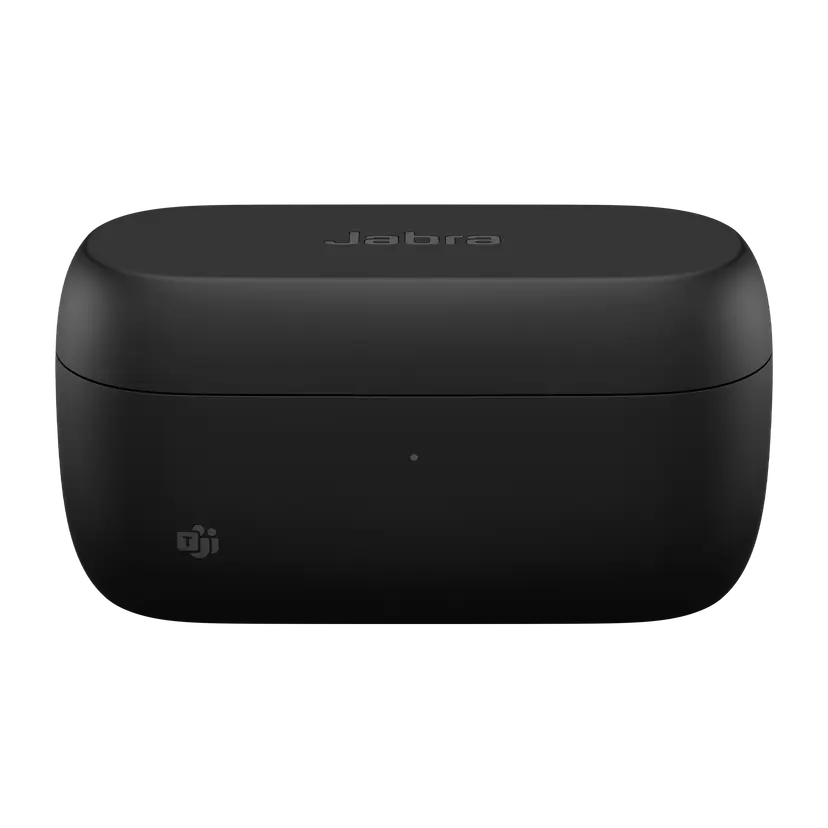
  • Jabra Evolve2 Buds Charging case - USB-A MS
    x xxx,xx xx(x xxx,xx xx x xxx xxx)
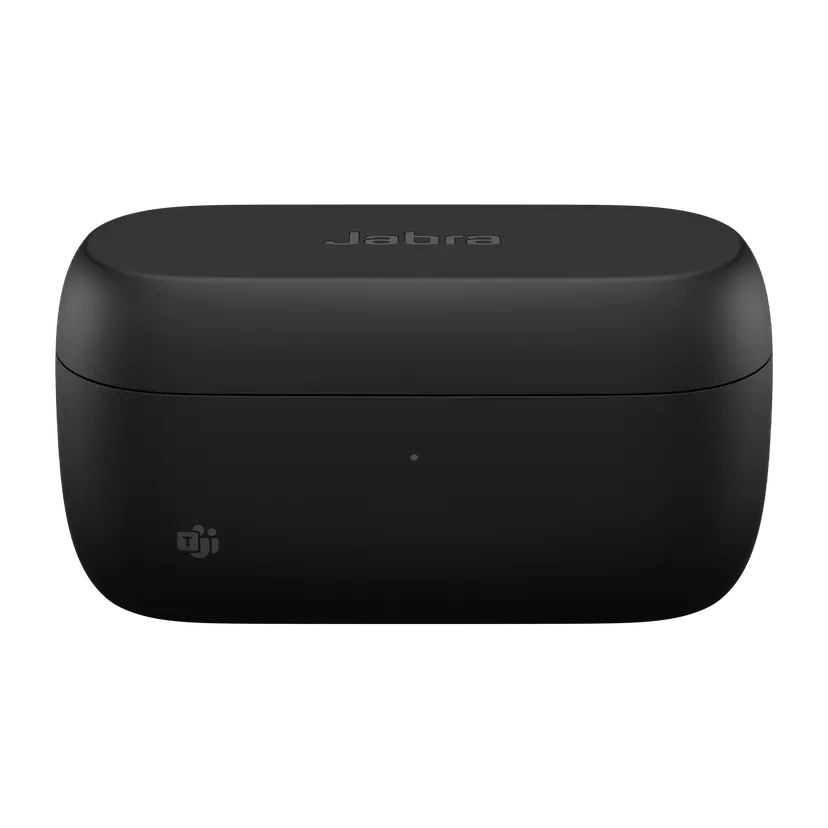
  • Jabra Evolve2 Buds Charging Case - USB-C MS
    x xxx,xx xx(x xxx,xx xx x xxx xxx)
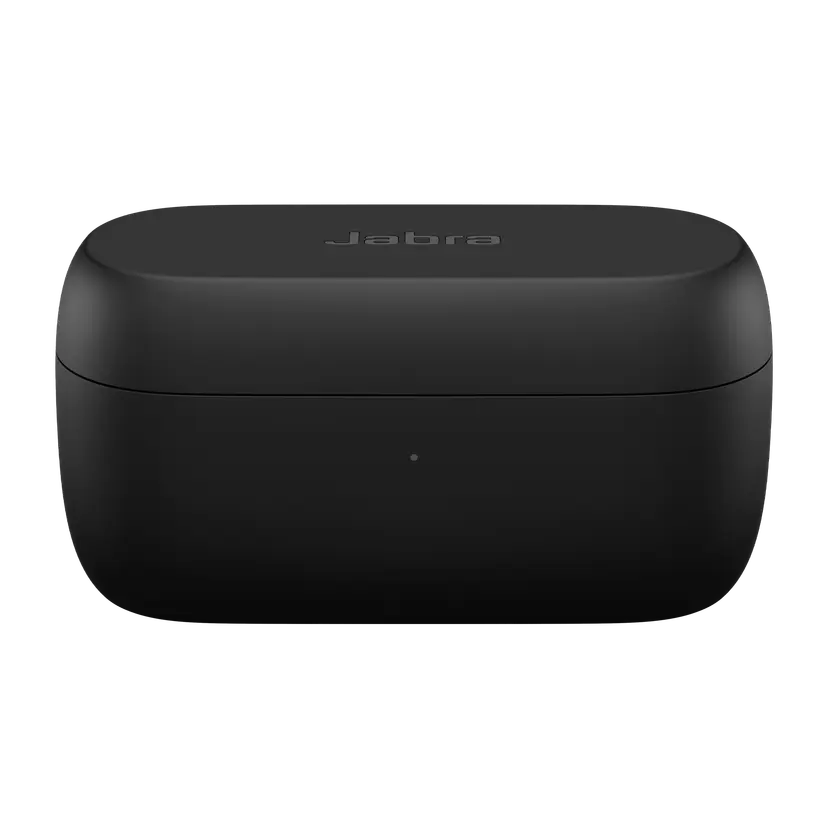
  • Jabra Evolve2 Buds Charging Case - USB-A UC
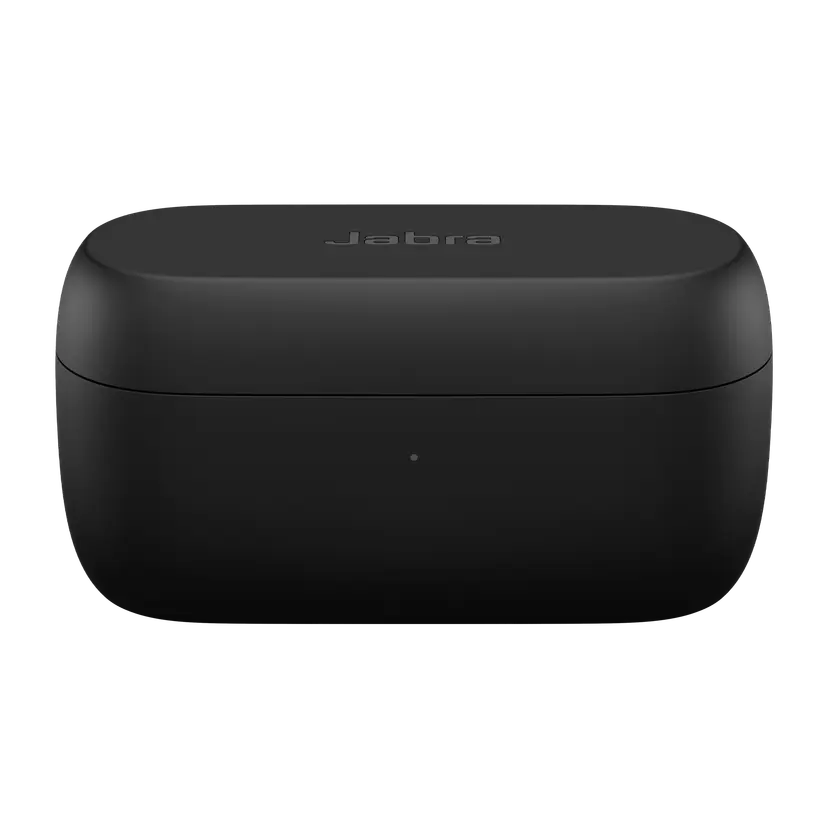
    x xxx,xx xx(x xxx,xx xx x xxx xxx)
  • Jabra Evolve2 Buds Charging Case - USB-C UC
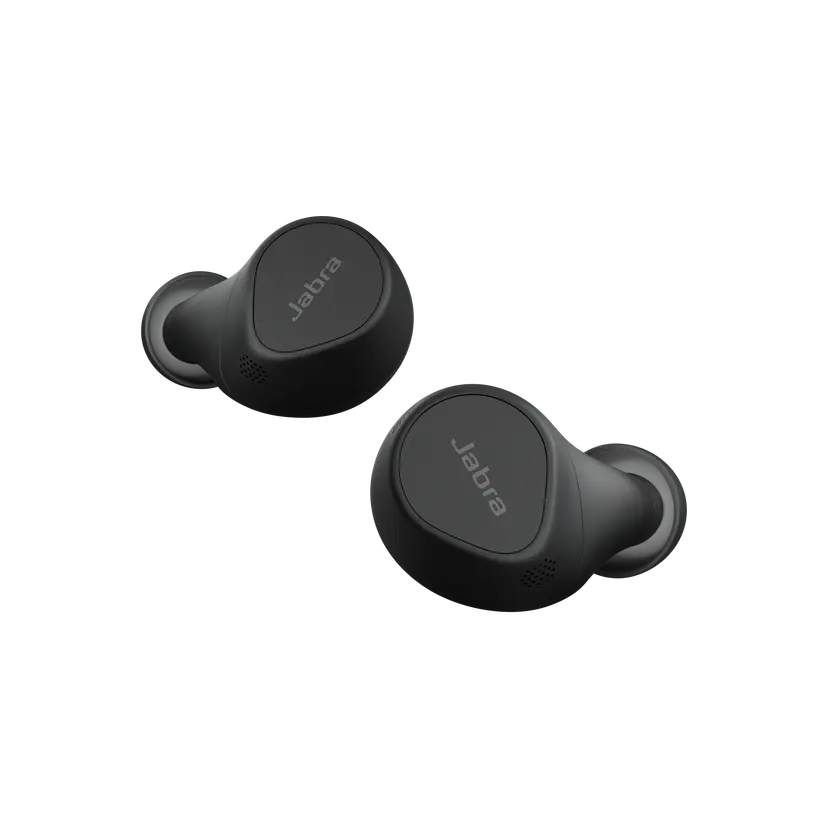
    x xxx,xx xx(x xxx,xx xx x xxx xxx)
  • Jabra Evolve2 Buds Replacement Earbuds - MS

    x xxx,xx xx(x xxx,xx xx x xxx xxx)
  • Jabra Evolve2 Buds Replacement Earbuds - UC
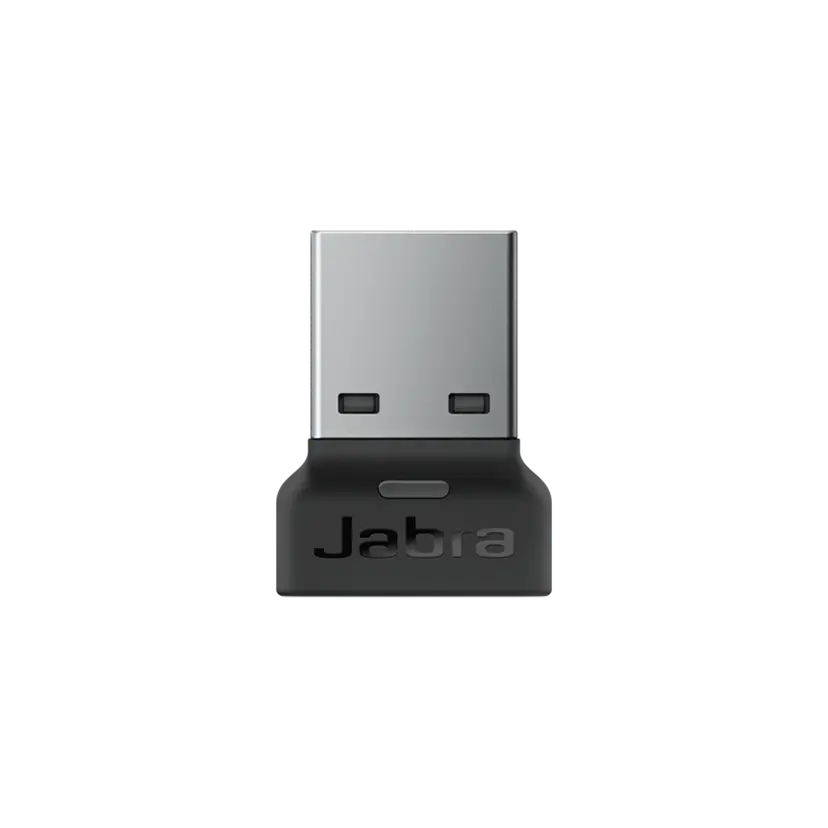
    x xxx,xx xx(x xxx,xx xx x xxx xxx)
  • Jabra Link 380c UC - USB-C - Bluetooth Adapter

    x xxx,xx xx(x xxx,xx xx x xxx xxx)
  • Jabra Link 380c MS - USB-C - Bluetooth Adapter

    x xxx,xx xx(x xxx,xx xx x xxx xxx)
  • Jabra Link 380a MS - USB-A - Bluetooth Adapter

    x xxx,xx xx(x xxx,xx xx x xxx xxx)
  • Jabra Link 380a UC - USB-A - Bluetooth Adapter
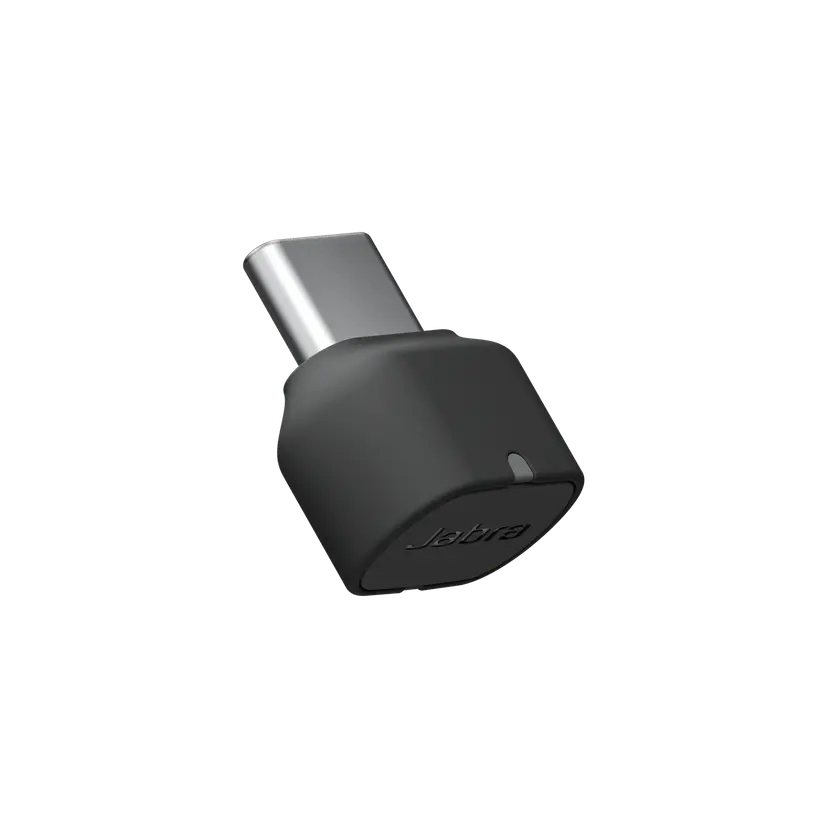
    x xxx,xx xx(x xxx,xx xx x xxx xxx)
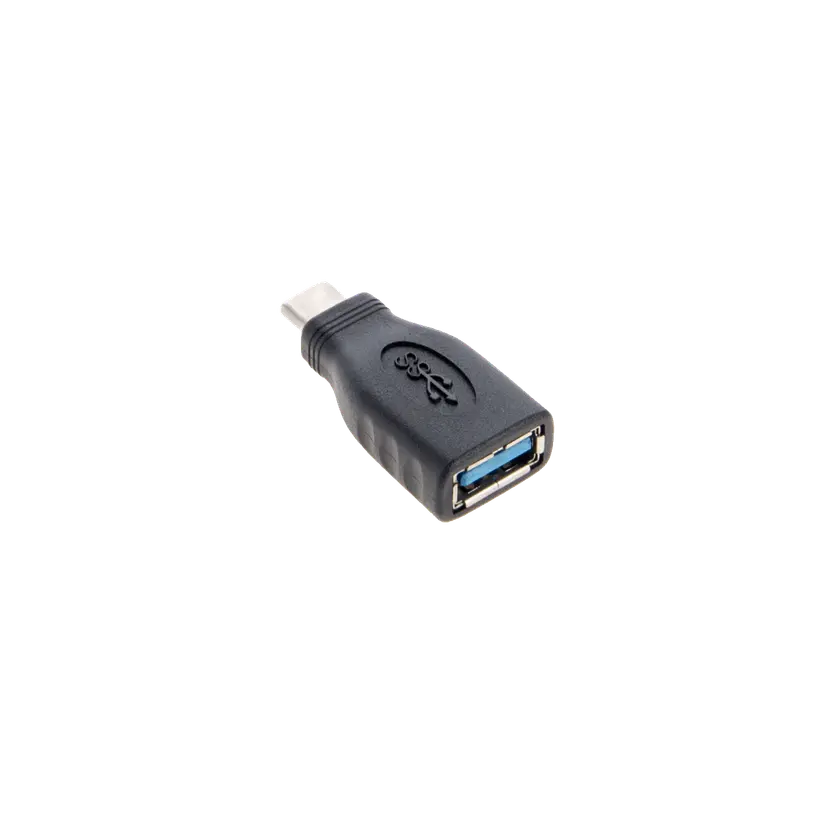
  • Jabra USB-A Adapter (USB-A Female to USB-C Male)

    x xxx,xx xx(x xxx,xx xx x xxx xxx)

This product is compatible with the following devices or systems

  • Softphone:


    Compatible

  • Mobile/Tablet:


    Compatible

  • Deskphone:


    Not compatible

  • Compatibility Guide


    Find the right headset for your device

  1. Jabra Evolve2 Buds

About us

  • Our Story
  • Careers
  • Sustainability
  • News and press releases
  • Read our blog
  • Case studies
  • Our Story
  • Careers
  • Sustainability
  • News and press releases
  • Read our blog
  • Case studies

Support resources

  • Product support
  • User manuals
  • Bluetooth pairing guides
  • Compatibility Guide
  • How-to videos
  • Accessories
  • Identify your product
  • Self Service Repair
  • Product support
  • User manuals
  • Bluetooth pairing guides
  • Compatibility Guide
  • How-to videos
  • Accessories
  • Identify your product
  • Self Service Repair

FAQs

  • Bluetooth vs. DECT
  • How wireless headphones work
  • What is a good headset for iPhone?
  • What is a good headset for Skype?
  • Are Bluetooth headsets safe?
  • What is Spatial Sound?
  • Bluetooth vs. DECT
  • How wireless headphones work
  • What is a good headset for iPhone?
  • What is a good headset for Skype?
  • Are Bluetooth headsets safe?
  • What is Spatial Sound?

Get in touch

  • Contact Jabra Sales
  • Online Store Support
  • Contact Jabra Support
  • Register your product
  • Warranty terms
  • Become a Reseller
  • Enterprise end of life policy
  • Developer Zone
  • Contact Jabra Sales
  • Online Store Support
  • Contact Jabra Support
  • Register your product
  • Warranty terms
  • Become a Reseller
  • Enterprise end of life policy
  • Developer Zone
GN logo
  • Trademarks
  • Safety and Warning
  • Cookie Policy
  • Change Cookie Consent
  • Declarations of Conformity
  • Commercial Disclaimers
  • Privacy Policy
  • Security Center
  • Open Source Licenses
Document
Technical specifications
Language
  • Chinese SimplifiedChinese Simplified
  • DanishDanish
  • GermanGerman
  • SpanishSpanish
  • FrenchFrench
  • EnglishEnglish
  • JapaneseJapanese
  • KoreanKorean
  • DutchDutch
Type
pdf
Size
701.3 KB
Download
Document
Network interfaces and services
Language
EnglishEnglish
Type
pdf
Size
40.3 KB
Download
  • All categories
How do I use my Jabra earbuds to interact with Microsoft Teams?
How do I manually reset my Jabra Evolve2 Buds to the default settings?
What is the battery life on my Jabra Evolve2 Buds?
How do I pair or re-pair a Jabra Bluetooth device with the Jabra Link Bluetooth adapter using Jabra Direct?
How do I get the best fit with my Jabra Evolve2 Buds?
Showing 5 of 159
File
Firmware
Platform
WindowsWindows
Language
MultilingualMultilingual
Release date
2026/02/11
Version
1.2.5
Download
Release note
File
Jabra Direct
Platform
macOSmacOS
Language
EnglishEnglish
Release date
2026/02/12
Version
6.27.03702
Download
Release note
  • Release date:

    February 11, 2026
    Release version:1.2.5

    Security Updates:

    • Upgraded Bluetooth encryption to 128-bit key length.

    Note: This update may not be compatible with older Bluetooth devices when connected directly. Where possible it is recommended to use the supplied Jabra Link Bluetooth adapter for optimal compatibility.

    A security mandate requires that Bluetooth encryption is not permitted to be negotiated below a 128-bit key length

  • Release date:

    March 22, 2023
    Release version:1.2.0

    Details

    • Updated: Changed Copy controls from right earbud to left earbud to be enabled per default for the Microsoft Teams variant, so if left earbud is used in mono mode, Microsoft Teams button settings from right earbud is available on left earbud automatically.
      • To revert the setting on the left earbud go to Jabra Direct or Jabra Sound+
    • Fixed: earbud would automatically turn off if the second earbud was out of battery.
    • Performance and stability improvements.
  • Release date:

    October 26, 2022
    Release version:1.1.0

    Details

    • First public release
Complete release history

Safety alert symbol

  WARNING


  • INGESTION HAZARD: DEATH or serious injury can occur if ingested.
  • A swallowed button cell or coin battery can cause Internal Chemical Burns in as little as 2 hours.
  • KEEP new and used batteries OUT OF REACH OF CHILDREN.
  • Seek immediate medical attention if a battery is suspected to be swallowed or inserted inside any part of the body.
  • Contains a non-replaceable Li-ion coin battery.
  • Immediately dispose of used batteries and keep away from children. Do NOT dispose of batteries in household trash.
  • Even used batteries may cause severe injury or death.
  • Call a local poison control center for treatment information.
  • Do not mix old and new batteries, different brands or types of batteries, such as alkaline, carbon-zinc, or rechargeable batteries.
  • Ensure the batteries are installed correctly according to polarity (+ and -).
  • Remove and immediately discard batteries from equipment not used for an extended period of time.
  • Non-rechargeable batteries are not to be recharged.
  • Do not force discharge, recharge, disassemble, heat above (manufacturer’s specified temperature rating) or incinerate. Doing so may result in injury due to venting, leakage or explosion resulting in chemical burns.


Keep out of reach of children symbol